

 Español
 Català
 Deutsch
 Français
 Português
 Italiano
 Nederlands
 Polski
Where the button is and when you see it
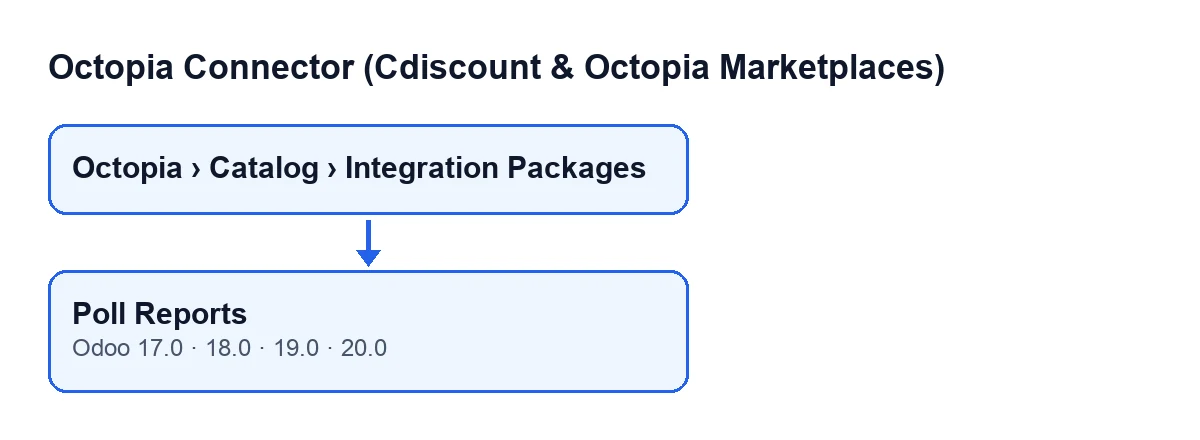
The Poll Reports button is on the Product Packages screen, which opens from the menu Octopia › Catalog › Integration Packages. To see the Octopia part of the menu you need the Octopia User permission.
With the default values the button is visible. It is hidden once the package's State field reaches the final state, the same one the button itself sets when it finishes (you will see it in the last step). The button is in the module's published branches: Odoo 17, 18, 19 and 20.
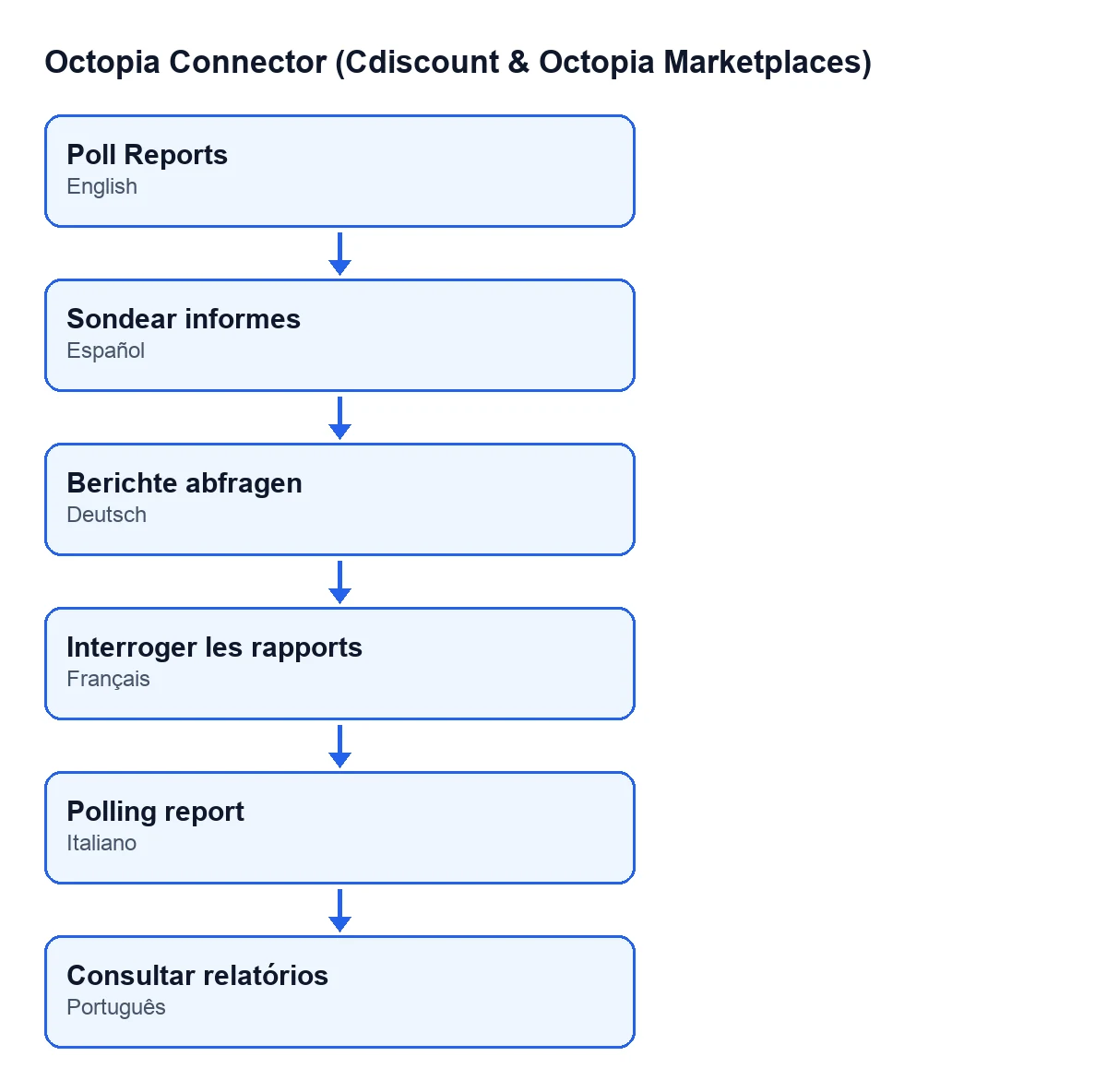
With Odoo in English the button is called Poll Reports. The diagram below shows how it is labelled in other published languages of the module.
On the package form, four fields matter:
Account: also shown in the package list.Language: also in the list, read-only. You do not type it: the module fills it in when sending withSubmit SelectedorSubmit to Octopia, as the article on that button explains. Its values areFrench (fr-FR),English (en-US)andSpanish (es-ES).Lines: the package's lines.Last Poll Date: read-only, filled in by the button.

What the button does, in order
For each package it acts on, the button goes through these steps:
- It prepares the Octopia connection of the account shown in
Account. - It requests that package's integration reports, in the language held in
Language, one hundred at a time. It keeps requesting pages while the response says there is a next one and the previous page returned reports. - With all the reports gathered, it matches each one to a line of the package: first by the seller's product reference and, if that does not fit, by GTIN, never stripping leading zeros. A report that matches no line is ignored.
- On the line it writes the report's status, the operation type, the publication completeness (zero if the report has none) and the messages. The messages combine errors, warnings and information, each with its code and the field it refers to.
- If the line has a linked product, it updates it with the report's data: operation type, completeness, whether it was marketable, whether it could be edited, whether it could be enriched, the last report's messages and the date. If the report's status maps to a product state, the state changes too, and if the report carries the integrated product identifier, it is stored.
- It writes
Last Poll Datewith the current moment. - If the package has lines and every one already has a status, it sets the package's
Stateto the final one and the button stops showing.
A case: the package that comes back with a refused line
Example Illustrative case: the company and its figures are made up to explain the flow.
Hogar Norte, an invented company selling kitchenware on Cdiscount, has already sent a product package to Octopia from Odoo. It opens Octopia › Catalog › Integration Packages and enters the package: the lines have no status yet and the Poll Reports button is visible.
It presses the button. The module requests that package's reports in the language shown in Language. Two reports match a line's seller product reference. The third arrives with only the GTIN, and it is matched too, because the module compares the GTIN as it is, leading zeros included.
When it finishes, each line shows its report's status and its messages with code and field. One line carries a refusal status, and its messages explain why. If that line has a linked product, the product is updated with the report's data. Last Poll Date is filled in. Since every line now has a status, the package's State moves to the final one and the button disappears.
If a line had been left without a report, the package would have stayed open and the button visible, so Hogar Norte could press it again.
What problems the button brings into view
- Messages on the line. What Octopia reports as an error, warning or information is written on the line, with its code and field. These are worth reading first when you need to correct a product.
- Lines that do not match. A report whose reference and GTIN match no line is ignored, and that line stays without a status. While any line has no status, the package does not reach its final state.
- Package closed with refusals. The package reaches its final state when every line has a status, whatever it is. A refused line counts too, so the button can disappear while products still need correcting: that is why the messages on each line are worth reviewing.
- Leading zeros in the GTIN. Matching by GTIN never strips leading zeros. If a line does not change status, check that its seller product reference or its GTIN matches the report's exactly.
- Connection. The poll goes through the account's connection, which runs via FlexigoTech Cloud: it stores the credentials encrypted, watches the synchronisation and emails you if it fails. Without a subscription, or with the service suspended, whatever the subscription provides stops; your data stays in your Odoo.
What to take from the case
- The button stays visible while the package's
Stateis not the final one, and the button itself sets it once every line has a status. - The form tells you when the package was last polled in
Last Poll Date. - A status on every line does not mean everything was accepted: read each line's messages.
Versions and cost
Octopia Connector (Cdiscount & Octopia Marketplaces) is published on Odoo Apps for Odoo 17, 18, 19 and 20. It is a one-off purchase per version (each version's price is on its listing) and needs the FlexigoTech Cloud subscription: the Connector plan costs €49 per month or €490 per year, excluding VAT, with up to three accounts on the platform.
If you need a hand
FlexigoTech implements Odoo 17, 18, 19 and 20 and builds custom connectors and integrations. If your Cdiscount catalogue needs an adjustment the module does not cover, we can talk it through.
Keep reading
Checked in the connector's source code (version 20.0) and the linked sources
Sources
- Module source code: flexigobe_octopia_connector 20.0 (4848da6a): views/octopia_product_views.xml
- Module source code: flexigobe_octopia_connector 20.0 (4848da6a): models/octopia_product.py
- apps.odoo.com/apps/modules/20.0/flexigobe_octopia_connector
- flexigotech.com/precios.html
- flexigotech.com/en/services.html