

 Español
 Català
 Deutsch
 Français
 Português
 Italiano
 Nederlands
 Polski
Where it appears and what it says
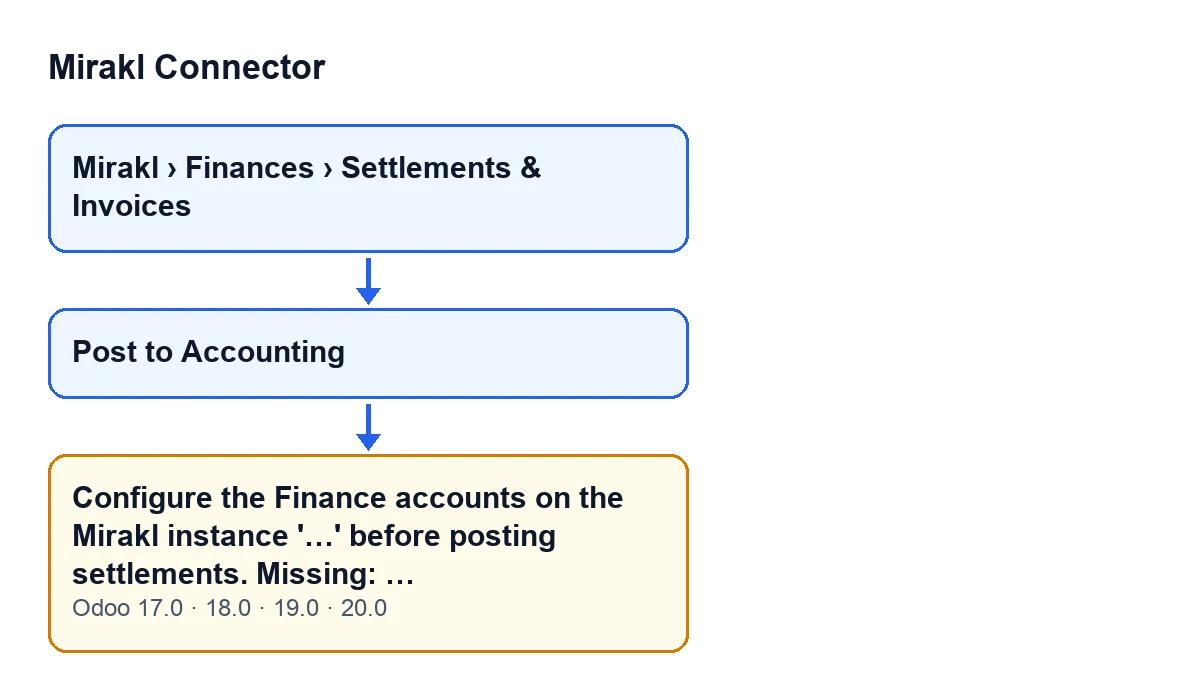
Settlements open from the menu Mirakl › Finances › Settlements & Invoices. The settlement form has the Post to Accounting button. It is hidden once the settlement has the Journal Entry field filled in; with the default values, it shows. Pressing it can bring up this message, which stops the action:
Configure the Finance accounts on the Mirakl instance '…' before posting settlements. Missing: …

What nobody tells you about this message
There is one condition: any of the three accounts is empty
The code gathers three accounts from the Mirakl instance: Marketplace Clearing Account, Commission Expense Account and Payout / Bank Suspense Account. If any one of them is empty, the module stops the action with the message. With all three filled in, this message does not appear.
The message already tells you what to configure
After Missing: the module writes the name of each empty account, separated by commas and in the order given above. The instance name appears between single quotes, so you know which one to open if you run more than one.
For example, if the marketplace clearing account and the commission expense account were empty, the end of the message would read Missing: Marketplace Clearing Account, Commission Expense Account.
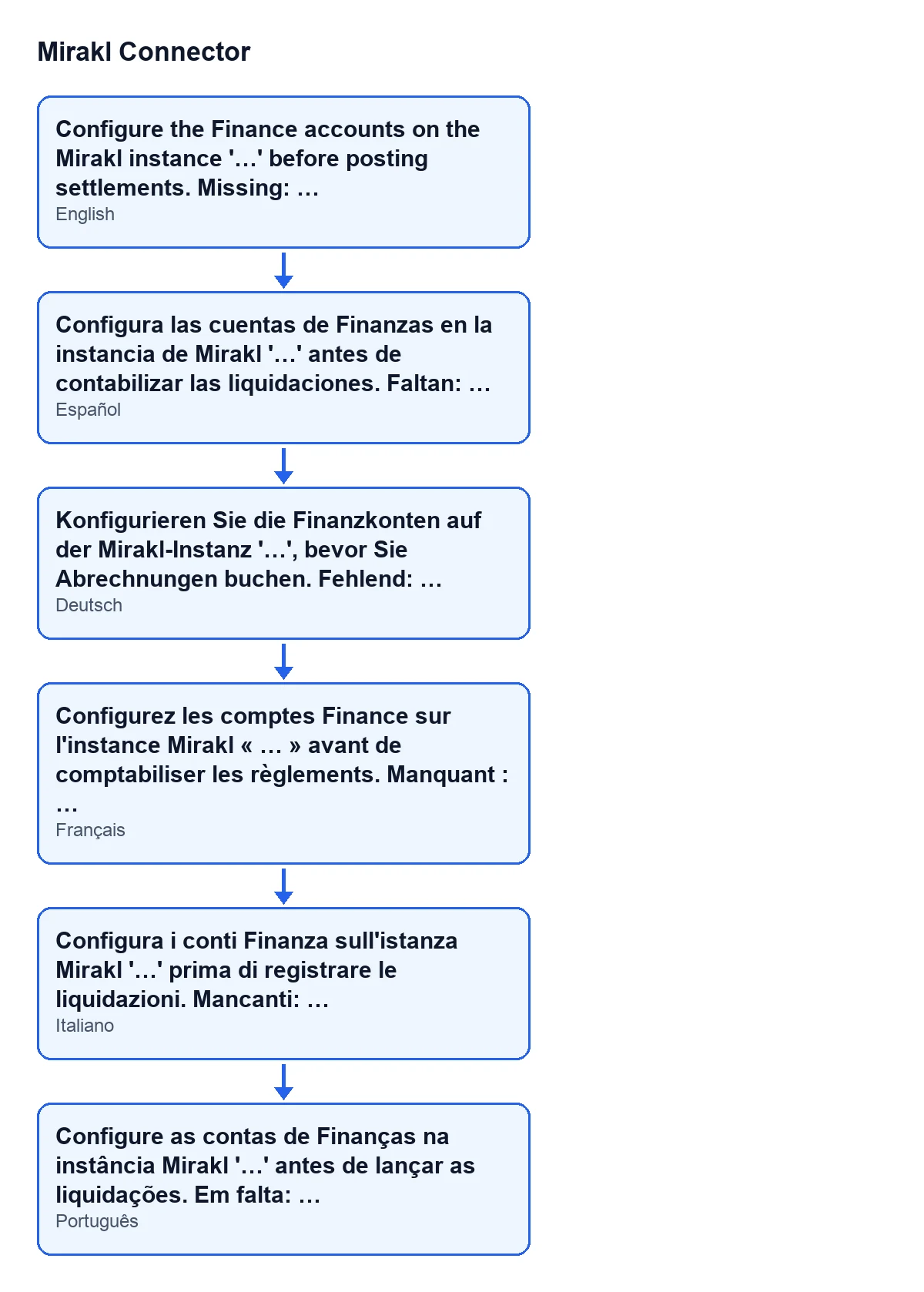
This diagram shows the same text as it appears in other languages of Odoo:
It is checked before any amount is calculated
In the Odoo 20 code, the accounts check comes before the lines of the entry are built. The message therefore does not depend on the settlement's amounts. The module also requires all three accounts even though it later leaves out an entry line whenever its amount is zero.
Each account feeds a specific line of the entry
When all three accounts are filled in, the Odoo 20 code assigns them like this:
Payout / Bank Suspense Account: theMirakl payout (net)line.Commission Expense Account: theMirakl commission & feesline and also theMirakl other / subscription feesline, which takes the residual that balances the entry.Marketplace Clearing Account: theMirakl marketplace clearingline.
Each of those lines is only added when its amount is not zero. If the instance has an analytic account configured, the code applies it to the two lines that go to the commission expense account.
What the entry looks like once the accounts are complete
In Odoo 20, the code prepares a journal entry with the reference Mirakl settlement … followed by the settlement's name. It goes in the instance's settlement journal: if the instance has none, the module looks for or creates one with code MRKL. The entry date is the settlement's payment transaction date; if that is missing, it uses the creation date and, if there is none, today's date. If the settlement is in a currency different from the company's, the lines are converted to the company currency and keep the original amount.
What to do, in order
- Note the instance name between quotes and the accounts listed after
Missing:. - Open that Mirakl instance and configure those Finance accounts.
- Go back to the settlement, from
Mirakl › Finances › Settlements & Invoices, and pressPost to Accountingagain. - While the settlement has no
Journal Entry, the button stays visible.
The message is in the published code of Odoo 17, 18, 19 and 20. For other messages from the connector, see what the Test connection button does.
How FlexigoTech can help
Mirakl Connector is a one-off purchase per Odoo version, published for Odoo 17, 18, 19 and 20, and it needs the FlexigoTech Cloud subscription: the connection goes through that service, which stores the credentials encrypted, watches the synchronisation and emails you if it fails. The Connector plan costs €49 a month or €490 a year, excluding VAT. FlexigoTech implements Odoo and builds custom connectors and integrations; you can see the listing on Odoo Apps or the module page.
Keep reading
Checked in the connector's source code (version 20.0) and the linked sources
Sources
- Module source code: flexigobe_mirakl_connector 20.0 (aa05e537): models/mirakl_finance.py
- Module source code: flexigobe_mirakl_connector 20.0 (aa05e537): views/mirakl_finance_views.xml
- apps.odoo.com/apps/modules/20.0/flexigobe_mirakl_connector
- flexigotech.com/en/services.html
- flexigotech.com/precios.html