

 Español
 Català
 Deutsch
 Français
 Português
 Italiano
 Nederlands
 Polski
Where do I see which invoices have been uploaded to ManoMano?
Under ManoMano › Invoice Documents. Each document has a state: draft, waiting for the invoice PDF, uploaded or error.
Why does an invoice stay "waiting for the PDF"?
Because only a posted invoice has an official PDF. While it is still a draft, there is nothing to upload. If you try to force it, Odoo answers: Invoice … is not posted: only a posted invoice has an official PDF.
Which format does ManoMano accept?
Only PDF, with a maximum size that the error message itself states if you exceed it. Odoo generates the PDF with your usual invoice template.
Can I upload a credit note before the invoice?
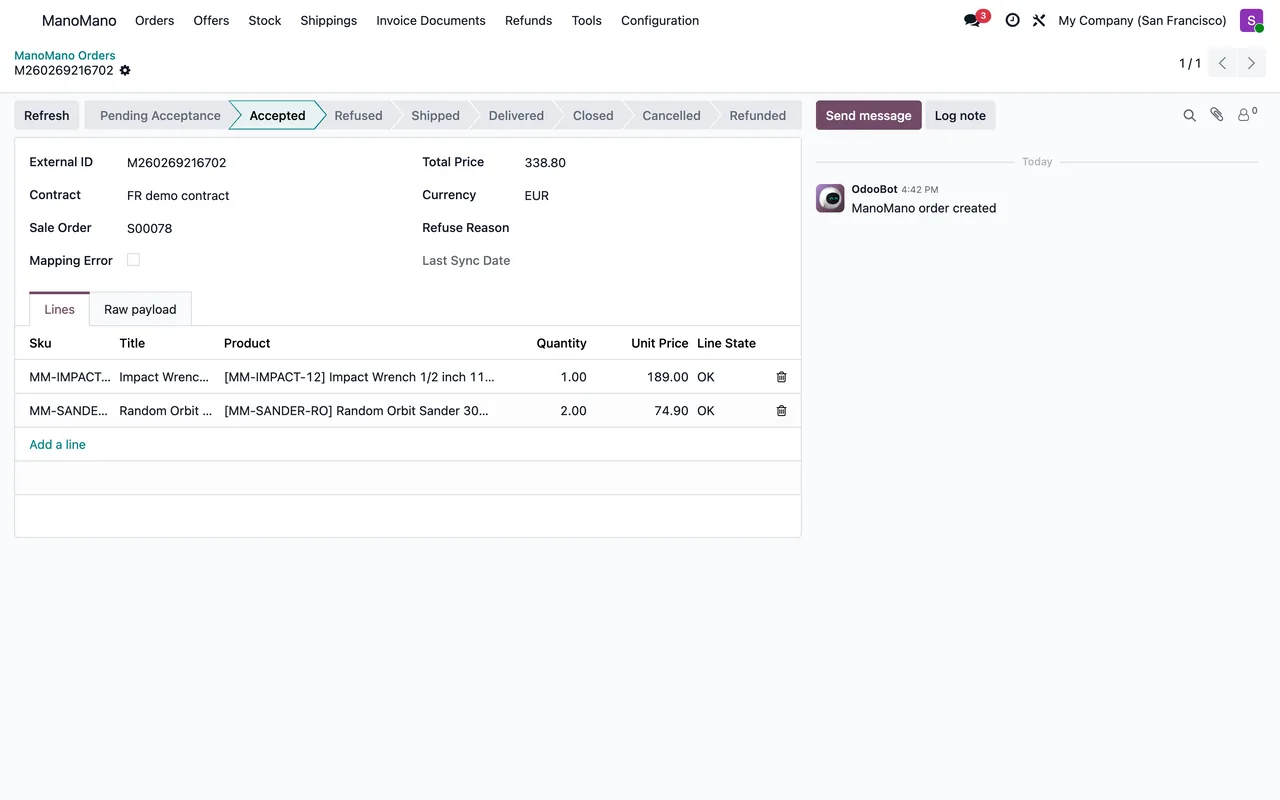
No. ManoMano requires the invoice first: Cannot upload a credit note before an invoice has been uploaded for this order. If an order has a return and a credit note, upload the original invoice first.
Which state does the order have to be in?
ManoMano only accepts invoice documents for orders in certain states. If the order is not in one of them, the message tells you which ones are valid and which one it is in now.
What if Odoo cannot generate the PDF?
The error explains it: Odoo could not make the PDF of invoice … followed by the reason. It is usually a problem with the invoice template or a missing company detail.
And if the upload fails because of ManoMano?
The document is left in error and failed operations are retried every 30 minutes. To force it there is a retry button. It only works on documents with a failed upload; if there is none, Odoo tells you with This invoice has no failed upload to ManoMano.
What is this about a ZIP of PDFs?
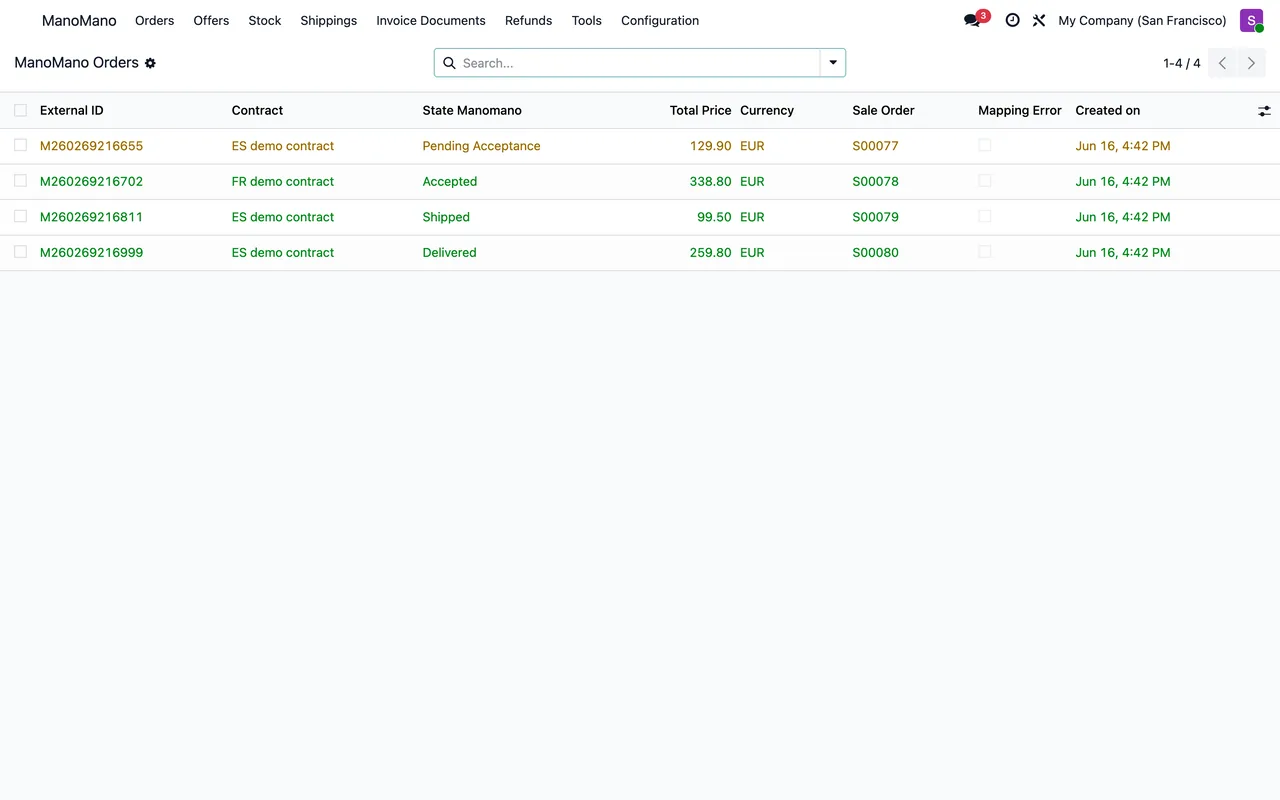
When the connector asks ManoMano for the list of documents of an order, ManoMano answers with a ZIP of PDFs. If something else arrives, the connector uploads nothing until it can check it and asks again on its own.
Do refunds go the same way?
Refunds have their own menu, ManoMano › Refunds. The accounting credit note is uploaded as a document after the invoice, as in the previous answer.
What about shipping and tracking?
They go through ManoMano › Shippings. ManoMano only accepts shipments for accepted orders, in preparation or already shipped, and the tracking number is mandatory. If the order is not accepted, Odoo asks you to accept it first.
Can I make a refund from Odoo?
Yes, from the order. ManoMano only refunds orders it has accepted: in preparation, shipped or refunded in part. You choose the products or the shipping fees, and Odoo will not let you refund more units than the order has.
And if you change Odoo's invoice template, check the first PDF uploaded afterwards: it is the one ManoMano will see and, through it, your customer.
If you invoice from another program, switch off its invoice upload to ManoMano before doing it from Odoo. Two systems uploading the same document only create doubts.
Keep reading
Checked in the connector's source code (version 20.0) and the linked sources
Sources
- Module source code: flexigobe_manomano_connector 20.0 (093b2e34): views/menu.xml
- Module source code: flexigobe_manomano_connector 20.0 (093b2e34): models/manomano_invoice_document.py
- Module source code: flexigobe_manomano_connector 20.0 (093b2e34): models/account_move.py
- Module source code: flexigobe_manomano_connector 20.0 (093b2e34): wizard/invoice_upload_wizard.py
- Module source code: flexigobe_manomano_connector 20.0 (093b2e34): data/manomano_cron.xml
- apps.odoo.com/apps/modules/20.0/flexigobe_manomano_connector
- Module source code: flexigobe_manomano_connector 20.0 (093b2e34): wizard/refund_create_wizard.py
- Module source code: flexigobe_manomano_connector 20.0 (093b2e34): wizard/shipping_create_wizard.py