

 Español
 Català
 Deutsch
 Français
 Português
 Italiano
 Nederlands
 Polski
Tick the ones that happen to you
- You copy ManoMano orders into another program to invoice or pick them.
- You sell the same products on your website, another marketplace or a shop, and adjust stock by hand.
- You have had to cancel an order because the product was already gone.
- Your delivery times and shipping rates sit in a spreadsheet nobody updates.
- You do not know in which languages your listings are complete.
- You use ManoFulfillment and cannot tell how many units you have there without opening the panel.
- You upload invoices and tracking numbers one by one.
If you tick two or three, you will feel it in time. If you tick more, you are already feeling it in money.

What Odoo does with each one
Orders. They come in on their own every 15 minutes as sales orders. The delivery and the invoice come from there, with nothing copied.
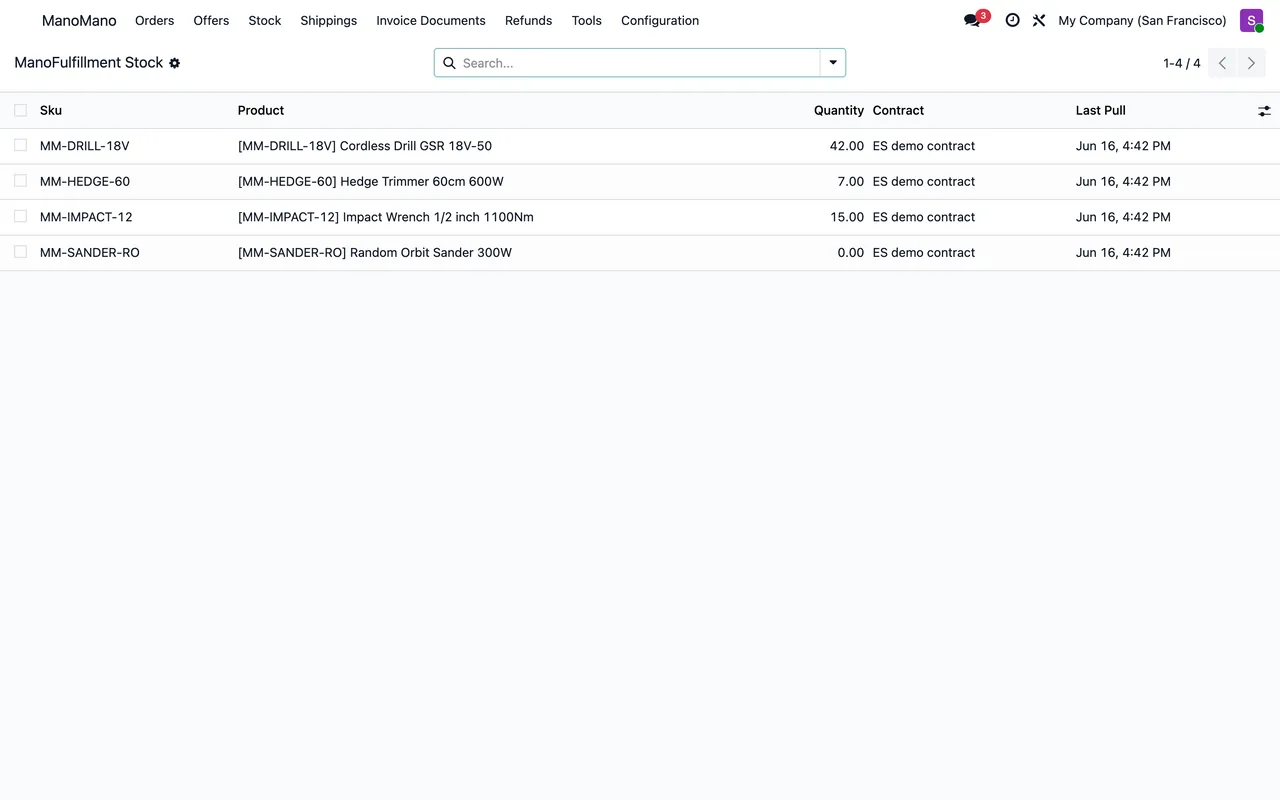
Stock. Odoo keeps a single inventory for all your channels. If you also use ManoFulfillment, the connector reads that stock every 6 hours so you see it next to yours.
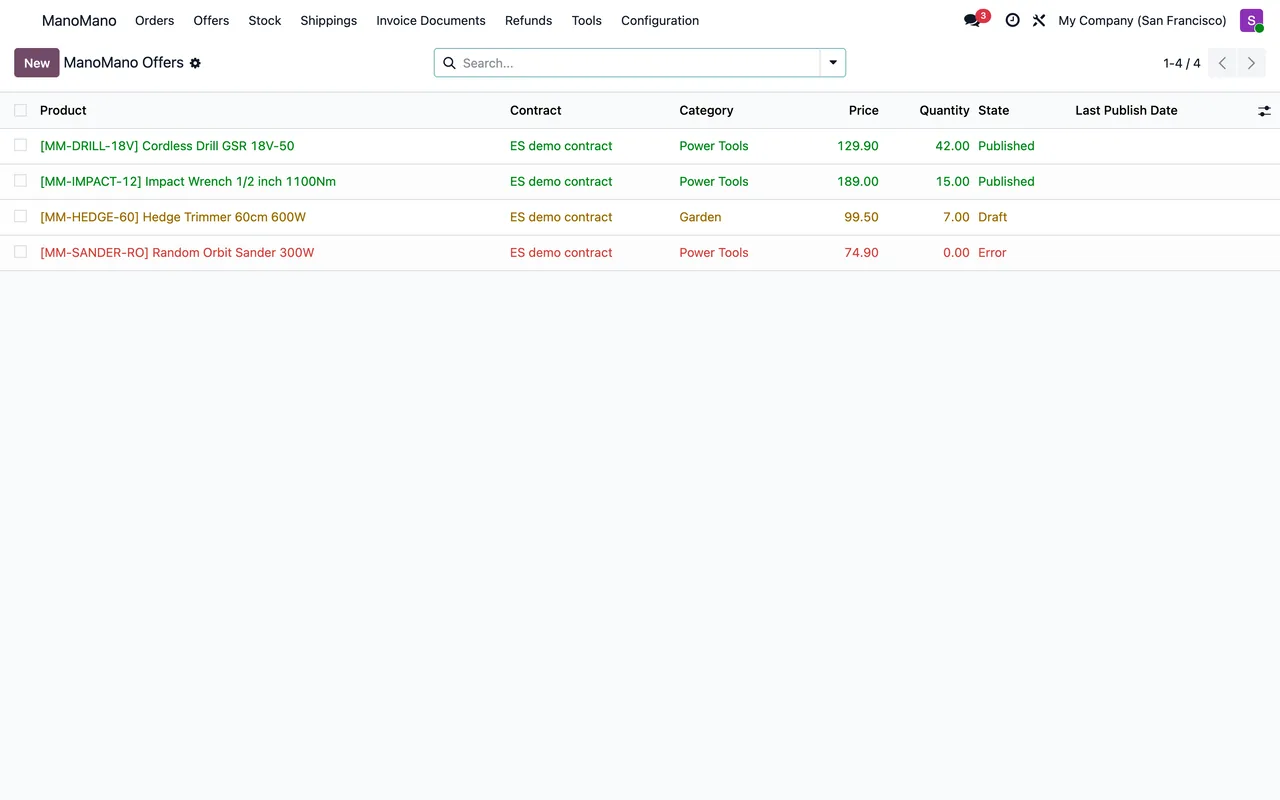
Offers. They sync every day and each offer shows its state: draft, publishing, published, error or unpublished. ManoMano's brands and category tree are refreshed every week.
Carriers and delivery times. Each contract stores its carrier grid from the ManoMano Toolbox and its minimum and maximum delivery days. They are set once under Configuration › Contracts and Carriers.
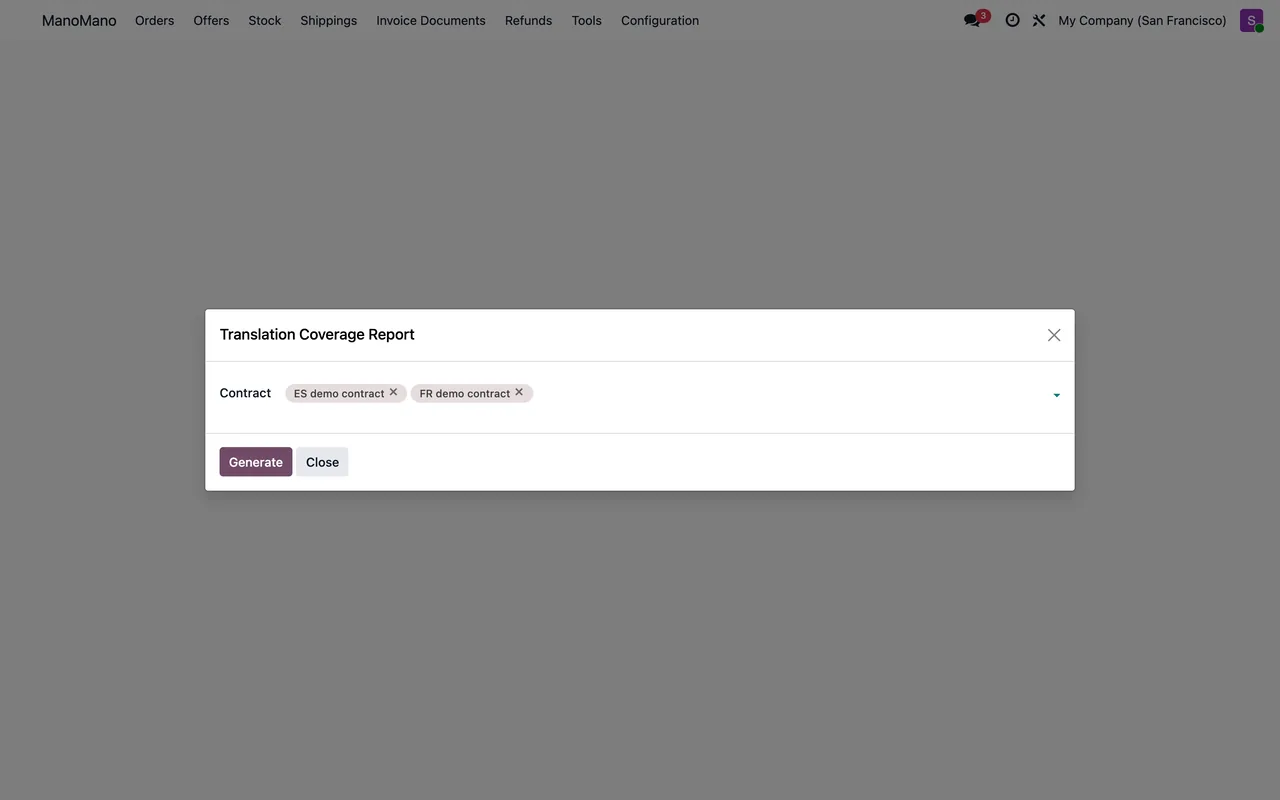
Translations. Tools › Translation Coverage shows which products have a complete listing in each language.
Errors. Failed operations are retried every 30 minutes, and the ones that keep failing stay visible instead of getting lost.
What you need to prepare
- An internal reference (SKU) on every product you want to sell: it is the key of the offer.
- The numeric identifier of your seller contract.
- Your ManoMano API key.
- Positive sale prices in Odoo, or a pricelist for ManoMano.
What the first month looks like
ManoMano's brands and category tree download in the first week and are then refreshed weekly. Offers sync once a day, as does the check of their state, so a new offer can take until the next run to show as published in Odoo. Orders, on the other hand, come in every 15 minutes from day one. The practical approach is to start with a small group of products, check that they publish correctly and then expand.
That small group is also useful for reviewing translation coverage before opening more countries: completing ten listings is easier than a hundred.
One last tip: let failed operations retry on their own during the first week and review only the ones still in error the next day.
If you take the step
At FlexigoTech we implement Odoo 17, 18, 19 or 20 with the ManoMano connector. The module costs €9 per Odoo version and the Connector plan starts at €49 a month, VAT excluded. If your way of working needs more, such as rates per country or your own picking flow, we build it to measure.
Keep reading
Checked in the connector's source code (version 20.0) and the linked sources
Sources
- Module source code: flexigobe_manomano_connector 20.0 (093b2e34): data/manomano_cron.xml
- Module source code: flexigobe_manomano_connector 20.0 (093b2e34): views/menu.xml
- Module source code: flexigobe_manomano_connector 20.0 (093b2e34): models/manomano_contract.py
- Module source code: flexigobe_manomano_connector 20.0 (093b2e34): models/manomano_offer.py
- apps.odoo.com/apps/modules/20.0/flexigobe_manomano_connector
- flexigotech.com/en/services.html
- flexigotech.com/precios.html