

 Español
 Català
 Deutsch
 Français
 Português
 Italiano
 Nederlands
 Polski
Where the button is and when you see it
Where do I open the screen that has the button?
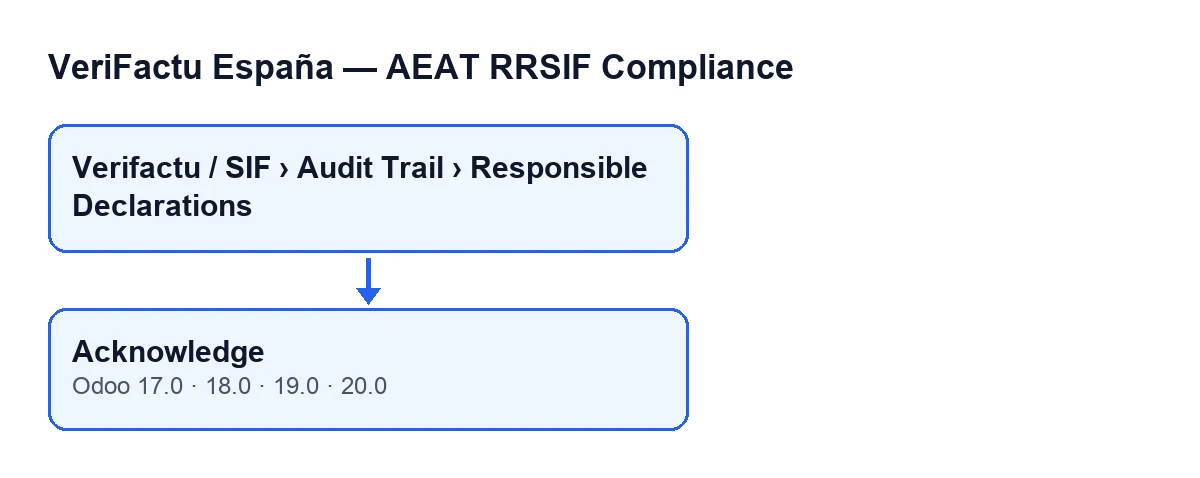
From the menu Verifactu / SIF › Audit Trail › Responsible Declarations. Each menu level asks for its own permissions and, if you lack one, you do not see that level: Verifactu / SIF is visible to Accountant, Asesoría Operator, Auditor (read-only), Privacy Officer and SIF Manager; Audit Trail asks for Accountant, Auditor (read-only), Privacy Officer or SIF Manager; and Responsible Declarations asks for Auditor (read-only) or SIF Manager.
What is the button called in other languages?
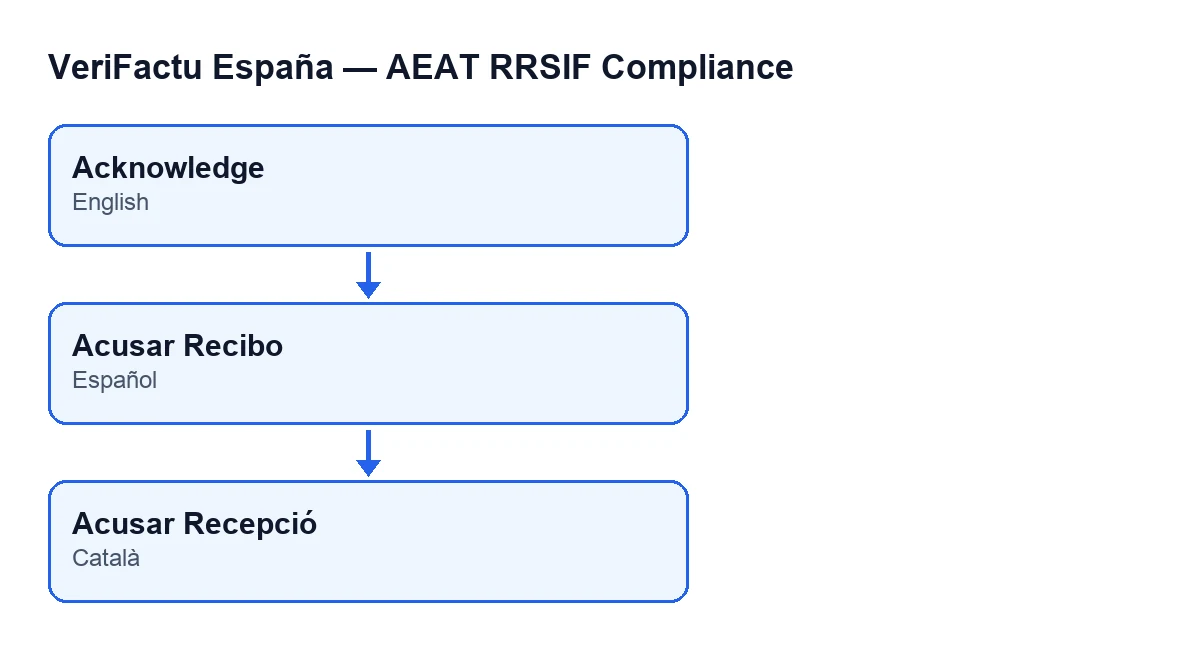
With Odoo in English it is called Acknowledge; with Odoo in Spanish, Acusar Recibo; with Odoo in Catalan, Acusar Recepció.
When does Acknowledge appear?
The view hides the button when the declaration's Estado field has any value other than issued. A new declaration defaults to the value draft, so with the default values the button is not visible. The condition is the same in Odoo 17, 18, 19 and 20.
What if I open a declaration and cannot see the button?
The cause the view sets is the value of the Estado field: the button is only shown with issued. Separately, to reach the screen you need Auditor (read-only) or SIF Manager for the Responsible Declarations level. The code describes this action as that of a SIF Manager acknowledging the responsible declaration. If you are interested in another module message that names that group, we explain it in this article.
What the code does when you press it
What does the button do, in order?
It works on a single declaration, the one you have open. First it creates an audit event for the declaration's company (the Company field, in the Declaration group of the form), of the type for acknowledging the responsible declaration. Then it stores a reference to that event on the declaration, using elevated permissions.
What data does the event carry?
The event is stored with this data:
- the declaration's company;
- the event type, which is the one for acknowledging the responsible declaration;
- the date and time at which the button is pressed, in UTC;
- the user who pressed the button;
- the description
Declaración responsable v… acknowledged, where…is the value of the declaration'sVersion Modulofield, which is in theSoftware Versionsgroup of the form and also in the list; - some context data with the declaration's identifier;
- a fingerprint calculated with a cryptographic hash from the type, the time, the company, the description and the context;
- a sequence number specific to the company.
What changes on the declaration?
The only thing the button writes on the declaration is the reference to the newly created event. The event itself remains a separate record.
What happens if I press the button twice?
The code does not first check whether receipt was already acknowledged. Each press creates a new event, with its own time and sequence number, and the declaration then holds the reference to the latest one. So press the button only once per declaration.
Other ways events are created, and versions
Is the button the only way the module creates events?
No. The routine that creates the event is the same one the module uses elsewhere. When a company form is saved with a change of AEAT environment, or with a change of the SIF responsible, the module creates its own event. In addition, when an invoice is cancelled with Odoo's standard button (which the module extends) and in the scheduled task Verifactu: Clock Drift Check, which runs every hour and is active on install, the flow reaches another module routine that also calls that event creation. What the module adds to invoices is covered in this other article.
Is the button in every Odoo version?
The Acknowledge button of Responsible Declarations is in the published branches, 17.0, 18.0, 19.0 and 20.0, with the same view condition. The module is published on Odoo Apps for those four versions. What the button does internally, as described here, corresponds to the Odoo 20.0 code.
Help with implementation
FlexigoTech implements Odoo 17, 18, 19 and 20 and builds custom connectors and integrations. If you are setting the module up and want to review the permissions of each menu level and the declaration workflow with your team, get in touch.
Keep reading
Checked in the module's source code (version 20.0) and the linked sources
Sources
- Module source code: flexigo_spain_verifactu 20.0 (1fdc980f): views/verifactu_declaracion_views.xml
- Module source code: flexigo_spain_verifactu 20.0 (1fdc980f): models/verifactu_declaracion.py
- Module source code: flexigo_spain_verifactu 20.0 (1fdc980f): models/res_company.py
- apps.odoo.com/apps/modules/20.0/flexigo_spain_verifactu
- flexigotech.com/en/services.html