

 Español
 Català
 Deutsch
 Français
 Português
 Italiano
 Nederlands
 Polski
When the message appears
When exactly does this message appear?
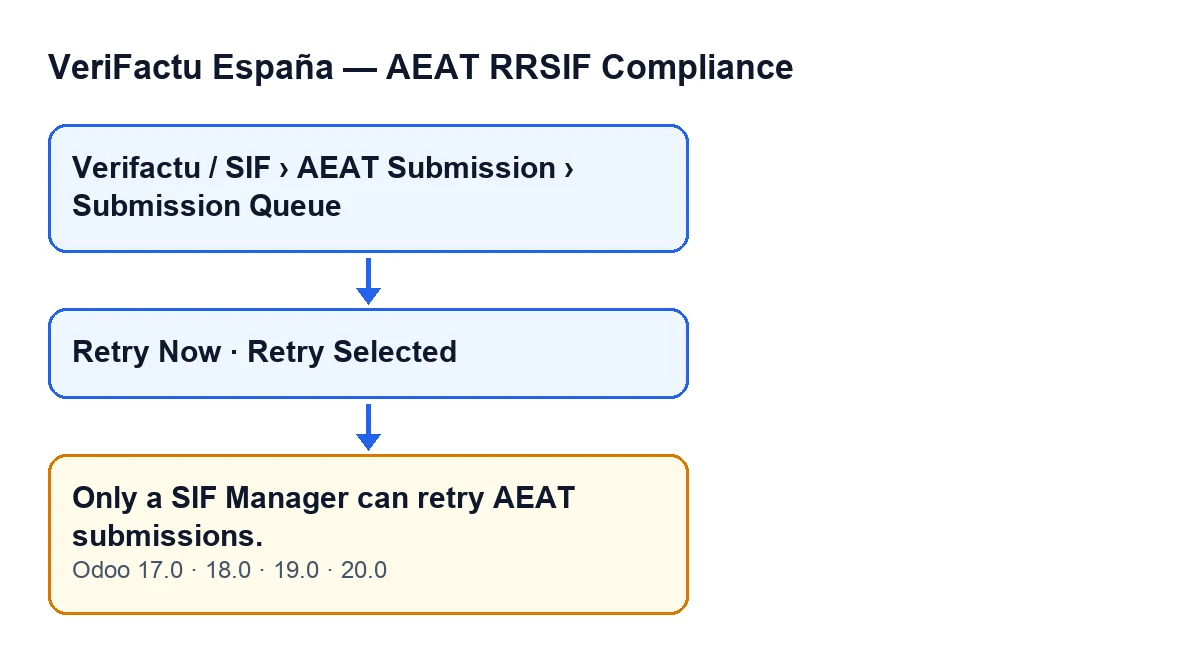
When Retry Now or Retry Selected is clicked and the user does not belong to the SIF Manager group. That is the condition the code checks: if the user lacks that permission, the action stops and the message is shown. There is one exception: if the action runs with superuser privileges, the code skips the check and gives no message.
Does it depend on the invoice or on what the submission contains?
No. The check first looks at whether the action is running with superuser privileges (in which case there is no message) and then at whether the user has SIF Manager. The content of the submission plays no part in that check.
Which buttons can trigger it?
The Retry Now and Retry Selected buttons on the submission queue. Retry Now is only visible when the Estado field of the submission is in a failure state; with the default value it is not visible. Retry Selected is always visible. With either of them, the button reaches the permission check, which raises the message if the user does not have SIF Manager. This holds in Odoo 17, 18, 19 and 20.
Who sees the queue and who can retry
Where is the submission queue?
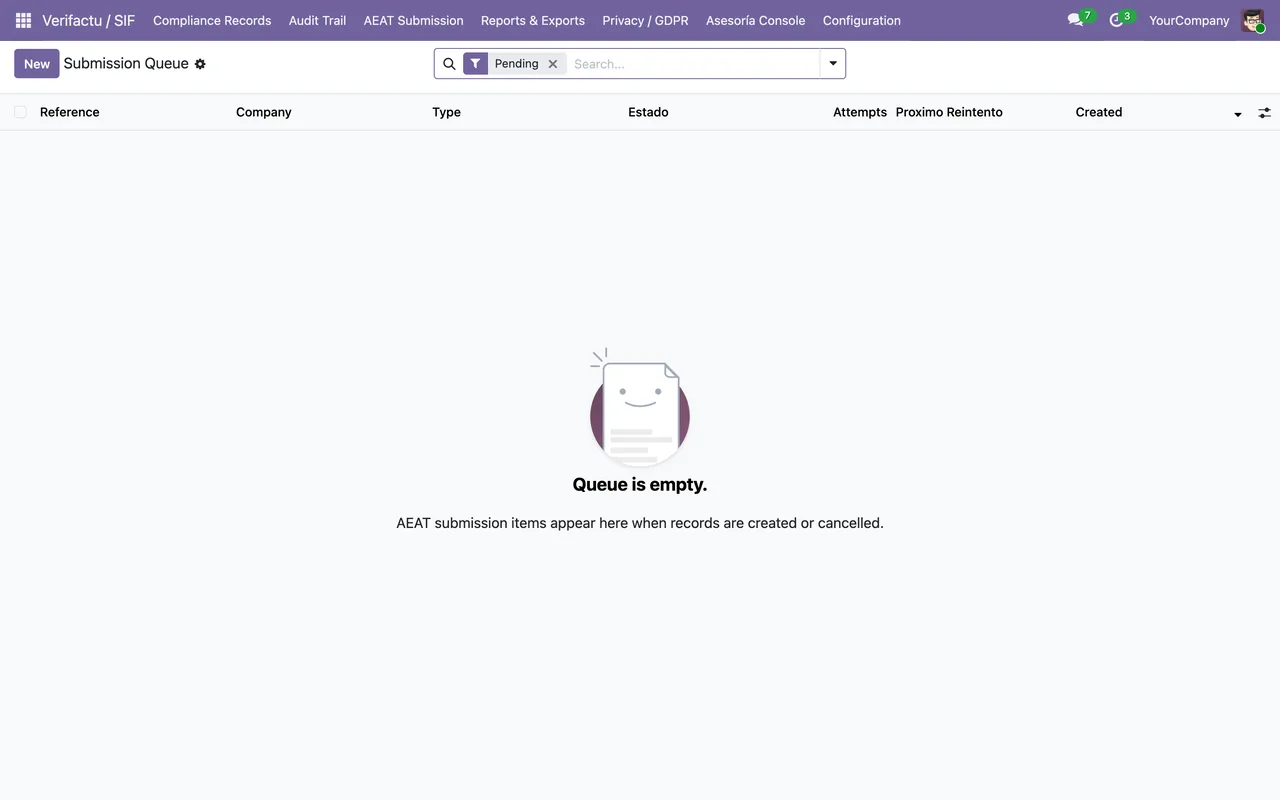
In Verifactu / SIF › AEAT Submission › Submission Queue. Each menu level asks for permissions: AEAT Submission asks for Accountant, Auditor (read-only) or SIF Manager; Verifactu / SIF also asks for Asesoría Operator and Privacy Officer. If you have none of the permissions for a level, you do not see that level.
Does seeing the queue mean being able to retry?
No. A user with Accountant or Auditor (read-only) can reach the menu, but will get the message unless they also have SIF Manager. The module's own code comment says those profiles have no write permission on the queue and that the auditor profile is meant as access without writing.
Why does the module check when you click instead of just hiding the button?
The code explains that restricting a button by group only affects what is drawn on screen and does not stop a direct call to the server. That is why the «managers only» boundary is also applied when the action runs, not just in the interface.
What happens with actions run with superuser privileges?
The code skips the check, as Odoo does in its own permission layer according to the comment. The same comment says that no internal process of the module currently reaches these actions any other way: they are only reached from the interface.
How to fix it and what to check
What do I do when it appears?
One option is to have the retry done by someone who already has SIF Manager. Another is to add that permission to your user, if retrying submissions is part of your job. Before the latter, consider whether that person should be able to modify the queue: the code documents the Auditor (read-only) profile as access without writing.
What does the action do when the message appears?
The action stops and the message is shown.
How do I check it is fixed?
Sign in with a user who has SIF Manager, open Verifactu / SIF › AEAT Submission › Submission Queue and click the button again. If the message no longer appears, the permission check is no longer the obstacle. If you cannot see Retry Now, look at the Estado field of the submission: the button is only visible when it is in a failure state.
Is it the same in every Odoo version?
The message is in the published code of branches 17, 18, 19 and 20, and the visibility conditions of Retry Now and Retry Selected are the same in those versions. The module is published on Odoo Apps for 17, 18, 19 and 20, and you can see it on its Odoo Apps page.
Where do I go for the module's other buttons?
There are step-by-step explanations of the Generar Exportación button and the Ejecutar Comprobación Previa y Crear button. If you also want to see what the module adds to invoices, read what it adds to invoices.
If you are implementing Odoo and want to assign the module's profiles sensibly across your team, FlexigoTech implements Odoo 17, 18, 19 and 20 and builds custom connectors and integrations.
Keep reading
Checked in the module's source code (version 20.0) and the linked sources
Sources
- Module source code: flexigo_spain_verifactu 20.0 (1fdc980f): models/verifactu_cola_envio.py
- Module source code: flexigo_spain_verifactu 20.0 (1fdc980f): views/verifactu_cola_envio_views.xml
- Module source code: flexigo_spain_verifactu 20.0 (1fdc980f): views/verifactu_aeat_errors_views.xml
- apps.odoo.com/apps/modules/20.0/flexigo_spain_verifactu
- flexigotech.com/en/services.html