

 Español
 Català
 Deutsch
 Français
 Português
 Italiano
 Nederlands
 Polski
Where it is and when you see it
Where is the View Shipping Errors button and when does it appear?
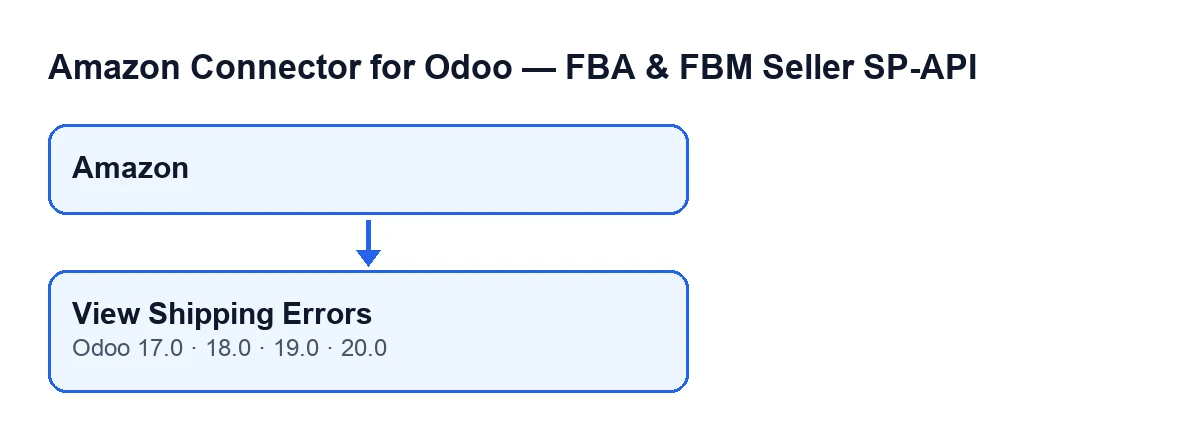
It sits on the module's Dashboard screen, which opens from the Amazon menu. That menu level requires the Viewer permission: without it you do not see that level. The View Shipping Errors button is always visible, with no dependency on any state, and it exists in Odoo 17, 18, 19 and 20.
What is the button called in my language?
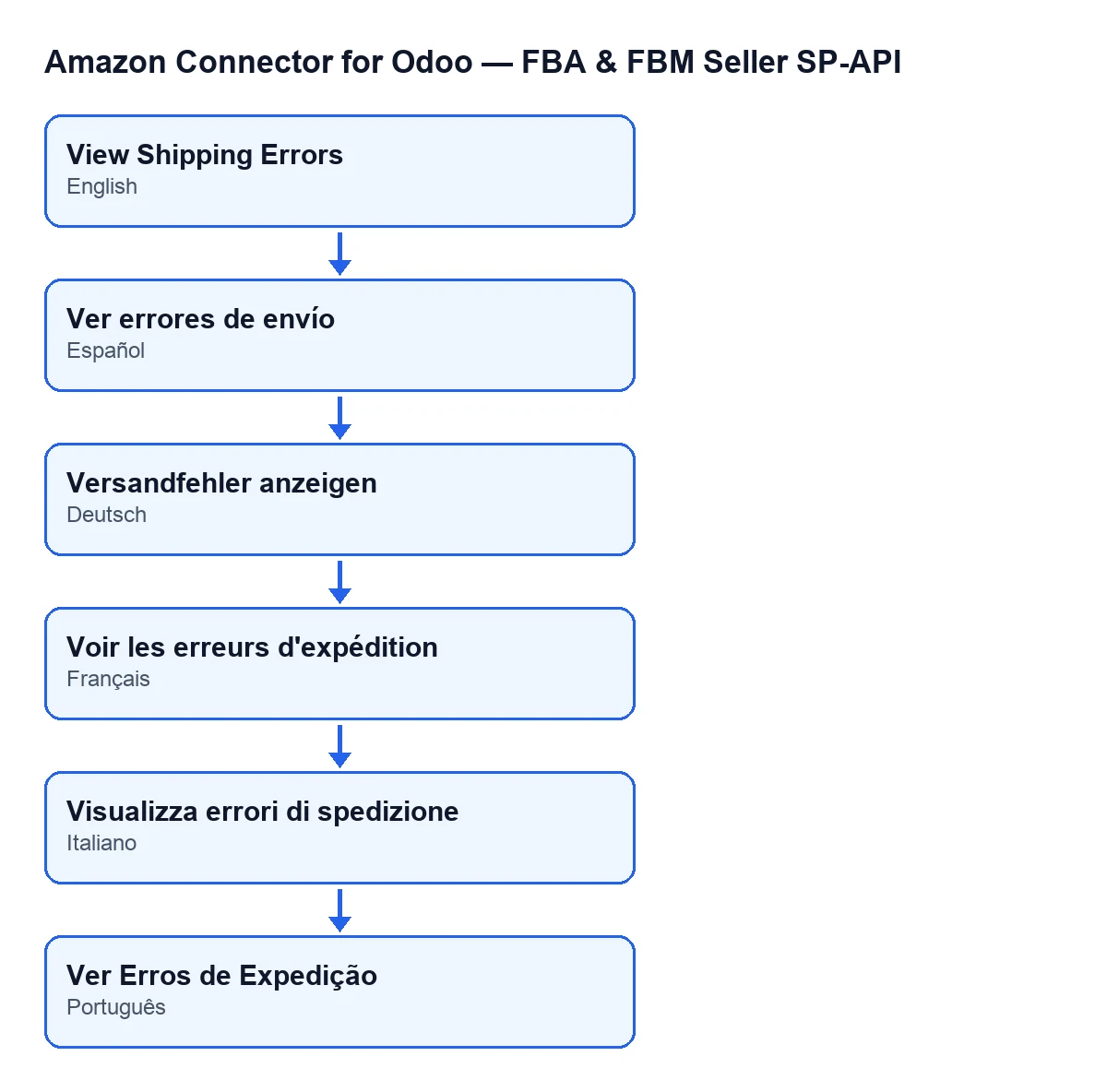
With Odoo in English it is View Shipping Errors. The module ships published translations, so the label follows the language of the user's Odoo.
Do I need anything besides the module?
Yes. The module is a one-off payment per Odoo version and needs a FlexigoTech Cloud subscription, Connector plan: €49 a month or €490 a year, excluding VAT, with up to 3 Amazon accounts (the Pro plan, 10). The connection goes through FlexigoTech Cloud, which stores the credentials encrypted, watches the synchronisation and emails you if it fails. The module is published on Odoo Apps for 17, 18, 19 and 20: Odoo Apps listing and module page.

What it does when you click
Which list does it open, exactly?
According to the Odoo 20 code, it opens the standard Odoo deliveries list, not a screen of the module's own, with a filter already applied. A delivery appears if it belongs to the dashboard's company, is linked to its Amazon account (directly or through its sales order), its Amazon sync state is error, and it also meets a condition on its creation date.
Which account and company does it use if I have several?
Those of the dashboard you click from: each dashboard carries its own Amazon account and company, and the filter uses them as they are. If you work with several accounts, open the dashboard of the one you want to review; deliveries of another account or another company will not appear in that list.
Does clicking it change anything in my data?
No. The code only prepares the list with that filter and opens it: it does not modify deliveries, orders or the dashboard's data. Nor does it run the refresh of the dashboard indicators; the scheduled task described below does that. Any later change is yours to make from the Odoo list itself.
Why does it match the error count on the dashboard?
Because they share the base filter. The scheduled task Amazon SP-API - Refresh KPIs runs every day and is active when the module is installed. On each run it searches deliveries with the same base filter the button uses, including its condition on the creation date, and counts separately those done, those synced, those pending and those in sync error; those numbers are stored on the dashboard. The difference is timing: the button queries at the moment you click, whereas the stored count is the one from the last run, so the two may differ if something has changed in between.
What else does that daily task do?
Besides the delivery count, it calculates other dashboard indicators, such as orders, returns and open cases. When it finishes, it leaves a summary with lines such as Amazon orders: …, Deliveries done: …, Sync OK: … and Sync error: …. The line that matters here is Sync error: …: it is the number of deliveries in error that the button lets you review one by one.
If the list is empty or not what you expected
What happens if no delivery has an error?
The list opens with no rows: no delivery meets all the conditions of the filter at once (company, Amazon account, sync state error and the condition on its creation date). That is simply the result of the filter.
Why can't I see a delivery I expected?
Check the conditions one by one. A delivery with a different sync state (for example pending, which the daily count tallies separately) does not appear. Neither does one linked to another Amazon account, one from another company, or one that fails the filter's condition on its creation date.
What if I cannot find the dashboard where the button is?
Check the Viewer permission: without it the Amazon menu level is hidden.
Does it work the same in every Odoo version?
The button is in the four published branches, 17, 18, 19 and 20. What is described here about the filter comes from the published Odoo 20 code, so if you work with another version, check the result there with a few test deliveries.
If you want to review it with someone
FlexigoTech implements Odoo 17, 18, 19 and 20 and builds custom connectors and integrations. If you want help getting the dashboard and delivery synchronisation right in your Odoo, get in touch.
Keep reading
Checked in the connector's source code (version 20.0) and the linked sources
Sources
- Module source code: flexigobe_amazon_seller_connector 20.0 (8576afa5): views/amazon_spapi_kpi_dashboard_views.xml
- Module source code: flexigobe_amazon_seller_connector 20.0 (8576afa5): models/amazon_spapi_kpi_dashboard.py
- apps.odoo.com/apps/modules/20.0/flexigobe_amazon_seller_connector
- flexigotech.com/en/services.html
- flexigotech.com/precios.html