

 Español
 Català
 Deutsch
 Français
 Português
 Italiano
 Nederlands
 Polski
What the message says and where it appears
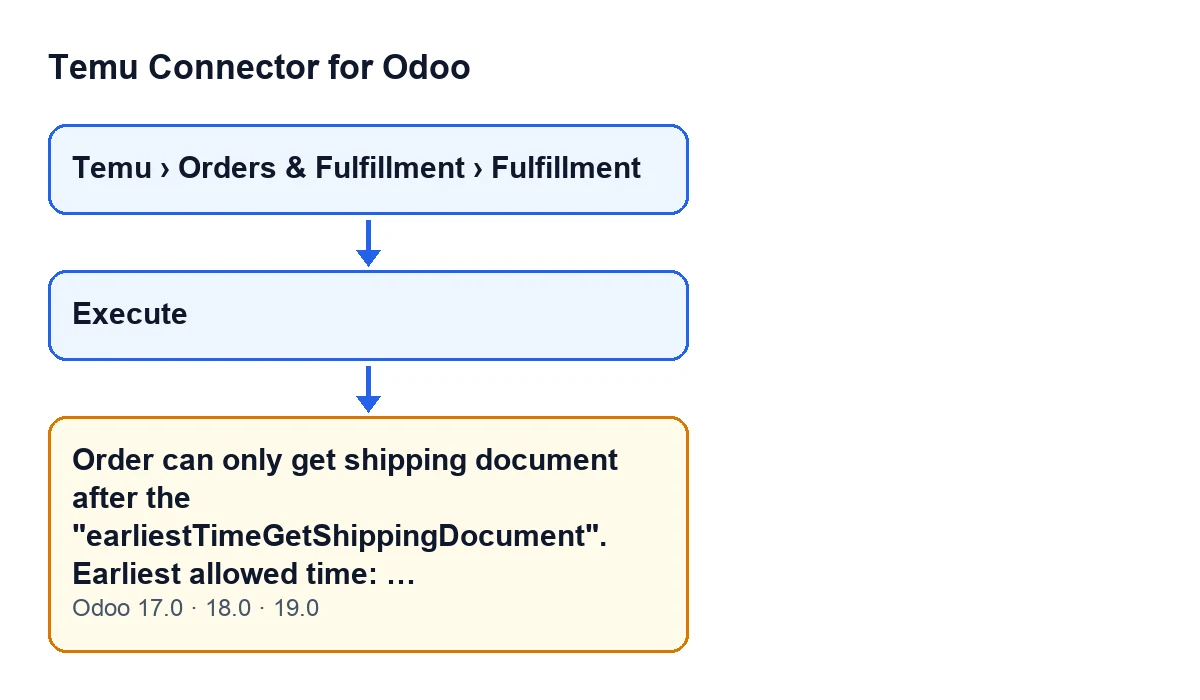
Fulfillment records open from the menu Temu › Orders & Fulfillment › Fulfillment. On a record, the Execute button is always visible in Odoo 17, 18 and 19. When you press it, the module can stop the action with this message:
Order can only get shipping document after the "earliestTimeGetShippingDocument". Earliest allowed time: …
Where the ellipsis is, the module writes a date and time: the earliest of the allowed times that are still to come. The message is in the published code of the 17.0, 18.0 and 19.0 branches.

Exactly when it appears, according to the code
The code for this check is published, and it reads like this, in order:
- First it looks at the operation on the record. If it is not the one for buying the shipping document, the check ends there and this message does not appear.
- Then it gathers the Temu orders related to the record. It starts from the order linked to the record. If the record has an instance, it adds the orders of that same instance whose order number or parent order number appears on the record, lines included. If the record has no instance, only the linked order counts. If it finds no orders at all, the check ends and there is no message.
- Next it compares the
earliestTimeGetShippingDocumenttime of each order with Odoo's current time. An order only counts as pending if it has that time filled in and it is later than now. - If no order is pending, the check puts no obstacle in the way. If any is, the module takes the earliest time among the pending ones, writes it at the end of the message and stops the action.
What it means
It means that, according to the Temu order's data, the time from which the shipping document can be requested has not yet arrived. The message itself says it: the order can only get the shipping document after that time.
There is one nuance that comes from the code. The time you see is the earliest among the pending orders, not the latest. If the record has several related orders and one of them has a later time, the message can come back with a new time once the first one has passed.
Another nuance: a single order with a future time is enough to stop the action, even if the other related orders are already past their time. And an order without that time filled in does not count as pending.
Checklist to resolve it
Before pressing Execute
- Open the record from
Temu › Orders & Fulfillment › Fulfillment. - Bear in mind that this check only runs with the operation for buying the shipping document. With other operations, the module skips it.
- Remember that every order related to the record is checked, not just the linked one: also those of the same instance that are found by order number or parent order number.
When the message appears
- Copy the date and time at the end of the message, exactly as Odoo writes it.
- Understand that this time belongs to the earliest pending order among the related ones.
- Note the time and do not keep retrying before it: while it is still later than Odoo's current time, the message will appear again.
After waiting
- Wait until that time has passed.
- Press
Executeagain on the same record. - If the message returns with a later time, another related order was still pending: wait for the new time and repeat.
- If the message no longer appears, no related order has a time later than the current one and this check no longer stops the action.
If you want to understand why it keeps appearing
- Think about whether the record groups different orders: any one with a future time stops the action for the whole record.
- Remember that an order without that time filled in does not stop the action.
- Remember that if the check finds no related order, there is no message either.
- Check that the record's operation is the one for buying the shipping document: with any other, this message cannot appear.
For what else the button does, see the article on what the Execute button does, step by step.
Cost and how FlexigoTech can help
Temu Connector for Odoo is a one-off payment per Odoo version and needs the FlexigoTech Cloud subscription, Connector plan: €49 a month or €490 a year excluding VAT, up to 3 accounts on the platform. The price for each version is on the Odoo Apps listing and on the module page. The connection goes through FlexigoTech Cloud, which stores the credentials encrypted, watches the synchronisation and emails you if it fails.
If you are implementing Odoo and want to connect Temu to your orders and shipments, FlexigoTech implements Odoo 17, 18, 19 and 20 and builds custom connectors and integrations.
Keep reading
Checked in the connector's source code (version 19.0) and the linked sources
Sources
- Module source code: flexigobe_temu_connector 19.0 (455b3f0f): models/temu_fulfillment.py
- Module source code: flexigobe_temu_connector 19.0 (455b3f0f): views/temu_fulfillment_views.xml
- flexigotech.com/en/services.html
- flexigotech.com/precios.html