

 Español
 Català
 Deutsch
 Français
 Português
 Italiano
 Nederlands
 Polski
When the button appears
The Load Compliance Requirements from Temu button sits on the Product Publishing form, which you open from the Temu › Catalog › Listings menu. It exists in Odoo 17, 18 and 19, and in all of those versions it is hidden under the same condition: when the Cat field is empty. With the default values Cat is empty, so the button stays out of sight until the record has a value in that field.
The form also shows the Instance field, which appears in the Product Publishing list too. Keep it in mind: the calls to Temu are made by the instance assigned to the record, as the steps below show.
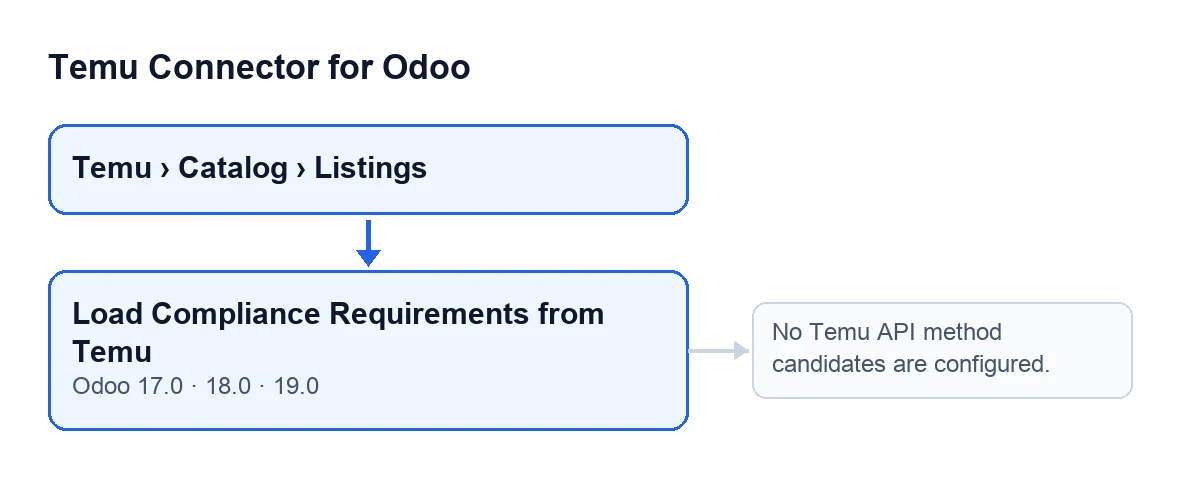
With Odoo in English, the button is called Load Compliance Requirements from Temu. With Odoo in Spanish it reads Load Compliance Requirements from Temu.
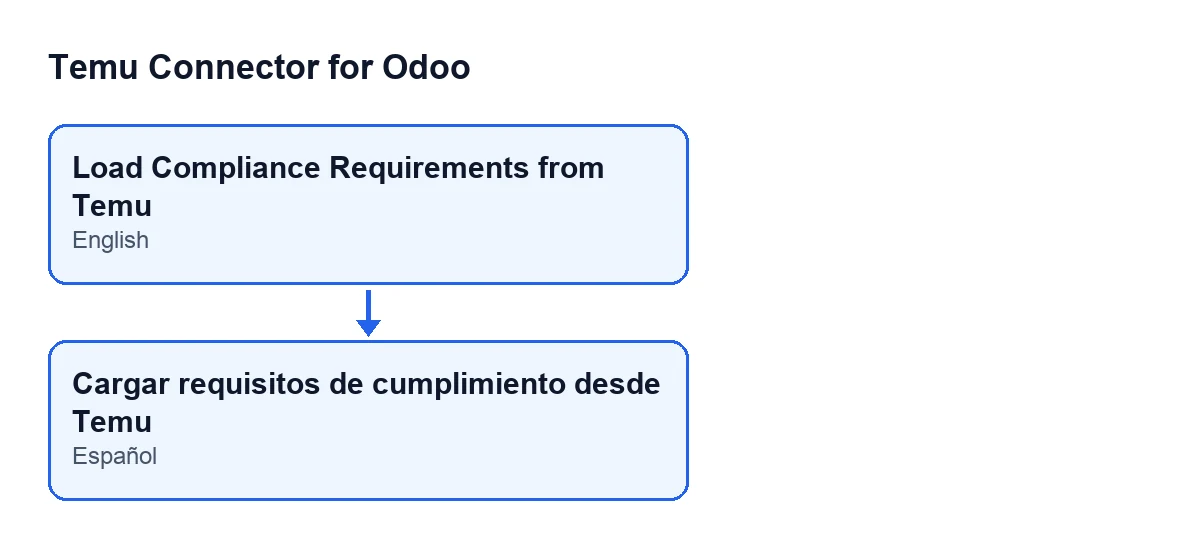
Load Compliance Requirements from Temu, and in Spanish Load Compliance Requirements from Temu.
Step by step: what happens when you press it
The behaviour below is that of the module for Odoo 19. The button acts on the record you have open.
- Open the record and press the button. Go to
Temu › Catalog › Listings, open theProduct Publishingrecord and pressLoad Compliance Requirements from Temu. If you cannot see it, the record has an emptyCat. - The module fills in whatever is empty. Before asking Temu anything, it copies to the record data stored on the Odoo product, and it does so only into fields the record has empty: for example the cost template, the brand, the trademark, the manufacturer representative, the responsible person, the regions of origin, the second-hand goods details and the external media URLs. There are two exceptions: the product type is replaced by the Odoo product's if the record has the standard one, and the second-hand business scope is replaced if the record holds 0.
- It prepares the query. It uses the category in
Catand the language of the record (English if it has none). If the record has product properties it adds them, and if it already has the Temu product identifier it adds that too. - It asks Temu for the compliance rules. The call goes out through the record's instance, using the API method that instance has configured for this purpose and, as an alternative, another method. If a call fails, the module decides from the error whether to try the next candidate or stop. If a different method answers from the one stored, the instance is updated to keep the one that worked.
- It queries the extra template, only if the instance has a method for it. This is another query with the same parameters. If it fails, the action does not stop: the error text is kept aside to show later as a warning.
- It builds the compliance JSON scaffold. It starts from whatever JSON the record already had. For each type of certificate Temu requires, it creates the block if it did not exist and adds empty slots according to what must be uploaded: certificate files, inspection reports, authorisation codes, selected check items or energy label. If Temu requires actual product photos and the record does not yet have the list, it assembles one from the external media URLs of the product's active variants (or those of the product template), and skips variants with no URL at all.
- It writes a summary. In plain text it lists the required certificate blocks, whether Temu asks for actual product photos in that category, the extra templates with the fields they ask for, the additional uploads and the guide or manual files. If there is nothing of that, the summary says so.
- It saves to the record. It writes the compliance JSON scaffold, Temu's rules response, the extra template response (empty if there was none), the summary and the date and time of the last sync.
- It notifies and reloads the record. A success notification appears. If the extra template query failed, the notification is a warning instead, stays on screen until you close it and includes the text of that error. With either a success or a warning notification, the record is reloaded.
Errors it can raise and what to do
When you press the button, the action can stop with this message:
No Temu API method candidates are configured.
It says there is no candidate Temu API method to make the query with. Since the method comes from the record's instance, the place to look is the instance shown in the Instance field.
Another situation is worth telling apart: if the extra template query fails, that is not an error that stops the action. The rules requirements are still loaded and the warning tells you what happened with that additional query.
If the button does not show, that is not a fault: it is the view condition. Cat has no value.
What to check afterwards
When the record reloads, review what the button has saved: the compliance JSON scaffold, Temu's responses, the requirements summary and the date of the last sync. If you press the button again, the responses, the summary and the date are saved again, and the scaffold starts from whatever JSON the record held at that moment.
If something in the summary puzzles you, compare it with the category in Cat: that is the category the query was made with.
Versions, subscription and help
The module is published on Odoo Apps for Odoo 17, 18, 19 and 20; the button in this article is listed for 17, 18 and 19. It is a one-off purchase per Odoo version and needs the FlexigoTech Cloud subscription, Connector plan: €49 a month or €490 a year, excluding VAT, with up to 3 accounts on the platform. The connection to Temu goes through FlexigoTech Cloud. You can find the module on its Odoo Apps page and on the flexigotech.com page.
If you are implementing Odoo and want to review how to get product data ready before loading requirements, FlexigoTech implements Odoo 17, 18, 19 and 20 and builds connectors and custom integrations.
Keep reading
Checked in the connector's source code (version 19.0) and the linked sources
Sources
- Module source code: flexigobe_temu_connector 19.0 (455b3f0f): views/temu_product_binding_views.xml
- Module source code: flexigobe_temu_connector 19.0 (455b3f0f): models/temu_product_binding.py
- Module source code: flexigobe_temu_connector 19.0 (455b3f0f): models/temu_instance.py
- apps.odoo.com/apps/modules/19.0/flexigobe_temu_connector
- flexigotech.com/precios.html
- flexigotech.com/en/services.html