

 Español
 Català
 Deutsch
 Français
 Português
 Italiano
 Nederlands
 Polski
Where the button is and when you see it
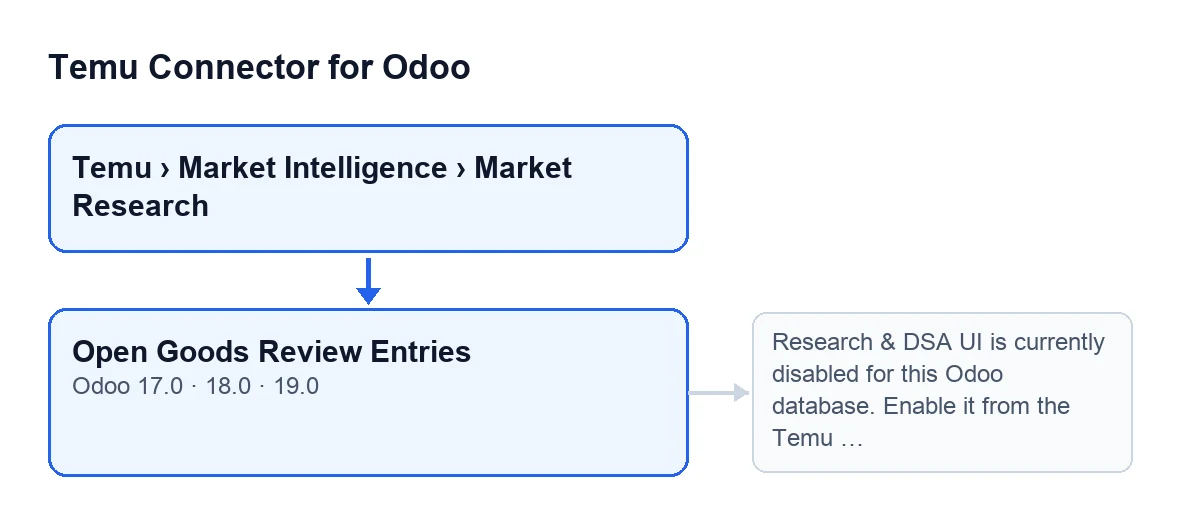
The button is on the Research Queries screen, inside the form of a query. To get there, use the menu Temu › Market Intelligence › Market Research. The Market Intelligence and Market Research steps both ask for the Temu Research & DSA permission: if you do not have it, you do not see that step and cannot reach the screen.
Once on the form, the button is always visible: in Odoo 17, 18 and 19 no view condition hides it. It is also present in every published branch of the module for this screen (17, 18 and 19).
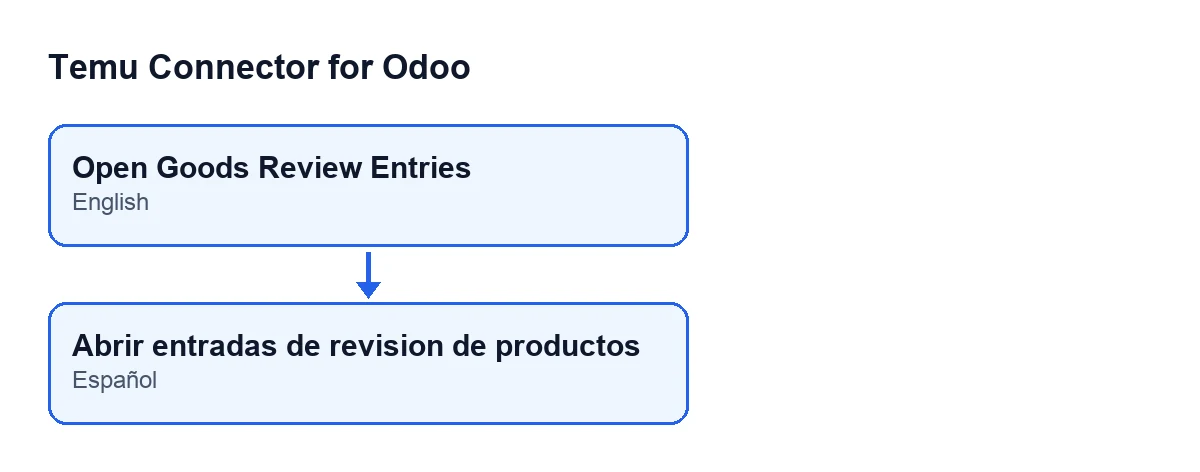
With Odoo in Spanish, the button is called Open Goods Review Entries.

A worked case, start to finish
Example Illustrative case: the company and its figures are made up to explain the flow.
Ana handles purchasing at Hogar Norte, an invented homeware shop that already has the connector installed. She wants to see the goods review entries attached to one particular query. This is her route:
- She opens
Temu › Market Intelligence › Market Researchand goes into a query in theResearch Querieslist. - On the form, she presses
Open Goods Review Entries. - Odoo asks the instance of that query, the one shown in the
Instancefield, to confirm that the Research & DSA interface is enabled. - If it is, a window opens with the review entries for that query.
- If it is not, a warning appears and the window does not open.
What it checks before opening anything
In Odoo 19, the button works on a single query: the one on the form you are in. Before opening the window, it checks that the Research & DSA interface is enabled for the Odoo database, and it asks the instance of the query to make that check. If the interface is not enabled, the action stops with a warning and nothing opens.
That instance is the one shown in the Instance field, which appears both on the form and in the Research Queries list.
What it opens and what it brings ready
If the check passes, the button opens a window called Temu Research Goods Review Entries. The window can be viewed as a list and as a form, and it shows only the goods review entries linked to the query you pressed the button from.
The window also opens with two default values in its context: the instance and the originating query. What changes on your screen is this: you move from the form of the query to the list of its review entries.
The warning it can give and what to do
When you press the button and the interface is not enabled, Odoo shows this warning and the action stops:
Research & DSA UI is currently disabled for this Odoo database. Enable it from the Temu instance before using this option.
The warning itself points to the remedy: enable it from the Temu instance. To find out which instance, look at the Instance field of the query. Once it is enabled, go back to the form and press the button again.
Questions you may have before pressing it
Why can I not see the menu?
If you cannot see Market Intelligence or Market Research, what is missing is the Temu Research & DSA permission: each of those two steps asks for it.
Why do I see the button and still get the warning?
Because the button is always visible, but pressing it triggers the check on the Research & DSA interface. The warning tells you the interface is disabled and has to be enabled from the Temu instance.
Which Odoo versions have it?
The button is in branches 17, 18 and 19, and in all three it is always visible. The module is published on Odoo Apps for 17, 18, 19 and 20.
What will I see when the window opens?
A window titled Temu Research Goods Review Entries, with list and form views, limited to the entries of the query you came from.
What to take from the case
- The button checks that the Research & DSA interface is enabled and, if it is, opens a filtered window.
- The window shows only the entries of the query you pressed it from.
- If the warning appears, its own text says to enable it from the Temu instance.
- If you cannot see the menu, it is a matter of the
Temu Research & DSApermission, not of this button.
Cost and help
Temu Connector for Odoo is a one-off payment per Odoo version and needs the FlexigoTech Cloud subscription: the Connector plan costs €49 a month or €490 a year, excluding VAT. The connection goes through FlexigoTech Cloud, which stores the credentials encrypted, watches the synchronisation and emails you if it fails. You will find the Odoo Apps listing and the module page for buying it.
If you are implementing Odoo and want to go through the Temu flow with someone, FlexigoTech implements Odoo 17, 18, 19 and 20 and builds connectors and custom integrations.
Keep reading
Checked in the connector's source code (version 19.0) and the linked sources
Sources
- Module source code: flexigobe_temu_connector 19.0 (455b3f0f): views/temu_ads_views.xml
- Module source code: flexigobe_temu_connector 19.0 (455b3f0f): models/temu_ads.py
- apps.odoo.com/apps/modules/19.0/flexigobe_temu_connector
- flexigotech.com/precios.html
- flexigotech.com/en/services.html