

 Español
 Català
 Deutsch
 Français
 Português
 Italiano
 Nederlands
 Polski
The Shopify connector, published for Odoo 17, 18, 19 and 20, ships with both stock tasks active: Shopify Push Stock (from Odoo to Shopify, every 20 minutes) and Shopify Pull Stock (Shopify → Odoo), every 6 hours. Having both on does not mean both are in charge. Decide which one is the reference and let the other one just warn you.
First question: where do the goods physically move?
If you receive purchases, pick orders and count inventory in Odoo, Odoo is the reference. Shopify only needs to know how much it can sell. If you still fulfil orders from the Shopify admin and Odoo only invoices, Shopify is the reference for now, and the first job is moving the warehouse into Odoo.
Second question: how many locations do you have?
Shopify works with locations and Odoo with warehouses. The connector has its own mapping under Configuration › Mappings › Locations. If you have a physical shop and a warehouse, each Shopify location must point to its Odoo warehouse. Without that mapping, the stock that reaches Shopify is the sum of everything, and the shop ends up selling what sits in another city.
Third question: how do orders come in?
By default, through webhooks: Shopify notifies Odoo of each order and Odoo processes the notices every minute. Failed notices are retried every 30 minutes. There is also a periodic order check every 5 minutes that is off after installation. Turn it on only if your Odoo cannot receive notices from the internet, for example behind a firewall.
| Situation | Recommended setup |
|---|---|
| Odoo reachable from the internet | Webhooks (the default) |
| Odoo behind a firewall | Turn on the periodic order check |
| Several locations with their own stock | Map each location to its warehouse |
| Stock that also moves in the Shopify admin | Keep the stock read and review the differences |
Fourth question: which kind of app do you use?
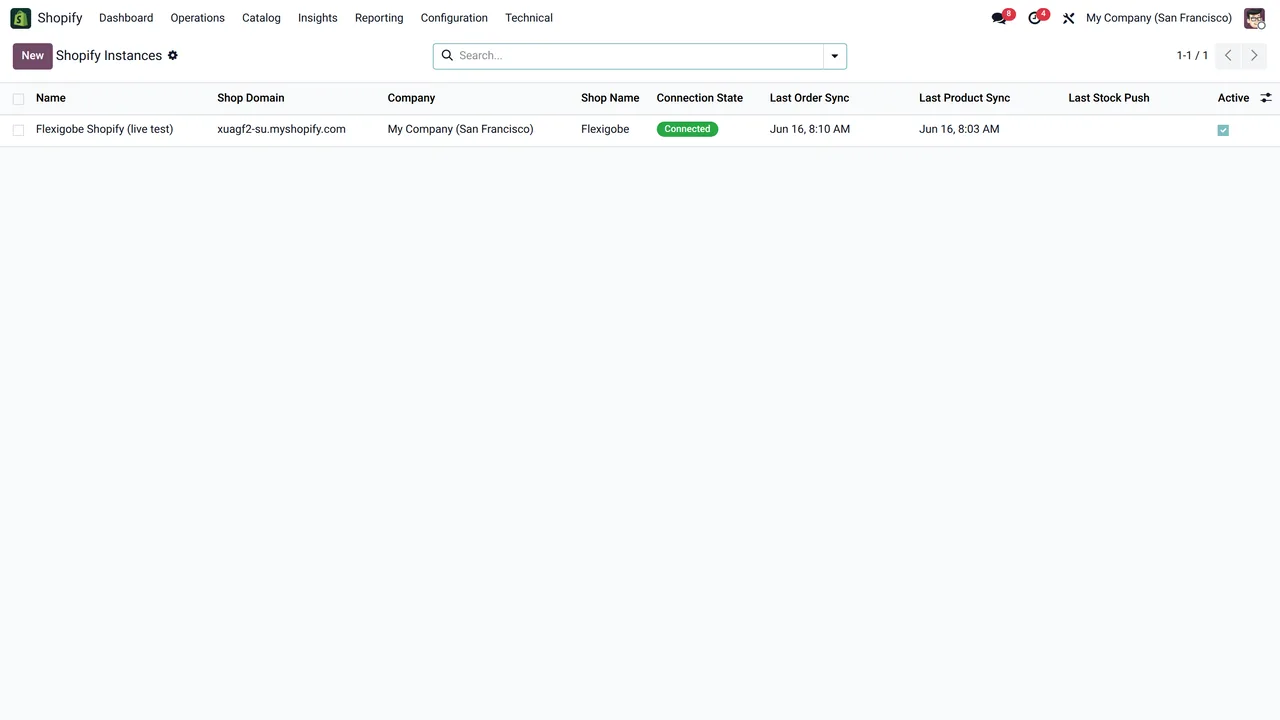
There are two ways to connect the store. If the app is authorised in Shopify, you connect with the Connect with Shopify button, and the client secret has to be saved in FlexigoTech Cloud first. If it is your own app, it needs no authorisation: just press Connect. Odoo reminds you if you press the wrong button. To switch from one kind to the other, first delete the app from FlexigoTech Cloud.
To force a sync
If you change the location mapping or fix a stock figure by hand, you do not have to wait for the next run. Configuration › Sync Now launches the sync on the spot, and the technical sync log tells you what was sent and whether Shopify accepted it.
Once it is decided
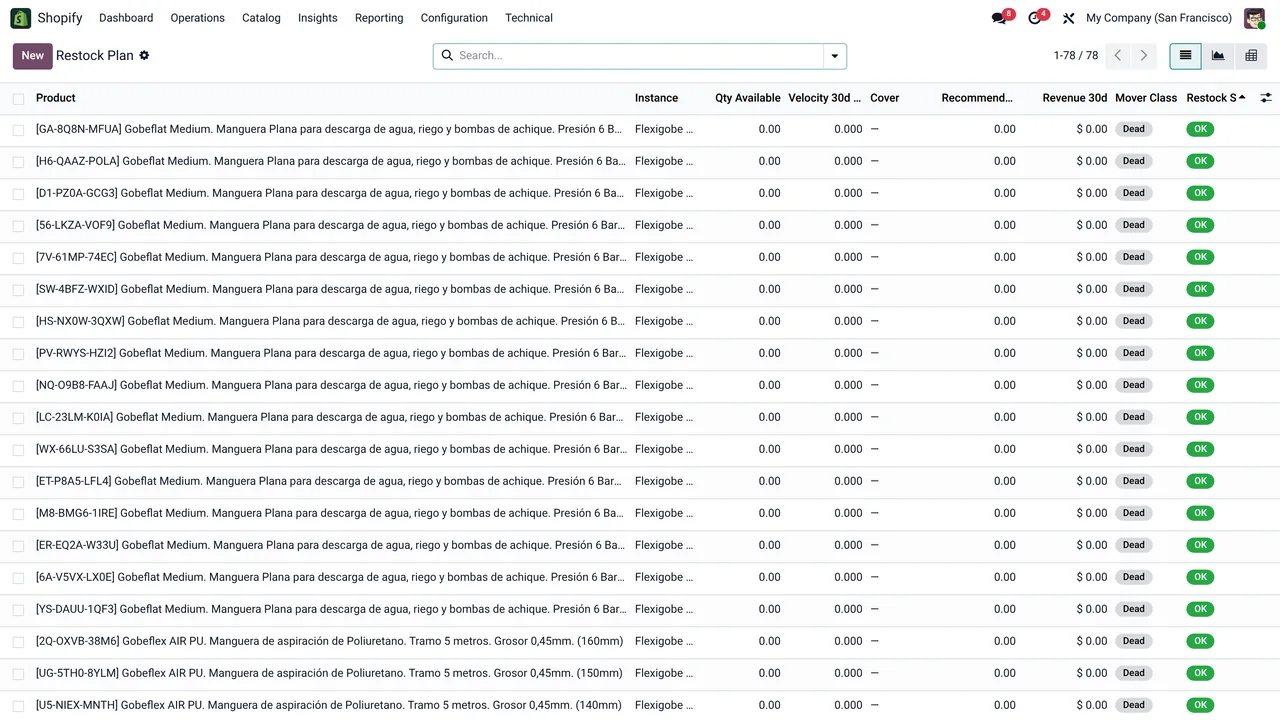
With Odoo as the reference, the restock plan under Catalog › Restock Plan becomes useful: it classifies each product as OK, watch, reorder now or stockout. It is the part shops that used to check stock in a spreadsheet appreciate most.
If an item's stock jumps between two figures every few hours, there are almost always two systems in charge at the same time. Pick one.
Keep reading
Checked in the connector's source code (version 20.0) and the linked sources
Sources
- Module source code: flexigobe_shopify_seller_connector 20.0 (5aebd133): data/ir_cron_data.xml
- Module source code: flexigobe_shopify_seller_connector 20.0 (5aebd133): views/menu_views.xml
- Module source code: flexigobe_shopify_seller_connector 20.0 (5aebd133): models/shopify_instance.py
- Module source code: flexigobe_shopify_seller_connector 20.0 (5aebd133): models/shopify_product_analytics.py
- Module source code: flexigobe_shopify_seller_connector 20.0 (5aebd133): models/fgt_cloud.py
- apps.odoo.com/apps/modules/20.0/flexigobe_shopify_seller_connector