

 Español
 Català
 Deutsch
 Français
 Português
 Italiano
 Nederlands
 Polski
Who this comparison is for
For shops that run on Shopify today with, at most, an invoicing program and a spreadsheet. If you already have an ERP, the question is a different one: which one to connect. Here the question is whether having one pays off.

Task by task
| Task | Shopify alone | Shopify with Odoo |
|---|---|---|
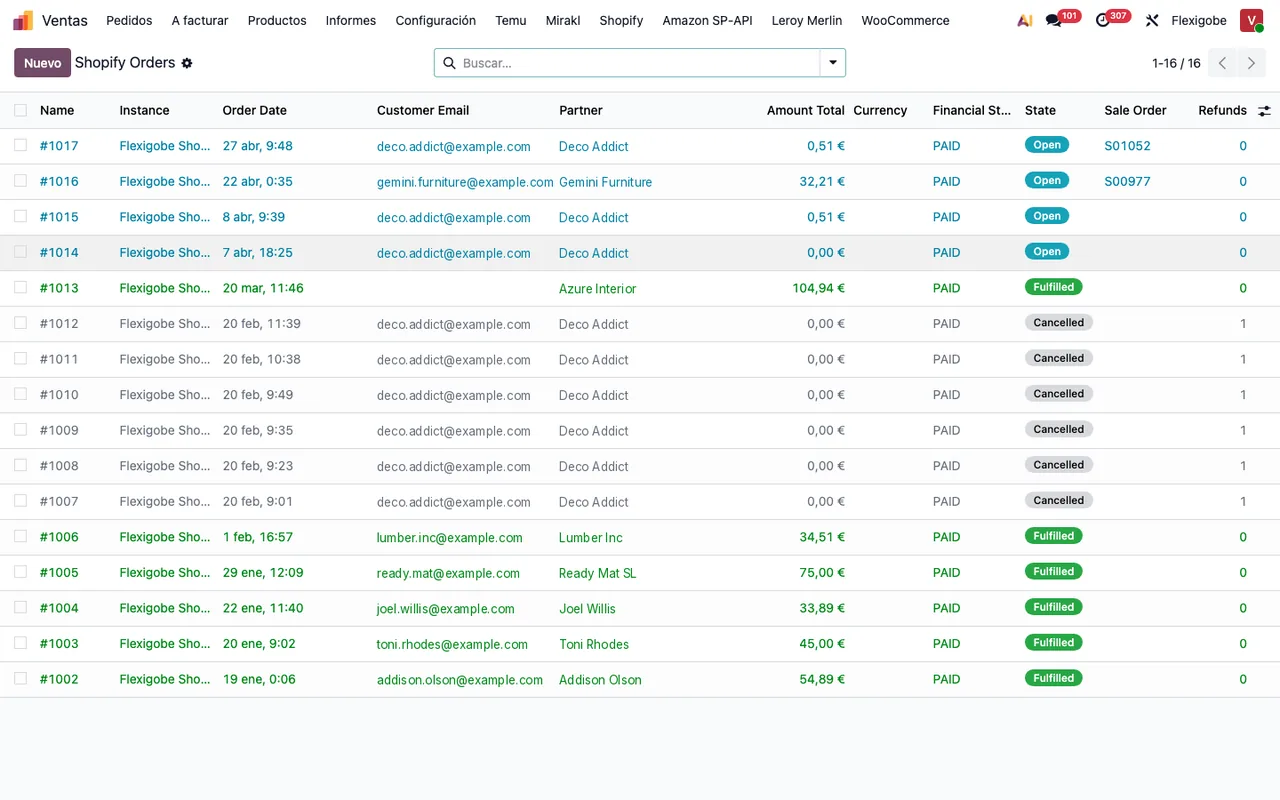
| Orders | Seen in Shopify; exported to invoice or purchase | Arrive in Odoo as sales orders; notices are processed every minute |
| Stock | Whatever you set in Shopify | Comes from Odoo's inventory and is sent to Shopify every 20 minutes |
| Picking and shipping | From the admin, order by order | Operations › To Ship list with its fulfilment status |
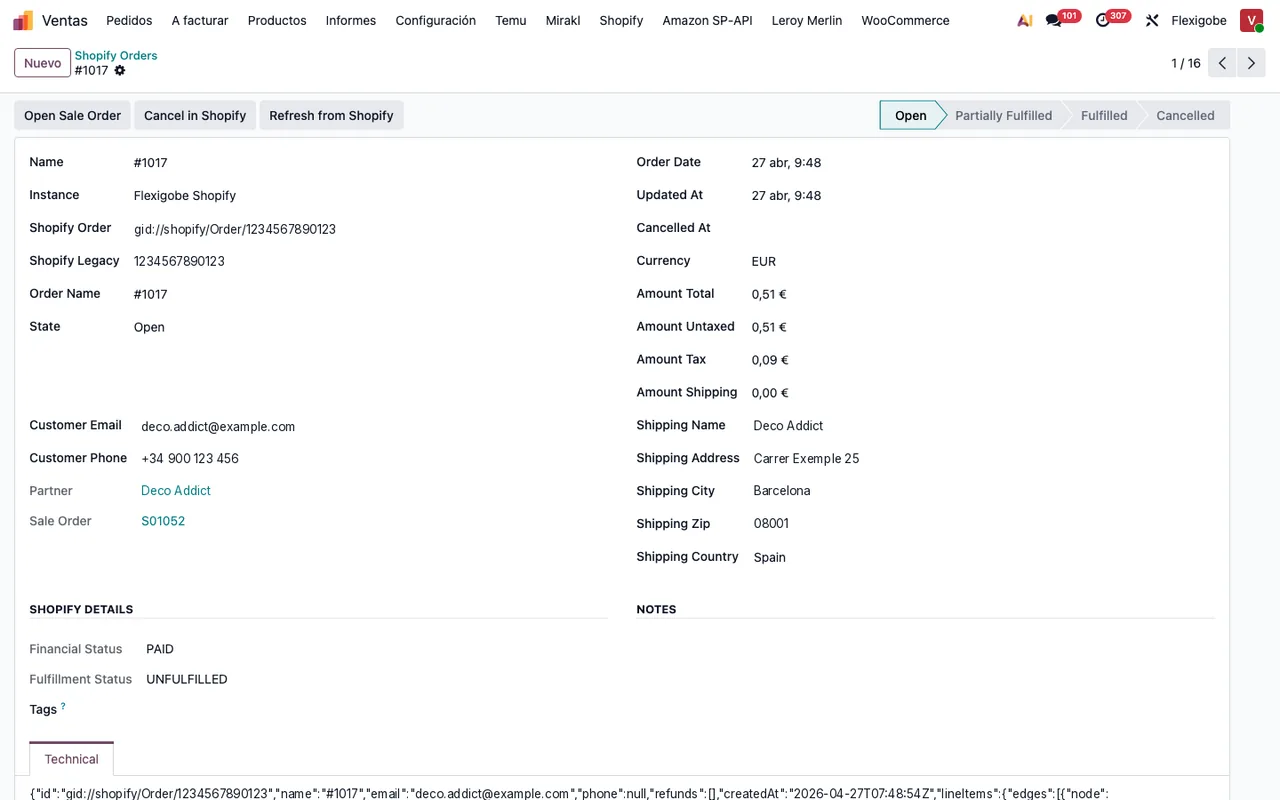
| Returns | Refund in Shopify and stock adjusted by hand | Refunds & Returns menu, with the credit note and the stock coming back |
| Invoices | Another program, copying data | Invoices and credit notes from Odoo, if you switch on their tasks |
| Payouts | Downloaded payout report | Finance › Payouts to reconcile with the bank |
| Restocking | Gut feeling or a spreadsheet | Restock plan that flags what to reorder |
What really improves
Double entry disappears. An order comes in once, and from it come the delivery, the invoice and, if needed, the credit note. No copying.
Stock is one. If you also sell on a marketplace or in a physical shop, everything deducts from the same inventory. It is the most direct way to stop selling what you do not have.
Returns leave a trail. Each return has a stock-return state: pending, to review, returned or failed. It no longer depends on someone remembering to add the unit back.
What does not improve on its own
Odoo does not fix a messy catalogue. If you have duplicate variants or repeated SKUs in Shopify, clean them up before connecting. It does not replace your accountant either: accounts and taxes are decided as they are today.
And there is a learning curve. Your team moves from an admin panel to an ERP; for the first weeks, finding things takes effort.
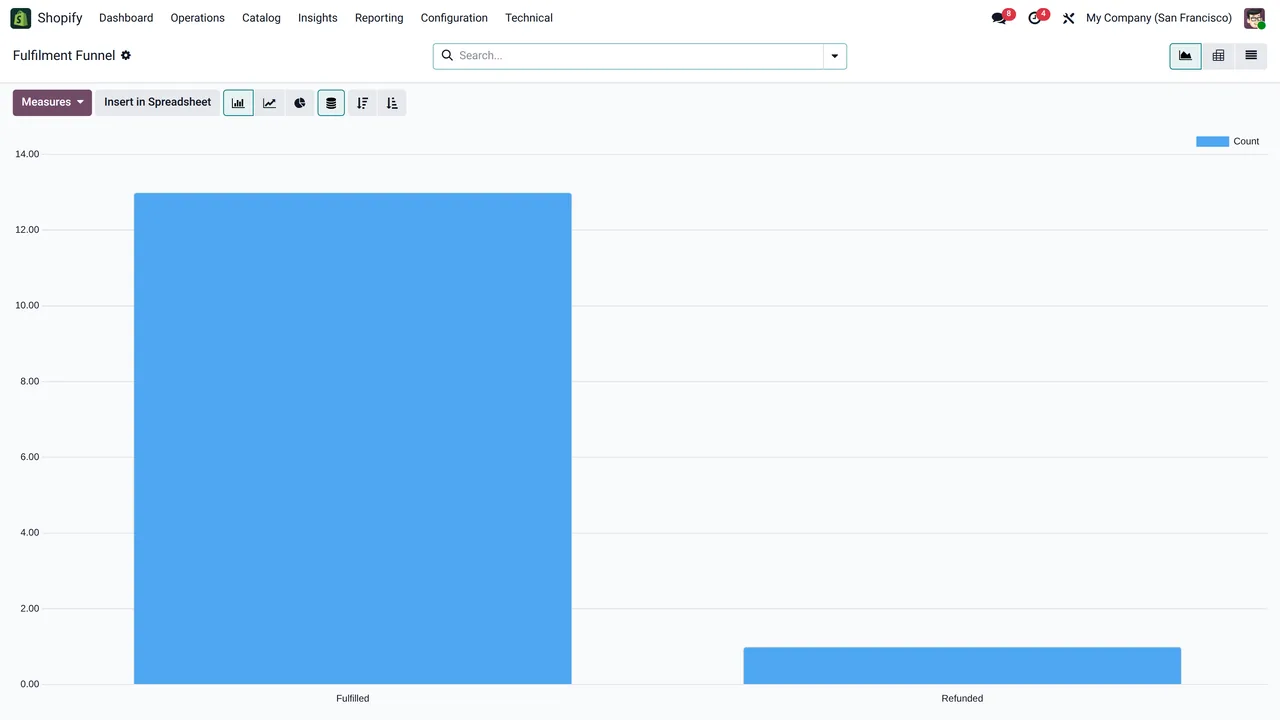
Where everything lives matters too: Operations for orders, shipping and returns; Catalog for products and restocking; Finance for payouts; and Reporting for sales and the fulfilment funnel. Four menus instead of four programs.
When it pays off
It pays off when you sell through more than one channel, when you have your own warehouse or when invoicing and returns eat hours every week. If you sell little and only on Shopify, wait: the admin is enough.
How we set it up
At FlexigoTech we implement Odoo and connect your Shopify with the connector, published for Odoo 17, 18, 19 and 20. The module costs €9 per Odoo version and the Connector plan starts at €49 a month, VAT excluded. The connection runs through our cloud, which keeps credentials encrypted and alerts you if something fails. If you need a flow of your own, such as a product configurator or an integration with your external warehouse, we build it to measure.
Keep reading
Checked in the connector's source code (version 20.0) and the linked sources
Sources
- Module source code: flexigobe_shopify_seller_connector 20.0 (5aebd133): data/ir_cron_data.xml
- Module source code: flexigobe_shopify_seller_connector 20.0 (5aebd133): views/menu_views.xml
- Module source code: flexigobe_shopify_seller_connector 20.0 (5aebd133): models/sale_order.py
- Module source code: flexigobe_shopify_seller_connector 20.0 (5aebd133): models/shopify_product_analytics.py
- Module source code: flexigobe_shopify_seller_connector 20.0 (5aebd133): models/shopify_refund.py
- apps.odoo.com/apps/modules/20.0/flexigobe_shopify_seller_connector
- flexigotech.com/en/services.html
- flexigotech.com/precios.html