

 Español
 Català
 Deutsch
 Français
 Português
 Italiano
 Nederlands
 Polski
This warning appears on the picking of a Shopify sale when you ask to update the tracking and the picking is not finished yet. Going by the published code for Odoo 20, here is exactly what happens and what you can do about it.
What lies behind the message
There is a single condition: the picking is not in Done
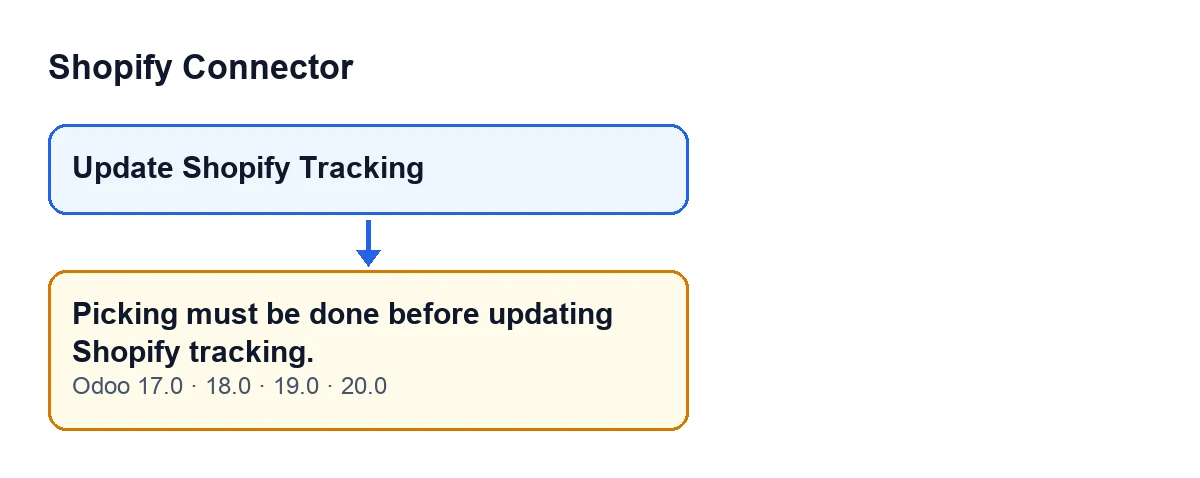
The method that updates the tracking looks at the state of the picking. If it is not Done, the action stops and Odoo shows Picking must be done before updating Shopify tracking. Any state other than Done meets the condition, and no other check is mixed into this warning.
It is the first thing the method checks
After making sure it is working on a single picking, the first thing the method does is look at the state. Everything else comes afterwards: checking the Shopify fulfillment ID, finding the Shopify instance of the sales order and asking Shopify to update the tracking. Because the message stops the action, nothing the action was going to change is saved and Shopify is not called.
How you get to the message
The message can appear when you click the Update Shopify Tracking button in the picking view. That button calls a method that leads to the internal method described above, and it is the latter that raises the warning if the picking is not in Done.
The button is already hidden outside Done, and the method checks again
In Odoo 17, 18, 19 and 20 the view hides the Update Shopify Tracking button when any of these three things is true:
- the picking does not belong to a Shopify order (the internal flag
Is Shopify Orderdoes not appear in any view); - the picking is not in
Done; - the
Shopify Fulfillmentfield is empty.
In other words, to see the button you need a Shopify picking in Done with Shopify Fulfillment filled in. Even so, the method repeats the state check before doing anything.

What to do and what comes next
Validate the picking and run the update again
The message says it plainly: the picking has to be validated. Bring the picking to Done. In that state the Update Shopify Tracking button appears as long as the other two conditions of the view are met: the picking belongs to a Shopify order and it has Shopify Fulfillment. If the button still does not appear after validating, one of those two conditions is missing. Once it appears, you can ask for the tracking update again.
With the picking in Done, the method carries on with other checks
With the picking already in Done, the method confirms that the picking has a Shopify fulfillment ID, finds the Shopify instance through the sales order and asks Shopify to update the tracking. If everything works, it stores the fulfillment status returned by Shopify, the date and time of the last tracking sync, clears the previous error, keeps what was sent and the response received, and posts a message on the picking. If one of those checks fails, you will get a different warning: the message we are looking at here concerns only the state of the picking.
The same message in all four versions
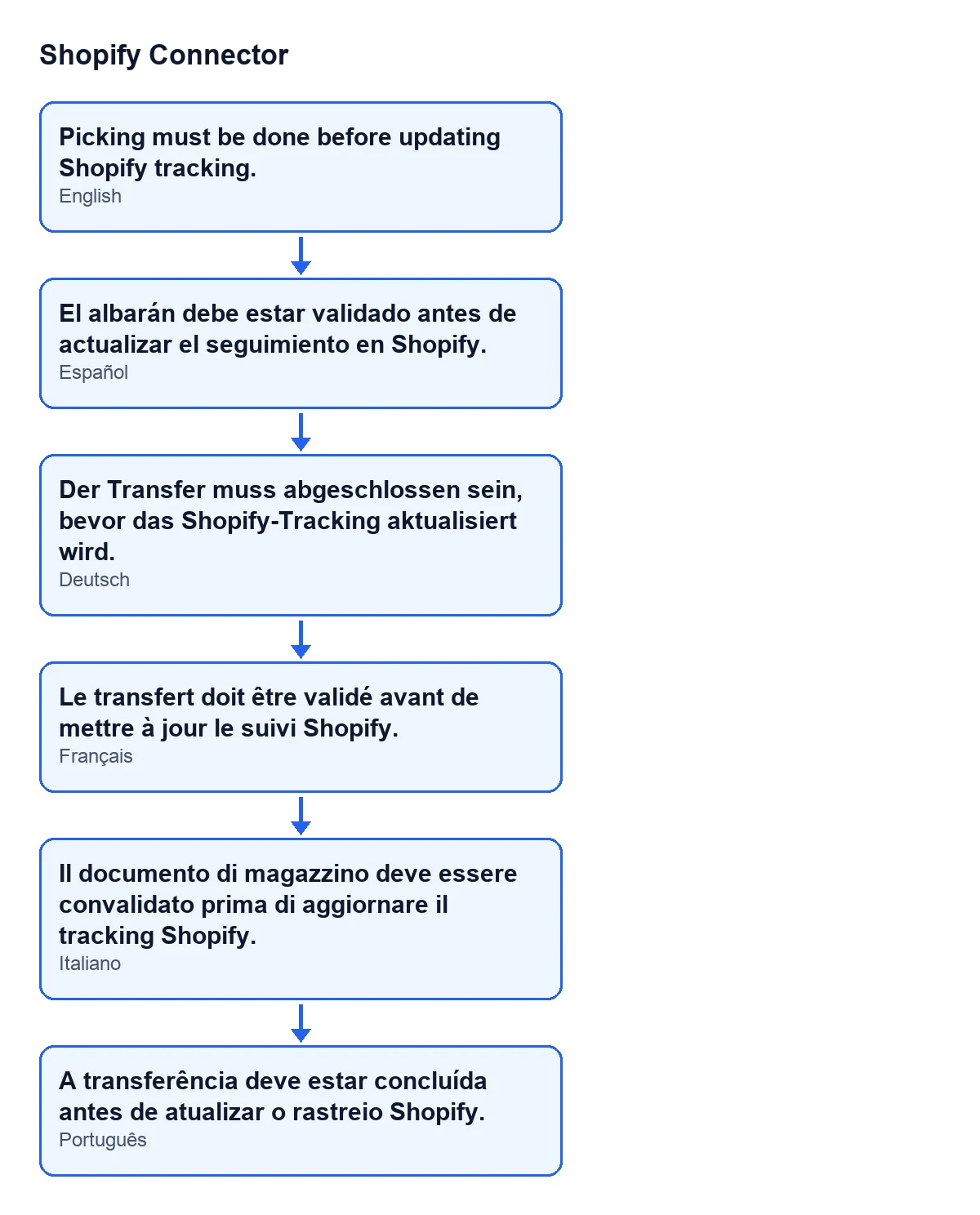
The message is in the published code for Odoo 17, 18, 19 and 20, and the visibility condition of the button is the same in all four. The method code walked through above is the one from Odoo 20. With Odoo in English you see Picking must be done before updating Shopify tracking.; the diagram shows how the same text appears with the module's published translations.
Cost and help
Shopify Connector costs €9 per Odoo version, for 17, 18, 19 and 20, one-off payment, excluding VAT, according to its Odoo Apps listing. It also needs a FlexigoTech Cloud subscription, Connector plan: €49 per month or €490 per year, excluding VAT.
If you are implementing Odoo with Shopify and want to review how pickings and shipments fit together, FlexigoTech implements Odoo 17, 18, 19 and 20 and builds custom connectors and integrations.
Keep reading
Checked in the connector's source code (version 20.0) and the linked sources
Sources
- Module source code: flexigobe_shopify_connector 20.0 (c7078cd8): models/stock_picking.py
- Module source code: flexigobe_shopify_connector 20.0 (c7078cd8): views/stock_picking_views.xml
- apps.odoo.com/apps/modules/20.0/flexigobe_shopify_connector
- apps.odoo.com/apps/modules/17.0/flexigobe_shopify_connector
- apps.odoo.com/apps/modules/18.0/flexigobe_shopify_connector
- apps.odoo.com/apps/modules/19.0/flexigobe_shopify_connector
- flexigotech.com/en/services.html
- flexigotech.com/precios.html