

 Español
 Català
 Deutsch
 Français
 Português
 Italiano
 Nederlands
 Polski
When the message appears, according to the code
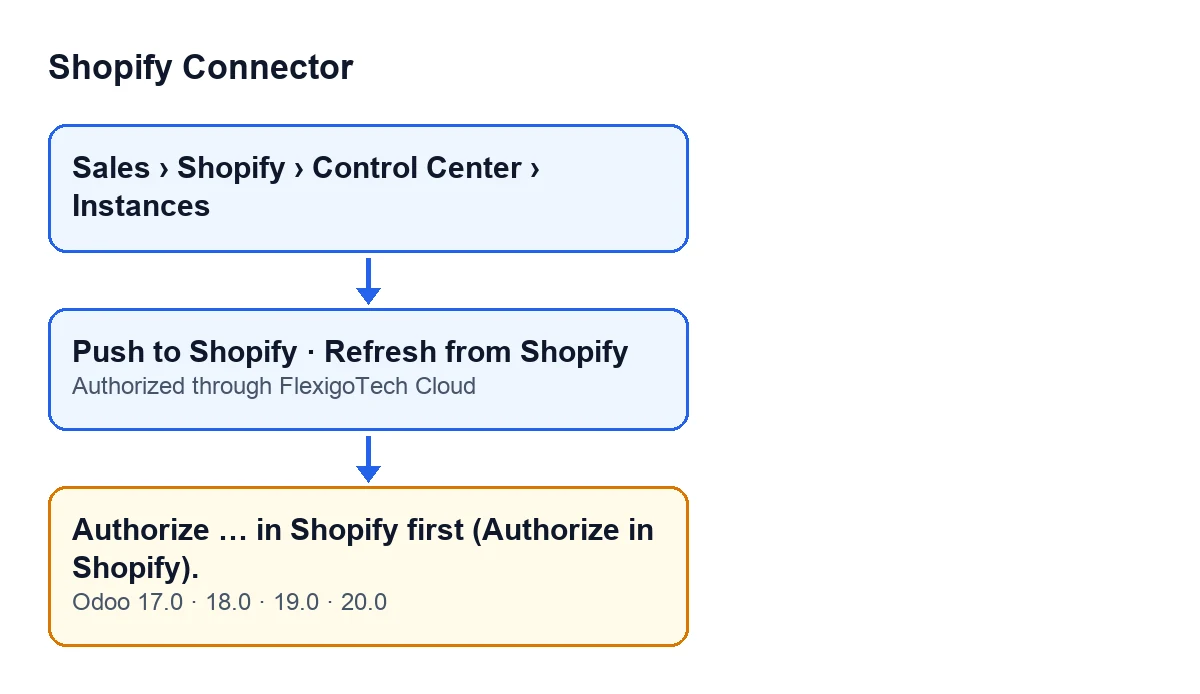
The full message is Authorize … in Shopify first (Authorize in Shopify). and, where the ellipsis is, Odoo puts the name it displays for the instance. It is an error: the action that triggers it stops.
It is raised by the check the module runs before calling an instance that works through FlexigoTech Cloud. The code of that check sums it up like this: a call of that kind needs the instance's app to be saved and authorised in FlexigoTech Cloud. The condition for this message is a single one: the Authorized through FlexigoTech Cloud field of the instance is empty. If it has a value, this part of the check raises nothing.
Two details about how it works:
- It is the second check in the method. The method runs another check on the same instance first, and only if that one does not stop the action does it get to this one.
- The method reads that state with administrator permissions, so the check is made whoever presses the button.
The code described here is that of Odoo 20.0; the message is also in the published code for Odoo 17, 18 and 19.

Which buttons can lead to it
According to the code, the message can appear when you press:
Push to Shopify, in the view of the Shopify product link.Refresh from Shopify, in the view of the Shopify order.
These buttons have no view condition: they are always visible in Odoo 17, 18, 19 and 20. That is why the button is there even if the instance is not authorised; the error appears when you press it.
With Odoo in Spanish, the second button is called Refresh from Shopify. The diagram below shows that label according to the language of Odoo.
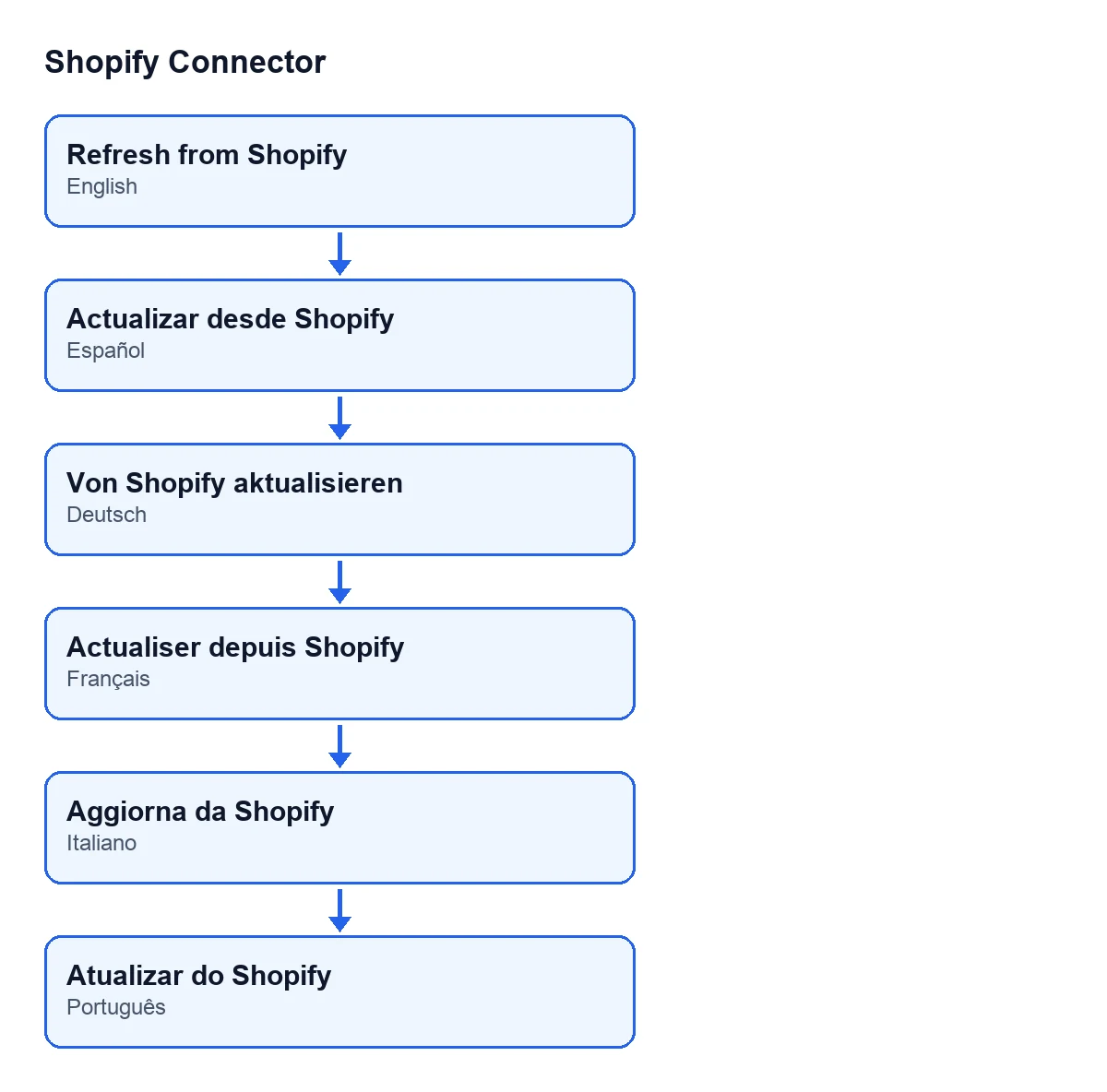
Refresh from Shopify in Spanish.A worked example: the Calima shop
Example Illustrative case: the company and its figures are made up to explain the flow.
Calima is an invented shop for this example. It has Shopify Connector installed and a Shopify instance created in Odoo, but nobody has yet completed its authorisation in Shopify.
- Someone on the sales team opens a Shopify order and presses
Refresh from Shopify. Odoo showsAuthorize … in Shopify first (Authorize in Shopify)., with the name of Calima's instance where the ellipsis is, and the action stops. - That person is not an administrator and cannot see the cloud state: the
Authorized through FlexigoTech Cloudfield is visible only to administrators, and read-only. They tell the administrator. - The administrator opens the menu
Sales › Shopify › Control Center › Instances, goes into the instance form and opens theOAuth & Credentialstab. The field is not there, which fits the error: the view hides it when it is empty. - They authorise the instance in Shopify, which is what the message asks for. The field is not typed in by hand: the module's code fills it. Once the field appears, with its date and time, it has a value and the error condition no longer holds.
- The salesperson goes back to the order and presses
Refresh from Shopifyagain: this check no longer stops the action.
What the example teaches
- The message is about the authorisation of the instance, not about the button: any of the buttons mentioned reaches the same check.
- Whoever sees the error cannot necessarily see the field, which is read-only and visible only to administrators.
- Pressing the button again changes nothing while the field is still empty; what needs fixing is the authorisation of the instance.
What to check after authorising
- As an administrator, open the instance form from
Sales › Shopify › Control Center › Instances. - On the
OAuth & Credentialstab, look at theAuthorized through FlexigoTech Cloudfield, inside theFlexigoTech Cloudgroup. With the default values it is not visible; it appears once it has a value, and the view also hides it when the instance does not work through FlexigoTech Cloud. - Repeat the action that had stopped.
- If the message comes back, remember that the field can be emptied: the
Delete my app from FlexigoTech Cloudbutton empties it, and so does another method of the module. With the field empty, the error condition is met again.
What the module costs
Shopify Connector costs €9 per Odoo version, for 17, 18, 19 and 20, as a one-off payment, excluding VAT. It also needs the FlexigoTech Cloud subscription: the Connector plan costs €49/month or €490/year, excluding VAT. The connection goes through FlexigoTech Cloud, which stores the credentials encrypted, monitors the synchronisation and sends an email if it fails.
How FlexigoTech can help
FlexigoTech implements Odoo 17, 18, 19 and 20 and develops custom connectors and integrations. If you have questions about authorising your instance or about how Shopify fits into your Odoo, get in touch.
Keep reading
Checked in the connector's source code (version 20.0) and the linked sources
Sources
- Module source code: flexigobe_shopify_connector 20.0 (c7078cd8): models/fgt_cloud.py
- Module source code: flexigobe_shopify_connector 20.0 (c7078cd8): views/shopify_product_binding_views.xml
- Module source code: flexigobe_shopify_connector 20.0 (c7078cd8): views/shopify_order_views.xml
- apps.odoo.com/apps/modules/17.0/flexigobe_shopify_connector
- apps.odoo.com/apps/modules/18.0/flexigobe_shopify_connector
- apps.odoo.com/apps/modules/19.0/flexigobe_shopify_connector
- apps.odoo.com/apps/modules/20.0/flexigobe_shopify_connector
- flexigotech.com/precios.html
- flexigotech.com/en/services.html