

 Español
 Català
 Deutsch
 Français
 Português
 Italiano
 Nederlands
 Polski
When the message appears and where from
What exactly does the message say and what causes it?
The text is Could not fetch Scrive templates: …. The dots stand for the text of the Scrive API error as the module picks it up. It is raised by the Scrive account action that brings in the templates, and it happens when the request to Scrive to list them ends with a Scrive API error. It is an error that stops the action.
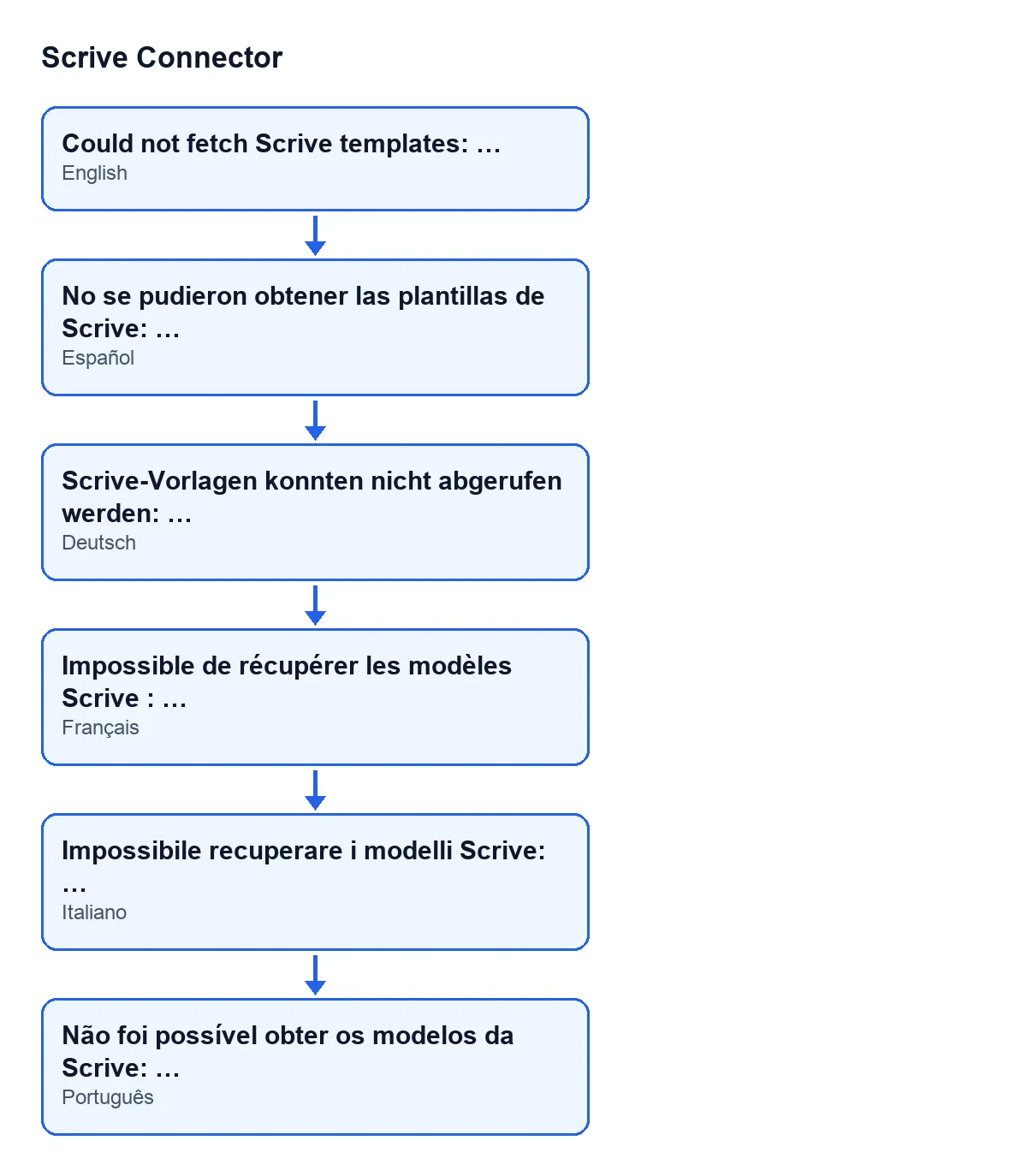
No se pudieron obtener las plantillas de Scrive: …. In German: Scrive-Vorlagen konnten nicht abgerufen werden: …. In French: Impossible de récupérer les modèles Scrive : …. In Italian: Impossibile recuperare i modelli Scrive: …. In Portuguese: Não foi possível obter os modelos da Scrive: ….At which exact point of the process is it raised?
According to the Odoo 20.0 code, the action does three things in this order. First it checks that you have the Scrive manager permission. Then it asks Scrive for the list of documents flagged as templates, page by page. Only if that request fails with a Scrive API error is the message raised, with the error text after the colon. Everything that would come next (creating, updating or deactivating templates in Odoo) is not run.
Which buttons can lead to it?
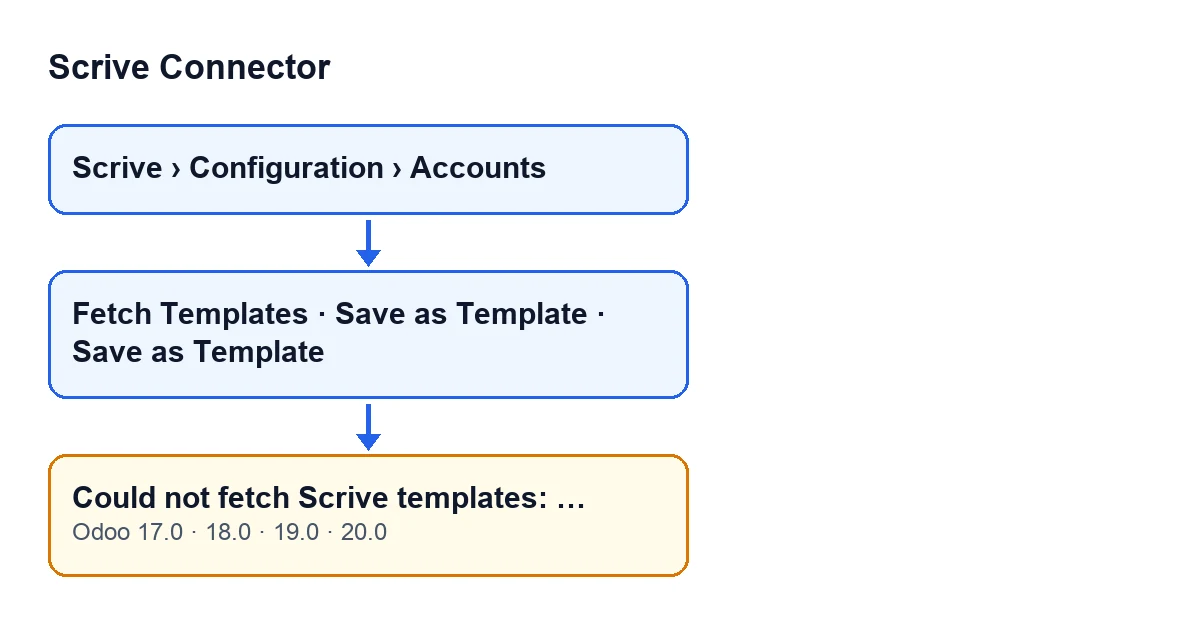
Two of them. The main one is Fetch Templates, on the Scrive account view, which opens from the menu Scrive › Configuration › Accounts. To see the Configuration part of the menu you need the Manager permission, and for the Scrive part, the User permission. The button is visible in Odoo 17, 18, 19 and 20, with no condition.
The second is Save as Template, on the form of a Scrive document: its action reaches the same account method that raises the message. That button is hidden when the document is not in the preparation state, so with the default values (draft) you do not see it. When you press it, Odoo asks for confirmation with this text: Save this document as a reusable Scrive template? This cannot be undone, and the document can no longer be sent for signature. Read it before accepting. The rest of that button is covered in this article on Save as Template.
What it means and how to fix it
What does the text after the colon mean?
It is the text of the Scrive API error that the module received when it asked for the list of templates. It is the useful part of the notice: copy it in full before closing it, because it is what you will need if you have to ask for help.
How do I fix it, step by step?
Copy the complete message, including what follows the colon. Open Scrive › Configuration › Accounts and check that you are on the account you meant to synchronise. Press Fetch Templates again and see whether the error comes back with the same text. If it does, you have a concrete Scrive API text to take to whoever supports the module for you.
Is anything lost or changed when the error appears?
No. The message is raised before the action creates, updates or deactivates any template, and an error of this kind stops the action without saving what it was going to change. The templates saved in Odoo stay as they were.
What if I get a permissions notice instead of this message?
That is a different case. The permission check comes before the request to Scrive: if you do not have the Scrive manager permission, the action stops without ever asking Scrive, and so without this message. Remember that the Configuration part of the menu also asks for Manager: without it you do not even see it.
What happens when fetching does work
What does the action do when there is no error?
It stores the account's templates in Odoo for the send wizard. For each template document Scrive returns, it creates the template in Odoo or updates the one that already existed, with the title it has in Scrive (or Untitled template if it has none), and leaves it active. Templates of that account that no longer appear in Scrive are deactivated. When it finishes, Odoo shows the notice Templates synchronised with the text … Scrive template(s) available., where the dots are the number of templates obtained.
Does anything change depending on the Odoo version?
The message is in the published code of Odoo 17, 18, 19 and 20, and the Fetch Templates button is visible with no condition in all four. The module is published on Odoo Apps for 17, 18, 19 and 20; you can see it on its Odoo Apps listing.
When is it worth asking for help?
If, after pressing Fetch Templates again, the same error text keeps appearing, send us the complete message. FlexigoTech implements Odoo 17, 18, 19 and 20 and builds custom connectors and integrations. There is more about the module on its page at flexigotech.com.
Keep reading
Checked in the connector's source code (version 20.0) and the linked sources
Sources
- Module source code: flexigobe_scrive_connector 20.0 (442af8bf): models/scrive_account.py
- Module source code: flexigobe_scrive_connector 20.0 (442af8bf): views/scrive_account_views.xml
- Module source code: flexigobe_scrive_connector 20.0 (442af8bf): views/scrive_document_views.xml
- apps.odoo.com/apps/modules/20.0/flexigobe_scrive_connector
- flexigotech.com/en/services.html