

 Español
 Català
 Deutsch
 Français
 Português
 Italiano
 Nederlands
 Polski
When the button appears
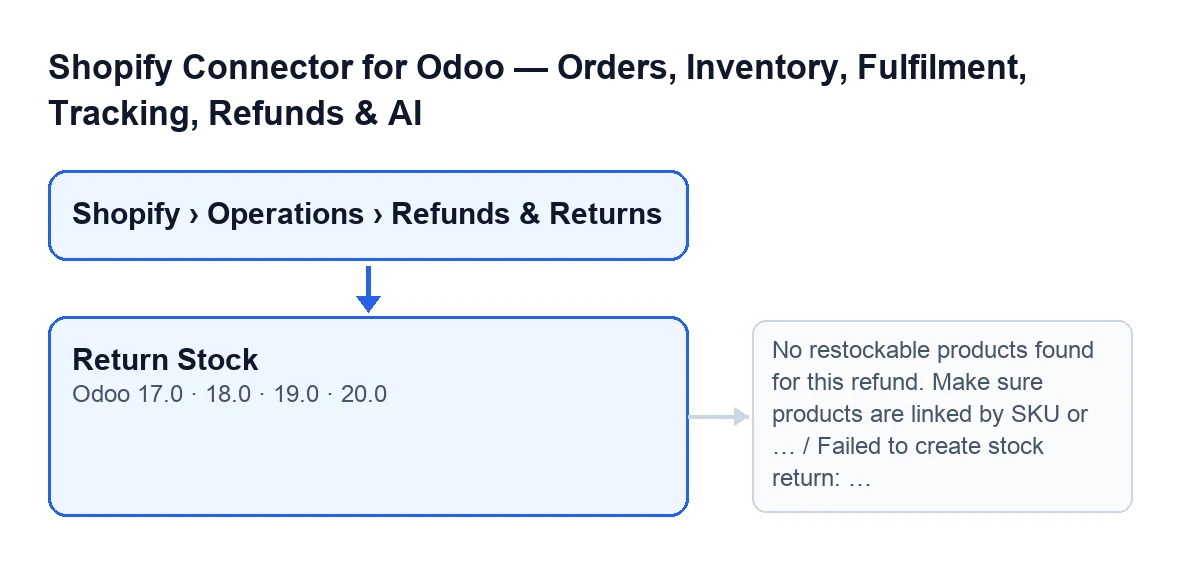
The Return Stock button is on the Shopify Refunds screen, opened from Shopify › Operations › Refunds & Returns. To see the Shopify and Operations parts of the menu you need the Viewer permission.
The condition is the same in Odoo 17, 18, 19 and 20: the button is hidden unless the Stock Return field is pending, under review or failed. With the field's default values you do not see it. It does not depend on the refund's State field, which is a different one and takes the values Draft, Credit Note Created, Ignored and Failed.
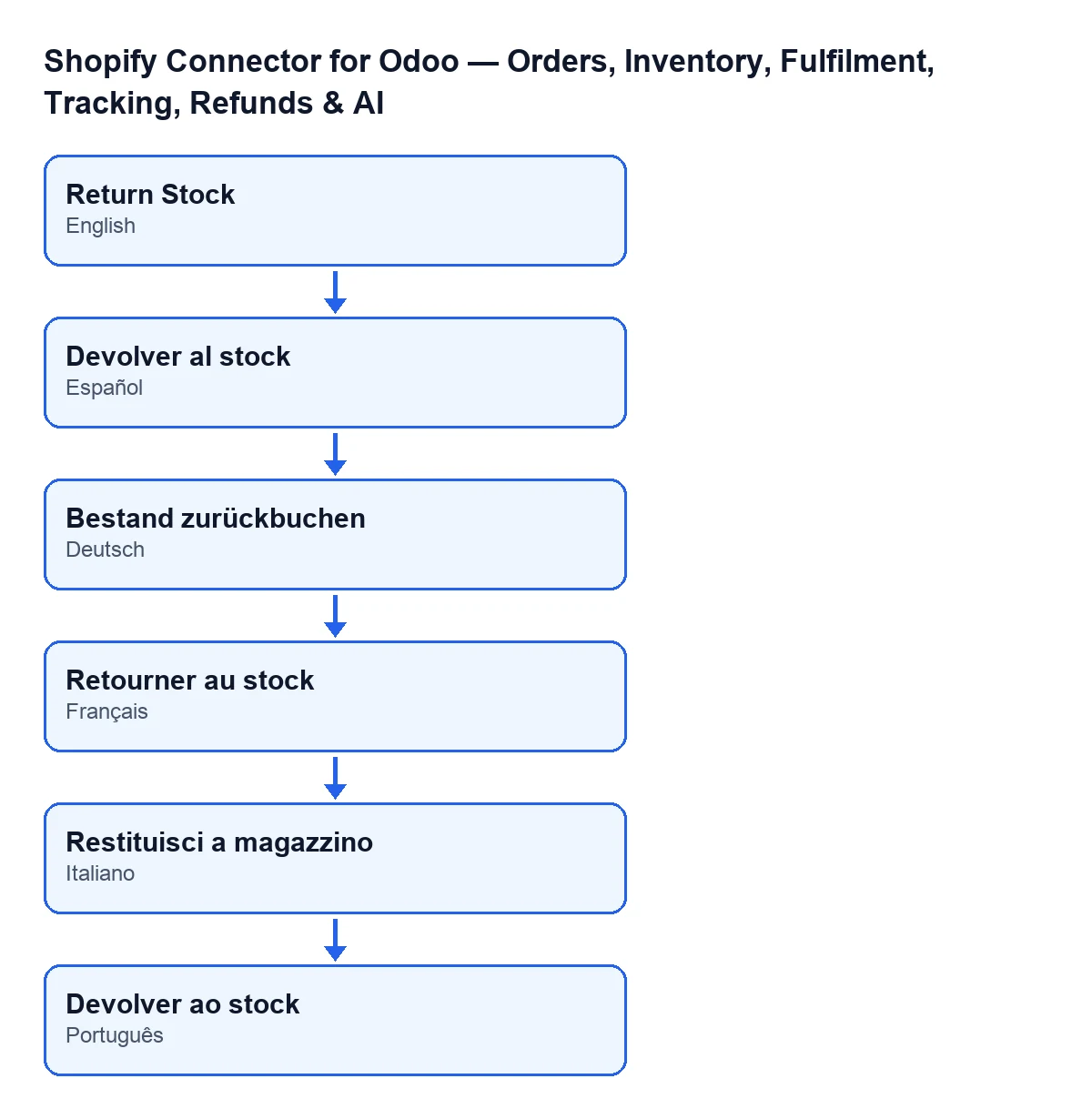
The module also ships translations of the button into other languages.

A case from start to finish
Example Illustrative case: the company and its figures are made up to explain the flow.
Velas del Sur is an invented shop that sells through Shopify and runs its warehouse in Odoo with the connector. A customer sends back some candles and the Shopify refund, with products to restock, is already in Odoo. The warehouse person opens it and presses Return Stock. This is what the button does, in this order:
- If the stock return had failed but its return transfer had already been validated, it accepts it as done: it marks the stock return as done and clears the error. If it was already done, it opens that transfer and does nothing else.
- It reads the refund's restock lines and skips those with a zero or negative quantity. For each one it looks for the Odoo product by Shopify variant ID and, failing that, by SKU, within the company of the instance. Lines it cannot resolve are left out and the return carries on with the rest.
- If no line ends up resolved, it stops with the first message in the errors section and creates nothing.
- If the refund has a
Sale Orderwith validated outgoing deliveries, it works from those; if not, it makes a manual return. - It creates the transfer, confirms it, reserves it, sets the requested quantity as done and validates it directly.
- It records the result and opens the transfer it created.
When the order has already left the warehouse
The Sale Order field is on the form, in the Amounts group. If there are validated deliveries, the button works out what is left to return of each product: what Shopify restocked for that order across all its refunds, less what has already come back in returns that are not cancelled (including one made from Odoo), and never more than was delivered. It splits that quantity across the deliveries, oldest first, and creates one validated return for each; according to the code, if one fails they are all undone.
The transfer runs from the delivery's destination location to its source location, takes the contact over and is linked to the delivery, which counts it as returned. If a return made from Odoo was only partial, the button deducts what has already come back and creates the transfer for the rest. If nothing is left to return because Odoo already returned it all, the button marks the stock return as done, leaves the note Shopify refund …: nothing left to return from this delivery, Odoo already returned it. on the delivery and opens that delivery.
When there is no delivery to start from
If the refund has no sale order, or no validated outgoing delivery, the button creates a manual incoming transfer from the customers location to the stock location of the warehouse of the Shopify instance. If the instance has no warehouse, it looks for one in its company. It uses an incoming operation type of that warehouse, and the moves carry the description Return: … with the product name.
What changes at the end
The stock return is marked as done and the Return Transfer field (in the Amounts group, hidden while empty) points to the first transfer created. All of them carry the origin Shopify Refund … with the refund's name. Each transfer gets the note Stock returned from Shopify refund …. Transfer: … in its chatter; if the return comes from a delivery, the delivery receives Shopify refund …: returned in …. Then the button opens the first transfer.
The messages that can stop it
| Message | When it appears | What to do |
|---|---|---|
No restockable products found for this refund. Make sure products are linked by SKU or Shopify variant ID. | On pressing Return Stock, when no restock line resolves to an Odoo product. | Link the products by SKU or Shopify variant ID, as the message itself says, and press again. |
Failed to create stock return: … | On pressing Return Stock, when something fails while creating or validating the return. The reason follows the colon. | Read the reason, fix the cause and press again: the button is also visible while the stock return is failed. |
The second message wraps failures during creation. The code allows, for example, for the transfer not being validated because validation opens a wizard (for partial deliveries, say) instead of finishing. In that case the return counts as failed. When it fails, the code marks the stock return as failed before raising the message.
What to take from the case
- Before pressing, check that the refund's products are linked by Shopify variant ID or SKU: that is all the button uses to find them.
- Look at the transfer that opens at the end: it holds the note with the refund and transfer names.
- With several refunds on the same order, what has already been returned is deducted; the quantity never exceeds what was delivered.
- A return made earlier from Odoo counts: it is deducted from what is left to return and, if Odoo already returned it all, the button does not create a second transfer and records it on the delivery.
Cost and help from FlexigoTech
The module (Odoo Apps listing, page on flexigotech.com) is published for Odoo 17, 18, 19 and 20. It is a one-off payment per version and needs the FlexigoTech Cloud subscription, Connector plan: €49/month or €490/year excluding VAT. The connection goes through FlexigoTech Cloud, which stores the credentials encrypted, watches the synchronisation and emails you if it fails.
FlexigoTech implements Odoo 17, 18, 19 and 20 and builds custom connectors and integrations. If you work with Shopify stock in Odoo, see also what the «Get stock» button does.
Keep reading
Checked in the connector's source code (version 20.0) and the linked sources
Sources
- Module source code: flexigobe_shopify_seller_connector 20.0 (d7e627b4): views/shopify_refund_views.xml
- Module source code: flexigobe_shopify_seller_connector 20.0 (d7e627b4): models/shopify_refund.py
- apps.odoo.com/apps/modules/20.0/flexigobe_shopify_seller_connector
- flexigotech.com/precios.html
- flexigotech.com/en/services.html