

 Español
 Català
 Deutsch
 Français
 Português
 Italiano
 Nederlands
 Polski
Where the button is and when it appears
Where do I find Retry?
It is on the Shopify Refunds screen. That screen opens from the menu Sales › Shopify › Operations › Refunds. From there you open the refund record, where the button shows up when it applies.
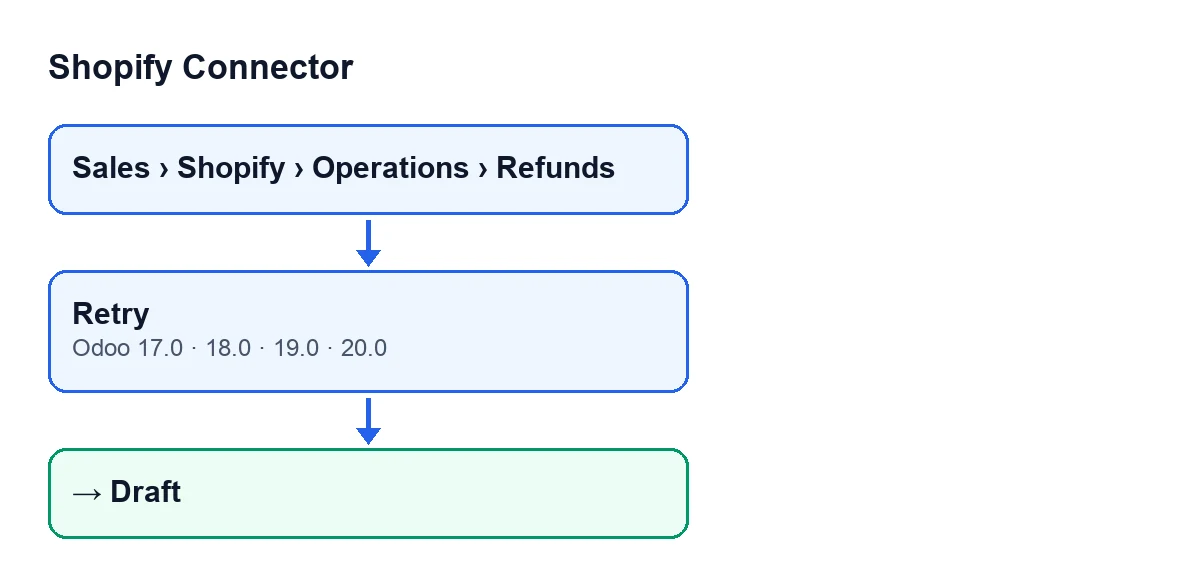
Retry button (Odoo 17, 18, 19 and 20) and the Draft state it leaves the record in. Labels are in English, the module's original text.Why can't I see the button on a refund?
Because the button is hidden whenever the state is anything other than Failed. A new refund starts in Draft, the default value, and with that value the button is not shown. For it to appear, the record has to be in Failed. The state is held in the State field, which you can see on the record and in the Shopify Refunds list.
Is it there in every Odoo version?
Yes. The button is in all the published branches (17, 18, 19 and 20) and the condition that hides it is the same in all four. The code described below is the published code for Odoo 20.0.
Can I press it again if the refund fails again?
The button is shown every time the record is in Failed, so it comes back as soon as the refund returns to that state.

What it does when you press it, step by step
What does the button check before changing anything?
Only the state. Out of the refunds it runs on, it keeps those in Failed. Records in any other state are left as they are.
What exactly changes on the record?
The method does the following, in this order:
- It filters the refunds and keeps only those in
Failed. - For those, it writes the
Draftstate and empties any error message they had stored. - It returns true.
The button's code ends there. It simply puts the record back to Draft and clears the error; what happens to the refund afterwards is not part of the button.
Does the button send anything to Shopify?
According to its code, no: it only writes the Draft state, empties the error message and returns true. There is no other action in it.
Do I lose the error message?
Yes, it is emptied when you press. If you need that text to investigate or to pass on to someone, save it before pressing Retry.
What errors can the button give?
The button's code writes the state and the empty message and returns true; it raises no error message of its own. The change you will see on the record is the state moving to Draft.
What should I check after pressing it?
Look at the State field, on the record or in the Shopify Refunds list: it should read Draft. Since the button is hidden for any state other than Failed, it will also have disappeared from that record.
States, languages and cost
What states can a refund have?
The State field has these values:
Draft: the default value.Credit Note Created.Ignored.Failed: the only one in whichRetryis shown.
Refunds in Credit Note Created or Ignored do not show the button, and neither do those in Draft.
What is the button called in other languages?
With Odoo in English it is Retry. The diagram below shows how that text appears in other languages.
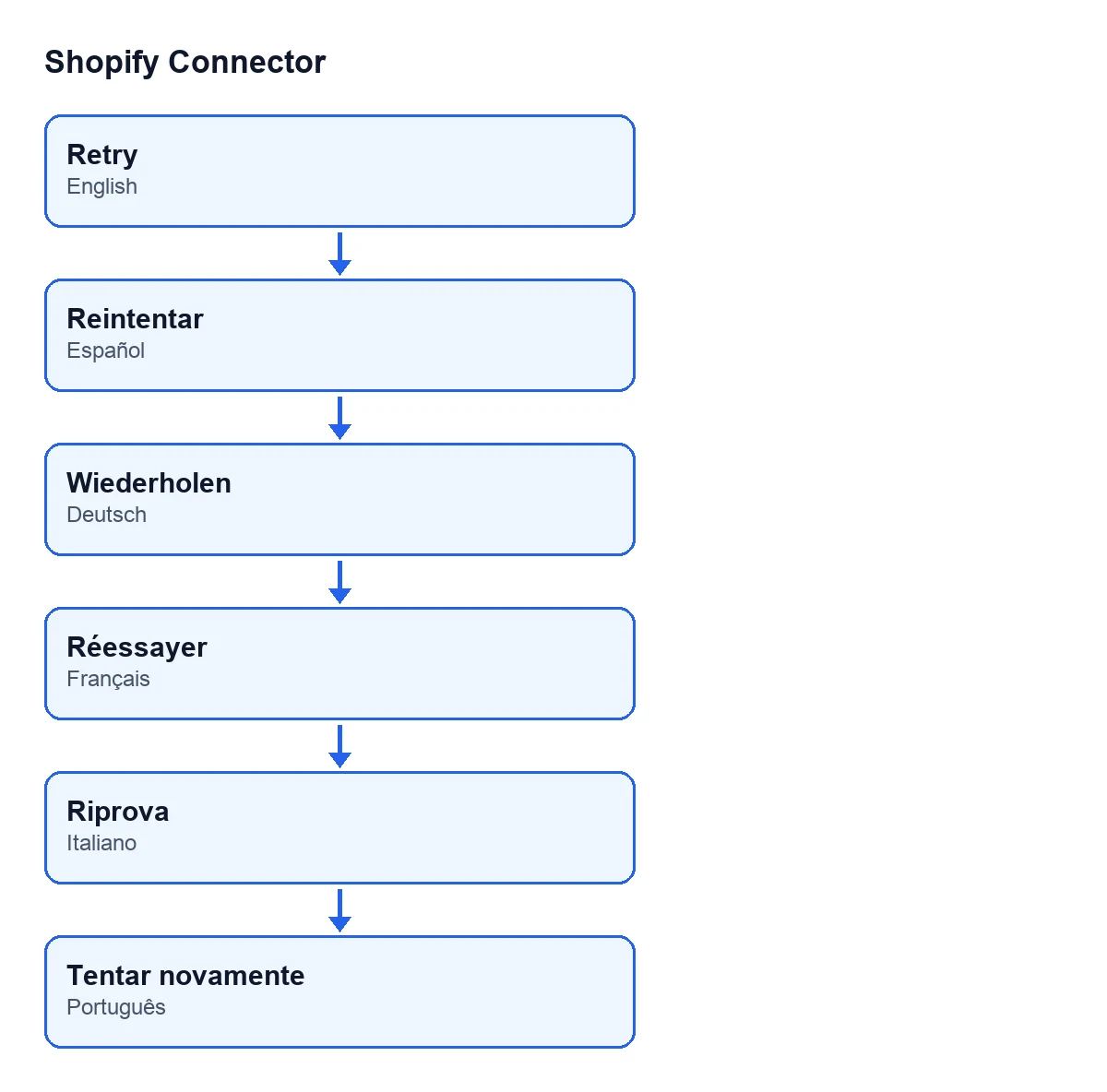
Retry in Spanish (Retry), German (Wiederholen), French (Réessayer), Italian (Riprova) and Portuguese (Tentar novamente).How much does it cost to have this button?
Shopify Connector costs €9 per Odoo version, one-off payment and excluding VAT, for 17, 18, 19 and 20. The module also needs a FlexigoTech Cloud subscription: the Connector plan is €49 a month or €490 a year excluding VAT, with up to 3 accounts on the platform.
Other buttons in the module and help with implementation
If you are implementing Odoo and want to connect Shopify, FlexigoTech implements Odoo 17, 18, 19 and 20 and builds connectors and custom integrations.
Keep reading
Checked in the connector's source code (version 20.0) and the linked sources
Sources
- Module source code: flexigobe_shopify_connector 20.0 (c7078cd8): views/shopify_refund_views.xml
- Module source code: flexigobe_shopify_connector 20.0 (c7078cd8): models/shopify_refund.py
- apps.odoo.com/apps/modules/20.0/flexigobe_shopify_connector
- apps.odoo.com/apps/modules/17.0/flexigobe_shopify_connector
- apps.odoo.com/apps/modules/18.0/flexigobe_shopify_connector
- apps.odoo.com/apps/modules/19.0/flexigobe_shopify_connector
- flexigotech.com/precios.html
- flexigotech.com/en/services.html