

 Español
 Català
 Deutsch
 Français
 Português
 Italiano
 Nederlands
 Polski
Before you press it: what Odoo already tries on its own
The button is the manual route. The same repair is also launched by the scheduled task Amazon SP-API - Auto-repair queue v2, which runs every 3 minutes and is active on install. It goes through the active listings of an account that are in an error state and, when the issue concerns unit_count, it runs the repair that the button runs. The difference: if Amazon accepts the submission but there is still no final status, the task does not stop with a warning; it schedules a retry if the background retries checkbox is on.
- Check that the task
Amazon SP-API - Auto-repair queue v2is still active.
- On an account's form (
Accounts), in theCatalog & Listingstab, inside theAuto-repair Listing Errorsgroup, look at the checkboxRepair retries run in the background (opt-in). It is on by default and its help reads: `Enables queued retries for transient errors (e.g.
- Bear in mind that this automatic error repair only acts on listings whose ASIN was read from Amazon; the others are noted as not repaired automatically.

When it appears and who can press it
- Go to
Amazon › Catalog › Listings. Each part of the menu asks for theViewerpermission.
- Open a listing: the
Repair Listing Issuebutton is on theListingsscreen and is always visible, with no state condition, in Odoo 17, 18, 19 and 20.
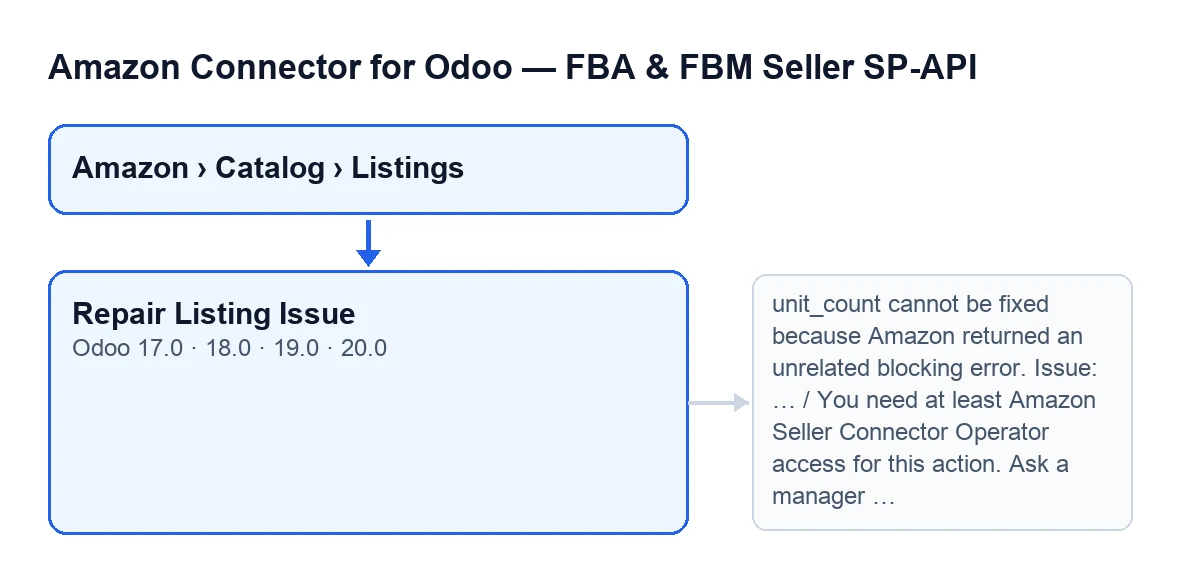
Repair Listing Issue button and two of the messages that stop it (drawn from code, not an Odoo screenshot).- Check your access. The button needs at least Operator access to the connector; without it you get
You need at least Amazon Seller Connector Operator access for this action. Ask a manager to grant Operator or Manager access.The code also requires that you can write to that listing.
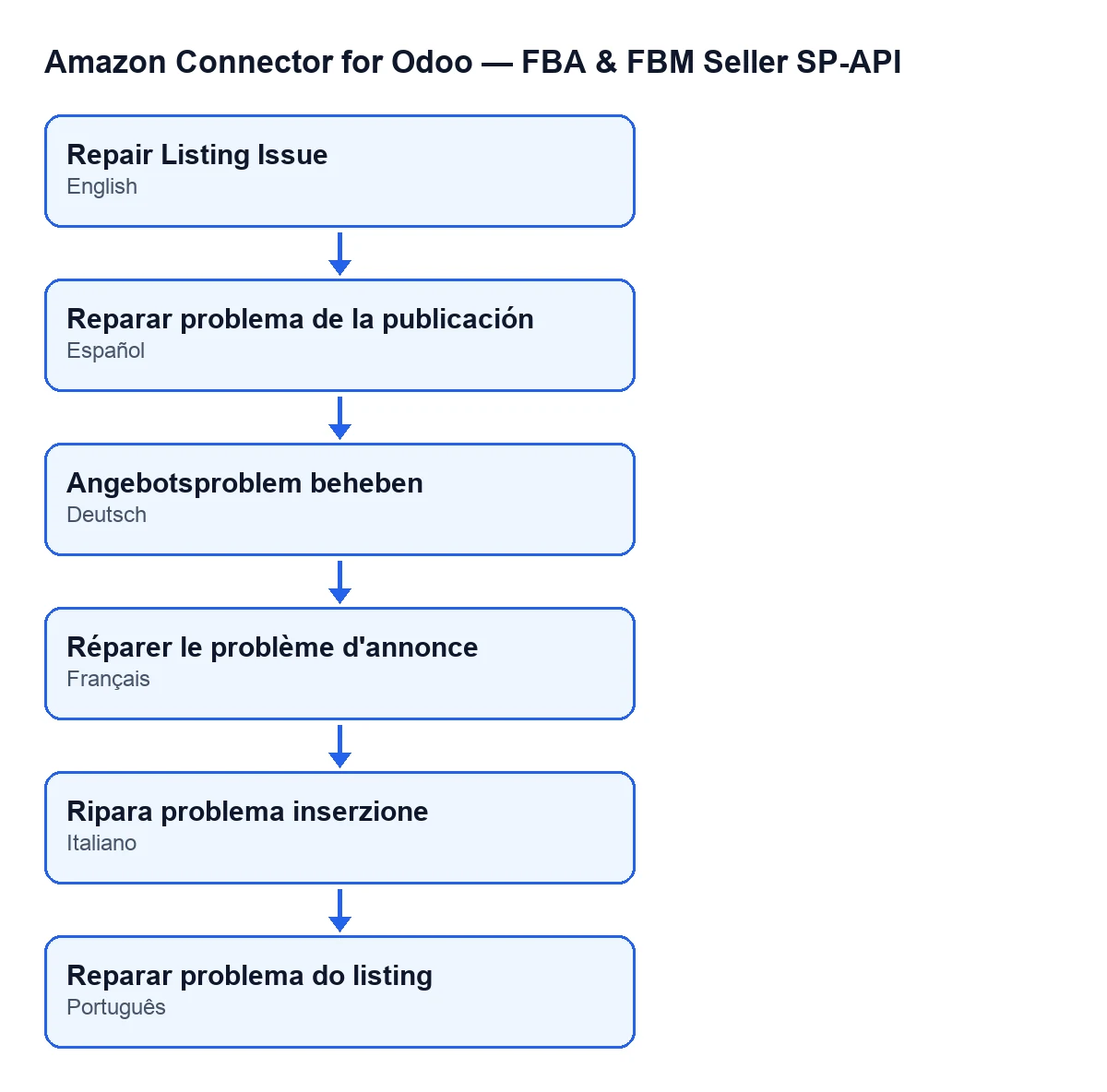
Repair Listing Issue; in German, Angebotsproblem beheben; in French, Réparer le problème d'annonce; in Italian, Ripara problema inserzione; in Portuguese, Reparar problema do listing (a diagram, not an Odoo screen).- Press the button and read the confirmation:
Amazon listing repair may change catalog attributes such as unit_count. Continue?Accepting means the listing may change on Amazon.
What the button checks, in order
In Odoo 20.0, the button works through these checks in this order:
- That the listing has a linked Odoo product. If not, it stops with
Binding has no linked Odoo product.
- That there is an Amazon product type. If the listing has none, the button reads it from Amazon; if there is still none, it stops with
Could not detect product_type for SKU …. Fill in Amazon Product Type manually on the binding.
- That attributes are loaded. If the field in the
Catalogtab,Catalog Payloadgroup (shown without a label, only its content) is empty, the button loads the attributes from Amazon.
- Which values Amazon allows. The module asks Amazon for the product type definition and tries to extract from it the values allowed for
unit_count.
What changes on each attempt
- The button sends Amazon a replacement of the
unit_countattribute. It starts from the listing's currentunit_countvalue, tries combinations of type and value one by one, and stops at a maximum of 180.
- It stores each Amazon response (submission, status, issues). The listing's state becomes error if Amazon returns a blocking error and active if not.
- After a submission with no blocking error, it reads the listing again every 5 seconds, for up to 40 seconds, to see whether the
unit_countissue has gone.
- If it has gone, it saves the combination in the attributes content in your Odoo and shows a success notification:
unit_count fixed and verified for … after … attempt(s). Type: … | value: ….
- If Amazon keeps rejecting it, it moves on to the next combination.
- If, when the wait ends, there is still no final status, the button does not assume it is fixed and warns you of that. With the retries checkbox on, it tries to schedule an automatic retry.
- If no combination works, it tries to remove
unit_countfrom the listing. If Amazon accepts that and no errors remain on re-reading, the button reports success withunit_count removed and listing sanitized for … after … repair attempt(s). ….
- If that does not fix it either, the button stops with
Could not fix unit_count for … after … attempt(s). Last error: …. With the retries checkbox on and at least one attempt made, it may schedule a retry; when it does, the message ends withAn automatic retry was queued in the auto-repair queue.If the maximum number of retries has been exceeded, it does not schedule one and that line does not appear.
Errors it can give when pressed
You need at least Amazon Seller Connector Operator access for this action. Ask a manager to grant Operator or Manager access.: you lack access; ask whoever manages permissions.
Binding has no linked Odoo product.: link an Odoo product to the listing and try again.
Could not detect product_type for SKU …. Fill in Amazon Product Type manually on the binding.: do what the message says.
unit_count cannot be fixed because Amazon returned an unrelated blocking error. Issue: …: Amazon's response carries a blocking error other thanunit_count. The button stops and does not keep trying values.
- If that error concerns images or media, the button first tries to clean the
compliance_mediaentries with a temporary or expired URL. If it manages, it carries on with the next attempt. If not, it stops with a different message:unit_count cannot be fixed because Amazon returned a media error unrelated to unit_count., followed by the issue and, where there is one, the affected URL.
After pressing it
- In the listing's
Issuestab, inside theRepair Queuegroup, look at the read-only checkboxAuto Repair Retry Pending. It is ticked when a repair retry is scheduled: theRepair Listing Issuebutton does so if it schedules one, and so do other routes, such as the taskAmazon SP-API - Auto-repair queue v2, thePush StockandRun Auto-repair Errorsbuttons, or saving a product record. It is cleared by other actions: theDetect Channel,Preview Catalog,Preview Offer,Publish CatalogandPush Offerbuttons, saving a product record, and the auto-repair queue task when it processes the queue.
How FlexigoTech can help
The module is published on Odoo Apps for 17.0, 18.0, 19.0 and 20.0, and the connection goes through FlexigoTech Cloud, which monitors synchronisation and emails you if it fails. If you need to implement Odoo with this connector or a custom integration, FlexigoTech implements Odoo 17, 18, 19 and 20 and builds connectors. See the module page and its Odoo Apps listing.
Keep reading
Checked in the connector's source code (version 20.0) and the linked sources
Sources
- Module source code: flexigobe_amazon_seller_connector 20.0 (8576afa5): views/amazon_spapi_product_binding_views.xml
- Module source code: flexigobe_amazon_seller_connector 20.0 (8576afa5): models/amazon_spapi_product_binding.py
- Module source code: flexigobe_amazon_seller_connector 20.0 (8576afa5): models/amazon_spapi_account.py
- Module source code: flexigobe_amazon_seller_connector 20.0 (8576afa5): models/amazon_spapi_new_product.py
- apps.odoo.com/apps/modules/20.0/flexigobe_amazon_seller_connector
- flexigotech.com/en/services.html
- flexigotech.com/precios.html