

 Español
 Català
 Deutsch
 Français
 Português
 Italiano
 Nederlands
 Polski
What the message says and when it appears
The action stops with Picking must be done before sending Shopify fulfillment. when the picking is not in the Done state. It is the first check in the method that sends the fulfillment: before looking up the Shopify instance and before talking to Shopify, the code compares the picking state with Done and, if it is anything else, raises the error.
Because the error stops the action, nothing that the send was going to write on the picking is saved. The message can appear when you press the Send Shopify Fulfillment button on the picking form. It is in the published code of Odoo 17.0, 18.0, 19.0 and 20.0; the method code described here is the one from Odoo 20.0.
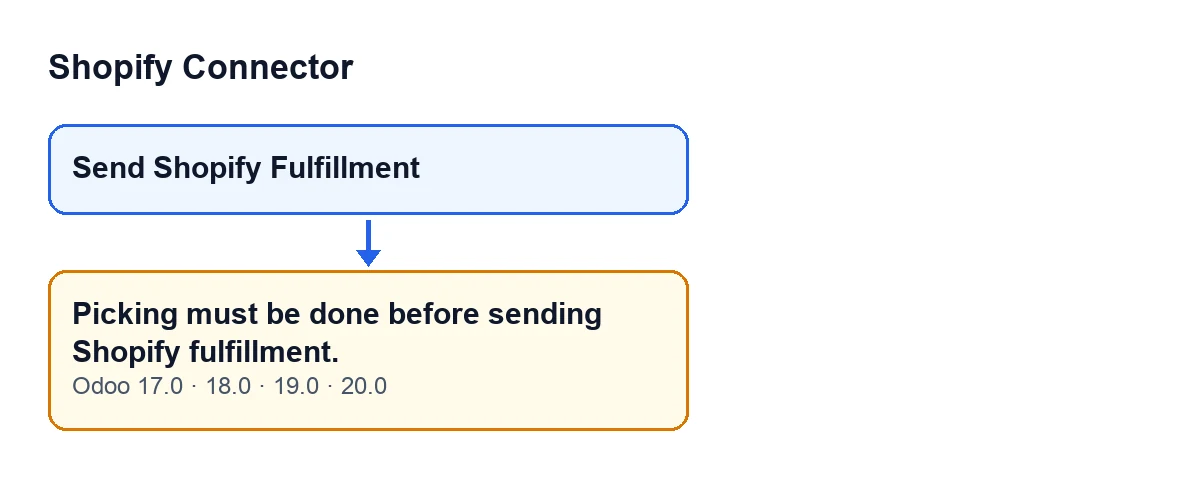
Send Shopify Fulfillment button and the message the method gives (Odoo 17.0, 18.0, 19.0 and 20.0), with the English labels from the code.
The same rule, seen from the button
The Send Shopify Fulfillment button is hidden when the picking does not belong to a Shopify order or when its state is not Done. The condition is the same in Odoo 17.0, 18.0, 19.0 and 20.0. In other words:
| Picking | Is the button visible? |
|---|---|
From a Shopify order and in the Done state | Yes |
| From a Shopify order and in any other state | No |
| Not from a Shopify order | No |
The button and the message therefore share the same requirement: to send the fulfillment, the picking has to be in Done.
A case: the shop that cannot find the button
Example Illustrative case: the company and its figures are made up to explain the flow.
Cerámica Ejemplo, an invented shop, sells through Shopify and runs its warehouse in Odoo. Marta, who prepares the shipments, opens the picking of a Shopify order intending to send the fulfillment. She looks for Send Shopify Fulfillment and it is not there.
She checks the picking state: it is not Done yet. With the view condition, that is the explanation: while the state is anything else, the button stays hidden. And if the method were run with the picking in that state, the message above would appear and nothing would be saved.
Marta completes the delivery in Odoo until the picking reaches Done. Now the button appears. She presses it, and the method looks up the Shopify instance linked to the sales order, calls Shopify to create the fulfillment, saves the data it returns on the picking and leaves a message on the picking.
What the case shows:
- The state is the first thing checked, before any call to Shopify.
- A missing button does not mean something is failing: it may simply be that the picking is not in
Done. - If the picking is in
Doneand the button is still hidden, the other part of the condition applies: the picking does not belong to a Shopify order.
How to fix it, step by step
- Open the picking and look at its state.
- If it is not
Done, complete the delivery in Odoo until it is. That is what the code condition asks for. - With the picking in
Done, check thatSend Shopify Fulfillmentappears. If it does not, the picking does not belong to a Shopify order according to the view condition. - Press
Send Shopify Fulfillment. - Review the picking: if the send succeeds, the method saves on it the fulfillment data returned by Shopify, clears the previous error and leaves a message on the picking.
If a different message appears after this check is passed, it is no longer this one: the method goes on with other checks and with the call to Shopify, and each has its own message.
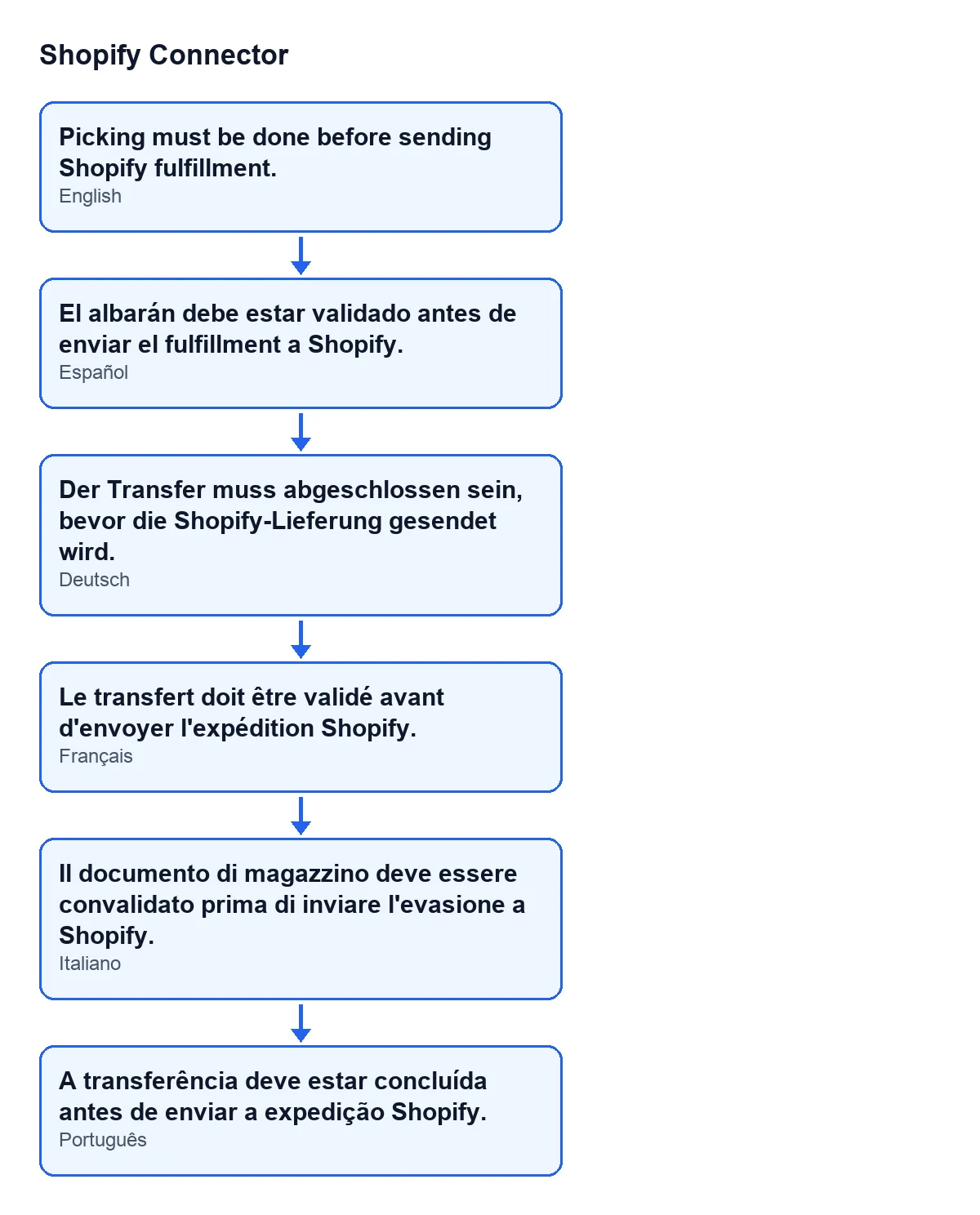
Picking must be done before sending Shopify fulfillment.; the diagram also shows its text in Spanish, German, French, Italian and Portuguese.Requirements and price
Shopify Connector is a one-off purchase per version: €9 per Odoo version, for 17.0, 18.0, 19.0 and 20.0, excluding VAT, on the Odoo Apps listing. It also needs a FlexigoTech Cloud subscription: the Connector plan costs €49/month or €490/year excluding VAT. More on the Odoo Apps listing.
Other buttons in the module
If you need a hand
FlexigoTech implements Odoo 17, 18, 19 and 20 and builds custom connectors and integrations. If your picking and shipping flow with Shopify needs something the module does not cover, we can look at it with you.
Keep reading
Checked in the connector's source code (version 20.0) and the linked sources
Sources
- Module source code: flexigobe_shopify_connector 20.0 (c7078cd8): models/stock_picking.py
- Module source code: flexigobe_shopify_connector 20.0 (c7078cd8): views/stock_picking_views.xml
- apps.odoo.com/apps/modules/20.0/flexigobe_shopify_connector
- apps.odoo.com/apps/modules/17.0/flexigobe_shopify_connector
- apps.odoo.com/apps/modules/18.0/flexigobe_shopify_connector
- apps.odoo.com/apps/modules/19.0/flexigobe_shopify_connector
- flexigotech.com/precios.html
- flexigotech.com/en/services.html