

 Español
 Català
 Deutsch
 Français
 Português
 Italiano
 Nederlands
 Polski
How to read a Pay Equity Base message
The module's messages explain what is missing. Several include the regulation the module links the check to: the GDPR (GDPR), RD 902/2020 or Directive 2023/970. That reference is what the module puts in its message. We do not treat it as legal interpretation here: we simply explain what the app needs before it lets you save or move on.
You can group them into four families: those protecting employee data, those guarding the access log, those controlling the order of states and those validating numbers and dates.
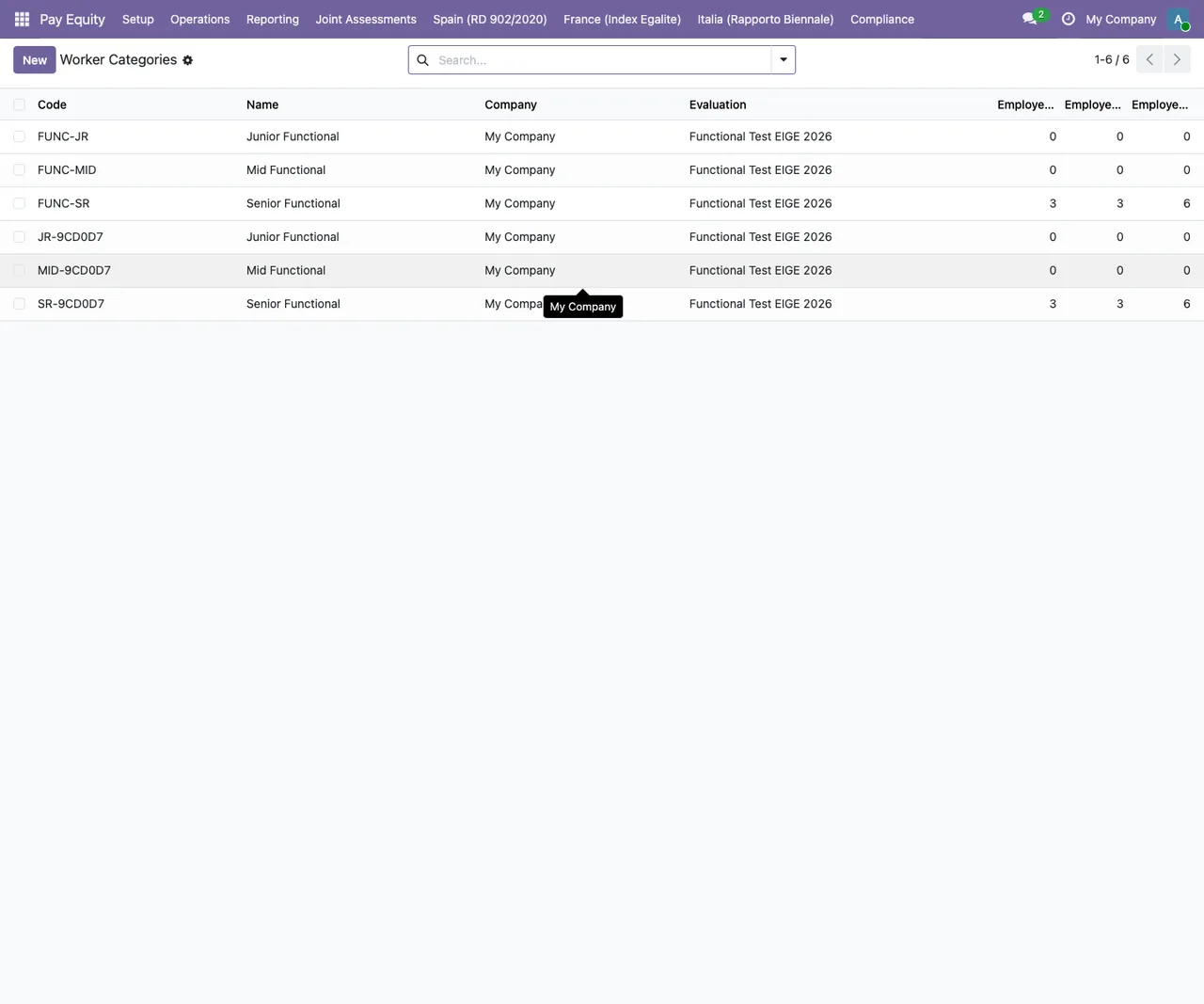
Pay Equity › Worker Categories with test data, linked to the Functional Test EIGE 2026 evaluation.Every message, when it appears and what to do
| Message | When it appears | What to do |
|---|---|---|
Excluding an employee from pay equity calculations requires documenting a reason (Art. 12 GDPR purpose limitation). | When you exclude an employee from pay equity calculations without documenting the reason. | Write the reason for the exclusion and save again. |
Access log entries cannot be modified (GDPR audit trail integrity). | When you try to modify an access log entry. | Discard the edit: entries cannot be changed. |
Access log entries cannot be deleted (GDPR audit trail). Use retention policy via wizard. | When you try to delete an access log entry. | Do not delete it by hand: the message itself points you to the retention policy via the wizard. |
Thresholds must be positive integers. | When you save a threshold that is not a positive whole number. | Enter a whole number greater than zero. |
Factor weight must be positive. | When you give a factor a weight that is not positive. | Give the factor a weight greater than zero. |
EIGE factor level must be between 1 and 5. | When you set an EIGE factor level outside the 1 to 5 range. | Choose a level between 1 and 5. |
Factor level points cannot be negative. | When you enter negative points on a factor level. | Use zero or a positive value. |
Point score min must be less than or equal to max. | When the minimum point score is higher than the maximum. | Adjust both values so the minimum does not exceed the maximum. |
Valid To date must be after Valid From date. | When the Valid To date is not later than Valid From. | Set a Valid To date later than Valid From. |
K-anonymity threshold cannot be below 3 (GDPR minimum). | When you set a k-anonymity threshold below 3. | Raise the threshold to 3 or more. |
Can only move to Consulting from Draft state. | When you move a record to Consulting that is not in Draft. | Check the state: the move to Consulting only happens from Draft. |
Can only Approve from Consulting state. | When you approve a record that is not in Consulting. | Move it to Consulting first, then approve. |
Message citing Art. 4 RD 902/2020 and ending in Adequacy, Totality, and Objectivity principles must be verified before approving a job evaluation system. | When you approve a job evaluation system without those three principles being verified. | Verify the adequacy, totality and objectivity principles and approve again. |
Message citing Art. 6(3) Directive 2023/970 and continuing with must consult workers' representatives (state 'consulting') before publishing pay criteria. | When you publish pay criteria without having gone through the consulting state. | Take the record to the consulting state for the consultation with workers' representatives, then publish. |
State warnings: from Draft to Consulting and then to approval
Three messages describe a fixed order. A record moves to Consulting only from Draft, and it can only be approved from Consulting. If you try to skip a step, the module tells you which state the action is allowed from.
On top of that order, the module adds two conditions. To approve a job evaluation system it requires the Adequacy, Totality, and Objectivity principles to be verified, and its message links this to article 4 of RD 902/2020. To publish pay criteria it requires the record to have gone through the consulting state, which the message ties to consulting workers' representatives, and links this to article 6(3) of Directive 2023/970.
When one of these warnings appears, start by checking which state the record is in. If you try to approve something still in Draft, the message you will see is Can only Approve from Consulting state.: the fix is to move it to Consulting first.
Approved state.The access log and excluding employees
Two messages protect the access log: its entries cannot be modified or deleted, and the module presents this as GDPR audit trail integrity. To remove entries, the message itself shows the way: the retention policy via the wizard.
Excluding an employee from pay equity calculations has its own check too. The module will not accept it without a documented reason, and its message links this to article 12 of the GDPR and purpose limitation. Along the same lines, the k-anonymity threshold cannot go below 3, which the module presents as the GDPR minimum.
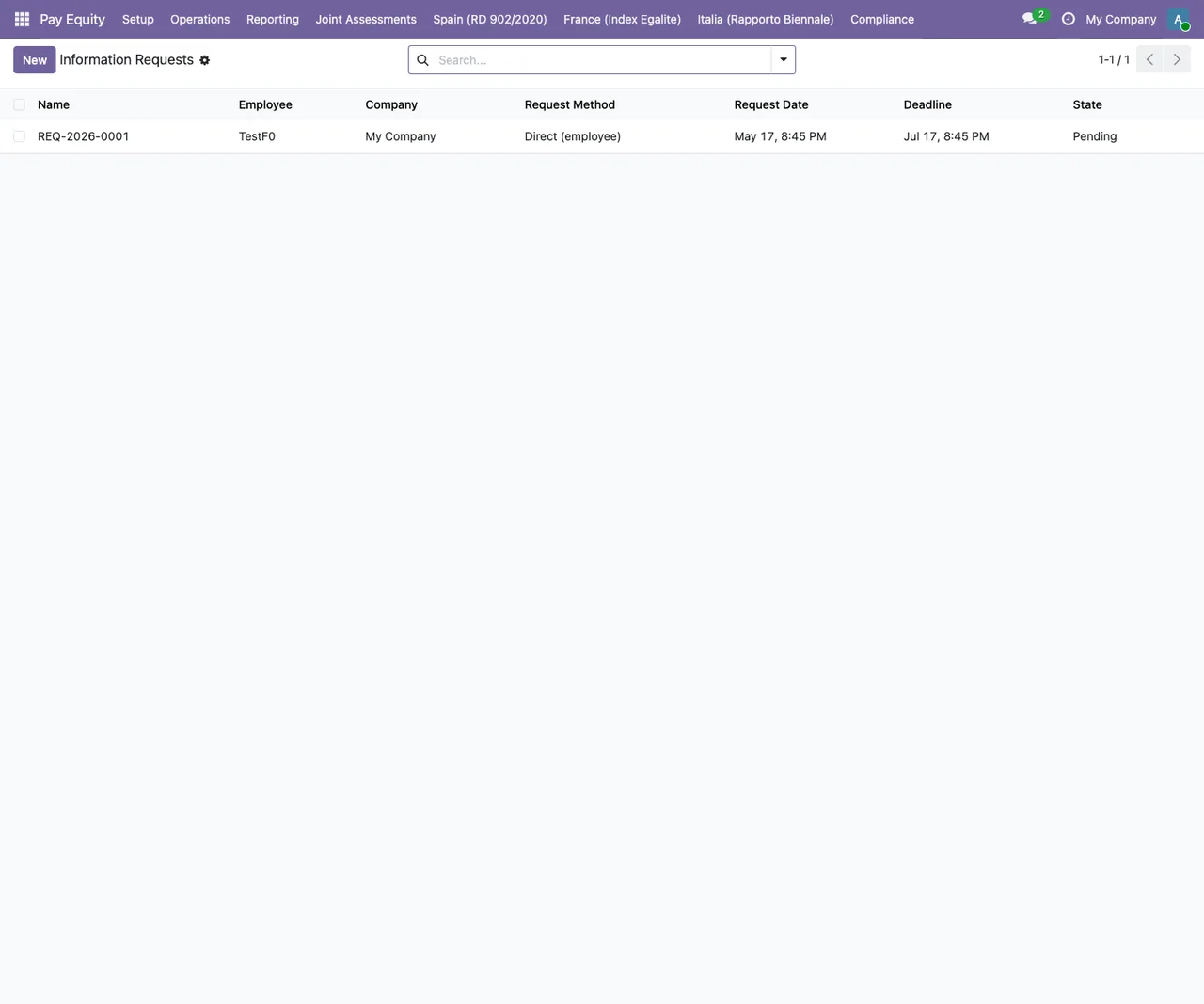
Pay Equity › Information Requests with a single test record in the Pending state.Thresholds, weights, points and dates
The remaining messages are data validations and are fixed by correcting the value before saving. Thresholds must be positive whole numbers; a factor's weight must be positive; an EIGE factor level must sit between 1 and 5; factor level points can never be negative. For point scores, the minimum cannot exceed the maximum, and for validity dates, Valid To must come after Valid From.
If the message does not tell you which field is wrong, go through the numbers and dates on the record you were saving and compare them with the condition in the text.
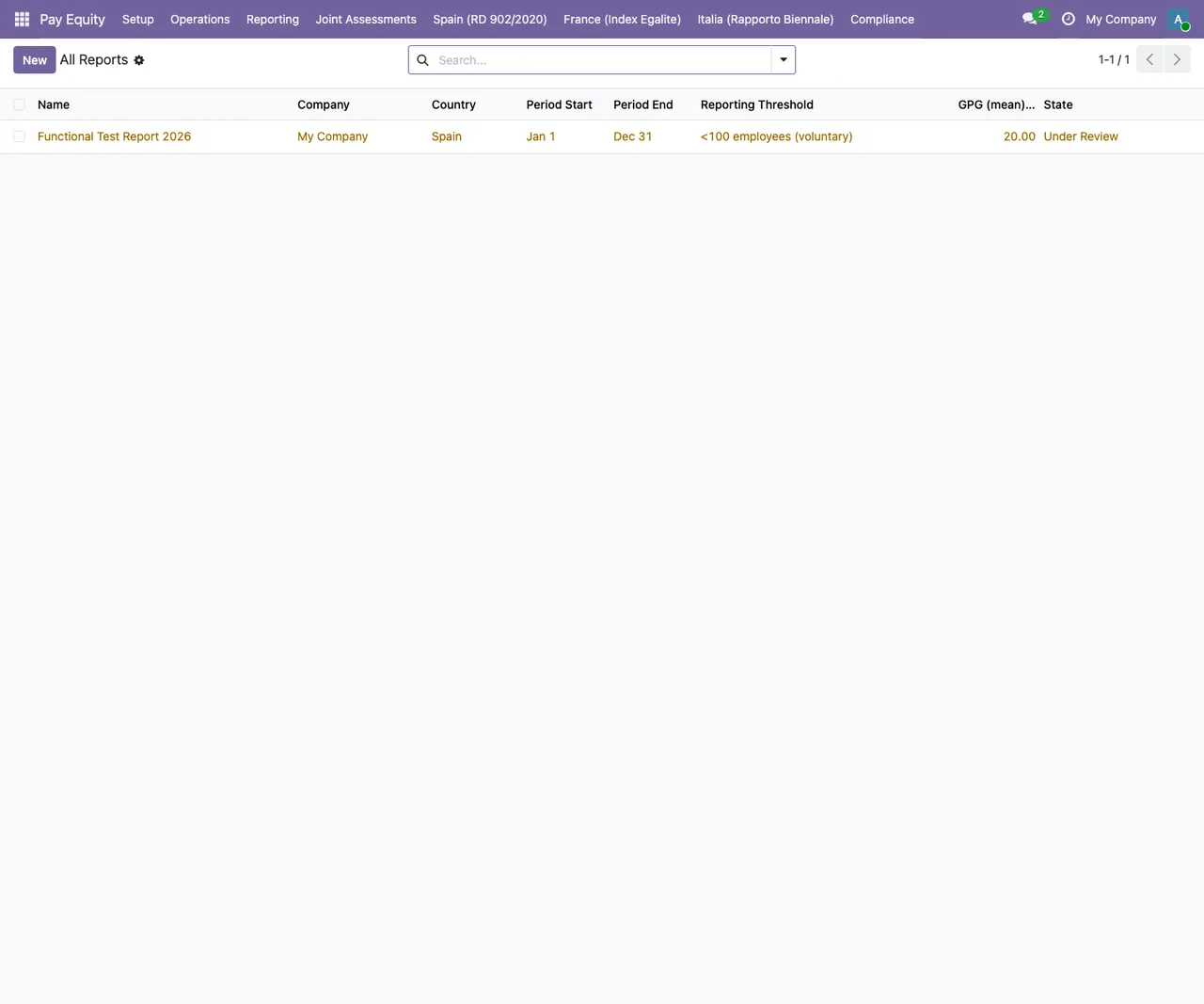
Pay Equity › All Reports with a test report in the Under Review state.How FlexigoTech can help
Pay Equity Base is published on Odoo Apps for Odoo 19.0 at €9, a one-off payment per version, excluding VAT, and the FlexigoTech Cloud local service costs €29/month or €290/year excluding VAT (Pro: €58/month or €580/year). You will find the details on the Odoo Apps listing and, if you are still weighing it up, in whether the module fits your company.
FlexigoTech implements Odoo and builds bespoke connectors and integrations. If one of these messages is blocking your process, we can go through it with you on your own records.
Keep reading
Checked in the module's source code (version 19.0) and the linked sources
Sources
- Module source code: flexigobe_pay_equity_base 19.0 (68808faf): models/hr_employee.py
- Module source code: flexigobe_pay_equity_base 19.0 (68808faf): models/paytrans_access_log.py
- Module source code: flexigobe_pay_equity_base 19.0 (68808faf): models/paytrans_country_config.py
- Module source code: flexigobe_pay_equity_base 19.0 (68808faf): models/paytrans_evaluation_factor.py
- Module source code: flexigobe_pay_equity_base 19.0 (68808faf): models/paytrans_factor_level.py
- Module source code: flexigobe_pay_equity_base 19.0 (68808faf): models/paytrans_job_evaluation.py
- Module source code: flexigobe_pay_equity_base 19.0 (68808faf): models/paytrans_pay_criteria.py
- Module source code: flexigobe_pay_equity_base 19.0 (68808faf): models/paytrans_worker_category.py
- Module source code: flexigobe_pay_equity_base 19.0 (68808faf): models/res_company.py
- apps.odoo.com/apps/modules/19.0/flexigobe_pay_equity_base
- flexigotech.com/en/services.html
- flexigotech.com/precios.html