

 Español
 Català
 Deutsch
 Français
 Português
 Italiano
 Nederlands
 Polski
When the message appears
On the form of a customer invoice, the Push to Octopia button uploads the invoice PDF to the marketplace. To do that, the module looks for the Octopia orders linked to the invoice. If it finds none, the action stops and you see Invoice … is not linked to any Octopia order.
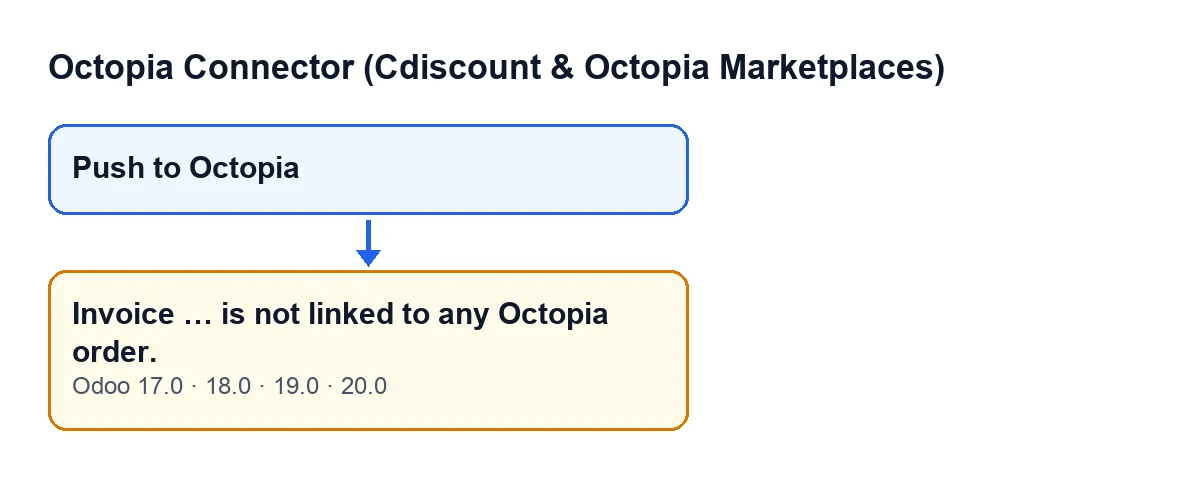
It only appears when you press the button
The message is raised by the method behind the Push to Octopia button, on the invoice view. In other words, it appears when you press that button.
The button is not visible on every invoice. It is hidden when the invoice is not a customer invoice, when it is not posted, and when it is already marked as Octopia Pushed, a field that no view shows. That condition is the same in Odoo 17, 18, 19 and 20. So if you can see the button, the invoice is a posted customer invoice that is not yet marked as sent, and that is the kind of invoice that can give this message.
The condition is an empty list
The code takes the Octopia orders linked to the invoice and checks whether that list is empty. If it is, it raises the message. Nothing else enters that check, neither the customer, nor the amount, nor anything on the order: only whether there is a linked order or not.
The ellipsis stands for the invoice name
The message text has a gap where the module writes the name of the invoice, so you know which one it refers to. It is the same message for every invoice; only that name changes.
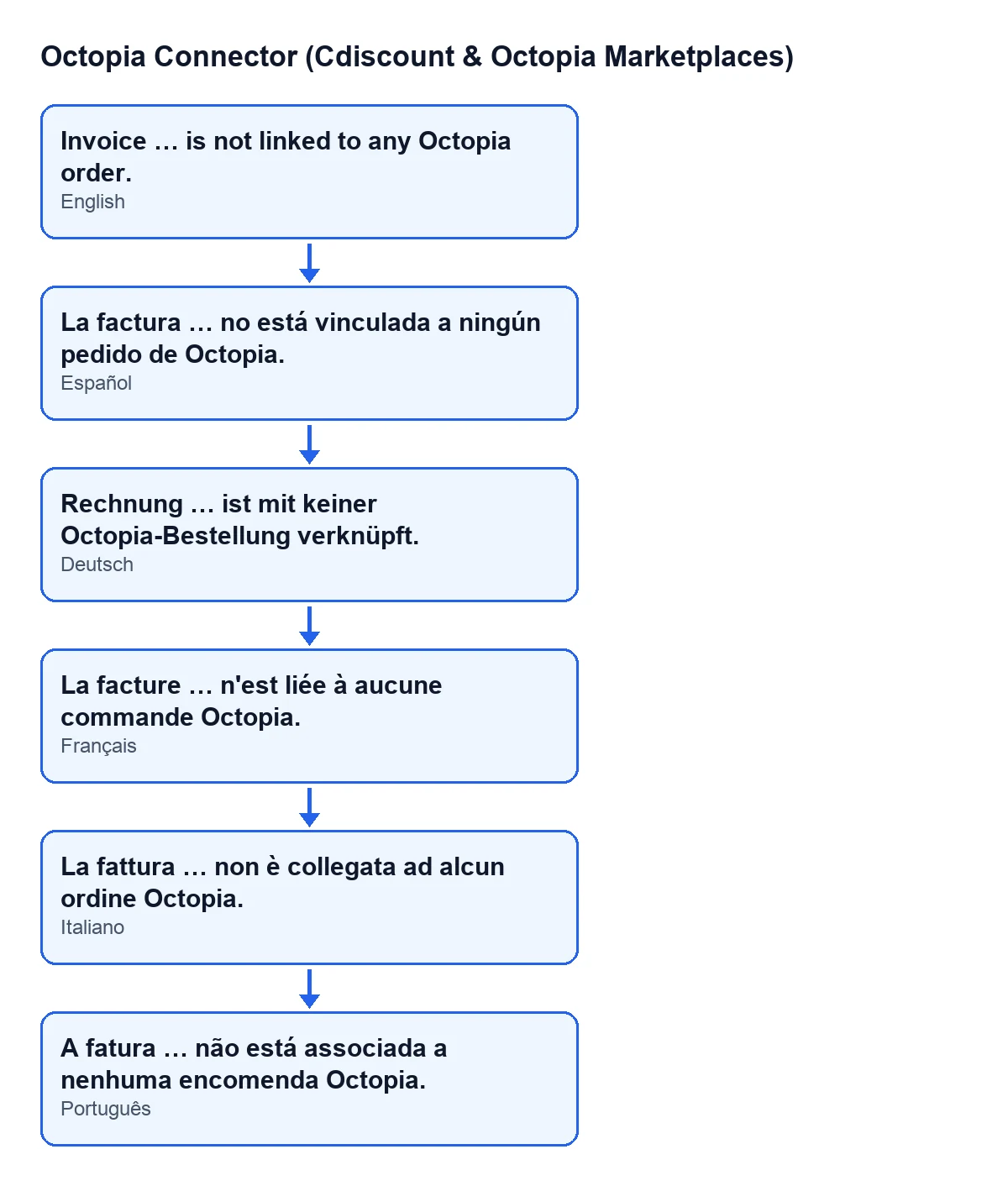
La factura … no está vinculada a ningún pedido de Octopia.; the other four lines are its German, French, Italian and Portuguese versions.
What has happened and what has not
Nothing has been touched before the message
The order in the code is this: first it checks that the invoice is a posted customer invoice, then it looks at the linked orders, and only then does it generate the PDF. For each linked order, the method uploads the PDF to Octopia, marks the order as sent and adds a success entry to the module's synchronisation log. At the end it marks the invoice as sent.
When the message appears, none of those steps has started: no PDF has been generated, nothing has been uploaded, and neither the invoice nor any order has changed. An error of this kind stops the action and nothing it was going to change is saved.
The type and state check comes first
The check that the invoice is a posted customer invoice happens before the method looks at the orders. Because the button is hidden when the invoice does not meet those conditions, Invoice … is not linked to any Octopia order. is the message that corresponds to a posted customer invoice that has no Octopia order linked.
With linked orders, the PDF goes to each one
For contrast: if the list is not empty, the method goes through every linked order and uploads the invoice PDF to each. According to the method's own description, the upload replaces the order's previous documents. The message we are dealing with is therefore the sign that there is no order to upload that invoice to.
How to resolve it
The message says the invoice has no Octopia order associated. What to do depends on the invoice in front of you:
- If the invoice does not belong to an Octopia order, there is no order to upload it to and this button is not the way to handle it.
- If it does belong to an Octopia order, the invoice has to be linked to that order before you press again. While the list of linked orders stays empty, the result will be the same every time.
- Once it is linked, press
Push to Octopiaagain from the invoice form.
After fixing it, the button is still there
Because the action stops before marking anything, the invoice does not become Octopia Pushed. That means the button stays visible while the invoice is a posted customer invoice, and you can press it again once the link is in place. After a successful upload the invoice is marked and the button is hidden.
If you want the full picture of what the button does, from when it appears to what it changes, it is covered in What the «Push to Octopia» button does.
How FlexigoTech can help
If an invoice that should have an Octopia order arrives without one and you do not know why, FlexigoTech implements Odoo 17, 18, 19 and 20 and builds connectors and custom integrations, so we can review with you how orders and invoices move through your installation. Octopia Connector is a one-off purchase per Odoo version and needs the FlexigoTech Cloud subscription (Connector plan, €49 a month or €490 a year, excluding VAT).
Keep reading
Checked in the connector's source code (version 20.0) and the linked sources
Sources
- Module source code: flexigobe_octopia_connector 20.0 (4848da6a): models/octopia_order_actions.py
- Module source code: flexigobe_octopia_connector 20.0 (4848da6a): views/octopia_order_actions_views.xml
- flexigotech.com/en/services.html
- flexigotech.com/precios.html