

 Español
 Català
 Deutsch
 Français
 Português
 Italiano
 Nederlands
 Polski
When exactly this message appears
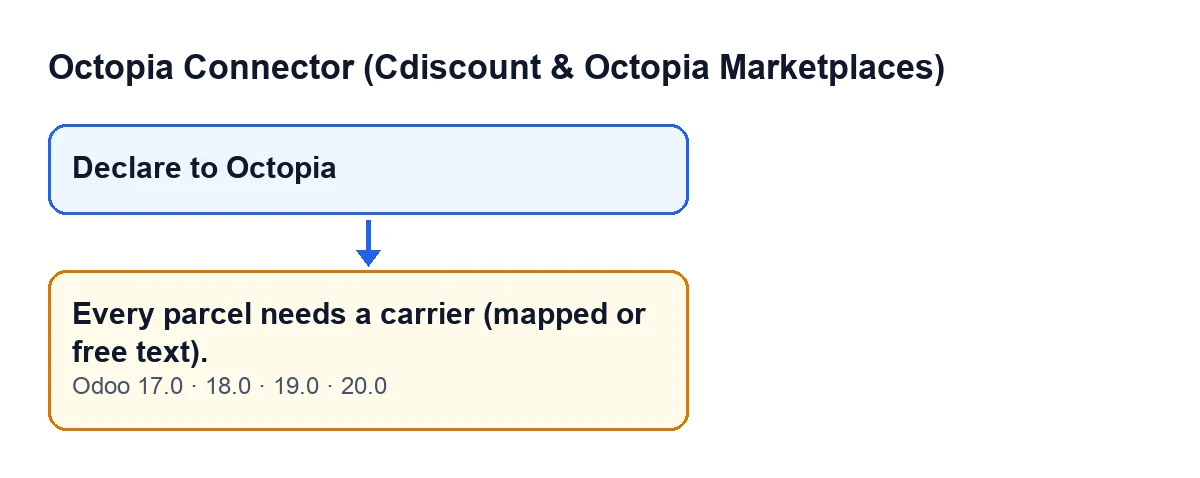
The message Every parcel needs a carrier (mapped or free text). appears when you press the Declare to Octopia button in the wizard used to declare an order's shipment. That button is always visible, in Odoo 17, 18, 19 and 20, and the message is in the published code of all four versions. The condition described below comes from the Odoo 20.0 code.

What it means: the condition in the code
When you press the button, the module goes through the parcel lines in the wizard one by one. For each line it works out which carrier name to declare: it takes the name (the label) of the mapped Octopia carrier if there is one and, if not, the free text typed on the line. If no name is left after that, it raises the message. Put plainly: every parcel needs at least one of the two, a mapped carrier with a name or a free-text carrier.
| State of the parcel line | Result when you press Declare to Octopia |
|---|---|
| Has a mapped Octopia carrier with a name | Passes this check: that name is used and the free text no longer counts |
| The mapped carrier is empty (or has no name) and there is free text | Passes this check: the free text is used |
| Has neither | The message appears and the action stops |
The check follows the order of the lines and stops at the first one that fails. If several parcels have no carrier, fixing one can bring you the same message for the next.
It is an error that stops the action: nothing that the declaration was going to change is saved. It is raised before the module creates the shipment record and before it calls Octopia, so nothing is declared and the order is not marked as shipped.
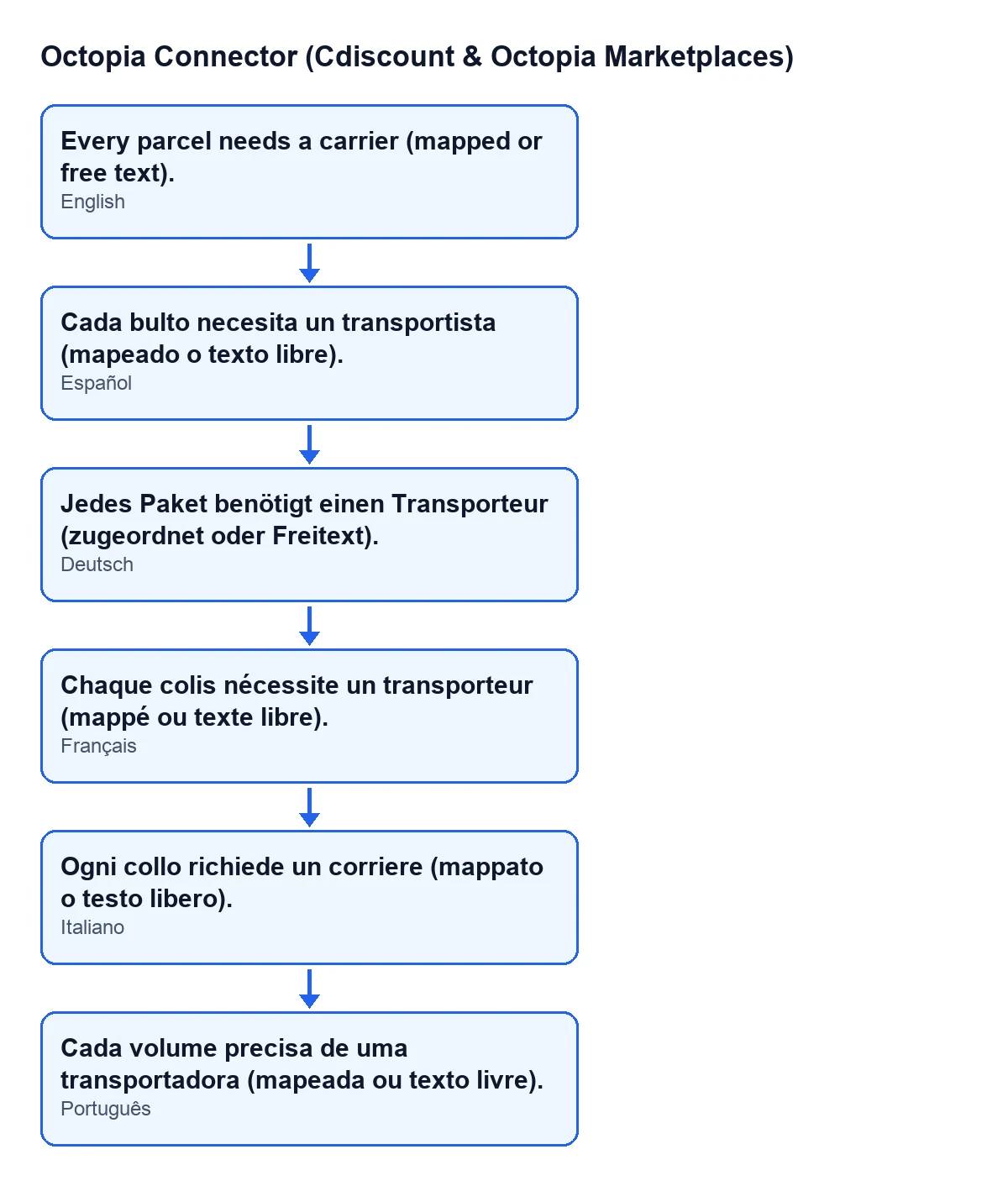
With Odoo in English you see it as Every parcel needs a carrier (mapped or free text).. The diagram below shows that same text next to its published translations into Spanish, German, French, Italian and Portuguese.
How to fix it, step by step
- Open the order's declaration wizard, the one containing the
Declare to Octopiabutton, and go through its parcel lines. - On each line, give the carrier in one of two ways: with a mapped Octopia carrier, or with its name as free text.
- If you had given a mapped carrier and the message persists, check that the carrier has a name: the module reads its label and, if it is empty, treats it as if there were no carrier. In that case pick another mapped carrier or type the name as free text.
- Check every line, not just the first: the check stops at the first line that fails, and the following ones may be the same.
- Press
Declare to Octopiaagain. - If Octopia accepts the declaration, the wizard closes. If Octopia rejects the call, the module raises an error and the wizard does not close.
What the module does once the carrier is right
Once the check is passed, the module prepares each parcel with its number, the carrier name (the mapped one or the free text) and, if the line has one, the tracking URL. If a parcel covers only some of the order's lines, it adds which ones to the declaration. Cdiscount Marketplace's CGMAD (25/08/2025, p. 47) state that the shipment confirmation carries the tracking number.
It then creates a shipment record and declares the shipment to Octopia using the order's account. If Octopia accepts it, the record is marked as sent with its date, the order is marked as shipped and the module adds a success entry to its synchronisation log. If it is Octopia that rejects the declaration, it is no longer this message: the shipment record is left in an error state with the text of the failure.
What to check afterwards
- That the wizard closed without showing any warning.
- That the order shows as shipped.
- That there is a success entry for shipments in the module's synchronisation log.
Cost and help
The connector is a one-off purchase per Odoo version (published for 17, 18, 19 and 20) and needs a FlexigoTech Cloud subscription, Connector plan: €49 a month or €490 a year, excluding VAT.
FlexigoTech implements Odoo 17, 18, 19 and 20 and builds custom connectors and integrations. If your carriers need special handling when you declare shipments, get in touch and we will look at it together.
Keep reading
Checked in the connector's source code (version 20.0) and the linked sources
Sources
- Module source code: flexigobe_octopia_connector 20.0 (4848da6a): wizard/octopia_shipment_wizard.py
- Module source code: flexigobe_octopia_connector 20.0 (4848da6a): views/octopia_completeness2_views.xml
- apps.odoo.com/apps/modules/20.0/flexigobe_octopia_connector
- marketplace.cdiscount.com/wp-content/uploads/2025/08/2025.08.25-CGMAD-FR.pdf
- flexigotech.com/en/services.html
- flexigotech.com/precios.html