

 Español
 Català
 Deutsch
 Français
 Português
 Italiano
 Nederlands
 Polski
Where the fields are and why some are hidden
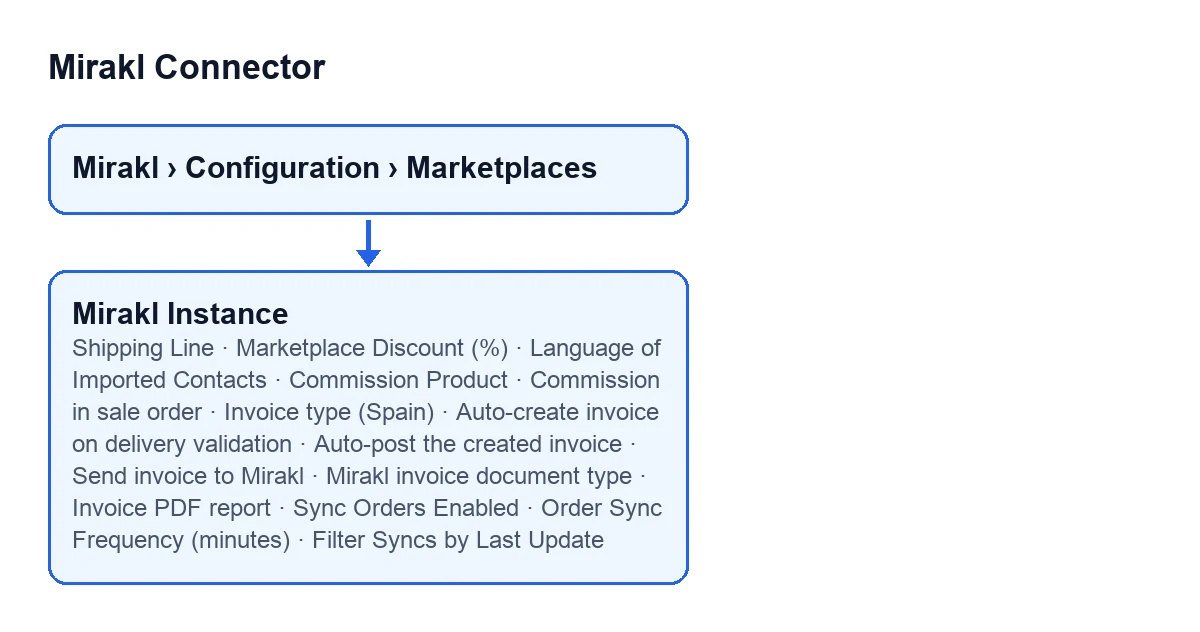
Where do I open these fields?
From the Mirakl › Configuration › Marketplaces menu you open the Mirakl Instances forms. These fields sit in the Orders and Returns tab, split into groups: Sales Bridge, Customer & Privacy, Sync Policy and Windows. The module is published on Odoo Apps for Odoo 17, 18, 19 and 20.
Why can I not see Shipping Line, Commission Product or Auto-post the created invoice?
Because each one is hidden depending on another field, and with the default values they do not show.
Shipping Lineis hidden while the instance has no shipping product.Commission Productonly appears whenCommission in sale orderis set toDeduct commission (net you receive).Auto-post the created invoiceonly appears whenAuto-create invoice on delivery validationis switched on.

Order pricing: shipping, discount and commission
When does the module add a shipping line to the sales order?
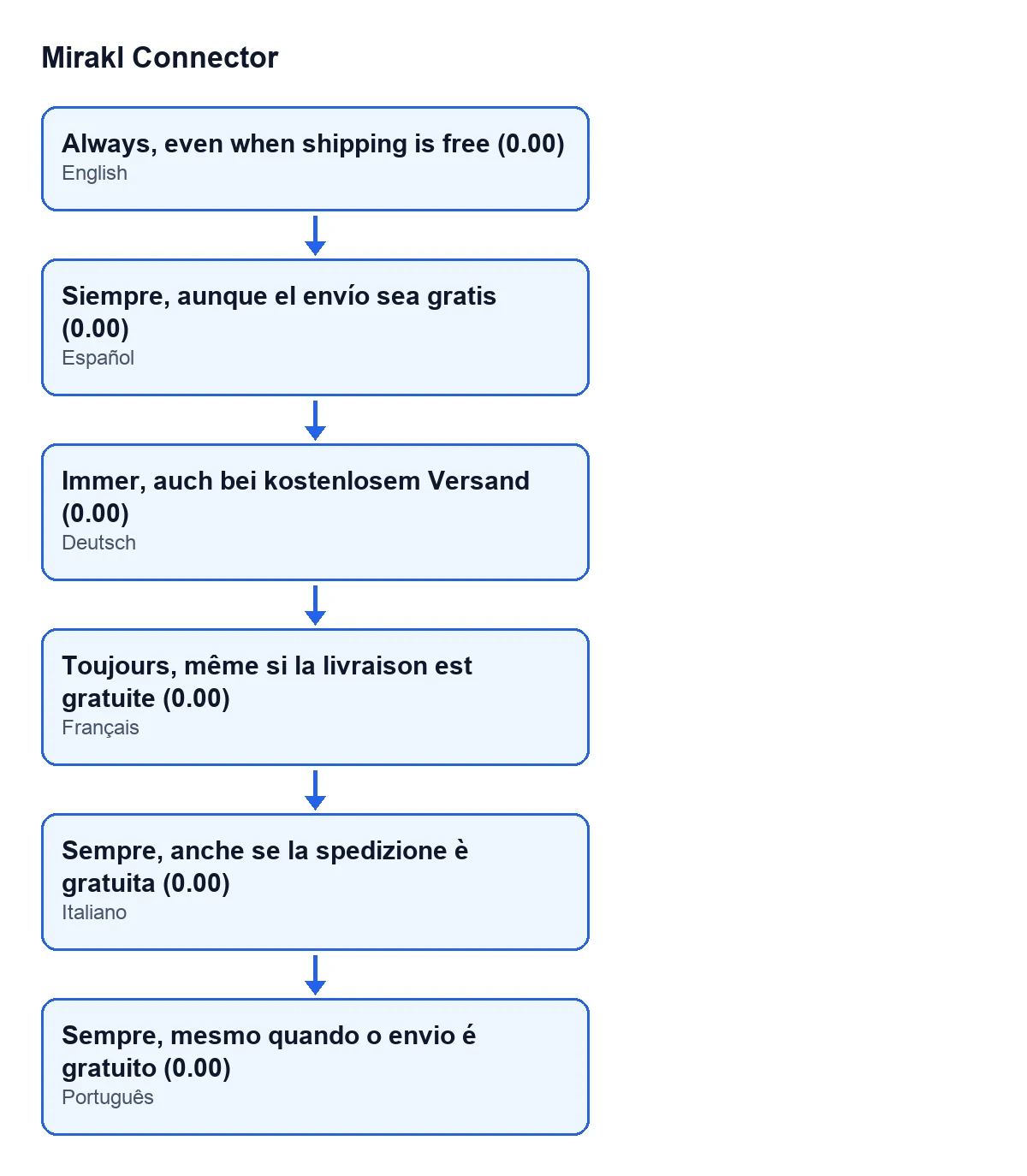
Shipping Line decides. Its help asks for a Shipping Product to be set above, whichever option you pick. With Only when the marketplace charged shipping there is no line if the marketplace shipped for free. With Always, even when shipping is free (0.00) a 0.00 line is still created, so every order has the same structure and the marketplace discount is applied to that line too. The default is Only when the marketplace charged shipping.
What is Marketplace Discount (%) for?
Marketplace Discount (%) writes a percentage into the Disc.% column of every imported line, product lines and the shipping line alike. Its help frames it for when the marketplace buys from you at a fixed margin off the price shown to the shopper: the order total then equals what you invoice the operator. The help's own example: Mirakl total 100.00 with a 20% discount, and the Odoo line shows 100.00 with Disc.% 20% and a subtotal of 80.00. It defaults to 0, and at 0 prices are imported unchanged.
How does Odoo reflect the marketplace commission?
That depends on Commission in sale order, which defaults to no commission. The commission is what the marketplace charges you and deducts from your payout.
No commission (total paid by the customer): the total is product plus tax, what the customer pays. The commission is only stored on the Mirakl order as informative data.Deduct commission (net you receive): a negative line with the commission is added using theCommission Product, a service product. The total is product plus tax minus commission, the net amount you receive.Operator purchase price (the operator buys from you): for marketplaces where the operator buys the goods from you and invoices the shopper itself (GACD, for example). Each line takes the purchase price Mirakl gives for it and Odoo adds the product taxes, so the order matches the operator's purchase order. The marketplace discount is not applied to those lines. If Mirakl sends no purchase price for a line, that line keeps the shopper price and the discount, and a note is posted on the sales order and in the Mirakl logs.
The choice depends on which figure you want to see on the order: what the customer pays, what you receive net, or the operator's purchase order.
Which language do the customers created by the marketplace get?
The one in Language of Imported Contacts. It is set on the customers and delivery contacts this marketplace creates in Odoo, and it drives the language of their quotations, invoices and emails. Leave it empty to use the Odoo default. Only installed languages are listed, so add any missing one first under Settings ▸ Translations ▸ Languages.
Invoices and import rhythm
What do I pick in Invoice type (Spain)?
Invoice type (Spain) defines how the invoice generated from Mirakl orders is classified when l10n_es (TicketBAI, VeriFACTU) is installed.
Automatic (Odoo decides): with a Tax ID you get a full F1, without one a simplified F2. This is the default.Simplified with Tax ID (F2 TicketBAI/VeriFACTU): a simplified invoice is issued even if the buyer has a Tax ID. The help presents it as valid for B2C in the Basque Country (TicketBAI) or when your tax advisor states that F2 is enough.Full (F1 TicketBAI/VeriFACTU): a full invoice is issued even if the buyer has no Tax ID, for example foreign customers that require it.
If in doubt, ask your tax advisor.
Should I create, post and send the invoice to Mirakl automatically?
They are separate fields, and each has its own help.
Auto-create invoice on delivery validation: off by default. If you switch it on, validating a delivery of a Mirakl order creates the customer invoice from its sales order. It respects the invoice policy (ordered or delivered) and never blocks the delivery if invoicing fails.Auto-post the created invoice: the help recommends leaving it off with TicketBAI, VeriFACTU or SII, because posting is irreversible and sends the e-invoice to the tax authority. Non-positive invoices are left in draft.Send invoice to Mirakl: withManual (with a button)nothing is uploaded automatically, and the help marks it as recommended, for instance so you can upload after editing the customer or Tax ID. WithAutomatic (on delivery validation)the invoice is uploaded when the delivery is validated, only if it is posted, and it requires the operator to have invoice upload enabled. Re-sending replaces the previous document on Mirakl, with no duplicates.
When do I touch Mirakl invoice document type and Invoice PDF report?
The first comes as CUSTOMER_INVOICE, and its help says to change it only if your operator defines a custom code. The second is the technical name (XML id) of the report that renders the invoice PDF, and it comes as account.account_invoices.
How often are orders imported, and how do I avoid missing status changes?
These fields govern it.
Sync Orders Enabled, inSync Policyand also in the instance list: it enables the scheduled order import for that instance. It is off by default.Order Sync Frequency (minutes), in theWindowsgroup: the minimum delay between two imports for that marketplace. The scheduled actionMirakl - Sync Orderswakes up every 10 minutes and processes the instance once that many minutes have passed. At 0 it imports on every wake-up, and at 60 it imports hourly.Filter Syncs by Last Update: it asks Mirakl for what changed since the last sync rather than what was created. The help says to leave it on, because with the creation-date filter an order created in the morning and shipped in the afternoon falls outside the window and its new status never reaches Odoo. Turn it off only if your operator's API ignores that filter. The initial import always uses the creation date.
Subscription and how we can help
Mirakl Connector is a one-off purchase per Odoo version and needs a FlexigoTech Cloud subscription, Connector plan: €49 a month or €490 a year, excluding VAT, with up to 3 marketplace accounts. The connection goes through that service, which stores the credentials encrypted and emails you if the sync fails. Without a subscription, what it provides stops, and your data stays in your Odoo. You can see the module on the Odoo Apps page or on the module page.
If you are implementing Odoo and want to go through these fields with someone before switching the sync on, FlexigoTech implements Odoo 17, 18, 19 and 20 and builds custom connectors and integrations.
Keep reading
Checked in the connector's source code (version 20.0) and the linked sources
Sources
- Module source code: flexigobe_mirakl_connector 20.0 (aa05e537): models/mirakl_instance.py
- Module source code: flexigobe_mirakl_connector 20.0 (aa05e537): models/mirakl_ai.py
- apps.odoo.com/apps/modules/20.0/flexigobe_mirakl_connector
- flexigotech.com/en/services.html
- flexigotech.com/precios.html