

 Español
 Català
 Deutsch
 Français
 Português
 Italiano
 Nederlands
 Polski
How to read a message from the module
Each message shows the English text exactly as it is in the module. Where the table shows %s, your screen will show a specific value: the Partita IVA that failed, the details of a failed transmission or the network error. Copy that value before you close the warning, because it's the piece of information you'll use to work out what to correct.
The messages fall into four groups: the Partita IVA of the company and of contacts, transmission to the SDI, the audit log, and the order of steps for invoices and settlements. If you'd first like to see which menus and records the module uses, have a look at how Italian Digital VAT works under the bonnet.
Table of Italian Digital VAT messages
| Message | When it appears | What to do |
|---|---|---|
Company PIVA "%s" is invalid per Italian algorithm | Your company's Partita IVA fails the check against the Italian algorithm; the number checked appears in place of %s. | Correct the company's Partita IVA and repeat the action. |
Partner PIVA "%s" is invalid per Italian algorithm | The contact's Partita IVA fails the same check. | Correct the contact's Partita IVA. |
Company must have Partita IVA configured | The company has no Partita IVA. | Configure it on the company. |
Partner must have Partita IVA or address | The contact has neither a Partita IVA nor an address. | Add at least one of the two. |
Invoice must be in "XML Generated" state to transmit | You're trying to transmit an invoice that isn't in the XML Generated state. | Generate the XML first, then transmit. |
Company SDI API endpoint not configured | The SDI API endpoint is missing on the company. | Fill it in on the company. |
Company SDI API key not configured | The SDI API key is missing on the company. | Fill it in on the company. |
No FatturaPA XML generated | No FatturaPA XML has been generated. | Generate the FatturaPA XML before carrying on. |
SDI rate limit reached. Will retry in next cycle. | The SDI sending limit has been reached. | Wait: the message says it will retry in the next cycle. |
SDI transmission failed: %s - %s | Transmission to the SDI has failed; the two %s carry the details. | Copy both values and use them to check the invoice or the configuration. |
SDI network error: %s | A network error while communicating with the SDI. | Check the connection and try again. |
Audit log entries are immutable | You're trying to change an audit log entry. | It can't be done: the module doesn't allow changes. |
Audit log entries cannot be deleted (10-year retention) | You're trying to delete an audit log entry. | It can't be done: the message states a 10-year retention. |
No settlements linked | There are no linked settlements. | Link the settlements and repeat the action. |
Invoice must be validated before submission. | You're trying to submit an invoice that hasn't been validated. | Validate the invoice, then submit it. |
Invoice must be submitted before reconciliation. | You're trying to reconcile an invoice that hasn't been submitted. | Submit it first, then reconcile. |
Partita IVA for the company and for contacts
The module checks the Partita IVA against the Italian algorithm, as the message itself says, and tells two cases apart: your company's (Company PIVA) and the contact's (Partner PIVA). Note which of the two appears, because the number shown in quotes in place of %s is the one you need to review. Compare it with the document where that Partita IVA is recorded, correct it on the relevant record and run whatever you were doing again.
The other two messages in this group are about missing data. Company must have Partita IVA configured requires the company to have a Partita IVA. Partner must have Partita IVA or address is less strict: the contact only needs one of the two, the Partita IVA or the address.
Transmission to the SDI: configuration, state and network
Before transmitting, the module requires three things you can check yourself. First, the invoice must be in the XML Generated state; otherwise you'll see Invoice must be in "XML Generated" state to transmit. Second, the FatturaPA XML must exist; otherwise, No FatturaPA XML generated. Third, the company must have the SDI API endpoint and key configured; each has its own message, so you'll know which one is missing.
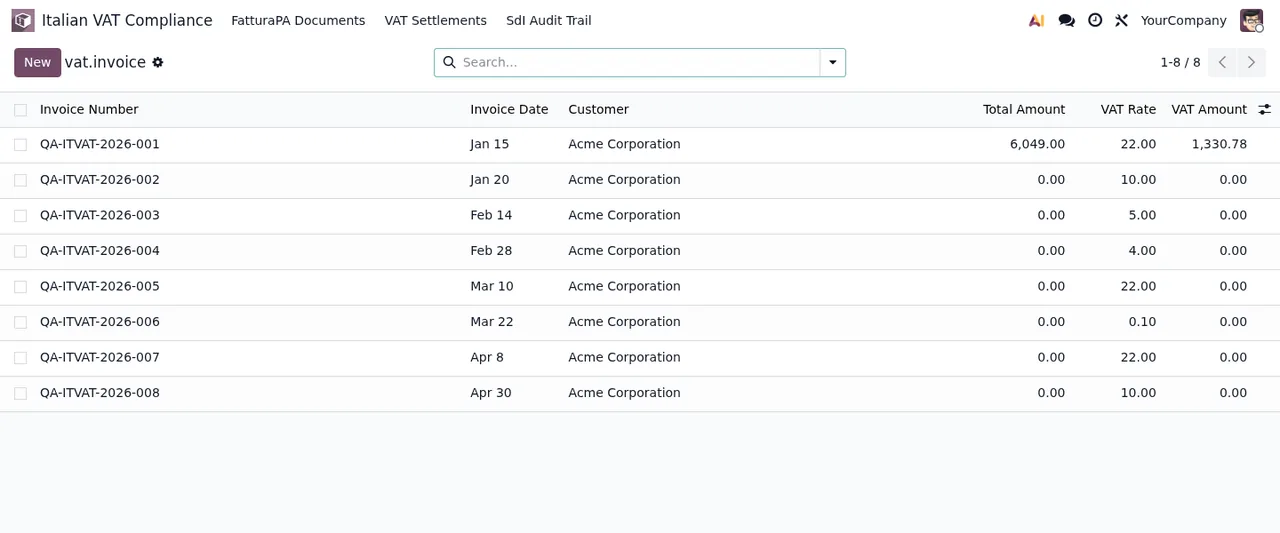
With all that in order, three other messages can appear during transmission. SDI rate limit reached. Will retry in next cycle. tells you the sending limit has been reached and that it will retry in the next cycle: wait for that cycle before looking at the invoice again. SDI transmission failed: %s - %s carries two values with the details of the failure; keep them, because without them you won't know what to correct. SDI network error: %s flags a network problem, and the value shown with the message tells you which one.
Audit log, settlements and the order of steps
Two messages have no fix inside the module because they describe how it behaves. Audit log entries are immutable appears if you try to change an audit log entry, and Audit log entries cannot be deleted (10-year retention) if you try to delete one. The module keeps those entries and the second message mentions a 10-year retention; read that as what the app does, not as legal guidance.
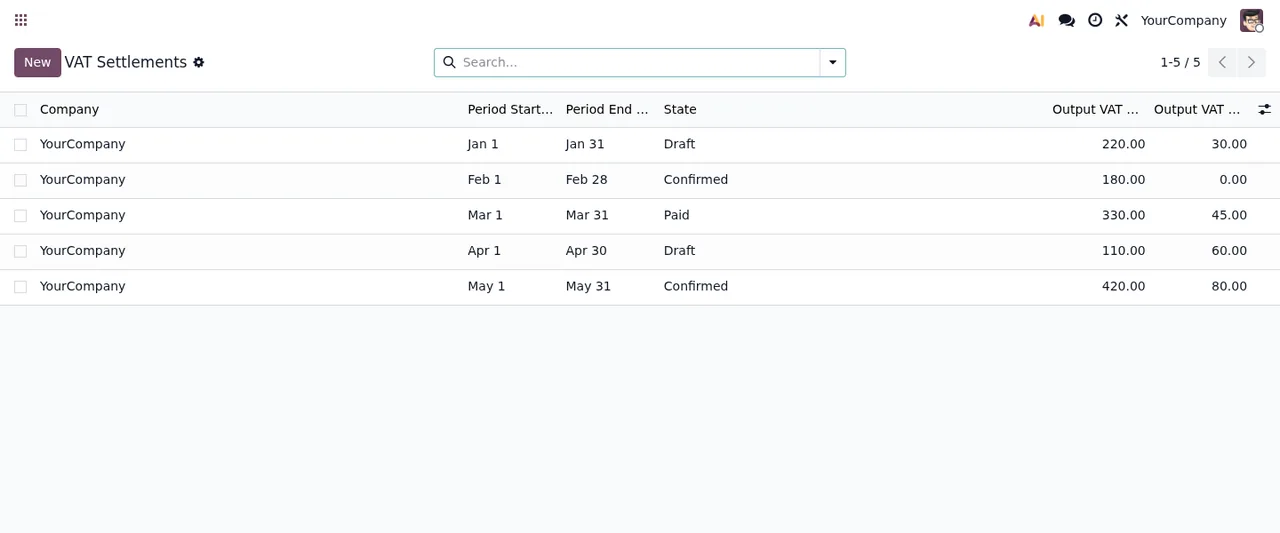
The rest of the group sets an order. Invoice must be validated before submission. and Invoice must be submitted before reconciliation. make it clear that an invoice is validated, then submitted, then reconciled. If you get either of them, check where the invoice stands and complete the previous step. No settlements linked appears when the action needs linked settlements and there aren't any.
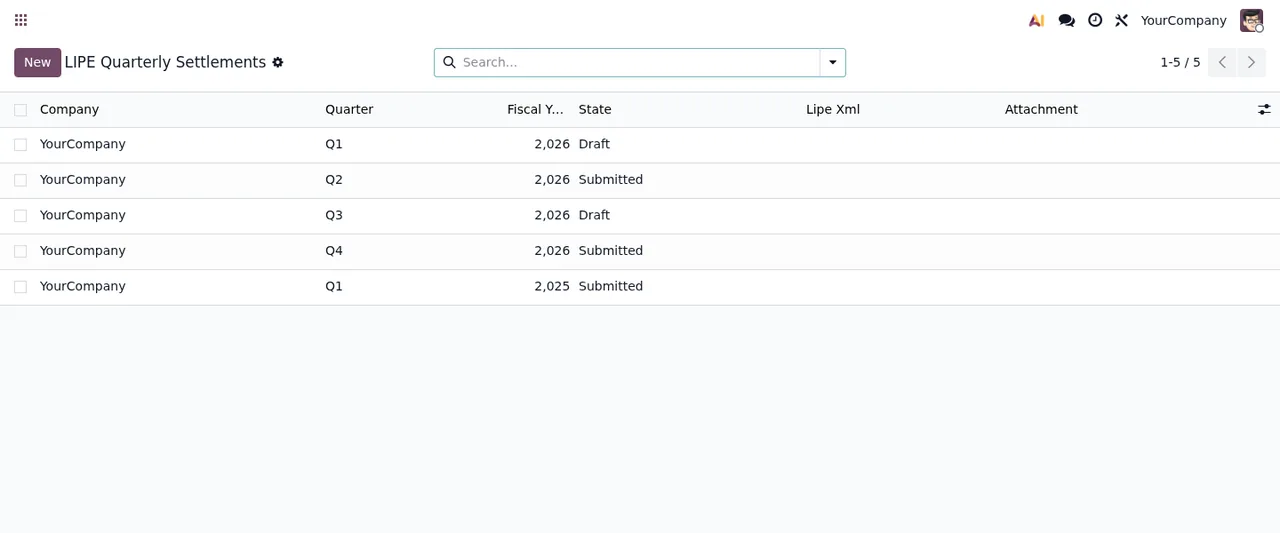
Lipe Xml and Attachment columns, still empty.
How FlexigoTech can help
At FlexigoTech we implement Odoo 17, 18, 19 and 20 and build bespoke connectors and integrations, so we can go through the company configuration, contacts and invoice flow with you if one of these messages keeps coming back. The app costs €9 per Odoo version, a one-off payment excluding VAT, for 17, 18, 19 and 20, and the local service costs €29/month or €290/year excluding VAT. Without a subscription, or with the service suspended, whatever the subscription provides stops, but your data stays in your Odoo. You'll find all the details on the module page and on the Odoo Apps listing.
Keep reading
Checked in the module's source code (version 20.0) and the linked sources
Sources
- Module source code: flexigo_italian_digital_vat_compliance 20.0 (348b3182): models/account_move.py
- Module source code: flexigo_italian_digital_vat_compliance 20.0 (348b3182): models/italian_vat_audit_log.py
- Module source code: flexigo_italian_digital_vat_compliance 20.0 (348b3182): models/italian_vat_lipe.py
- Module source code: flexigo_italian_digital_vat_compliance 20.0 (348b3182): models/vat_invoice.py
- apps.odoo.com/apps/modules/20.0/flexigo_italian_digital_vat_compliance
- apps.odoo.com/apps/modules/17.0/flexigo_italian_digital_vat_compliance
- apps.odoo.com/apps/modules/18.0/flexigo_italian_digital_vat_compliance
- apps.odoo.com/apps/modules/19.0/flexigo_italian_digital_vat_compliance
- flexigotech.com/en/services.html
- flexigotech.com/precios.html