

 Español
 Català
 Deutsch
 Français
 Português
 Italiano
 Nederlands
 Polski
What Odoo brings together and which environment the provider is connected to
GoCardless offers a sandbox, with its own API address (https://api-sandbox.gocardless.com/), and the live account. The token the payment provider stores belongs to one of them, and mixing them only produces an error that does not explain why. So before sending a request to GoCardless, the connector compares the token's environment with the mode the provider is in now.
In Odoo 20, the GoCardless payment provider's form brings together the Live setting and the environment it was connected to; your customers' mandates are stored as payment methods. The Connected Environment field is on the payment provider's form and is read-only. With the default values it is not visible: it is hidden while the provider has no connected environment. Its values are Sandbox and Live, and its help text reads: Which GoCardless environment the stored token belongs to. The module itself fills it in (the user does not), and the Disconnect button empties it.
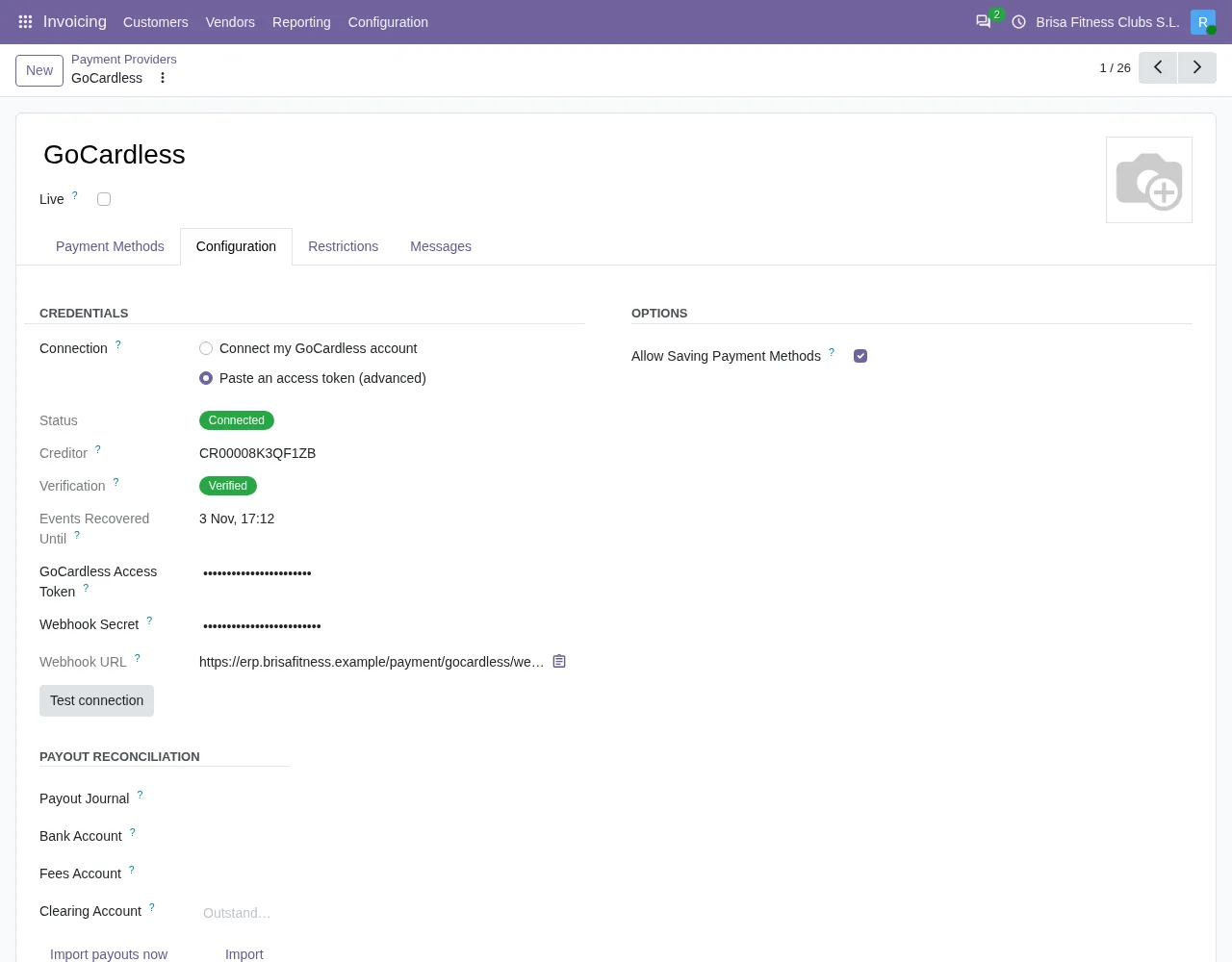

Sandbox against live account
| Aspect | Sandbox | Live account |
|---|---|---|
Live setting | Off | On |
| API address | https://api-sandbox.gocardless.com/ | A different one: the module uses one address for each mode |
Connected Environment, when the module fills it in on connecting | Sandbox | Live |
If you change Live after connecting | The module sends nothing and asks you to disconnect and connect again | The same |
Reinstate mandate (sandbox) button in Odoo 20 | Visible if the mandate is cancelled, failed or expired | Not visible; if the action is reached, it stops with a message |
| Copy of the database | The module does not use the original database's connection; in a test copy, paste a sandbox token in the advanced mode or connect with Live off | The module does not use the live account in a copy until This database charges from now on is pressed |
What happens if you change the mode after connecting
The module compares the environment stored in Connected Environment with what the Live setting says now. If they differ, it sends nothing to GoCardless and stops with this message: This provider was connected to the GoCardless …. Disconnect it and connect again after changing its Live setting. In place of the dots it shows the environment the provider was connected to.
You can run into it by pressing Reinstate mandate (sandbox) on a connection made in live mode with the setting now switched off. The way out is what the message says: disconnect and connect again.
Odoo 17, 18 and 19 have no «Live» setting: the provider's «State» field does that job, with the values «Disabled», «Enabled» and «Test Mode». In those versions this message ends with «Disconnect it and connect again after changing its state.», the warning in a copy of the database suggests connecting in «Test Mode» instead of with «Live» off, and to move to the live account you set the «State» to «Enabled».
What the «Reinstate mandate (sandbox)» button does
The button is on the view of the saved mandate, the GoCardless payment method. In Odoo 20 it is hidden if the method is not a GoCardless one, if the provider is live, or if the mandate is not cancelled, failed or expired. The Mandate Status field is not visible in any view, so the button appears or not depending on a status you do not read on screen. In Odoo 17, 18 and 19 the condition looks at the provider's state and hides the button when it is enabled, instead of the live setting.
When you press it, the module checks the following and, if everything is in order, asks for the reinstatement:
- If the provider is live, it stops with
GoCardless does not let this connection reinstate a live mandate. Ask the customer for a new mandate. - If the mandate's status cannot be reinstated, it stops and the customer has to sign a new mandate.
- Otherwise it asks GoCardless to reinstate the mandate, instead of making the customer sign again. That request first goes through the connected environment check: if it does not match the
Livesetting, it stops with the message from the previous section. - It marks the mandate as awaiting reinstatement and, if it has an associated contact, leaves a note on that contact:
Reinstatement of the GoCardless mandate requested. It stays unusable until the bank confirms it.
Reinstatement is not instant: the customer's bank has to accept it, and the mandate stays inactive until GoCardless confirms.
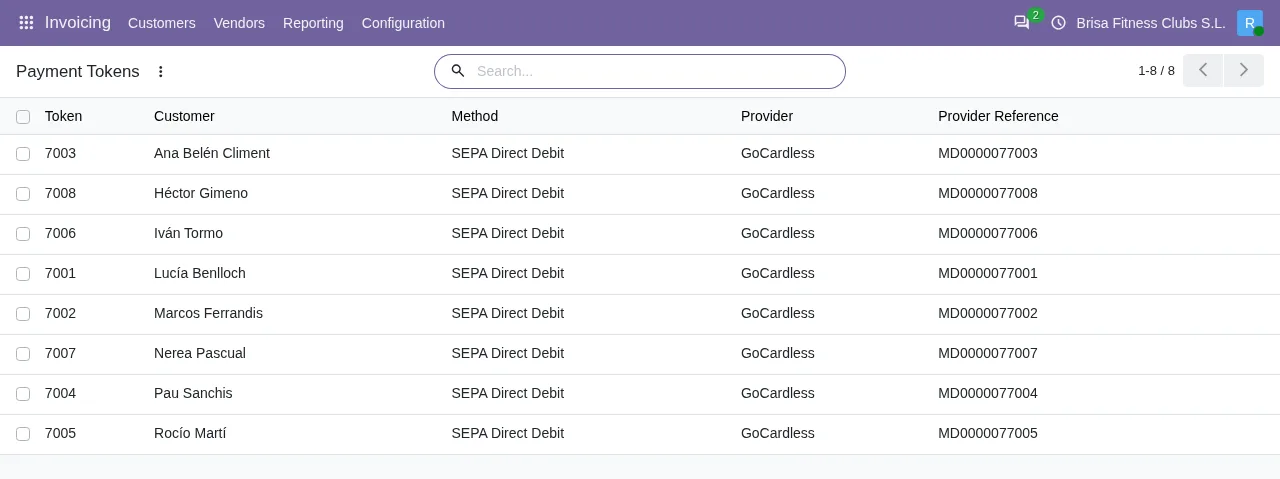
How to move to the live account
- Change the provider's
Livesetting (in Odoo 17, 18 and 19, set its «State» to «Enabled»). - Disconnect the provider, as the message asks (the
Disconnectbutton emptiesConnected Environment). - Connect again: with the two-click connection or, in the advanced mode, by pasting an access token from the live account.
If the database that will collect with the live account replaces another one, there is the This database charges from now on button. It asks for confirmation and it needs Live switched on and this database's live access token. If either is missing, it stops with Turn Live on and paste this database's live access token first. In Odoo 17, 18 and 19 the message is «Set the provider to Enabled and paste this database's live access token first.». In the advanced mode, the other database can go on collecting until you deactivate its access token in GoCardless.
How FlexigoTech helps
The GoCardless connector comes with a FlexigoTech Cloud subscription; prices, excluding VAT, are on the Odoo Apps listing and on the module page. If you do not use Odoo yet, FlexigoTech implements Odoo for versions 17, 18, 19 and 20 and builds custom connectors and integrations, so you can try GoCardless in the sandbox before moving to the live account.
Keep reading
Checked in the connector's source code (version 20.0) and the linked sources
Sources
- Module source code: flexigo_payment_gocardless 20.0 (6fe1a716): const.py
- Module source code: flexigo_payment_gocardless 20.0 (6fe1a716): models/payment_provider.py
- Module source code: flexigo_payment_gocardless 20.0 (6fe1a716): views/payment_token_views.xml
- Module source code: flexigo_payment_gocardless 20.0 (6fe1a716): models/payment_token.py
- flexigotech.com/en/services.html
- Module source code: flexigo_payment_gocardless 20.0 (6fe1a716): __manifest__.py