

 Español
 Català
 Deutsch
 Français
 Português
 Italiano
 Nederlands
 Polski
What GoCardless says
| Event | Cause | Code | GoCardless text |
|---|---|---|---|
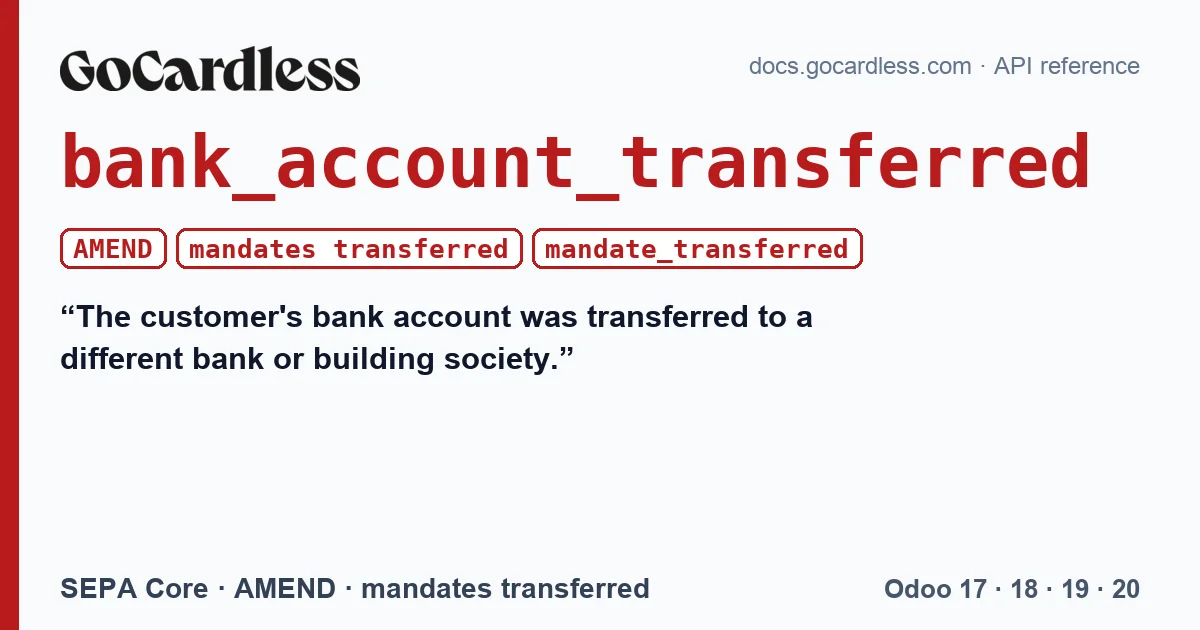
| mandates · transferred | bank_account_transferred | AMEND | The customer's bank account was transferred to a different bank or building society. |
| mandates · transferred | mandate_transferred | (none) | This mandate was transferred to a new bank account through GoCardless. |
The event documentation describes both paths in one sentence: “The mandate has been transferred to a different bank account either using a bank switching service (where it is supported) or with help from GoCardless Support”. The first has origin bank and the second, api.
And it adds a caveat about the first: “When using a bank switching service, the mandate may have been submitted again, depending on how the involved banks handled the transfer.”.
When it appears
When the customer changes bank and the new bank transfers their direct debits, or when the customer asks GoCardless to collect from another account and its support team makes the change after checking the details. In both cases the mandate stays the same: what changes is the account the money comes from.
What the Odoo connector does
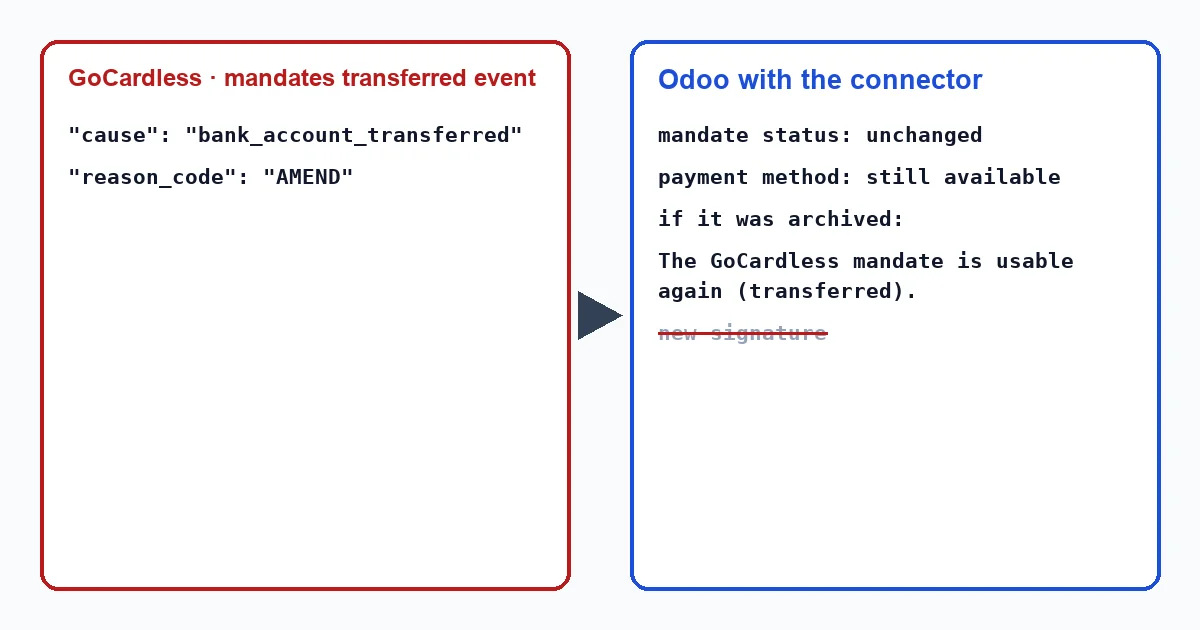
- If the payment method was active: the connector leaves the mandate status as it was. The account change does not make it unusable, so the customer's payment method stays available for the next invoice, and “Mandate Status” does not change. There is nothing to do in Odoo.
- If it was archived, because an earlier event had treated it as dead,
transferredis one of the events with which the connector marks it valid again: it reactivates it and writes it on the customer's record, “The GoCardless mandate is usable again (transferred).”. Odoo 17 does not allow unarchiving a payment method; there the connector creates a new one for the same mandate.
The connector writes that note when it applies the event, whether a user or a scheduled action triggers it. The connector writes these texts in English, so in an English-language Odoo they appear exactly as quoted here. Texts in other languages are not translated into this one.
The connector applies mandate events in order, from oldest to newest, and if one did not arrive through the webhook, the task that recovers lost events every hour brings it in.
It is not the same as a replaced mandate
With transferred the mandate does not change; with replaced it does. In a replacement GoCardless cancels the mandate and creates another, and the event carries the new one (“The event will include links[new_mandate] with the ID of the new mandate.”). The connector then moves the payment method to the new mandate. In a transfer there is no new mandate: the connector keeps the one it had.
It is not a cancellation either. A cancelled, failed, expired, consumed or blocked mandate is dead for the connector, which archives it and asks for a new one. A transferred mandate remains alive.
What to do
- Nothing in Odoo: the next invoices are charged with the same payment method.
- If the customer tells you they have changed bank, you do not need to request a new mandate: GoCardless reports the transfer.
- If the payment method was archived and is available again, check the connector note on the customer's record and collect the pending invoices with it.
Do I have to ask the customer for a new mandate?
No. GoCardless has moved the same mandate to the customer's new account, and the connector keeps using it.
What does AMEND mean?
It is the code with which GoCardless documents this event in SEPA Core, when the transfer comes from the bank. You will not see it in Odoo: the connector neither stores nor shows the SEPA code.
With our connector
In Odoo 17, 18, 19 and 20 the connector does not turn an account change into a problem: it keeps the customer's mandate and payment method and, if it was archived, recovers it and leaves a note on its record.
Keep reading
Checked in the connector's source code (version 17.0, 18.0, 19.0 and 20.0) and the linked sources
Sources
- docs.gocardless.com/docs/api-reference/events/mandate
- Module source code: flexigo_payment_gocardless: const.py, line 145 in 17.0 (d203ee6), 18.0 (e2ab18b), 19.0 (ce7f5a3) and 20.0 (688d86b)
- Module source code: flexigo_payment_gocardless: const.py, line 158 in 17.0 (d203ee6), 18.0 (e2ab18b), 19.0 (ce7f5a3) and 20.0 (688d86b)
- Module source code: flexigo_payment_gocardless: models/payment_token.py, line 77 in 17.0 (d203ee6), line 77 in 18.0 (e2ab18b), line 77 in 19.0 (ce7f5a3) and line 76 in 20.0 (688d86b)
- Module source code: flexigo_payment_gocardless: models/payment_token.py, line 96 in 17.0 (d203ee6), line 96 in 18.0 (e2ab18b), line 96 in 19.0 (ce7f5a3) and line 95 in 20.0 (688d86b)
- Module source code: flexigo_payment_gocardless: i18n/flexigo_payment_gocardless.pot, line 1157 in 17.0 (d203ee6), line 1157 in 18.0 (e2ab18b), line 1157 in 19.0 (ce7f5a3) and line 1164 in 20.0 (688d86b)
- Module source code: flexigo_payment_gocardless: const.py, line 33 in 17.0 (d203ee6), 18.0 (e2ab18b), 19.0 (ce7f5a3) and 20.0 (688d86b)
- Module source code: flexigo_payment_gocardless: models/payment_token.py, line 72 in 17.0 (d203ee6), line 72 in 18.0 (e2ab18b), line 72 in 19.0 (ce7f5a3) and line 71 in 20.0 (688d86b)
- Module source code: flexigo_payment_gocardless: i18n/flexigo_payment_gocardless.pot, line 785 in 17.0 (d203ee6), line 785 in 18.0 (e2ab18b), line 785 in 19.0 (ce7f5a3) and line 800 in 20.0 (688d86b)
- Module source code: flexigo_payment_gocardless: const.py, line 117 in 17.0 (d203ee6), 18.0 (e2ab18b), 19.0 (ce7f5a3) and 20.0 (688d86b)
- Module source code: flexigo_payment_gocardless: models/payment_provider.py, line 527 in 17.0 (d203ee6), line 527 in 18.0 (e2ab18b), line 527 in 19.0 (ce7f5a3) and line 529 in 20.0 (688d86b)
- Module source code: flexigo_payment_gocardless: const.py, line 66 in 17.0 (d203ee6), 18.0 (e2ab18b), 19.0 (ce7f5a3) and 20.0 (688d86b)
- Module source code: flexigo_payment_gocardless: const.py, line 15 in 17.0 (d203ee6), 18.0 (e2ab18b), 19.0 (ce7f5a3) and 20.0 (688d86b)
- github.com/odoo/odoo/blob/17.0/odoo/http.py
- Module source code: flexigo_payment_gocardless: __manifest__.py, line 31 in 17.0 (d203ee6), 18.0 (e2ab18b), 19.0 (ce7f5a3) and 20.0 (688d86b)
- github.com/odoo/odoo/blob/20.0/addons/account_payment/views/account_move_views.xml