

 Español
 Català
 Deutsch
 Français
 Português
 Italiano
 Nederlands
 Polski
What the module adds to the sales order
The module extends the standard sales order of the Sales app. On the order form it puts a group of Amazon fields, three counters and buttons that lead to the order's messages, returns and post-sales cases. In the order list it adds a shipping state field.
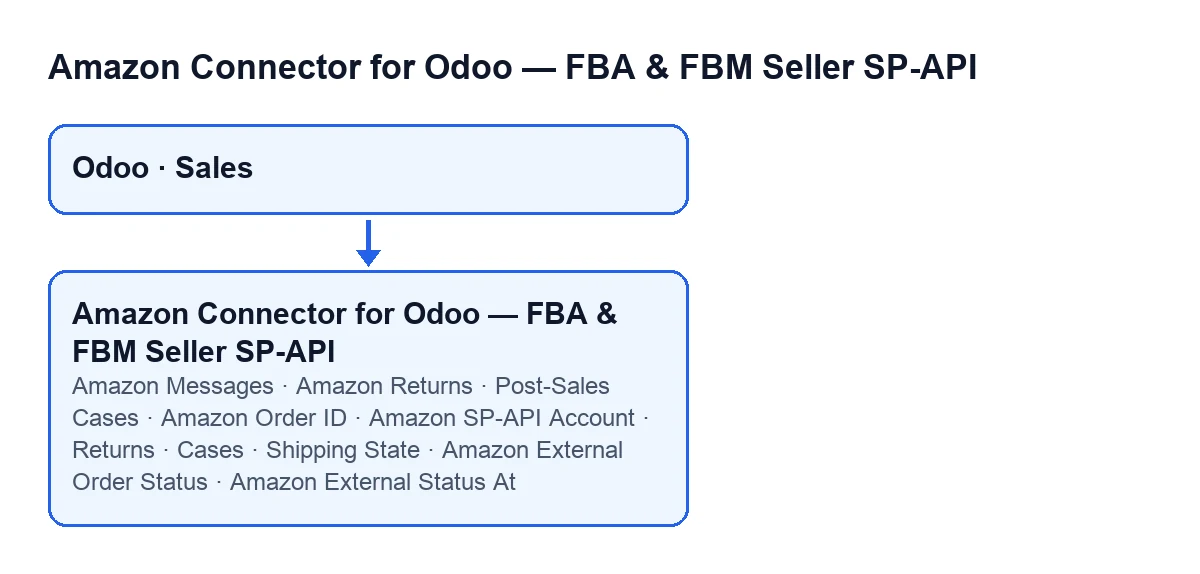
These are the fields and where they appear:
| Label | Where it appears | What to know |
|---|---|---|
Amazon Order ID | Order form, Amazon SP-API group | Its help text reads: Amazon format 3-7-7, e.g.: 123-1234567-1234567 |
Amazon SP-API Account | Order form, same group | Links the order to an Amazon SP-API account |
Amazon External Order Status | Order form, same group | Read-only: the module writes it, not you |
Amazon External Status At | Order form, same group | Date and time; read-only, also written by the module |
Returns, Cases and Messages | Order form | Whole numbers |
Shipping State | Sales order list | Values: Pending, Partial, Sent and Error |

When you see each thing
The Amazon Messages, Amazon Returns and Post-Sales Cases buttons are hidden when the order is not an Amazon order. That condition is the same in Odoo 17, 18, 19 and 20, and it depends on an internal field, Amazon Order, that does not appear in any view.
In Odoo 20.0, the fields in the Amazon SP-API group and the Returns, Cases and Messages counters are hidden under that same condition.
Guide: what happens on an order and what you can do, in order
What follows describes the code of Odoo 20.0. Odoo updates the order on its own with two scheduled tasks; the Amazon Messages, Amazon Returns and Post-Sales Cases buttons open lists filtered for the order.
- Scheduled tasks write the external status. There are two, active once the module is installed:
Amazon SP-API - Sync dispatched FBA shipments, every 30 minutes, andAmazon SP-API - Sync external shipping status, every 5 minutes. They fill inAmazon External Order StatusandAmazon External Status Atand, if the order had no account, put the account they synchronise with intoAmazon SP-API Account. That same code is also reached from theRun External Shipment SyncandSync FBA Fulfilled Shipmentsbuttons, so those also write to the order.
- The module completes the order's delivery orders. It looks at the non-cancelled delivery orders that lack the Amazon order ID or the account. If the order looks like an Amazon order (it finds an ID, or the order already has an ID or an account), it copies onto those delivery orders the ID that is missing and, if the module detects an account, the account as well.
- If the external status is
ShippedorPartiallyShipped(the module compares without regard to case), it looks at the order's non-cancelled delivery orders (if any are outgoing, only those). When there is exactly one and it is already done, it leaves it marked as synchronised, with the date and no previous error.
- Automatic validation only happens under these conditions: there must be an account with its option to validate external shipment synchronisation automatically switched on, and the status must be
Shipped(case-insensitive; withPartiallyShippednothing is validated). The module then takes the outgoing delivery orders that are neither done nor cancelled and, for each one: fills in the account and the ID if missing, confirms it if it is a draft, reserves it, sets the planned quantity as done and validates it, handling any immediate-transfer or backorder wizards that appear. During that validation it skips the automatic shipment confirmation towards Amazon. If a delivery order fails, it is marked with an error and the reason, and the module carries on with the others. If the conditions are not met, no delivery order is validated: the order keeps the external status that was saved, along with whatever was done in steps 2 and 3.
- Check the result on the order. On the form, inside the
Amazon SP-APIgroup, look atAmazon External Order Status,Amazon External Status AtandAmazon SP-API Account(the account is only filled in if the order did not already have one).
- Open the messages with
Amazon Messages. It takes you to the message list filtered by the order's ID. Anything you create from that list comes with the order, the account and the ID pre-filled.
Amazon Messages; in German, Amazon-Nachrichten; in French, Messages Amazon; in Italian, Messaggi Amazon; in Portuguese, Mensagens Amazon.- Open the returns with
Amazon Returns. It first looks for the Amazon order ID: inAmazon Order IDand, if it is not found there, in other fields on the order, one after another. If it finds none, the button stops and does not open the list. If it does, it opens the return lines for that ID. TheReturnscounter counts those same lines and shows zero if there is no ID or no lines.
- Open the cases with
Post-Sales Cases. It looks for the ID in the same way as the previous button and stops in the same way if it finds none. If it finds one, it opens the cases for that ID. Anything you create from that list comes with the account, the order, the ID, the case type set to incident and the titleIncidencia Amazon …(with the ID at the end) pre-filled.
What it costs to get going
The module is a one-off payment per version and is published on Odoo Apps for 17, 18, 19 and 20. The connection goes through FlexigoTech Cloud, so you need the Connector plan: €49 a month or €490 a year excluding VAT, up to 3 accounts (the Pro plan is €98 a month or €980 a year excluding VAT, up to 10 accounts). FlexigoTech Cloud stores the credentials encrypted, monitors the synchronisation and emails you if it fails.
How FlexigoTech can help
FlexigoTech implements Odoo 17, 18, 19 and 20 and builds connectors and custom integrations. If you want to look at the module before deciding, it is on the module page.
Keep reading
Checked in the connector's source code (version 20.0) and the linked sources
Sources
- Module source code: flexigobe_amazon_seller_connector 20.0 (8576afa5): models/sale_order.py
- Module source code: flexigobe_amazon_seller_connector 20.0 (8576afa5): models/sale_order_message.py
- Module source code: flexigobe_amazon_seller_connector 20.0 (8576afa5): views/sale_order_message_views.xml
- Module source code: flexigobe_amazon_seller_connector 20.0 (8576afa5): views/sale_order_views.xml
- apps.odoo.com/apps/modules/20.0/flexigobe_amazon_seller_connector
- flexigotech.com/precios.html
- flexigotech.com/en/services.html