

 Español
 Català
 Deutsch
 Français
 Português
 Italiano
 Nederlands
 Polski
When it appears and where
When exactly does the message appear?
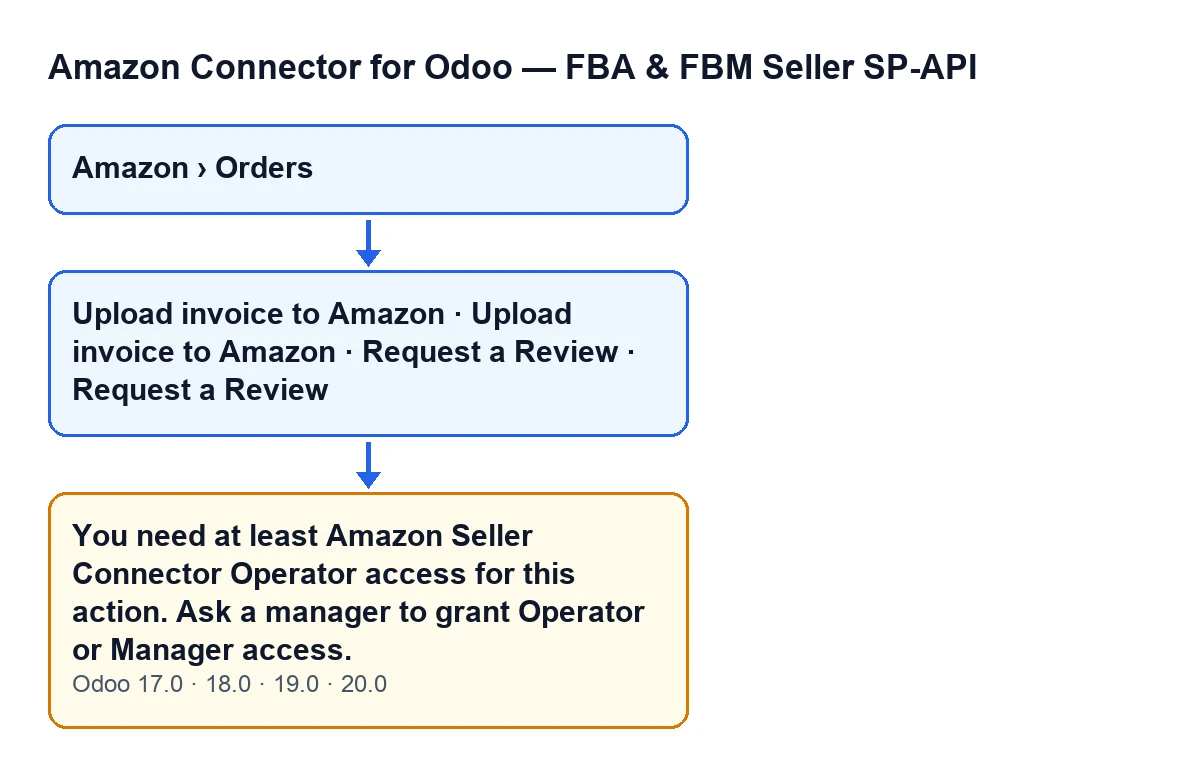
It appears when you press one of the two buttons on the order, Upload invoice to Amazon or Request a Review, and your user does not belong to the connector's operator group (Amazon Seller Connector Operator). That is the condition in the code: if your user is not in that group, the action stops. The full text is:
You need at least Amazon Seller Connector Operator access for this action. Ask a manager to grant Operator or Manager access.
Which buttons can show it, and when are they visible?
Both buttons are on the order form, which you open from the menu Amazon › Orders. Both levels of that menu require the Viewer permission, so without it you do not see that part of the menu.
Upload invoice to Amazon: hidden when theInvoice Movefield is empty or whenInvoice uploaded to Amazon atalready has a value. With the default values it is not visible. When you press it, Odoo asks for confirmation:Upload this order's posted customer invoice to Amazon as a VAT invoice?.Request a Review: hidden whenStateis not the one for a shipped order or whenReview requested atalready has a value. With the default values it is not visible either. When you press it, Odoo asks for confirmation:Send Amazon's official Request-a-Review solicitation for this order?.
If the button is missing, look at that view condition first, not at permissions: the access message comes when you press the button.
Is seeing the orders menu the same as being able to press those buttons?
No. Both levels of the menu require the Viewer permission, but the message asks for at least Operator access. According to the code comment, the orders model gives a viewer read-only access. So a user can open the order, see the button and still get the message when pressing it.

What the code checks and what to do
What does the code check, and in what order?
First it looks at whether the action runs with real superuser rights (according to the code comment, this includes scheduled-task chains running with elevated rights): if so, it lets it through. If not, it checks whether your user is in the operator group. If it is not, it raises the message and everything stops there. If it is, in Odoo 20.0 the code makes one more check: that your user can write to that order. The code comment explains that groups are not enough because these actions read their records with elevated rights, past the per-company rule.
Why is hiding the button not enough?
Because of what the code comment itself says. The actions that upload the VAT invoice, request the review and send the order cancellation make a real, irreversible call to Amazon, using the account's credentials, before any local record is attempted. A viewer could trigger that effect on Amazon through a direct call even though the local write would be denied. Hiding a button in the view is a UI convenience, not a security boundary, so the module checks the permission on the server.
What happens to the order when the message appears?
The action stops and nothing that action was going to change is saved. From what the code comment says, the check exists precisely so that a user without permission never reaches that call to Amazon.
What do I do when I get it?
Do what the message says: ask a manager to grant you Operator or Manager access. Once you have it, reopen the order and press the button again. Until then, the action stops with this message.
Versions, language and rollout
Does it appear in every Odoo version?
The message is in the published code of all four branches: 17.0, 18.0, 19.0 and 20.0. The view conditions of the two buttons are the same in all four. The final write check is the one in the Odoo 20.0 code.
What is the button called in my language?
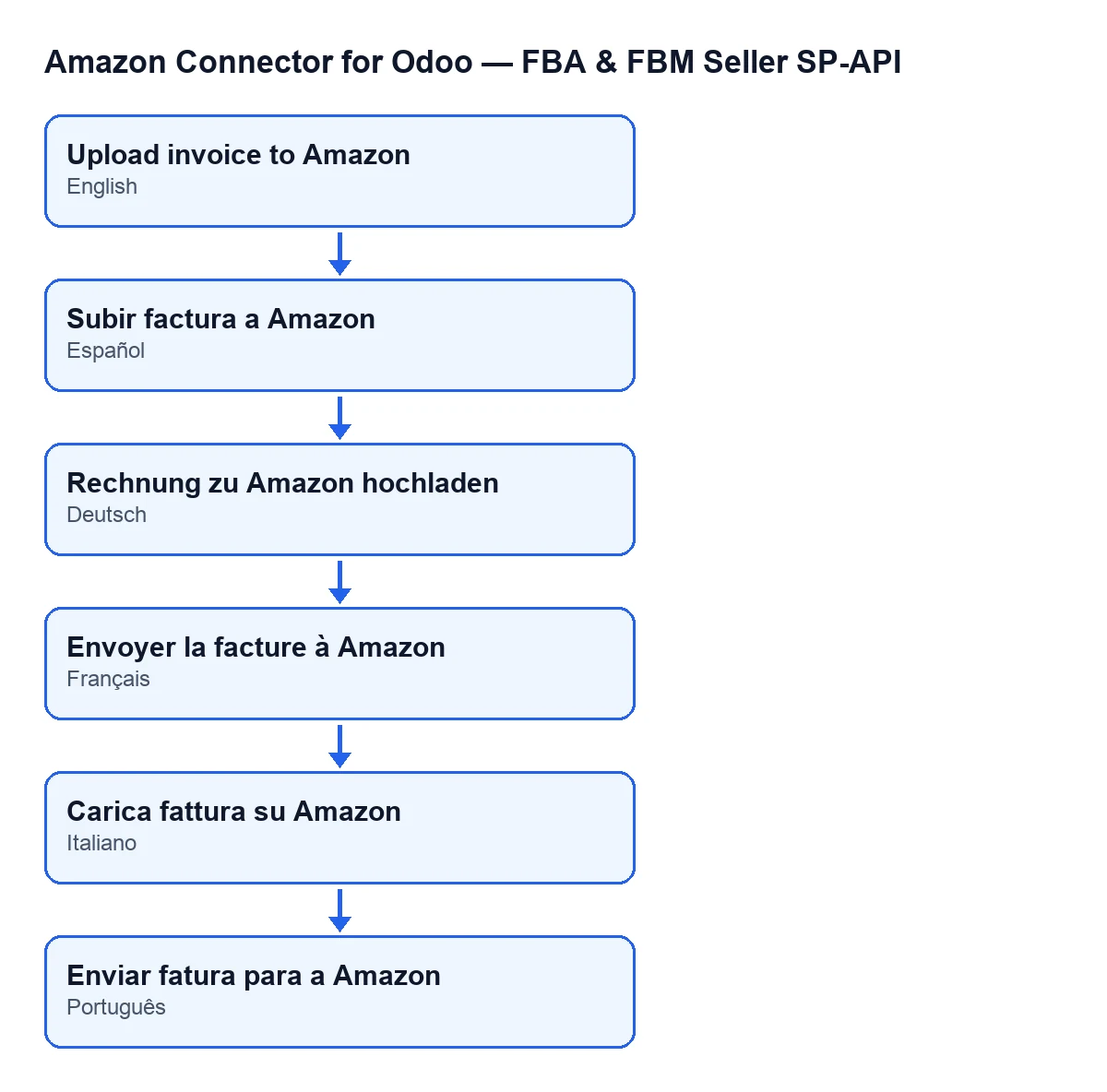
With Odoo in English, the button is called Upload invoice to Amazon. The module ships published translations of that label for Spanish, German, French, Italian and Portuguese: in German it is «Rechnung zu Amazon hochladen», in French «Envoyer la facture à Amazon», in Italian «Carica fattura su Amazon» and in Portuguese «Enviar fatura para a Amazon».
If you are rolling out Odoo with the connector, decide early who should have operator access, because these actions talk directly to Amazon. The module is a one-off purchase per version (published for Odoo 17, 18, 19 and 20) and needs a FlexigoTech Cloud subscription, Connector plan: €49 a month or €490 a year, excluding VAT. The connection goes through FlexigoTech Cloud, which stores the credentials encrypted, watches the synchronisation and emails you if it fails. See the Odoo Apps listing and the module page. FlexigoTech implements Odoo 17, 18, 19 and 20 and builds custom connectors and integrations.
Keep reading
Checked in the connector's source code (version 20.0) and the linked sources
Sources
- Module source code: flexigobe_amazon_seller_connector 20.0 (88c7e241): models/amazon_order.py
- Module source code: flexigobe_amazon_seller_connector 20.0 (88c7e241): views/amazon_order_views.xml
- apps.odoo.com/apps/modules/20.0/flexigobe_amazon_seller_connector
- flexigotech.com/precios.html
- flexigotech.com/en/services.html