

 Español
 Català
 Deutsch
 Français
 Português
 Italiano
 Nederlands
 Polski
The message and where it appears
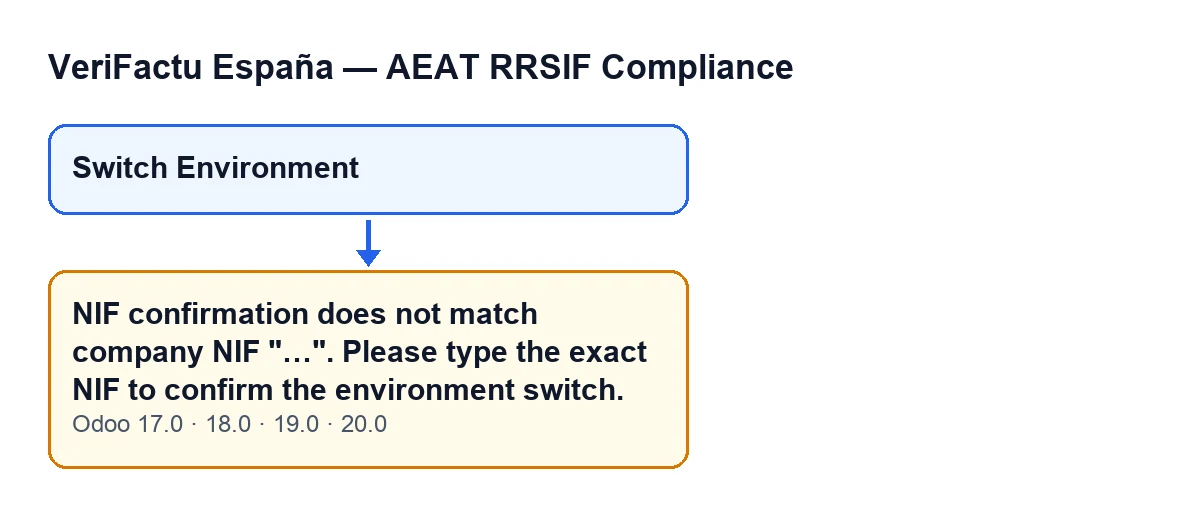
The VeriFactu environment switch window asks you to confirm the NIF before the environment changes. If what you type does not match, pressing Switch Environment stops the action and shows: NIF confirmation does not match company NIF "…". Please type the exact NIF to confirm the environment switch. In place of the ellipsis, the module prints the NIF it compared against.
The text is in the published code for Odoo 17, 18, 19 and 20, and the Switch Environment button is always visible in all four versions.
With Odoo in Spanish, the message reads as in the second diagram.
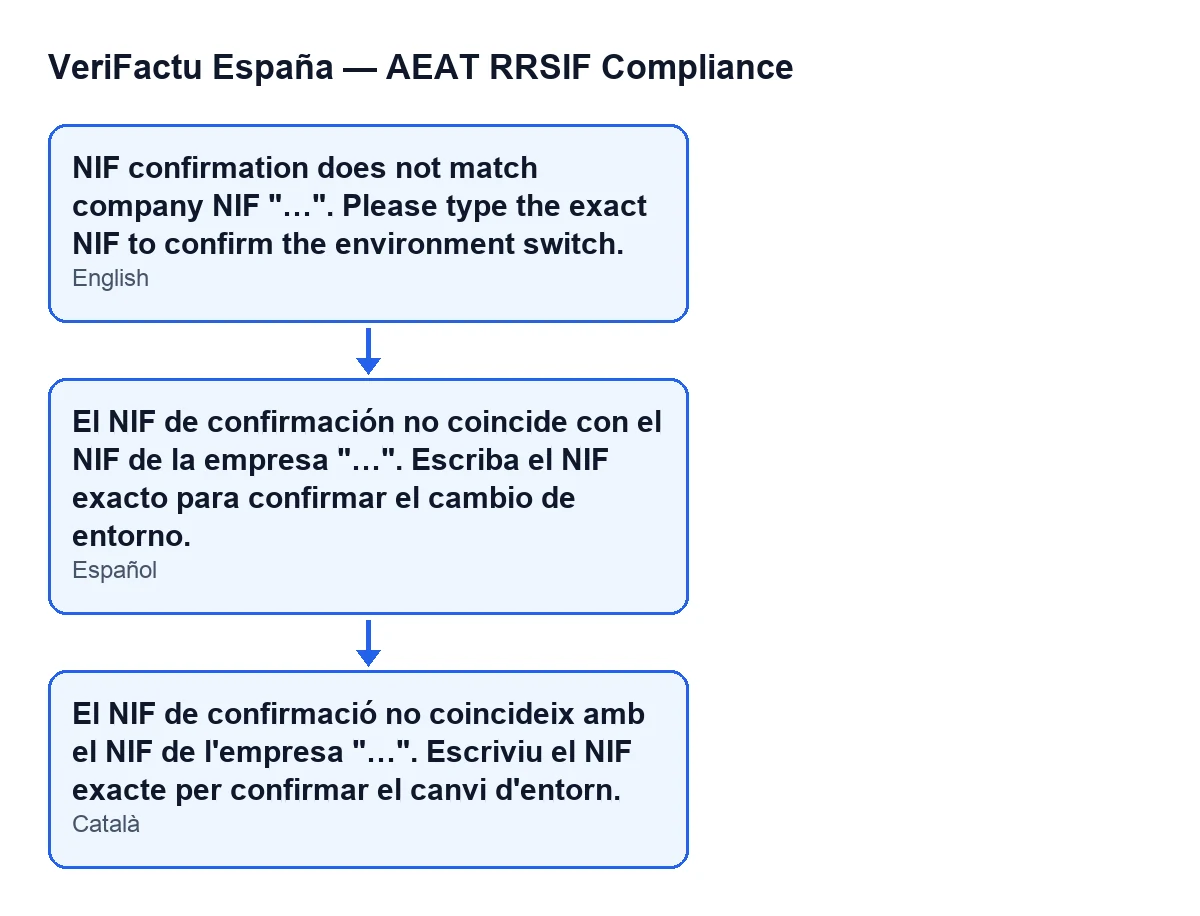
El NIF de confirmación no coincide con el NIF de la empresa "…". Escriba el NIF exacto para confirmar el cambio de entorno.) and its Catalan version.What the button does not tell you
It appears when you press the button, and only then
The message is raised by the action behind the Switch Environment button when the condition below is met. It is the response to pressing the button: do not attribute it to opening the window or to saving some other record.
The NIF check comes before any change
The first thing the action does is compare the NIF. Only if it matches does it look at the environment you picked: if that is the one the company already has, it closes the window and changes nothing; if it is a different one, it makes the switch. So the message can appear even when you pick the environment the company is already on: the comparison happens before that is looked at.
It compares against the company NIF, and the message shows it to you
As the expected NIF, the module takes the NIF stored for the company and trims the spaces from both ends. That is the value shown in quotation marks in the message, so there is no need to guess it: read it from there.
Case and spaces at the ends do not count; everything else does
Both what you type and the expected NIF are converted to upper case and stripped of leading and trailing spaces before they are compared. A lower-case letter therefore does not trigger the error. Any other difference does: an extra or missing character, a space in the middle or a hyphen that is not in the expected NIF.
If it fails, the environment does not change
The message stops the action, and with it whatever was about to change: nothing is saved and the company stays on the environment it had. You can correct what you typed and press Switch Environment again.
If it matches, there are two outcomes
If the environment you picked is the one the company already has, the window closes without showing any notice. If it is different, the switch goes through a single route, the company's own, and you see the notice Environment Switched with the text AEAT environment switched to "…".. The module also writes a line to the server log with the company, the environment and the user who switched it.
How to resolve it
- Read the NIF the message shows in quotation marks: it is the value your entry was compared against.
- If it is your company's NIF, type it exactly as shown to confirm (upper or lower case makes no difference) and press
Switch Environmentagain. - If it is not your company's NIF, the value it is compared with is not the right one: review the company's NIF before trying again.
- Check the result: the
Environment Switchednotice means the switch has been made. If the window closes with no notice, the environment you had picked was already the company's.
Carrying on with the module
Another message in the module with its condition in the code is the one about the SIF manager when retrying submissions, and what the module adds to invoices is covered in this overview of fields and buttons. If you are implementing Odoo and want to review how the environment switch will work before you start invoicing, FlexigoTech implements Odoo 17, 18, 19 and 20 and builds custom connectors and integrations.
The module is published on Odoo Apps for 17.0, 18.0, 19.0 and 20.0.
Keep reading
Checked in the module's source code (version 20.0) and the linked sources
Sources
- Module source code: flexigo_spain_verifactu 20.0 (1fdc980f): wizards/verifactu_env_switch_wizard.py
- Module source code: flexigo_spain_verifactu 20.0 (1fdc980f): wizards/verifactu_env_switch_wizard_views.xml
- apps.odoo.com/apps/modules/20.0/flexigo_spain_verifactu
- flexigotech.com/en/services.html