

 Español
 Català
 Deutsch
 Français
 Português
 Italiano
 Nederlands
 Polski
Where you start from
Seller Central gives you plenty of information, but it is not your management system. When you also sell on another channel or buy from suppliers, repetitive tasks appear: exporting orders, moving them to the invoicing program, adjusting stock by hand and reconciling each settlement in a spreadsheet. Every manual step is a chance for error.
Odoo brings together sales, inventory, purchasing and accounting. With the Amazon connector, published for Odoo 17, 18, 19 and 20, Amazon becomes one more channel inside that system.

The steps
- Decide what Odoo will run from day one. Usually that is sales, inventory and invoicing; purchasing and full accounting can come later.
- Load your products into Odoo with the same SKU you use on Amazon. It is the key that joins both sides.
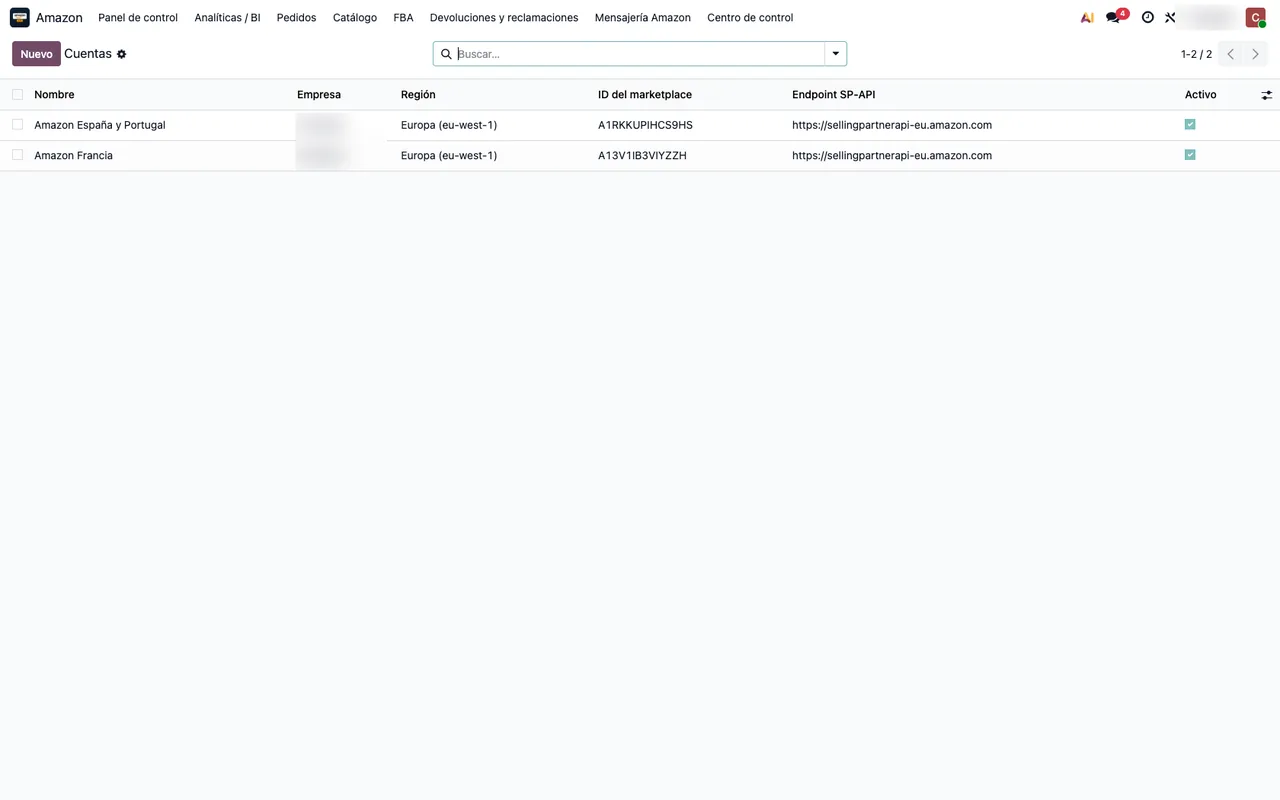
- Create the Amazon account in Odoo and connect it with your Login with Amazon credentials. The credential status tells you whether Amazon accepts them.
- Review the marketplaces on that account: Spain, Italy, France or whichever you use.
- Let the nightly task link listings to products and review the ones that find no match.
- Turn on order import. Orders come in every 15 minutes as sales orders.
- If you use FBA, turn on the sync of Amazon's official inventory, which repeats every 30 minutes.
- Turn on settlements, read once a day, and returns, every 3 hours.
What can wait
There is no need to switch everything on the first day. The connector brings many optional reports that are activated one by one: reserved inventory, stranded inventory, restock recommendations, storage fees, VAT, account health. Start with orders, inventory and settlements. When that has run for a week without surprises, add the rest according to what you need to watch.
The same goes for old data. Importing years of Amazon orders into a freshly built Odoo usually causes more trouble than it solves; the practical route is a cut-off date, with older orders checked in Seller Central.
Typical first-day mistakes
The most common one is pressing connect before filling in the credentials. Odoo says it plainly: Set the LWA Client ID and Client Secret first, then Connect to Amazon. The second is having different SKUs on Amazon and in Odoo, so listings do not link on their own. It is worth fixing before turning on orders.
What you gain, concretely
- One stock for Amazon and for your other channels.
- Orders nobody types: they come in on their own.
- Your sales invoices can be uploaded to Amazon from Odoo; the task runs every 30 minutes.
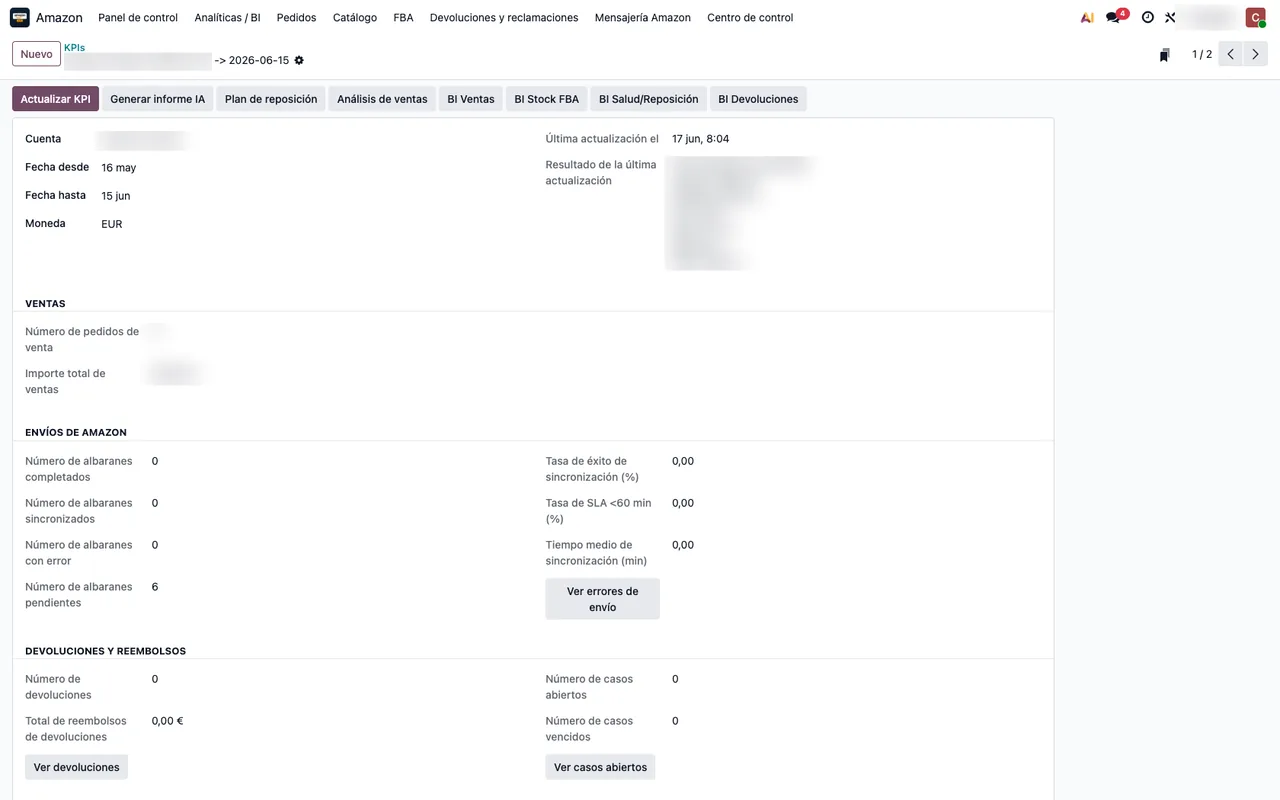
- Settlements and returns next to your sales, instead of in downloaded reports.
How we help
At FlexigoTech we implement Odoo and leave Amazon connected: products, accounts, marketplaces and the first week of orders reviewed with you. The module costs €9 per Odoo version and the Connector plan starts at €49 a month, VAT excluded. The connection runs through our cloud, which keeps your credentials encrypted and alerts you if the sync fails. Whatever your business needs beyond that, we build to measure.
Keep reading
Checked in the connector's source code (version 20.0) and the linked sources
Sources
- Module source code: flexigobe_amazon_seller_connector 20.0 (e9fb0850): data/ir_cron_data.xml
- Module source code: flexigobe_amazon_seller_connector 20.0 (e9fb0850): models/amazon_spapi_account.py
- Module source code: flexigobe_amazon_seller_connector 20.0 (e9fb0850): views/menu_views.xml
- apps.odoo.com/apps/modules/20.0/flexigobe_amazon_seller_connector
- flexigotech.com/en/services.html
- flexigotech.com/precios.html