

 Español
 Català
 Deutsch
 Français
 Português
 Italiano
 Nederlands
 Polski
Selling and catalogue
- FBM (Fulfilled by Merchant)
- You ship from your own warehouse. In Odoo the order arrives as a sales order and creates its delivery. Orders are imported every 15 minutes.
- FBA (Fulfillment by Amazon)
- Amazon stores your goods and ships for you. Odoo has an FBA menu with its inventory, synced every 30 minutes from the official report.
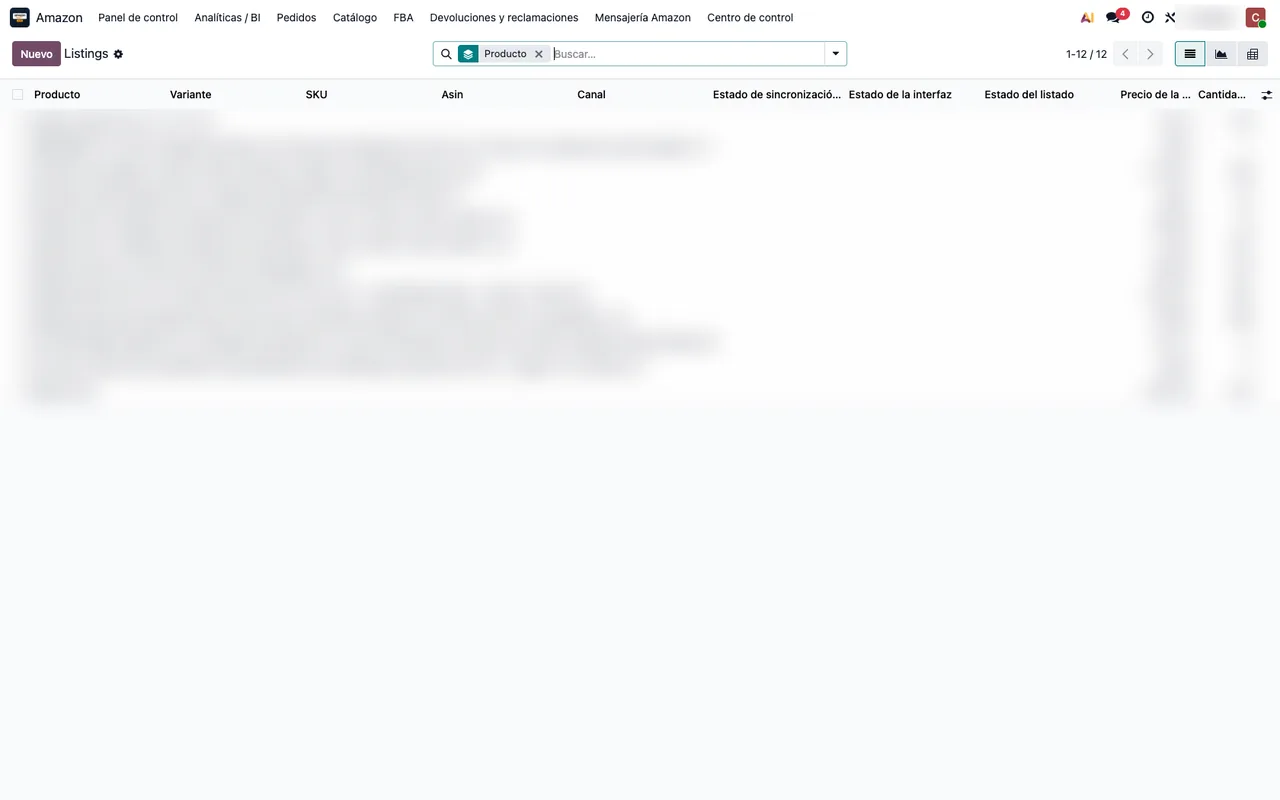
- Listing
- A product's offer on Amazon. It lives under Amazon › Catalog › Listings. Every night a task tries to link listings to Odoo products on its own.
- Suppressed listing
- An offer Amazon has hidden, usually because of data that breaks its rules. It has its own list in the catalogue.
- Pan-European eligibility
- Whether a product can join the FBA Pan-European programme. You check it under Catalog › Pan-European Eligibility.
- Offer status
- The connector compares price, stock and offer with Amazon and flags the gap: price mismatch, stock mismatch or offer mismatch.
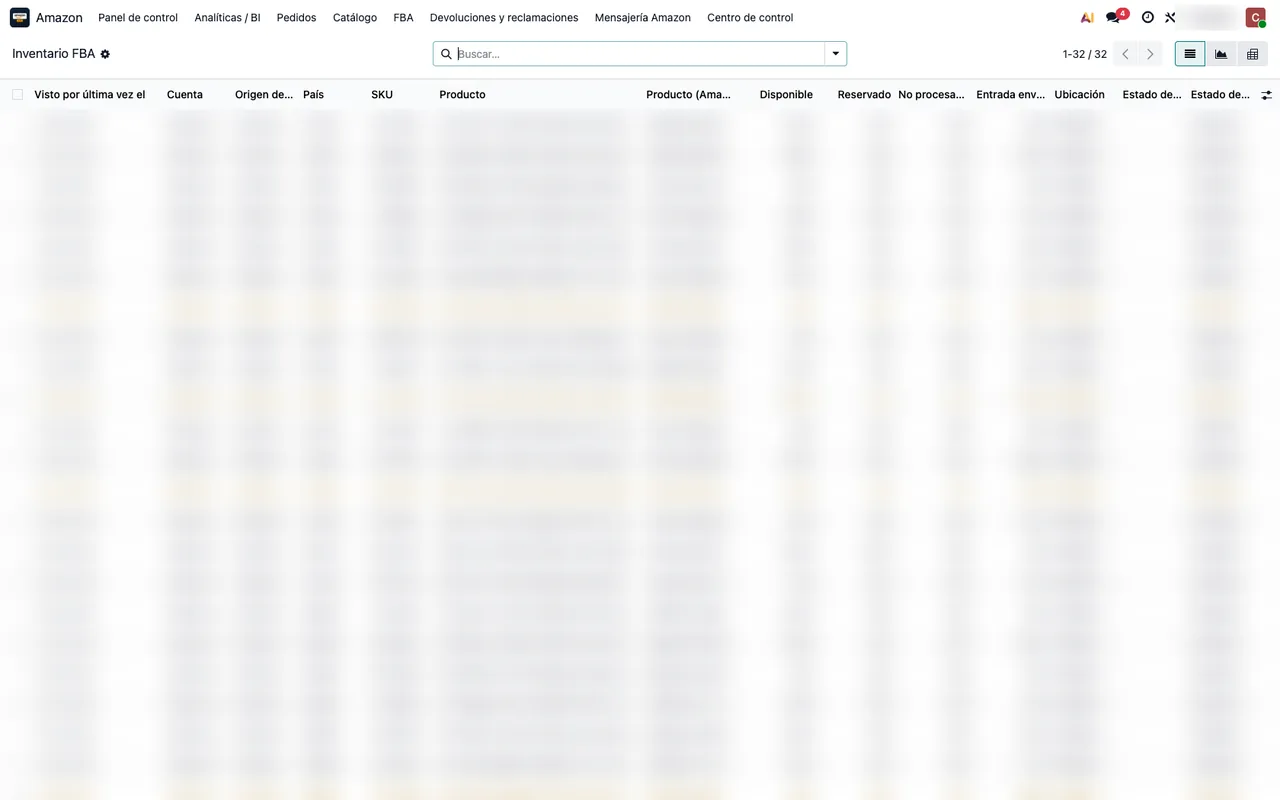
Inventory at Amazon
- Reserved inventory
- Units Amazon has set aside, for example for open orders or transfers between warehouses. It appears under FBA › Reserved Inventory.
- Stranded inventory
- Stock that sits at Amazon without an active offer, so it does not sell. It has its own screen under FBA › Stranded Inventory.
- Inventory Ledger
- The movement book of your stock at Amazon: receipts, shipments, adjustments. You find it under FBA › Inventory Ledger.
- Inbound plan
- The plan to send goods to Amazon. In Odoo it is under FBA › Inbound / Send to Amazon.
- Restock recommendations
- The quantities Amazon suggests you replenish. You read them under FBA › Restock Recommendations (Amazon).
Money
- Settlement
- Amazon's periodic settlement: sales, fees and payouts in one report. It syncs once a day and lives under Finances › Settlements (payouts & fees).
- Reimbursement claim
- A claim to Amazon for lost or damaged units. The connector runs a daily audit and leaves the candidates under Finances › Reimbursement Claims (audit), separate from the ones already paid.
- VCS
- The invoices Amazon issues on your behalf. They appear under Finances › Amazon-Issued Invoices (VCS), and an optional daily task reconciles them with your sales.
- Storage fees
- What Amazon charges for storage. They have their own report under Finances › Storage Fees.
- VAT transactions
- Amazon's record of the VAT on your EU sales, under Finances › VAT Transactions (EU VAT ledger).
- EPR
- The EU extended producer responsibility reports, under Finances › EU EPR Reports.
Connection and account
- SP-API
- Amazon's API for sellers. It is how the connector reads orders, inventory and reports.
- LWA (Login with Amazon)
- The credential system behind the SP-API. On the account in Odoo you see whether they are not yet verified, valid or rejected by Amazon. A daily task warns you before the client secret expires.
- Account Health
- Your seller account's health according to Amazon. It has its own report under Analytics / BI.
Many of these reports are optional and are switched on one by one. If you do not sell with FBA, there is no need to turn on the inventory ones.
Keep reading
How to start with Odoo if you already sell on AmazonA guide for Amazon sellers who do not use Odoo yet: what changes, the order to set it up and what the connector does with orders, FBA, settlements and returns.Shopify payouts and fees in Odoo: what the order does not tell youThe order total is not what you get paid on Shopify. Payouts, fees, disputes and reconciliation in Odoo 17, 18, 19 and 20 with the FlexigoTech connector.
Checked in the connector's source code (version 20.0) and the linked sources
Sources
- Module source code: flexigobe_amazon_seller_connector 20.0 (e9fb0850): views/menu_views.xml
- Module source code: flexigobe_amazon_seller_connector 20.0 (e9fb0850): data/ir_cron_data.xml
- Module source code: flexigobe_amazon_seller_connector 20.0 (e9fb0850): models/amazon_spapi_account.py
- Module source code: flexigobe_amazon_seller_connector 20.0 (e9fb0850): models/amazon_spapi_product_binding.py
- apps.odoo.com/apps/modules/20.0/flexigobe_amazon_seller_connector