

 Español
 Català
 Deutsch
 Français
 Português
 Italiano
 Nederlands
 Polski
The daily run at a glance
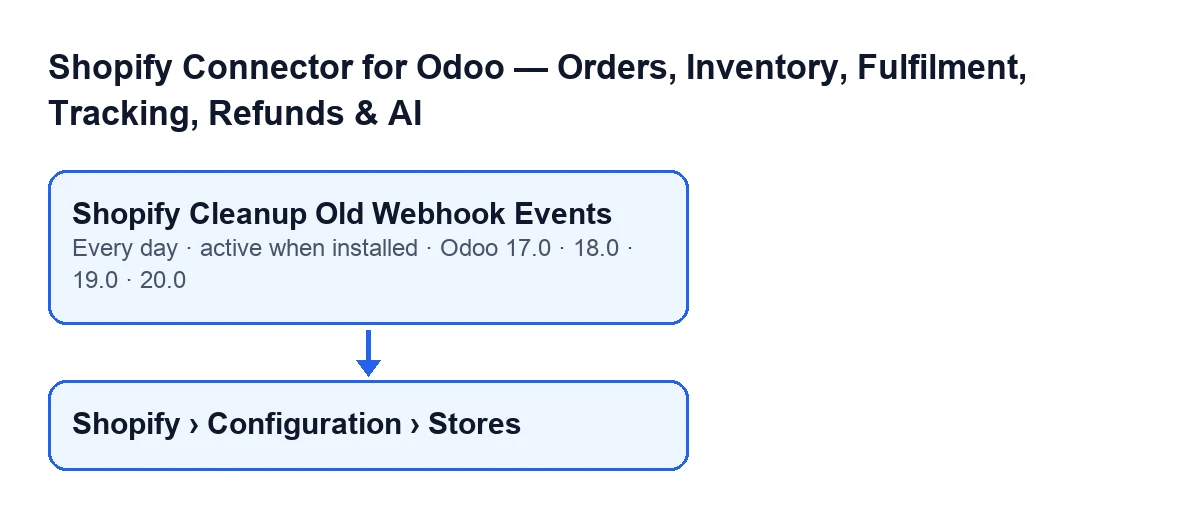
The Shopify Cleanup Old Webhook Events scheduled action is part of Shopify Connector for Odoo. It runs once a day and is active as soon as the module is installed. It exists in the 17.0, 18.0, 19.0 and 20.0 branches of the module.
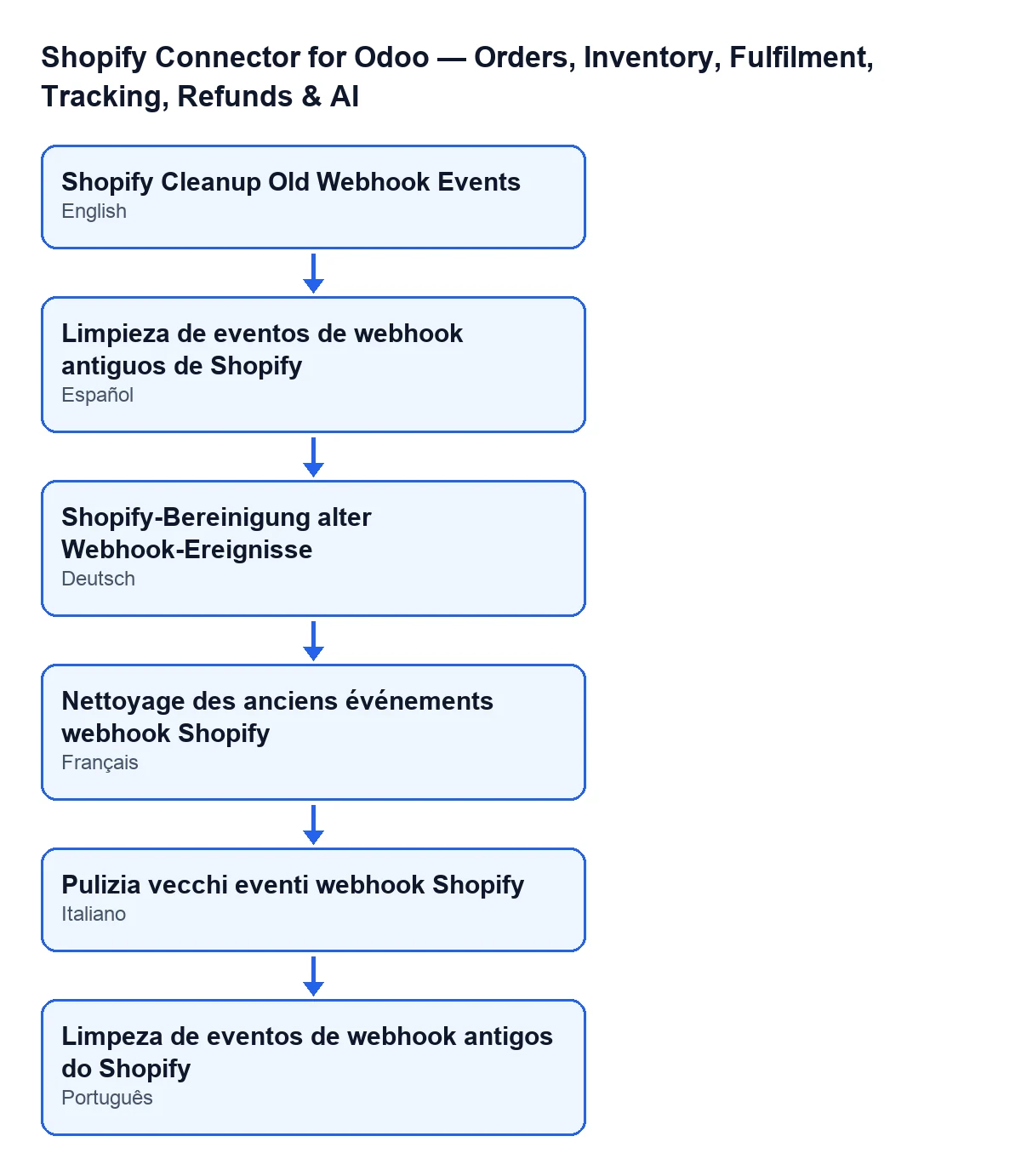
The second diagram shows the name of the action in Spanish, German, French, Italian and Portuguese.

The order of work on each run
In Odoo 20.0, on every run the code does this, in this order:
- It checks that whoever runs it is an administrator. If not, it stops and nothing is deleted.
- It works out a cut-off date: the current moment minus 30 days.
- It searches for webhook events in the processed state whose processing date is earlier than that cut-off.
- It counts the events it found.
- It deletes them.
- Only if there was at least one, it writes an informational line to the server log with that number.
Details the listing does not show
Only processed events are searched
The search includes only events in the processed state; this action does not touch the rest, however old they are.
The 30 days count from the processing date
The action does not look at when the event arrived, but at its processing date: it deletes those where that date is earlier than the cut-off of 30 days ago. An event processed more recently stays where it is. The cut-off is worked out each time the action runs, from the moment of that run.
It counts first, then deletes
The action gathers the events that meet both conditions (being in the processed state, and having a processing date earlier than the cut-off), counts them and then deletes them.
The log line only appears if something was deleted
If there was at least one event, the action writes an informational line to the server log with the number of events deleted. If there were none, that line is not written. Its absence on its own therefore does not tell you whether the action ran: it only tells you that nothing was deleted.
Without administrator rights, it stops
The first thing the method does is check that whoever runs it is an administrator. If not, it can stop with the message Only an administrator can run this scheduled action. Because that check comes before the search, nothing is deleted in that case.
Once a day, and in 17.0 without end
The frequency is one run every day. In Odoo 17.0 the action is set to repeat without end.
The stores menu asks for permissions section by section
The action is defined on the same model whose records open from the menu Shopify › Configuration › Stores. Each section of the menu asks for a permission: the Configuration section asks for Operator and the Shopify section asks for Viewer. If you lack one of them, you do not see that section.
What to check if it does nothing
If the action deletes nothing, review these points:
- There was nothing to delete. If no event is processed with a processing date more than 30 days old, the search comes back empty and the action ends without writing anything to the log.
- The events you expected to disappear are not in the processed state. Only those that are get deleted; the rest do not enter the search, however old they are.
- They were processed recently. The cut-off is 30 days before the moment the action runs.
- The action ran without administrator rights. In that case the method can stop with the message
Only an administrator can run this scheduled action.and nothing is deleted.
How FlexigoTech can help
FlexigoTech implements Odoo 17, 18, 19 and 20 and builds connectors and custom integrations. The module is published on Odoo Apps for 17.0, 18.0, 19.0 and 20.0. If you want to review how the event cleanup is set up in your installation, or connect your store to Odoo, see the module page or the Odoo Apps listing. If stock is also on your mind, read what the Pull Stock button does.
Keep reading
Checked in the connector's source code (version 17.0 and 20.0) and the linked sources
Sources
- Module source code: flexigobe_shopify_seller_connector 20.0 (d7e627b4): data/ir_cron_data.xml
- Module source code: flexigobe_shopify_seller_connector 17.0 (437257e3): data/ir_cron_data.xml
- Module source code: flexigobe_shopify_seller_connector 20.0 (d7e627b4): models/shopify_instance.py
- Module source code: flexigobe_shopify_seller_connector 20.0 (d7e627b4): models/fgt_cloud.py
- apps.odoo.com/apps/modules/20.0/flexigobe_shopify_seller_connector
- flexigotech.com/en/services.html