

 Español
 Català
 Deutsch
 Français
 Português
 Italiano
 Nederlands
 Polski
When the message appears and where from
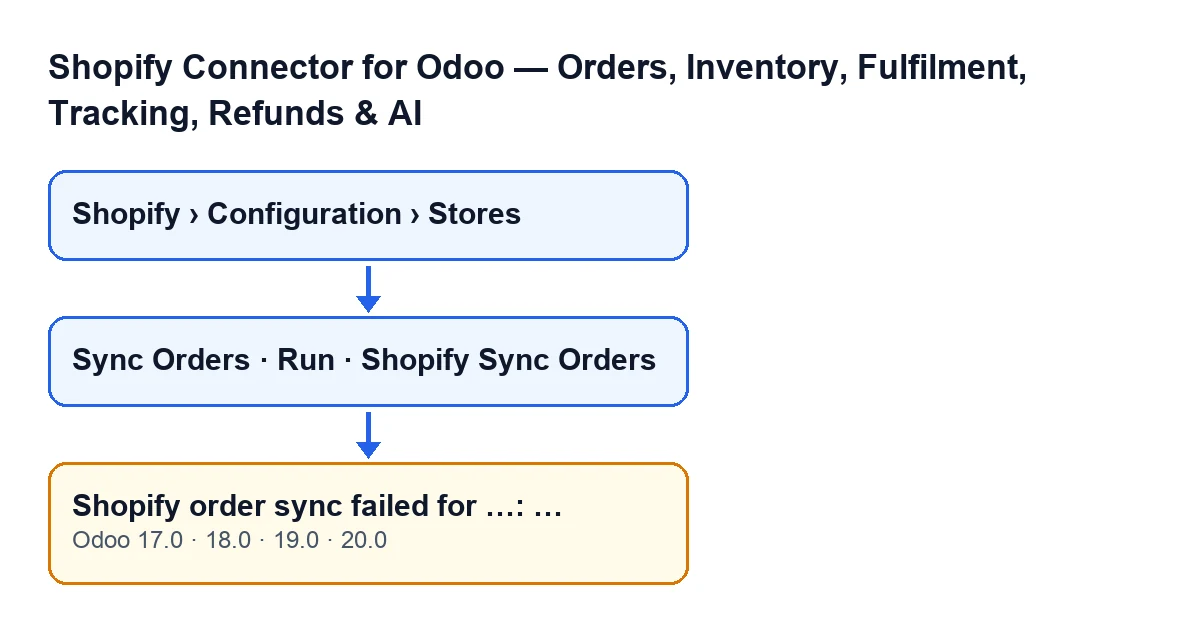
The message appears when you press the Sync Orders button on a store's form, or the Run button of the sync wizard. Both reach the same method in the module, and that method raises the error.
Store forms open from the menu Shopify › Configuration › Stores. The Shopify segment needs the Viewer permission and the Configuration segment needs Operator; if you lack either, you do not see that segment. Both buttons are always visible in Odoo 17, 18, 19 and 20, and the message is in the published code of all four branches.

The exact condition in the code
To see when it fires, look at what the sync does before it fails (code of Odoo 20.0). For a given store, the module:
- opens a log record for that orders sync and leaves it running;
- works out where to start searching: if the store has a last-sync date and has already imported orders, from that date; otherwise from a number of hours back, according to the window configured on the store;
- adds the store's import scope: all orders, only paid ones, or paid and unfulfilled ones;
- asks Shopify for the orders page by page, up to the maximum number of pages configured on the store, and processes each order that arrives;
- if nothing came back and the store has never imported any orders, repeats the search without the date filter;
- if any orders came back, writes the last-sync date, resets the consecutive-errors counter to zero and clears the last error; if none came back, it does not write that date.
Once the log record is open, everything else runs inside a block that watches for failures. The message appears when a failure occurs that is neither of these two:
- a FlexigoTech Cloud pause: the module deletes the log record of that run so it does not show as failed, and the action stops without this message;
- a failure that already arrives as an Odoo warning: the log record is marked as failed with a note pointing to the error dialog, and the warning is raised again as it is, without being wrapped in this message.
Any other failure during that work ends in Shopify order sync failed for …: …. Before raising it, the code writes the full trace to the Odoo server log, adds one to the store's consecutive-errors counter, saves the error text (its first 500 characters) and marks that run's log record as failed. Then it raises the message and the action stops.
What you are looking at
The first … is the domain of the store that failed. The second is the underlying error text, as it arrived. So the message is not a diagnosis in itself: it says the sync of that store stopped and, after the colon, it carries the cause.
One useful detail: the block that raises this message does not write the last-sync date. Only a run that brings in at least one order writes it.
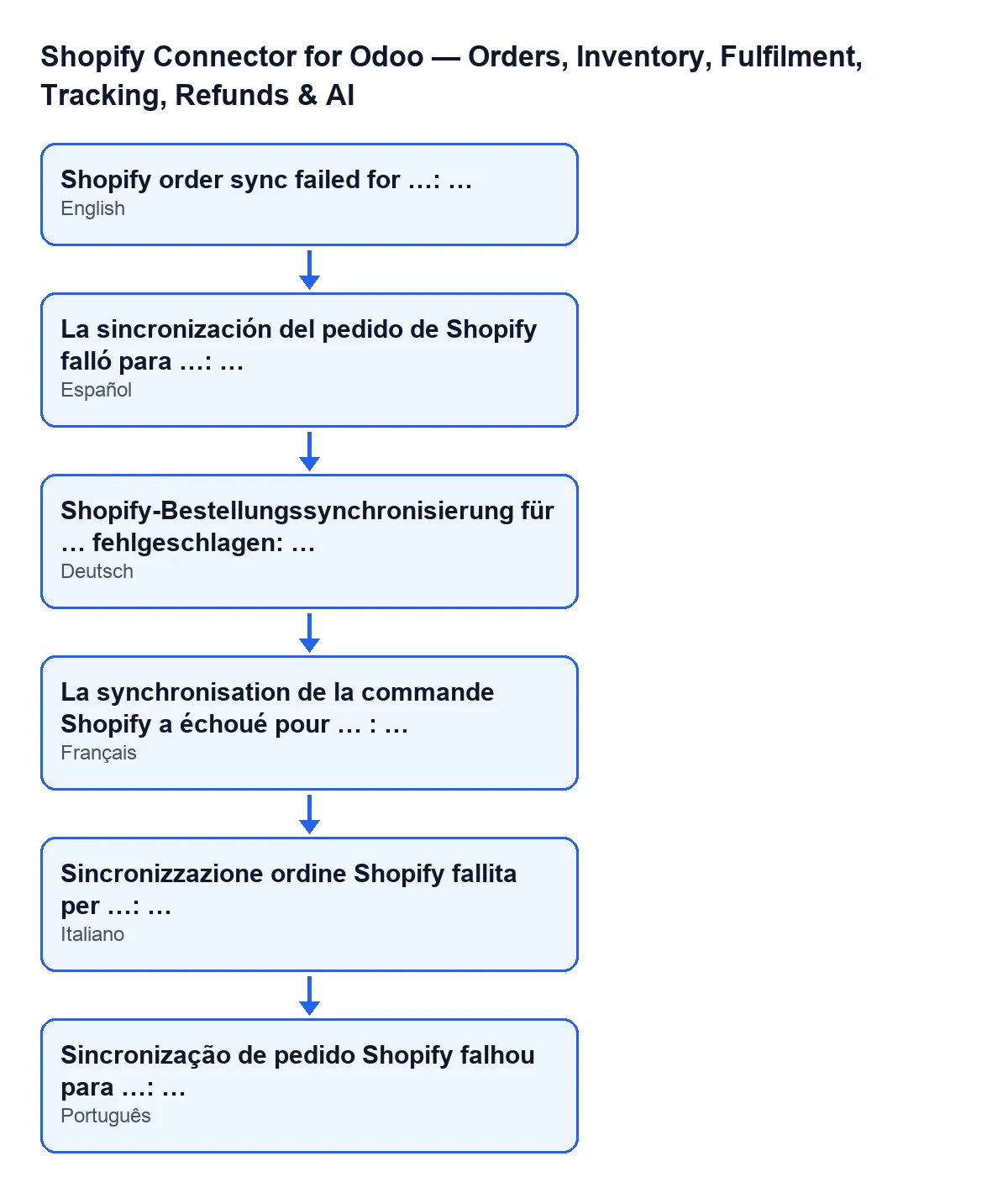
Shopify order sync failed for …: …; the diagram shows the phrase in other languages.Step by step to fix it
- Copy the whole message before closing the dialog, including the text after the colon: the cause of the failure is there.
- Look at the store domain, which is the first gap in the message. In
Shopify › Configuration › Stores, check that it is the store form you meant to sync. - Read the text after the colon. It is the underlying error and the module passes it on as it is, so the fix depends on what that text says, not on the message above it.
- Correct the cause that text describes before you retry.
- Press
Sync Ordersonce more. If the store has a last-sync date and has already imported orders, the search starts from that date; otherwise it starts a number of hours back, according to the store's window. - If the error repeats with the same text, or you cannot interpret it, send whoever administers Odoo (or FlexigoTech) the full message and the time you saw it. The code leaves the full trace in the server log, and with those details it can be found.
If what you see is not this message but one about Operator permissions, there is a guide on the Operator access message for pushing changes to Shopify.
What to check afterwards
- That pressing
Sync Orders(orRun) again no longer shows the error dialog. - That, if the dialog comes back with the same text after the colon, the cause is still there and needs sorting out before you retry.
- That what you see is not a FlexigoTech Cloud pause: in that case the action stops without this message.
How FlexigoTech can help
FlexigoTech implements Odoo 17, 18, 19 and 20 and builds custom connectors and integrations. This connector is a one-off purchase per version and needs a FlexigoTech Cloud subscription: the Connector plan costs €49/month or €490/year excluding VAT, with up to 3 accounts on the platform. You can see it on the Odoo Apps listing or on the module page.
If the error keeps coming back and you cannot tell what the text after the colon means, write to us with the full message and we will go through it with you.
Keep reading
Checked in the connector's source code (version 20.0) and the linked sources
Sources
- Module source code: flexigobe_shopify_seller_connector 20.0 (03641761): models/shopify_instance.py
- Module source code: flexigobe_shopify_seller_connector 20.0 (03641761): views/shopify_instance_views.xml
- Module source code: flexigobe_shopify_seller_connector 20.0 (03641761): wizard/shopify_sync_wizard_views.xml
- Module source code: flexigobe_shopify_seller_connector 20.0 (03641761): data/ir_cron_data.xml
- Module source code: flexigobe_shopify_seller_connector 20.0 (03641761): models/fgt_cloud.py
- flexigotech.com/en/services.html
- flexigotech.com/precios.html