

 Español
 Català
 Deutsch
 Français
 Português
 Italiano
 Nederlands
 Polski
When this error appears
It appears when you press the Export to Shopify button in a product's export wizard. The button is always visible, with no view condition, in Odoo 17, 18, 19 and 20, and the message is in the published code of all four versions.
The first thing the button does is look for an existing Shopify binding for that same shop and that same product (the search is by product, not by variant, and keeps a single result). If it finds one, the module raises the error and stops: nothing the export was going to change is saved, and nothing is sent to Shopify in that attempt. This check comes before the module prepares the product data.
The message carries two values in single quotes: the product name and the domain of the Shopify shop the export was launched against.
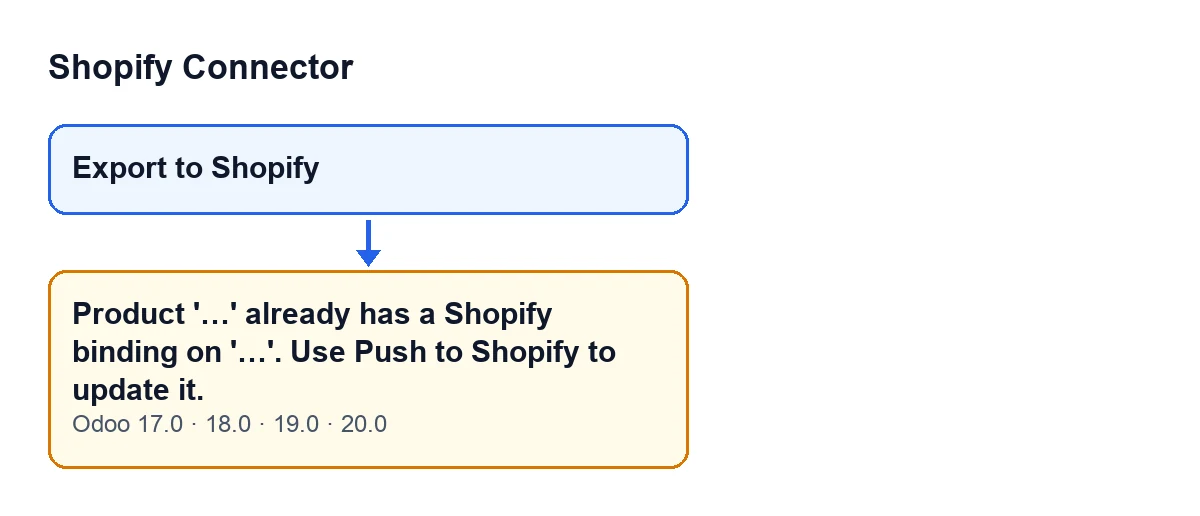
Export to Shopify button and the message that stops it, as they appear in the published code for Odoo 17, 18, 19 and 20 (the labels in the schematic are in English, the original text in the code)The text is the one in the introduction. The next schematic also shows how it is published in Spanish, German, French, Italian and Portuguese.
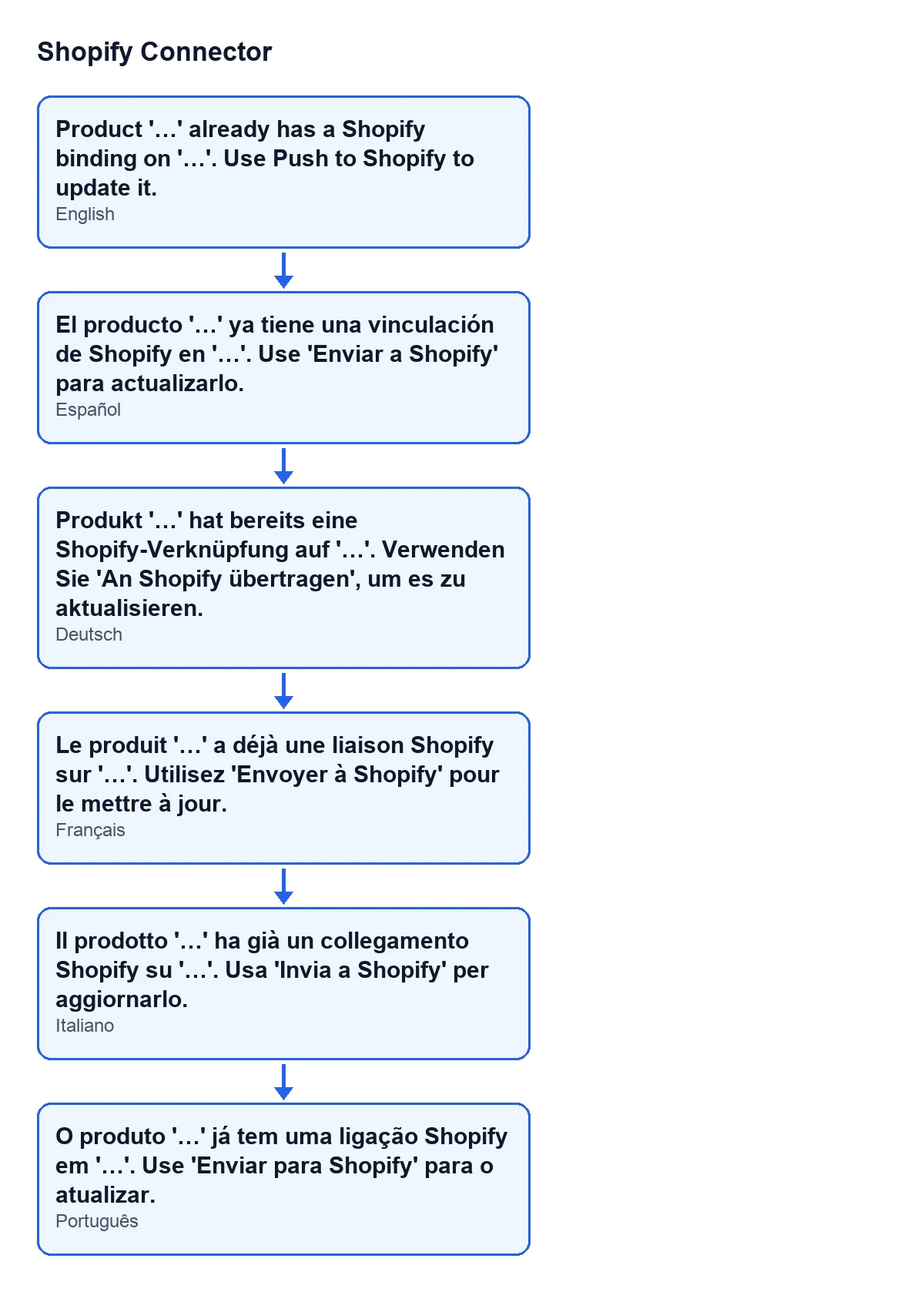
Product '…' already has a Shopify binding on '…'. Use Push to Shopify to update it.
What it means
It means that, for that pair of shop and product, the module already holds a stored binding. If an earlier export finished correctly, the module created one binding for each Odoo variant it managed to match with a Shopify variant. That is why pressing Export to Shopify again on the same product and the same shop lands on this error.
The check looks only at that pair: shop and product. The message says nothing more, and the module does nothing else in that attempt.
Checklist: before exporting
- If an earlier export of that product to that shop finished correctly, bindings already exist and the error is what you should expect.
- Remember that the search is by product, not by variant: a product with several variants triggers the error as soon as it has a binding on that shop.
- Keep in mind that
Export to Shopifycreates the product in Shopify. For a product that is already bound, the message itself points to another action, the one its text names.
- If you are exporting the same product to another shop, remember that the check is made per shop: what matters is whether a binding exists on the shop you launch the export against.
Checklist: when the error appears
- Read the two values in the message: the product and the shop. They tell you which binding the module found.
- Check that the shop shown is the one you meant. If it is not, the export was launched against a different shop and has to be repeated against the right one.
- If the shop is the right one, the product is already bound to it and the module will not create it again: the message tells you that updating it uses another action, the one its text names.
- Do not keep retrying
Export to Shopify: the check is the first thing the button does, so while that binding exists the error will be the same.
- Take it that the attempt changed nothing: the error stops the action and nothing it was going to change is saved.
Checklist: when the error does not appear
- If there is no binding for that shop and that product, the check passes and the module carries on with the export: it prepares the product data and sends it to Shopify.
- After a successful export, the module writes the Shopify identifiers on each matched variant, creates its binding and updates the product status. That binding is what will trigger the error on the next export.
- When it finishes correctly, the module shows a notification
Exported to Shopifywith the textProduct '…' was created in Shopify (…) as ….
After resolving it
- Open the product in your Shopify shop and check that it is the one you expected.
- If the export went as far as creating it, check that each Odoo variant was matched with its Shopify one.
Cost and FlexigoTech help
Shopify Connector costs €9 per Odoo version, for 17, 18, 19 and 20, excluding VAT, as a one-off payment. It also needs a FlexigoTech Cloud subscription: the Conector plan costs €49/month or €490/year excluding VAT.
If you are implementing Odoo and want to review how to link your catalogue with Shopify, or you need a custom integration, FlexigoTech implements Odoo 17, 18, 19 and 20 and builds connectors and custom integrations.
Keep reading
Checked in the connector's source code (version 20.0) and the linked sources
Sources
- Module source code: flexigobe_shopify_connector 20.0 (983eca24): wizard/shopify_export_product_wizard.py
- Module source code: flexigobe_shopify_connector 20.0 (983eca24): wizard/shopify_export_product_wizard_views.xml
- apps.odoo.com/apps/modules/20.0/flexigobe_shopify_connector
- apps.odoo.com/apps/modules/17.0/flexigobe_shopify_connector
- apps.odoo.com/apps/modules/18.0/flexigobe_shopify_connector
- apps.odoo.com/apps/modules/19.0/flexigobe_shopify_connector
- flexigotech.com/precios.html
- flexigotech.com/en/services.html