

 Español
 Català
 Deutsch
 Français
 Português
 Italiano
 Nederlands
 Polski
The message and where it comes from
Scrive Connector checks each party of the document when you press Send. If a party needs a mobile number and has no usable one, the module stops with this text:
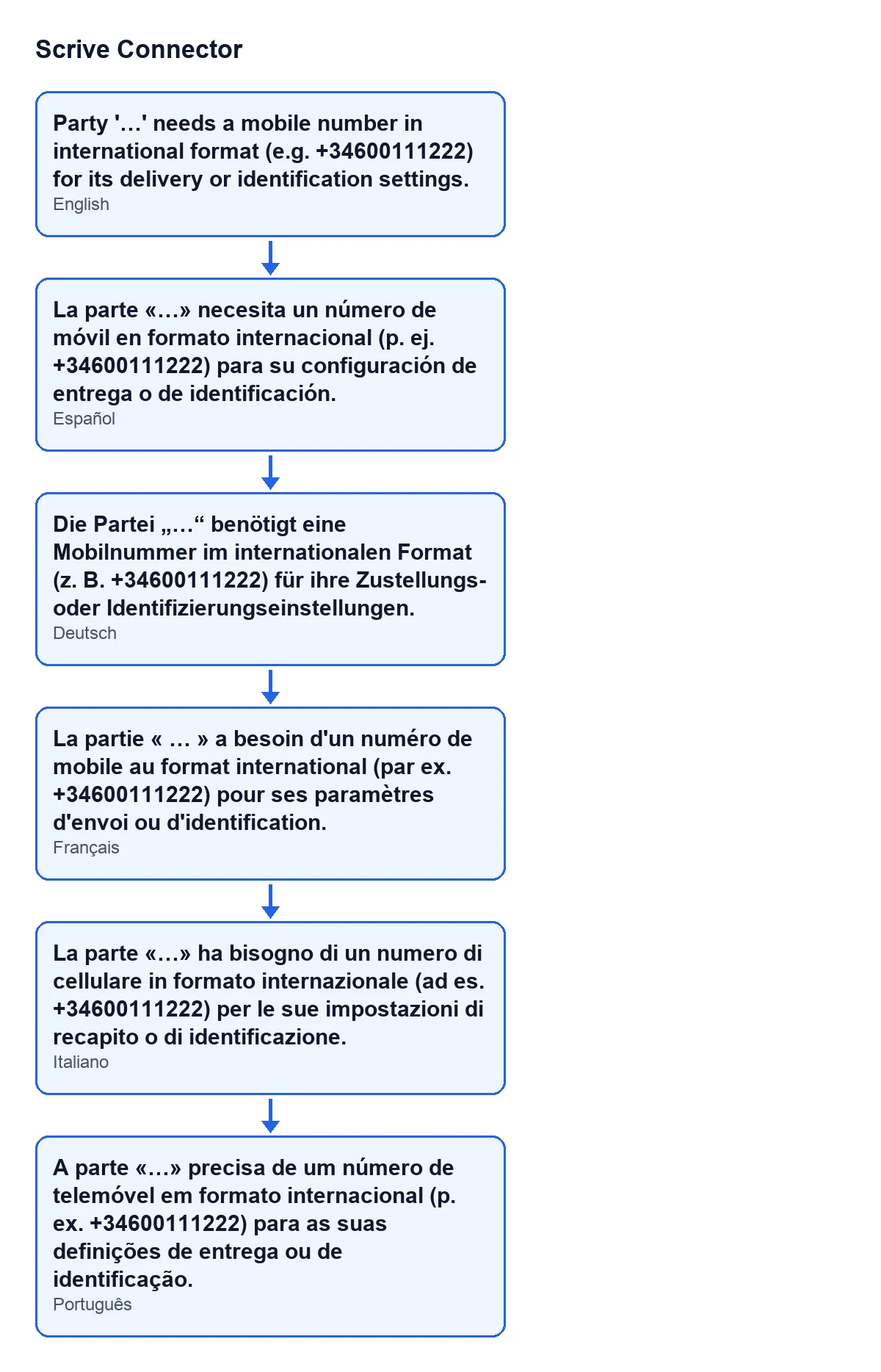
Party '…' needs a mobile number in international format (e.g. +34600111222) for its delivery or identification settings.
Where you see «…» in the code, you get the name of the party concerned. The diagram below sums up how the buttons, the field and the message fit together.
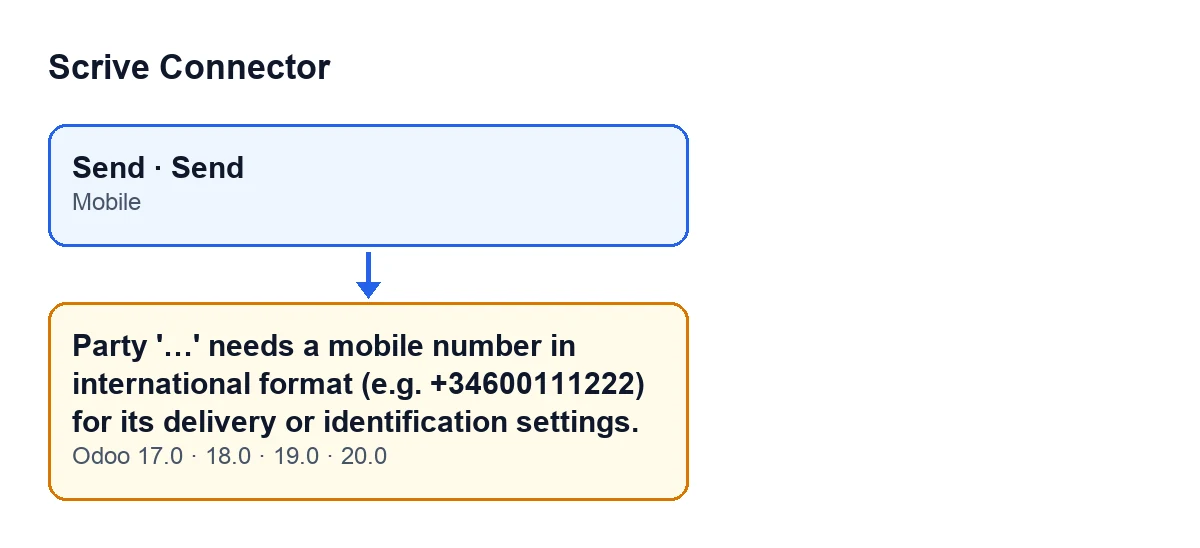
Send buttons to the Mobile field and the message. The labels are those of the module's original text.
What you do not see at first glance
It appears when you press Send, from the document or from the wizard
It comes from the Send button on the document and also from the Send button in the send wizard: both reach the same check. The one on the document is hidden when the State field is neither draft nor error; with the default values it is visible. The one in the send wizard is always visible.
When the message appears, the action stops.
The exact condition: the party asks for a mobile and the Mobile field gives no number
The module goes through the parties one by one. For each one it first asks whether, given its settings, it needs a mobile number. If so, it takes what is written in Mobile and converts it to the only format Scrive accepts; if nothing comes out, it stops.
Put plainly: the message appears when the party asks for a mobile and the Mobile field is empty (or contains only spaces). With the field filled in, this is not the message you get.
Which settings make a party ask for a mobile
According to the code, a mobile number is needed when any of these is true of the party:
- its delivery method includes the mobile (mobile only, or email and mobile);
- its confirmation delivery method includes the mobile (mobile, email and mobile, or email with link and mobile);
- its ID check to sign is SMS PIN;
- its ID check to view is one of the methods the module marks as needing a mobile.
That is why the message talks about «delivery or identification settings»: the party got there through delivery, through confirmation or through identification. A party whose delivery, confirmation and identification do not use the mobile does not trigger this error.
How to fix it: the Mobile field with a country prefix
Go to the Parties tab, Parties table, and fill in Mobile on the party named in the message. Its help text reads: «International format with country prefix, e.g. +34600111222. Only needed for SMS invitations/confirmations and for the eID methods that identify the signer by phone (SMS PIN, Norwegian BankID).»
Type the number with its prefix, for example +34600111222, and press Send again. The other way out is to remove from that party whatever demands the mobile, following the list above, but only do so if the party really will not use SMS or an identification by phone.
A check the module makes before talking to Scrive
The code of the method that raises this message explains that each check mirrors one of the strict validations Scrive runs when the send is started, and that failing locally costs nothing. In other words, the warning comes from the module, with the party's name in the text, so that you can correct the mobile number before the send goes any further.
One warning at a time, and with the party's name
The method stops at the first party that fails, and the message names that party. Once you have fixed it, press Send again: another party, or another check on the same one, may give a different warning.
Within each party, the name, the signing stage and the email (when the settings call for it) are checked before the mobile. After it come, among other things, the personal number and the custom fields. One example of a later warning is the one about an approver's custom fields.
Which versions have it
The message is in the published code of Odoo 17, 18, 19 and 20, and the module is published on Odoo Apps for those four versions. The condition described above comes from the Odoo 20.0 code. The Send buttons have the same view condition in 17, 18, 19 and 20.
How FlexigoTech can help
FlexigoTech implements Odoo 17, 18, 19 and 20 and builds connectors and custom integrations. If Scrive Connector gives you warnings you did not expect when sending, or you want your documents' parties set up properly, get in touch.
Scrive Connector is a one-off payment per Odoo version and needs a FlexigoTech Cloud subscription (Connector plan: €49/month or €490/year, excluding VAT). The price for each version is on its listing and on the module page.
Keep reading
Checked in the connector's source code (version 20.0) and the linked sources
Sources
- Module source code: flexigobe_scrive_connector 20.0 (442af8bf): models/scrive_party.py
- Module source code: flexigobe_scrive_connector 20.0 (442af8bf): views/scrive_document_views.xml
- Module source code: flexigobe_scrive_connector 20.0 (442af8bf): wizard/scrive_send_wizard_views.xml
- apps.odoo.com/apps/modules/20.0/flexigobe_scrive_connector
- flexigotech.com/en/services.html
- flexigotech.com/precios.html