

 Español
 Català
 Deutsch
 Français
 Português
 Italiano
 Nederlands
 Polski
Where it is and when it shows
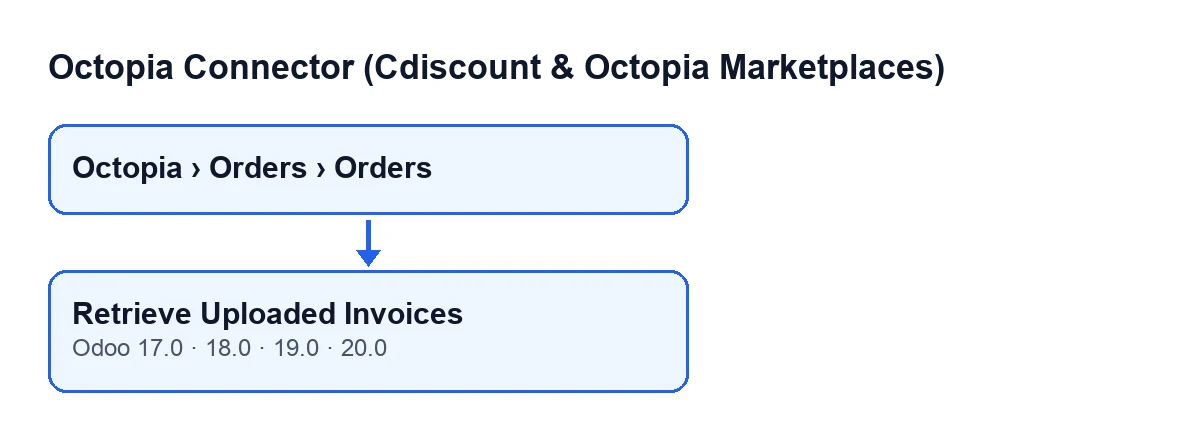
Where do I find the button?
It is on the Octopia Orders form. You reach that screen from the menu Octopia › Orders › Orders, and the Octopia branch of the menu requires the Octopia User permission: without it, you do not see that part of the menu. The button is called Retrieve Uploaded Invoices.
Why can't I see the button?
Because the view hides it when the Invoice Pushed field is not switched on, and with the default values it is not. So, with the default values, the button does not show on the order. In Odoo 17, 18, 19 and 20 the condition is the same.
Which Odoo versions have it?
The button is in every published branch of the module: Odoo 17, 18, 19 and 20. The button's text depends on the language of your Odoo; the diagram shows a few languages:
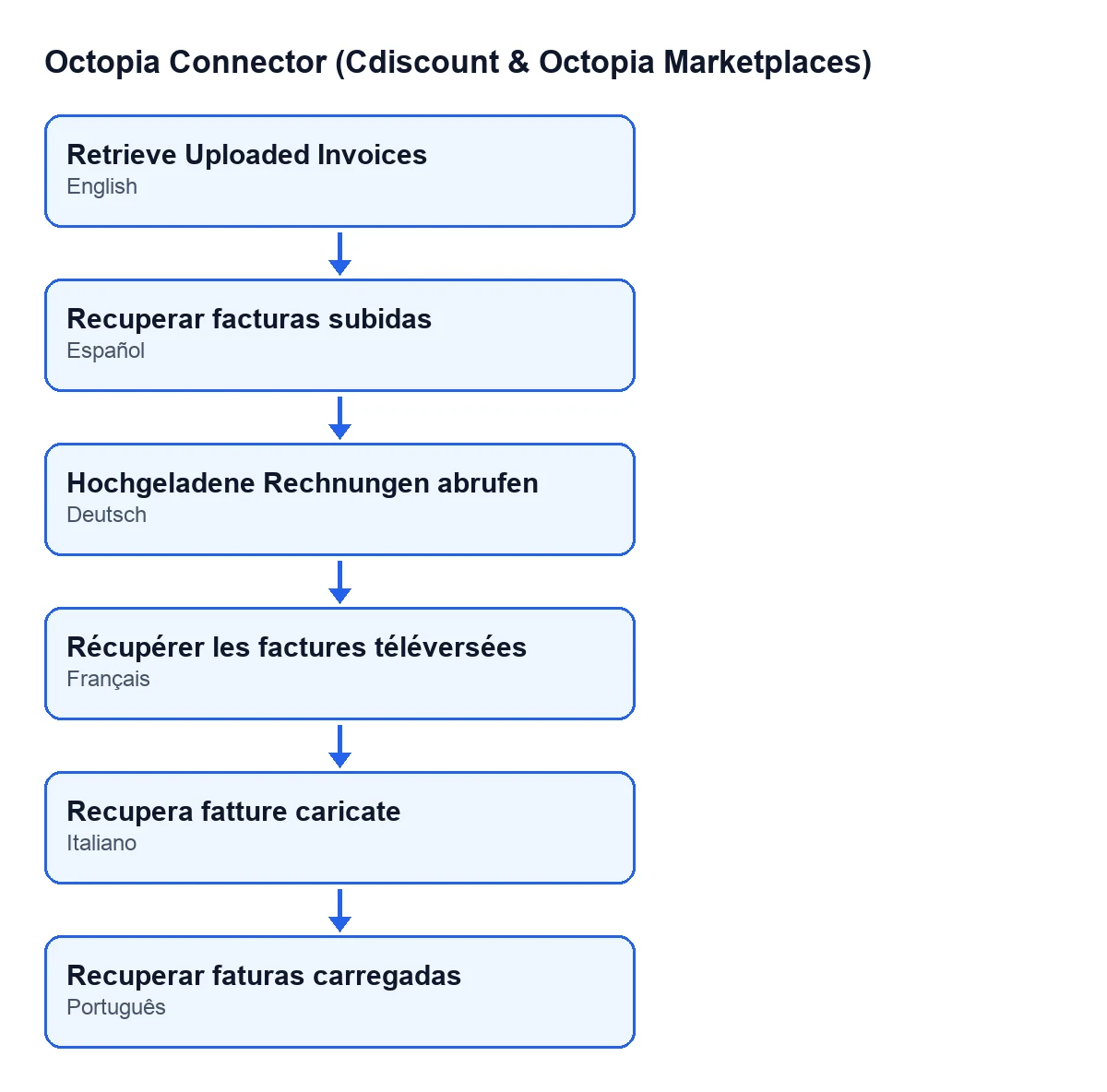
Recuperar facturas subidas; in German, Hochgeladene Rechnungen abrufen; in French, Récupérer les factures téléversées; in Italian, Recupera fatture caricate; in Portuguese, Recuperar faturas carregadas.
What it does when you press it in Odoo 20
What does it ask Octopia for?
It takes the order's account (the Account field, in the Marketplace group of the form) and, using the Octopia Order ID, asks Octopia for the invoice documents of that order. In other words, what was actually uploaded to the marketplace. Depending on the channel, what comes back can be a PDF, a ZIP or a listing. The help text of the Octopia Order ID field reads: «The Octopia identifier (also what cancellation request bodies call orderSellerId).».
What changes on the order if Octopia returns a file?
If the response is a file with content, Odoo creates an attachment on that order. The attachment is named octopia-…-invoice-documents, with the Octopia order ID where the dots are. It also leaves this note in the order's history (the chatter): «Uploaded invoice documents retrieved from Octopia (see attachments).».
And if Octopia returns a listing instead of a file?
Then no attachment is created. The button leaves a note on the order: «Invoice documents on Octopia: …», where the dots stand for the listing written out as JSON text, cut to the first 1500 characters.
And if Octopia has nothing for that order?
The note reads «Octopia has no invoice documents for this order.». There is no attachment.
How do I know what happened after pressing it?
Look at the order's history. A new attachment plus the note about retrieved documents means Octopia returned a file. Only the note with a listing means it returned a listing. The note saying there are no documents means Octopia had nothing for that order.
What happens if I press it several times?
Each time you press it and Octopia returns a file, the button creates another attachment and posts another note. What is left on the order is the attachment or the note, depending on what Octopia returns.
Cost and what surrounds it
Do I need the subscription to use it?
The module is a one-off payment per version and needs the FlexigoTech Cloud subscription. The Connector plan costs €49 per month or €490 per year, excluding VAT. The connection goes through FlexigoTech Cloud: it stores the credentials encrypted, monitors synchronisation and emails you if it fails. Without a subscription, or with the service suspended, whatever the subscription provides stops; your data stays in your Odoo.
Where do I see the price for each version?
The module is published on Odoo Apps for Odoo 17, 18, 19 and 20, and the price for each version is the one on the listing. On the Odoo App Store, each Odoo version is bought there.
If you need help
FlexigoTech implements Odoo 17, 18, 19 and 20 and builds custom connectors and integrations. If you want to review how the Octopia connector fits into your Odoo, get in touch.
Keep reading
Checked in the connector's source code (version 20.0) and the linked sources
Sources
- Module source code: flexigobe_octopia_connector 20.0 (059287e4): views/octopia_completeness_views.xml
- Module source code: flexigobe_octopia_connector 20.0 (059287e4): models/octopia_order.py
- apps.odoo.com/apps/modules/20.0/flexigobe_octopia_connector
- flexigotech.com/en/services.html
- flexigotech.com/precios.html