

 Español
 Català
 Deutsch
 Français
 Português
 Italiano
 Nederlands
 Polski
Where it appears and when the button is visible
It appears from a button on the cancellation request
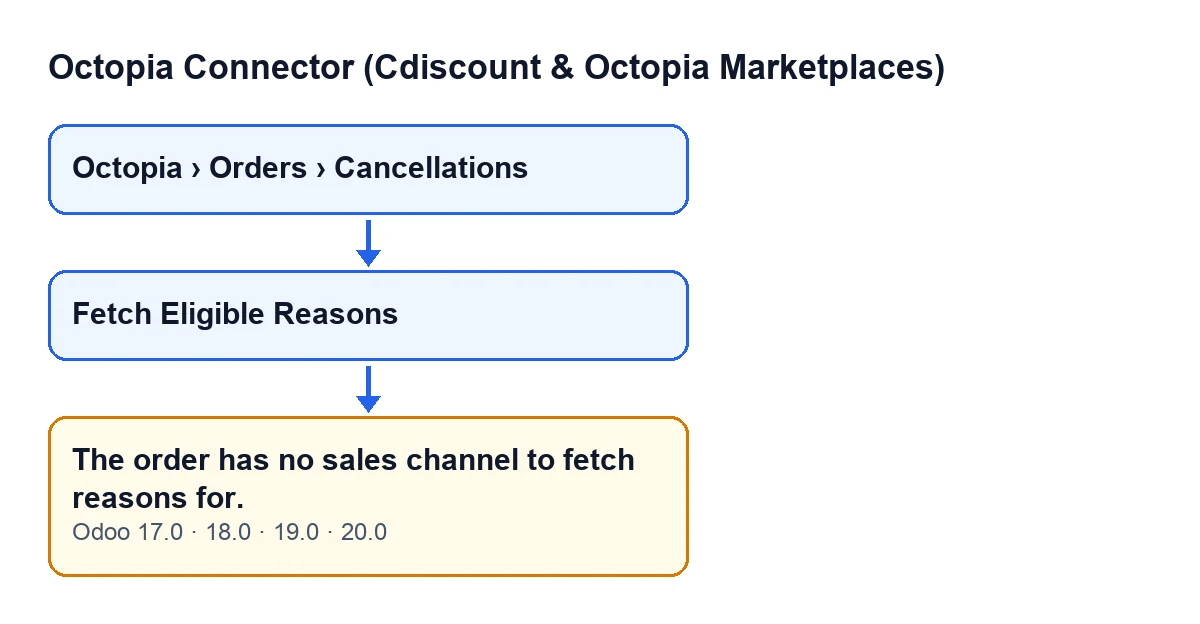
The forms of the cancellation requests open from the menu Octopia › Orders › Cancellations. The Octopia level of the menu requires the Octopia User permission: if you do not have it, you do not see that level.
The message The order has no sales channel to fetch reasons for. can appear when you press the Fetch Eligible Reasons button on that form. It is in the published code for Odoo 17, 18, 19 and 20.
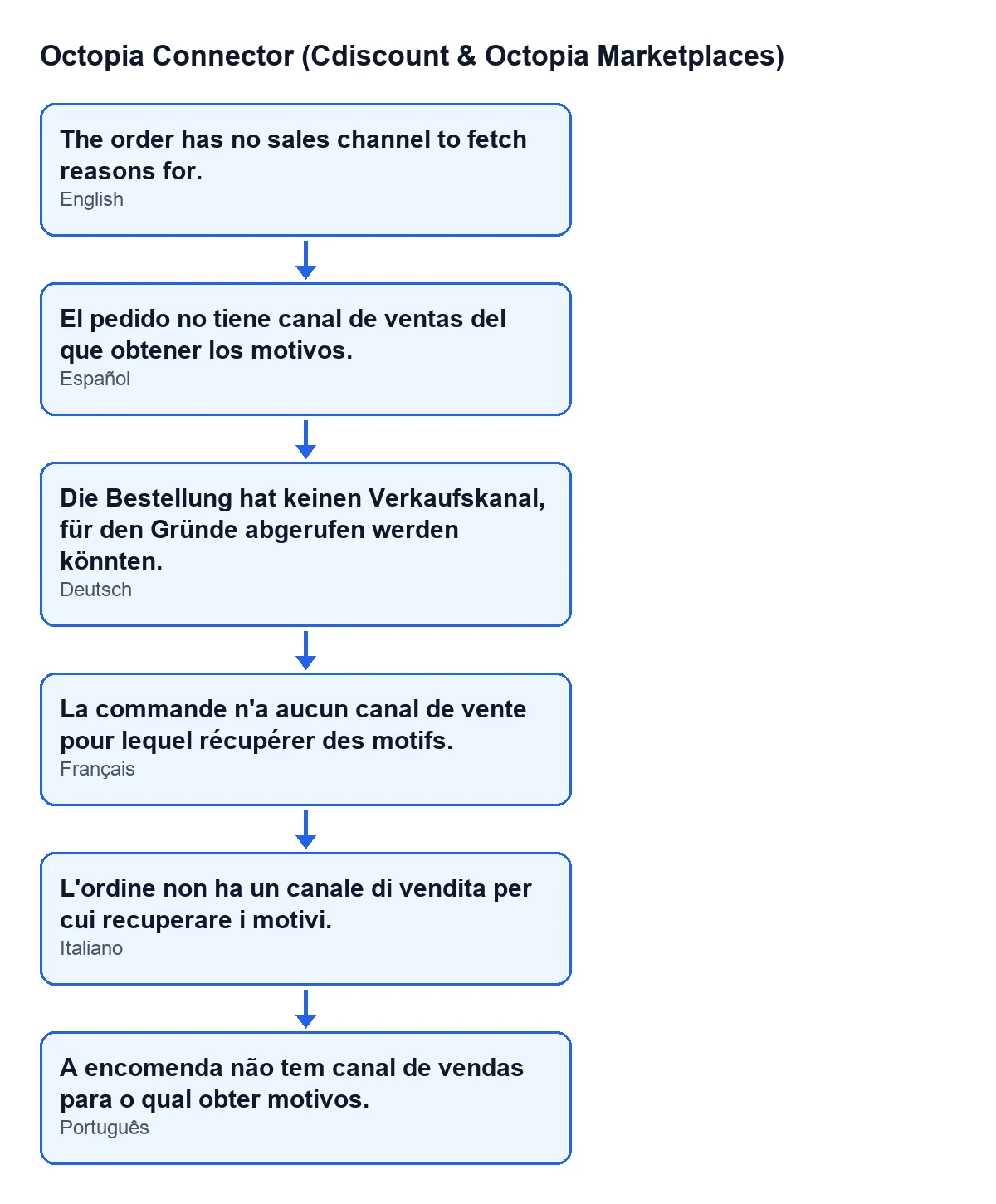
With the module's published translations, the same message reads like this:
| Language | Message text |
|---|---|
| Spanish | El pedido no tiene canal de ventas del que obtener los motivos. |
| English | The order has no sales channel to fetch reasons for. |
| German | Die Bestellung hat keinen Verkaufskanal, für den Gründe abgerufen werden könnten. |
| French | La commande n'a aucun canal de vente pour lequel récupérer des motifs. |
| Italian | L'ordine non ha un canale di vendita per cui recuperare i motivi. |
| Portuguese | A encomenda não tem canal de vendas para o qual obter motivos. |
The button is only visible while the request is in its initial state
The view hides Fetch Eligible Reasons when the request is no longer in its initial state, the one the State field has by default. With the default values, the button is visible. This is the same in Odoo 17, 18, 19 and 20.
There is a practical consequence: if you open a request and cannot see the button, there is nothing to press, so this message does not come from that form. If you can see it, the request is still in its initial state.

What the code checks, and in what order
The order's channel is read, not the request's
The sales channel is not read from the cancellation request but from the order it is linked to. The exact condition in the code is that: the sales channel of that order is empty. That is why two different requests can give different results: it depends on whether their order has a sales channel.
It is the first thing the method does
The button calls a method that loops over the requests it is run on. For each one it takes the order and looks at that order's sales channel. If it is empty, the method raises the message and the action stops there.
This check comes before anything else in the method: before deciding which order status to use and before passing any data to the module's next step.
Pressing again does not fix it
The method only reads the order's sales channel. It does not fill it in or change it, so pressing Fetch Eligible Reasons again without touching anything gives the same result: the message keeps appearing while the order has no sales channel.
When there is a channel, the method carries on
If the order has a channel, the method decides which order status to carry on with: if the order's status is Accepted, InPreparation, Shipped or Delivered, it uses that one; with any other status it uses Accepted.
Then it passes the order's account, the channel code, the value Seller and that status to the module's next step, and finishes. That is why the channel genuinely matters: its code is one of the pieces of data the method passes on, and with no channel the method never reaches that point.
How to fix it
What the message asks for is that the request's order has a sales channel. Since the button does not write it, the fix is on the order, not on the button.
- Open the request from
Octopia › Orders › Cancellationsand check that you can seeFetch Eligible Reasons. If you cannot, the request is no longer in its initial state. - Identify the order the request belongs to: that is the one that must have a sales channel.
- Once that order has a sales channel, press
Fetch Eligible Reasonsagain.
If the same message appears again afterwards, the order still has an empty sales channel: the code's check looks at nothing else.
If you need a hand
FlexigoTech implements Odoo 17, 18, 19 and 20 and builds connectors and bespoke integrations. Octopia Connector is a one-off purchase per version and needs the FlexigoTech Cloud subscription: the Connector plan costs €49/month or €490/year excluding VAT.
If you want to see how another button on the request behaves, there is the article on Submit to Octopia.
Keep reading
Checked in the connector's source code (version 20.0) and the linked sources
Sources
- Module source code: flexigobe_octopia_connector 20.0 (4848da6a): models/octopia_order_actions.py
- Module source code: flexigobe_octopia_connector 20.0 (4848da6a): views/octopia_completeness2_views.xml
- flexigotech.com/en/services.html
- flexigotech.com/precios.html