

 Español
 Català
 Deutsch
 Français
 Português
 Italiano
 Nederlands
 Polski
When it appears and what triggers it
What exactly do you see, and when?
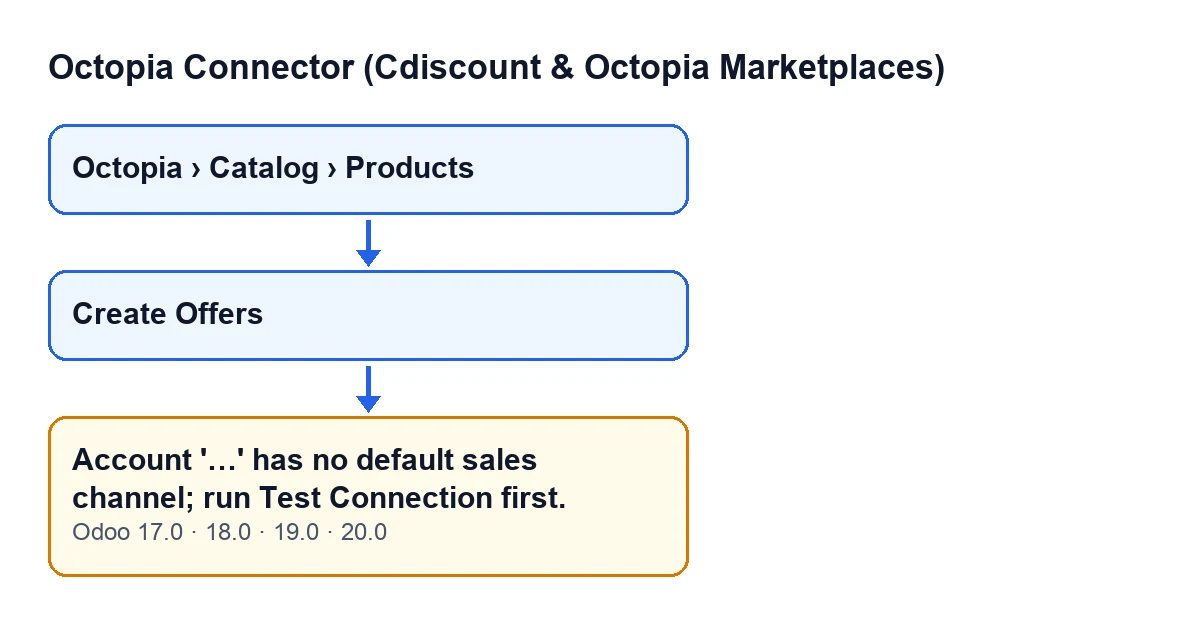
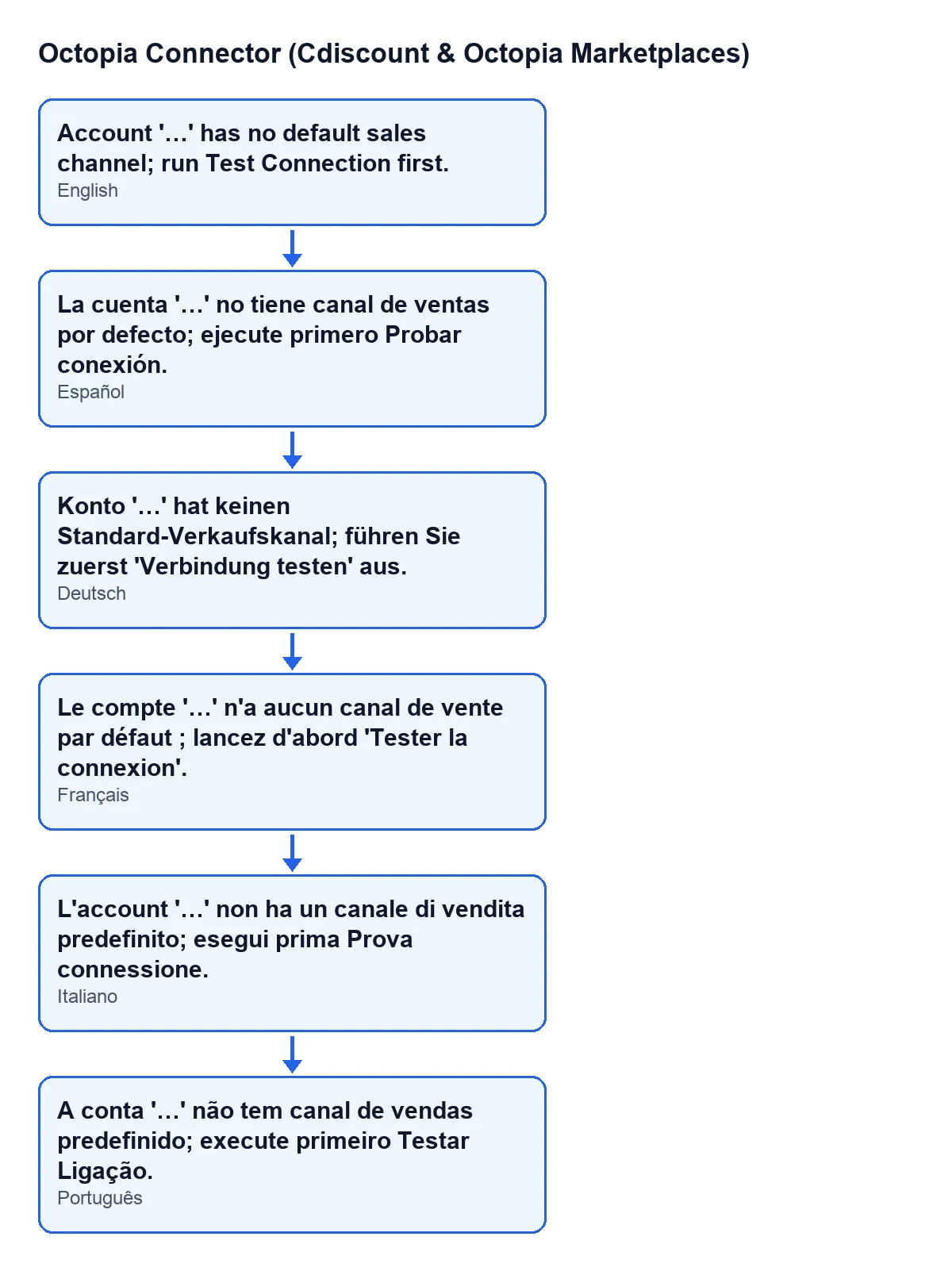
The message reads Account '…' has no default sales channel; run Test Connection first. The dots are replaced by the account name. It is an error, so the action stops. It appears when you press the Create Offers button.
Where is that button, and when is it visible?
In the Octopia product view, which you reach from Octopia › Catalog › Products. The Octopia part of the menu requires the Octopia User permission: without it, you do not see that part of the menu. The button has no visibility condition: it is always shown, in Odoo 17, 18, 19 and 20. So seeing the button tells you nothing about whether the account has a channel.
What exact condition makes it appear?
For each product you run the action on, the module takes that product's account and looks at its default sales channel. If that channel is empty, it raises the message. That is the whole check: an empty channel. It does not look at stock, prices or anything else on the product before getting there.
Does test mode change anything?
Yes. With the account in test mode, the module first looks among that account's sales channels for the one matching the SELLZZ test channel. If it finds it, it uses that channel; if not, it falls back to the default channel. So in test mode the message only appears when there is neither that channel nor a default one.

What happens to your offers
Is any offer created when the error appears?
No. The error stops the action and nothing the action was about to change is saved. The module goes through the products one by one: if you select several and the problem turns up on one of them, the offers for the earlier ones are not saved either. You will need to repeat the whole action once the problem is fixed.
What does the button do when the account does have a channel?
For each selected product it creates an offer on that channel, using the seller reference already on the record and the product's sales price (zero if it has none). It then opens the Offers window with the newly created offers. If none was created, it shows the offers of the selected products.
Does it duplicate offers that already exist?
No. Before creating, the module checks whether there is already an offer for that account, on that channel, for that product and with the New condition. If there is, it moves on to the next product without creating another.
How to fix it
What do I need to do?
The message itself asks you to run Test Connection first on the account named in the message. According to the module, that discovers the subscribed channels; you then need to pick one as that account's default sales channel. Once the account has a channel, select the products again and press Create Offers. Check that the name in the message is the account you have just tested.
Account '…' has no default sales channel; run Test Connection first.What do I check afterwards?
That pressing Create Offers no longer shows the message and the Offers window opens. If the product already had an offer for that account, on that channel and with the New condition, no second one is created and you will see the offers of the selected products.
What if I select products from different accounts?
Each product is checked against its own account, so an account that has a channel does not cover one that lacks it. The name in the message is that of the account of the product where the action stops.
Does it appear in every version?
The message is in the published code of Odoo 17, 18, 19 and 20, and the module is published on Odoo Apps for those four versions.
What does the module need to work?
It is a one-off purchase per Odoo version (each version's price is on its listing) and it needs the FlexigoTech Cloud subscription, Connector plan: €49 per month or €490 per year, excluding VAT. The connection goes through FlexigoTech Cloud, which stores the credentials encrypted and monitors synchronisation.
If you need a hand
If you are implementing Odoo and want someone to review the connection of your accounts with you, FlexigoTech implements Odoo 17, 18, 19 and 20 and builds connectors and custom integrations. If another button of the module interests you, here is what Submit to Octopia does.
Keep reading
Checked in the connector's source code (version 20.0) and the linked sources
Sources
- Module source code: flexigobe_octopia_connector 20.0 (4848da6a): models/octopia_product.py
- Module source code: flexigobe_octopia_connector 20.0 (4848da6a): views/octopia_completeness2_views.xml
- Module source code: flexigobe_octopia_connector 20.0 (4848da6a): models/octopia_ffm_setup.py
- apps.odoo.com/apps/modules/20.0/flexigobe_octopia_connector
- flexigotech.com/en/services.html
- flexigotech.com/precios.html