

 Español
 Català
 Deutsch
 Français
 Português
 Italiano
 Nederlands
 Polski
When the message appears and what it means
When exactly does this message appear?
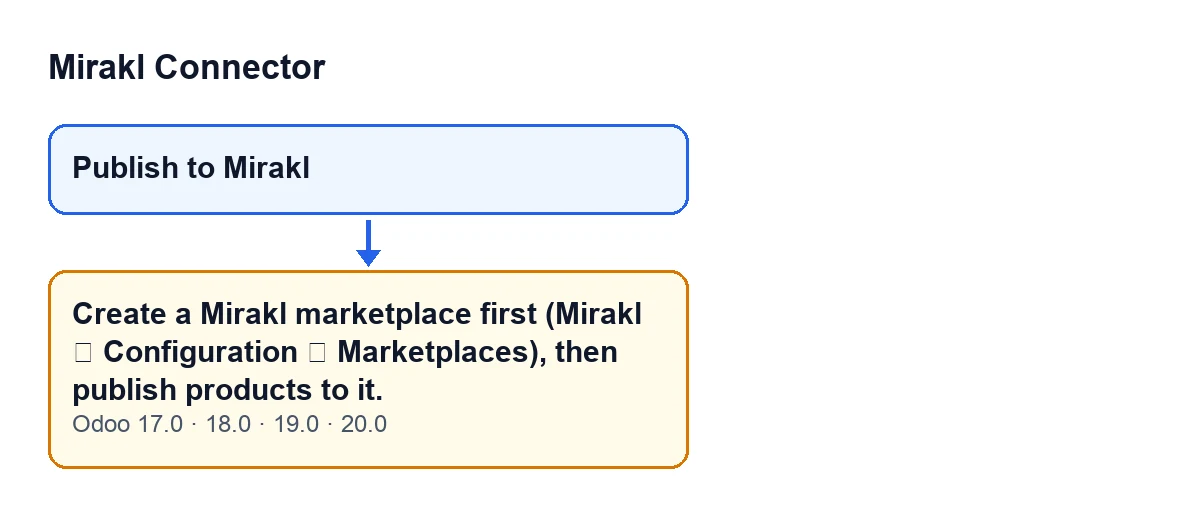
When you press the Publish to Mirakl button on a product, the module looks for the Mirakl marketplaces that exist in your Odoo. If that search returns none, the action stops and you see Create a Mirakl marketplace first (Mirakl ▸ Configuration ▸ Marketplaces), then publish products to it. It is an error: at that point no offer is created and no new screen opens.
What does it mean in practice?
Odoo does not have any Mirakl marketplace set up yet. The button works on the marketplaces that exist: it prepares an offer for the product on each one. With none, it has nowhere to prepare anything. The condition is only that: no marketplaces. The message says nothing about your product or your credentials.
Where is the button, and is it always visible?
Publish to Mirakl is on the product view and, according to the published code, it is always visible in Odoo 17, 18, 19 and 20. It does not depend on marketplaces existing, so you can press it before configuring anything and run into this message.
Is anything saved or created when the error appears?
No. The module first checks whether any marketplaces exist and, if there are none, raises the error before looking for or creating any offer. The action stops there.
Does it appear in every version of the module?
Yes. The same message is in the published code of the 17.0, 18.0, 19.0 and 20.0 branches, and the module is published on Odoo Apps for those versions.
How is the message worded with Odoo in another language?
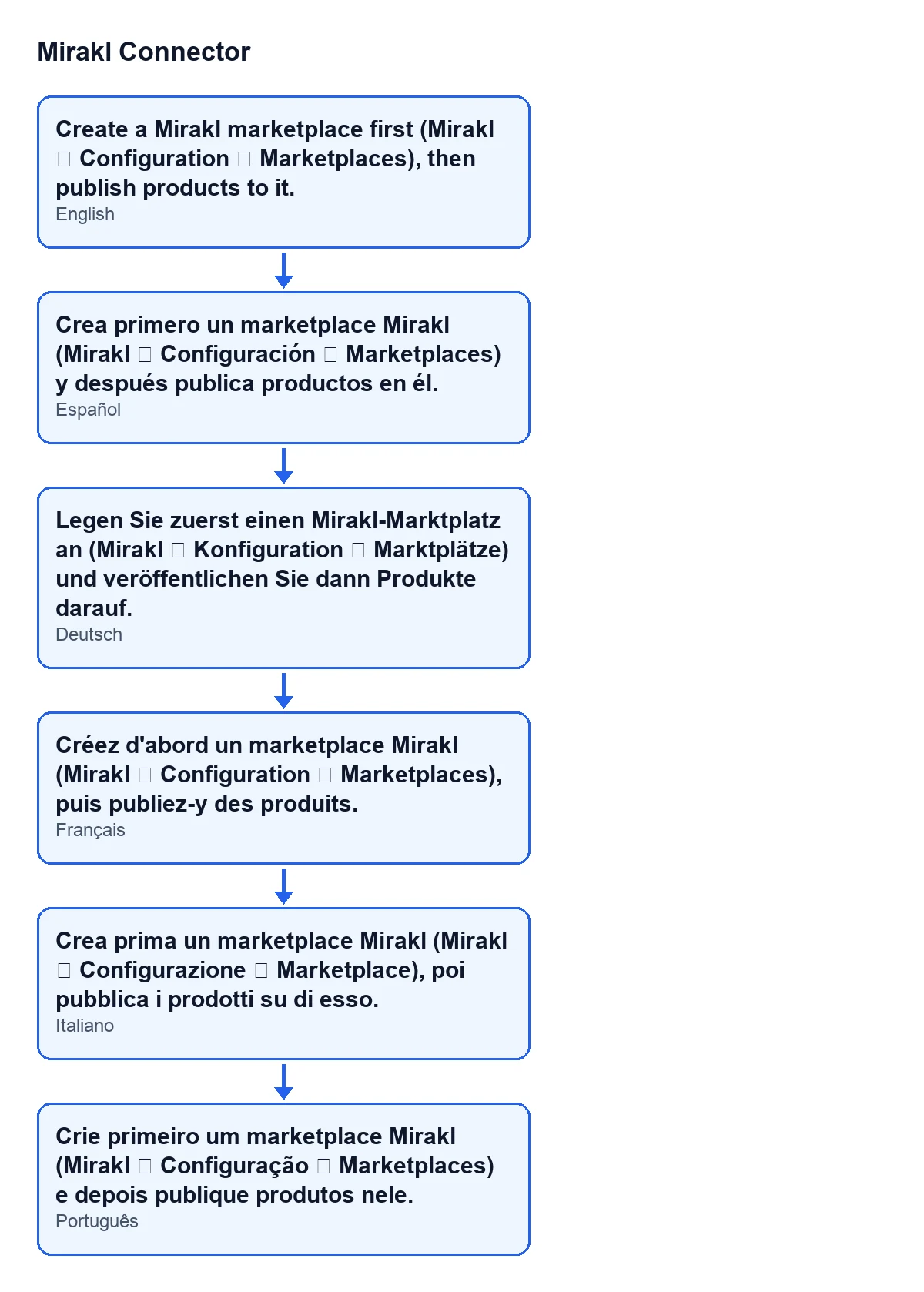
With Odoo in English you see the text from the first answer. With Odoo in Spanish it reads Crea primero un marketplace Mirakl (Mirakl ▸ Configuración ▸ Marketplaces) y después publica productos en él. The schematic shows that same text in Spanish, German, French, Italian and Portuguese.

How to fix it
What do I do to make it go away?
Create a Mirakl marketplace in the menu named in the message itself: Mirakl ▸ Configuration ▸ Marketplaces. Then go back to the product and press Publish to Mirakl again.
I have created a marketplace and it still appears. What should I check?
The condition in the code is that the search for marketplaces comes back empty; the module looks at nothing else before raising the message. Open Mirakl ▸ Configuration ▸ Marketplaces and check whether any appears in the list. If it is empty, you are in the message's case and the marketplace has to be created there. If one does appear, that condition is no longer met and the button carries on.
Do I need to create a marketplace for every product?
No. The message depends on some marketplace existing, not on a particular product. Once one is created, the button on any product finds the marketplaces in your Odoo and works with them.
What the button does once a marketplace exists
What happens after I create the marketplace?
For each marketplace that exists, the button looks for that product's offer and, if it finds none, creates it. It then tries to auto-fill the offer's catalogue data: the brand and the media URLs if they are empty, and the catalogue attributes. When it finishes, it opens the offer. If there is only one marketplace, it goes straight to the form of that offer. If you have more than one marketplace, it opens a list with that product's offers, one per marketplace, from which you can open each form.
And if the auto-fill fails?
It does not stop the button. The code attempts the auto-fill and, if it hits an error, ignores it and carries on with the offer. Check the offer's catalogue data when it opens, as some of it may have been left empty.
Does the button publish the product?
It prepares the offer and opens it for you to review; the button does not publish anything by itself. Reviewing and publishing is up to you, from the offer that opens.
Cost and help
Mirakl Connector is a one-off purchase per version (Odoo 17, 18, 19 and 20) and needs a FlexigoTech Cloud subscription on the Conector plan: €49 a month or €490 a year, excluding VAT. The connection goes through FlexigoTech Cloud, which stores the credentials encrypted, watches the synchronisation and emails you if it fails. Without a subscription, or with the service suspended, what the subscription provides stops; your data stays in your Odoo. With the subscription, the module for newer Odoo versions is included if you bought it on flexigotech.com; on the Odoo App Store, each Odoo version is bought there. You can see the module on its Odoo Apps listing and on its page at flexigotech.com.
If you are implementing Odoo and want the connector ready to go, FlexigoTech implements Odoo 17, 18, 19 and 20 and builds custom connectors and integrations.
Keep reading
Checked in the connector's source code (version 20.0) and the linked sources
Sources
- Module source code: flexigobe_mirakl_connector 20.0 (aa05e537): models/product_product.py
- Module source code: flexigobe_mirakl_connector 20.0 (aa05e537): views/product_product_views.xml
- apps.odoo.com/apps/modules/20.0/flexigobe_mirakl_connector
- flexigotech.com/precios.html
- flexigotech.com/en/services.html