

 Español
 Català
 Deutsch
 Français
 Português
 Italiano
 Nederlands
 Polski
When it appears and what it stops
The warning comes from the instance form itself when you save it, and it depends only on two fields of that form. These are the questions you are likely to ask when you see it.
When exactly does this message appear?
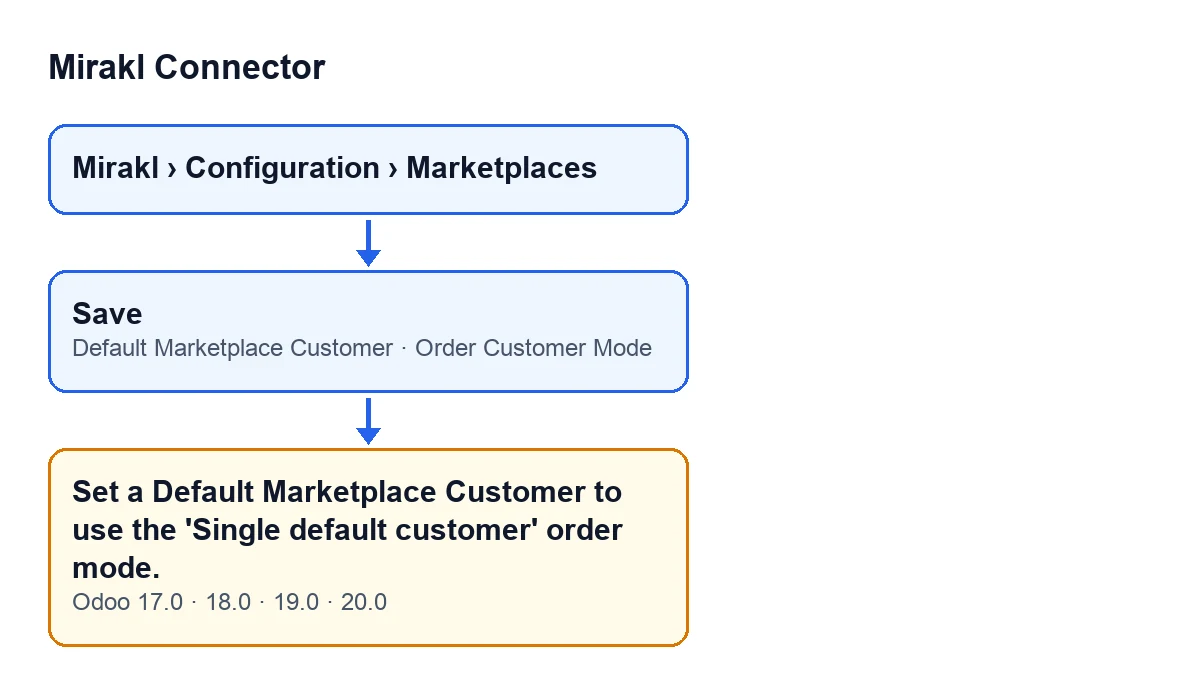
When you save a Mirakl instance form and two things are true at once: the Order Customer Mode field is set to Single default customer with delivery child contacts and the Default Marketplace Customer field is empty. If either is missing, the check does not trigger. With One customer per shopper (standard), which is the default value, the message cannot appear for this reason.
Is the form saved when it appears?
No. It is a check that runs on saving and, if it fails, the form is not saved: the action stops and nothing you were about to save on that form is recorded. Fix what is missing and save again.
How does the message read in other languages?
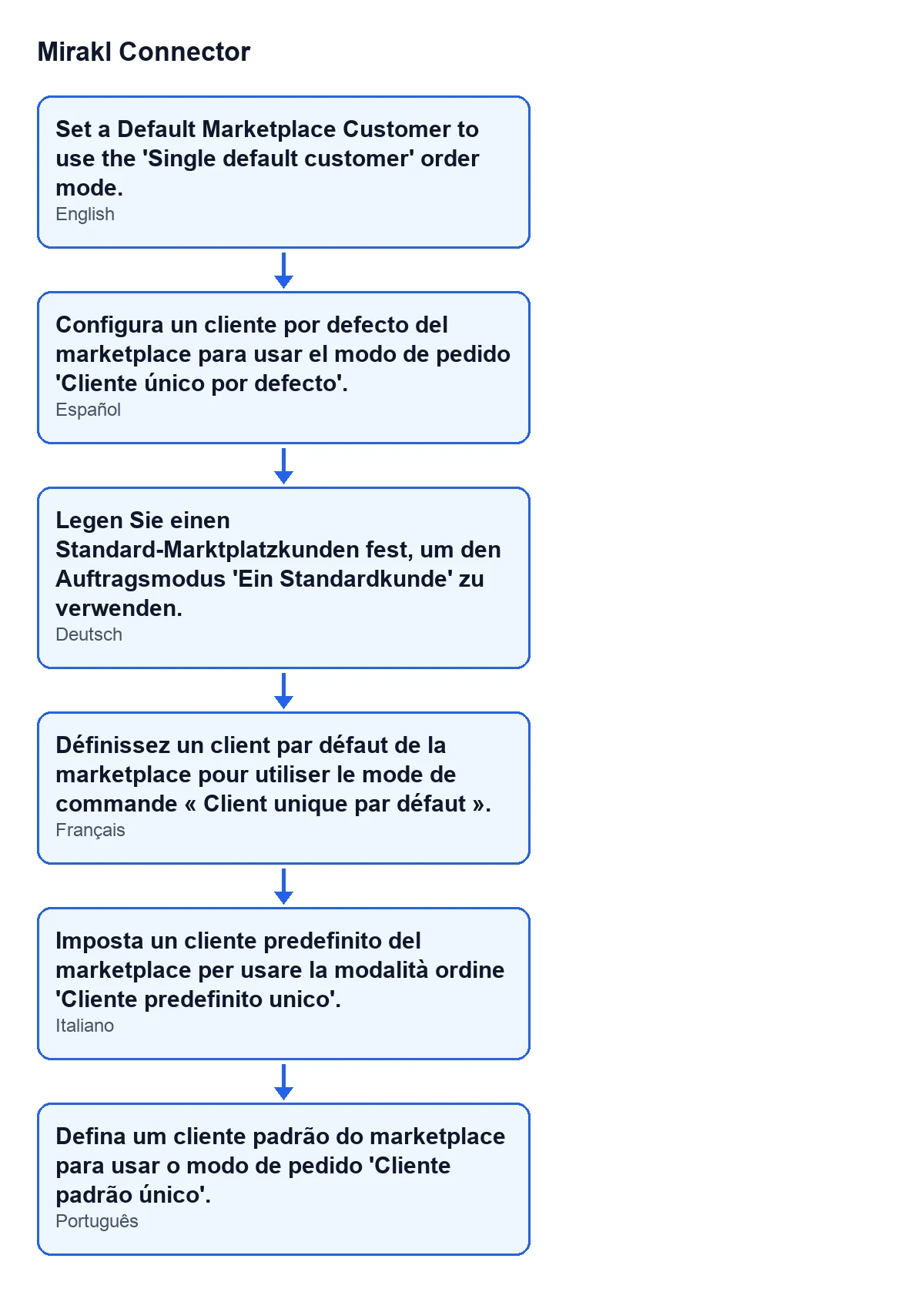
The diagram below gathers the text in Spanish, German, French, Italian and Portuguese. With Odoo in English the message reads Set a Default Marketplace Customer to use the 'Single default customer' order mode.

How to fix it on the form
Where are the two fields?
The form opens from the menu Mirakl › Configuration › Marketplaces, on the Mirakl Instances form. Both fields are on the Orders and Returns tab, in the Customer & Privacy group.
Why can I not see the default customer field?
It is hidden unless the mode is the single default customer one. With the default values the mode is One customer per shopper (standard), so you do not see it. It appears once you pick Single default customer with delivery child contacts in Order Customer Mode.
How do I fix it?
There are two ways out. If you want the single default customer mode, leave that option selected in Order Customer Mode, fill in Default Marketplace Customer in the same group and save. If you do not want it, change the mode to One customer per shopper (standard) and save; with that mode the default customer field is hidden.
Which customer should I choose?
The field's help reads: Standing customer every order is attached to when the mode above is 'Single default customer' (e.g. one generic partner per marketplace). In other words, one customer that the orders of that marketplace are attached to, and the help itself suggests one generic partner per marketplace.
What should I check after saving?
That the form saves without the message coming back and that Default Marketplace Customer shows the customer you chose. If the message reappears, check that the field has not been left empty.
What each mode changes
How do the two modes differ?
According to the help of Order Customer Mode, in the standard mode each shopper becomes their own Odoo customer. In the single default customer mode, every order of this marketplace is attached to one standing customer, the one you set in Default Marketplace Customer.
What happens to the shopper's delivery address in the single default customer mode?
The same help explains that the shopper's delivery address is stored as a child contact of the default customer (type Delivery, flagged as marketplace shopper). That way personal data stays contained and can be hidden with a record rule.
Who are the invoices issued to in that mode?
According to that help, invoices are issued to the default customer and carry no shopper data.
Does it appear in every version?
The message text is in the published code of the 17, 18, 19 and 20 branches of Odoo, and the module is published on Odoo Apps for 17, 18, 19 and 20.
If you would rather we set it up with you
FlexigoTech implements Odoo 17, 18, 19 and 20 and builds connectors and custom integrations. You can see the module on its Odoo Apps page or on the module page. If another configuration message is holding you up, you can browse our other articles about Mirakl Connector.
Keep reading
Checked in the connector's source code (version 20.0) and the linked sources
Sources
- Module source code: flexigobe_mirakl_connector 20.0 (aa05e537): models/mirakl_instance.py
- Module source code: flexigobe_mirakl_connector 20.0 (aa05e537): models/mirakl_ai.py
- apps.odoo.com/apps/modules/20.0/flexigobe_mirakl_connector
- flexigotech.com/en/services.html