

 Español
 Català
 Deutsch
 Français
 Português
 Italiano
 Nederlands
 Polski
Before you press it: where it is and what to look at
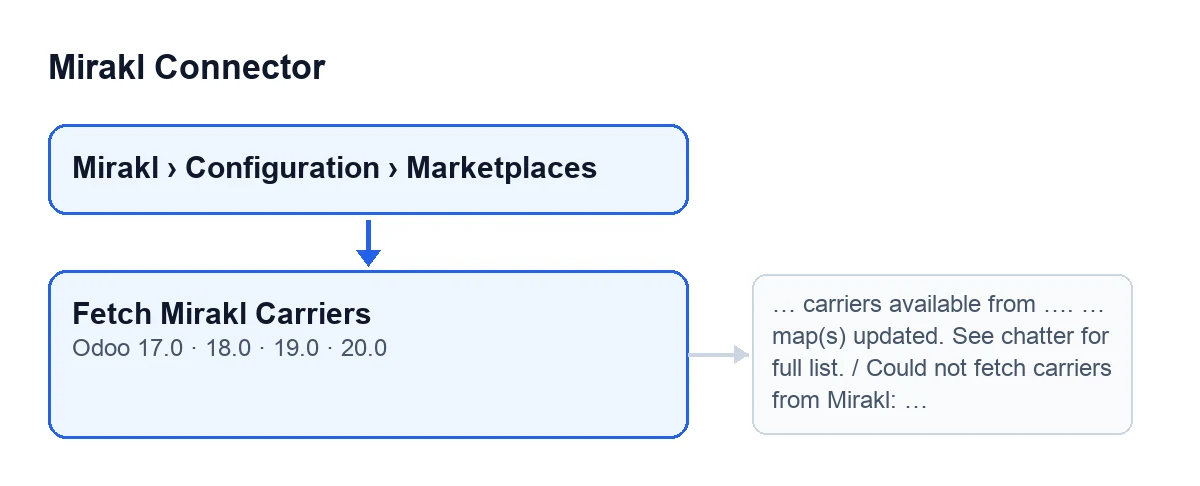
Instance records open from the menu Mirakl › Configuration › Marketplaces. The Fetch Mirakl Carriers button is on the Mirakl Instances screen and does not depend on any view condition: it is always visible, in Odoo 17, 18, 19 and 20.
- Open the instance record from
Mirakl › Configuration › Marketplaces. The button works on a single instance, the one you have open.
- Check that your Odoo is version 17, 18, 19 or 20: the module is published on Odoo Apps for those four and the button is in all of them.
- Look at the
Endpoint Shipping Carriersfield, on the record,Carrierstab,Carrier Syncgroup. Its help text reads:Mirakl SH21 endpoint used to retrieve available shipping carriers when supported by the operator.The default value in the code is/shipping/carriers.
- Confirm that your FlexigoTech Cloud subscription is active. The connection goes through that service and, without a subscription or with the service suspended, whatever the subscription provides stops; your data stays in your Odoo.

What the button does when pressed, in order
- It queries Mirakl: it sends a read request (GET) to a carriers endpoint. If there are several candidate endpoints, it tries them one after another.
- If an endpoint answers with a 404 error, it moves on to the next candidate.
- If the error is of any other kind, the action stops with
Could not fetch carriers from Mirakl: …, where the dots stand for the error received. Because the action stops, what it was going to change is not saved and no notice is shown.
- If FlexigoTech Cloud does not let the request through (no subscription, or the service is paused), the action stops and nothing is marked.
- If no endpoint returns a response, it posts in the chatter and in a warning notice
This operator does not expose generic Mirakl carriers via SH21. Tried: ….The dots stand for the endpoints tried.
- If the endpoint that answered differs from the one in
Endpoint Shipping Carriers, the module writes the one that answered into that field.
- It reads the response. If it cannot interpret it as a list of carriers, the action stops with
Unexpected response format from Mirakl carriers endpoint.
- It processes the list and gets two figures: how many carriers there are and how many carrier maps were updated.
- If, after processing the response, there are no carriers, it posts in the chatter and in a warning notice
The operator responded to … but returned no carriers. Carrier mapping remains optional for this instance.The gap is the endpoint that answered.
What you should see when it works
The success notice only appears when, after processing the response, there is at least one carrier.
- An on-screen notice titled
Mirakl Carrierswith the text… carriers available from …. … map(s) updated. See chatter for full list.The gaps are, in order, the number of carriers, the endpoint that answered and the number of maps updated. The notice does not stay fixed on screen.
- Open the instance's chatter: the module posts a message there with the endpoint, how many carriers are available, the list with each carrier's code and its name in brackets, and how many carrier maps were updated.
- Look at
Endpoint Shipping Carriersagain: if a different endpoint from the configured one answered, the field now holds the value of the one that did.
When it does not work: what to check in each case
Could not fetch carriers from Mirakl: …appears when you press the button and a request fails with an error that is not a 404. What to do: read the detail after the colon, which is the error received. If you doubt the connection to Mirakl, see what the connection test button does.
Unexpected response format from Mirakl carriers endpoint.appears when you press the button and the response arrives but the module cannot read it as a list of carriers. What to do: check the value ofEndpoint Shipping Carriersand remember what its help text says, that it is the SH21 endpoint used to retrieve available shipping carriers when supported by the operator.
This operator does not expose generic Mirakl carriers via SH21. Tried: ….appears in the chatter and in a warning notice when no endpoint returns a response. What to do: look at the endpoints listed after Tried and compare them withEndpoint Shipping Carriers.
The operator responded to … but returned no carriers. Carrier mapping remains optional for this instance.appears in the chatter and in a warning notice when no carriers are left after processing the response. What to do: the text itself says that carrier mapping remains optional for that instance.
- If FlexigoTech Cloud does not let the request through (no subscription, or the service is paused), the action stops and nothing is marked: check that your subscription is active.
The button label in each language
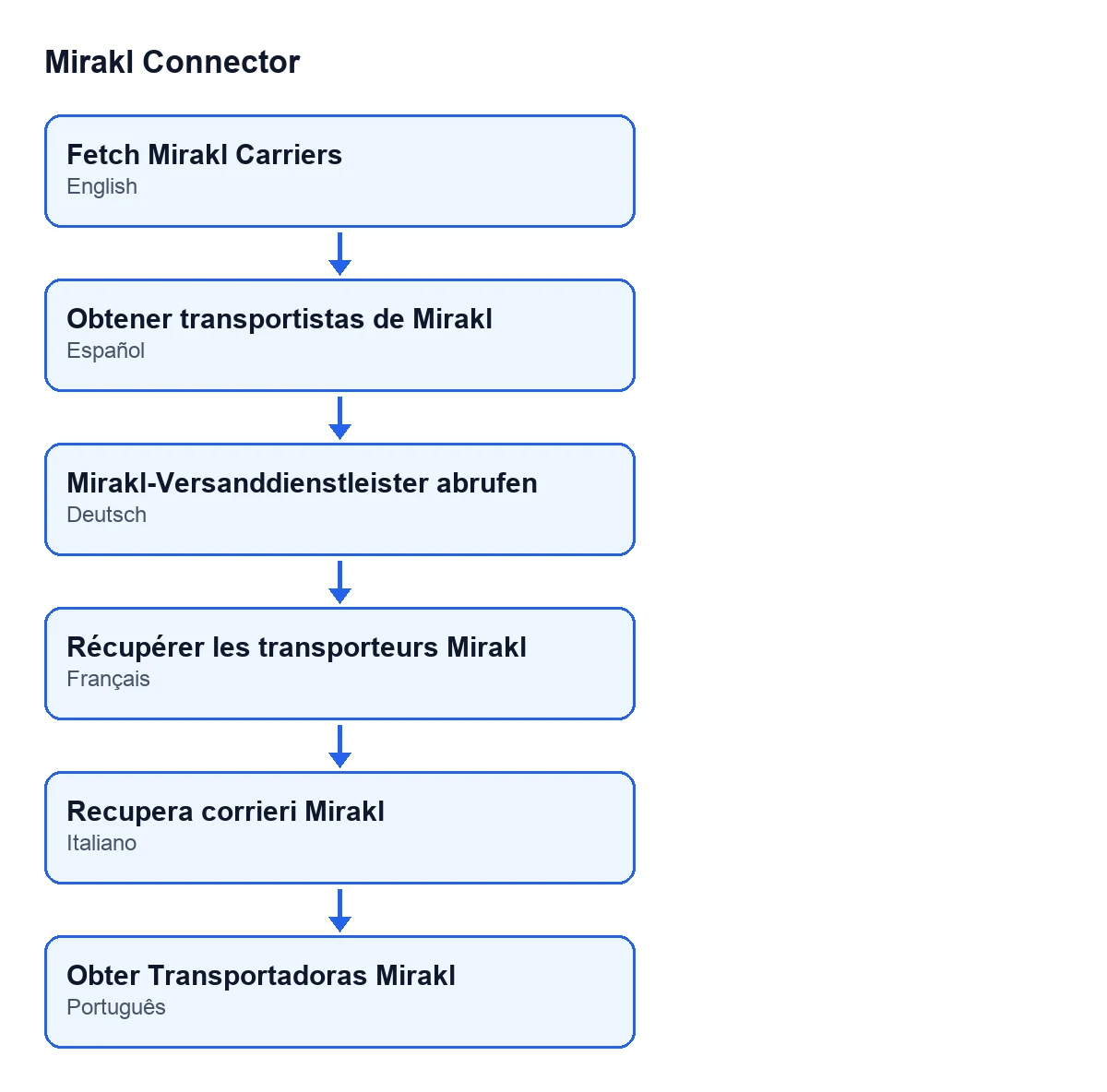
| Odoo language | Button label |
|---|---|
| English | Fetch Mirakl Carriers |
| Spanish | Fetch Mirakl Carriers |
| German | Mirakl-Versanddienstleister abrufen |
| French | Récupérer les transporteurs Mirakl |
| Italian | Recupera corrieri Mirakl |
| Portuguese | Obter Transportadoras Mirakl |
What you need and how FlexigoTech can help
Mirakl Connector is a one-off purchase per version and needs a FlexigoTech Cloud subscription: the Conector plan, €49 a month or €490 a year excluding VAT, with up to 3 platform accounts. The price for each Odoo version is on the Odoo Apps page.
FlexigoTech implements Odoo 17, 18, 19 and 20 and develops custom connectors and integrations. If you would like us to review your Mirakl instance, see the module page.
Keep reading
Mirakl Connector: ‘Set the Mirakl API key before testing the connection’When Mirakl Connector for Odoo asks you to set the Mirakl API key before testing the connection: the exact condition behind it and how to fix it.Mirakl Connector: «This binding has no Mirakl instance configured.»When Mirakl Connector says a binding has no Mirakl instance configured: the exact condition behind the message and what to do when it appears.What the Mirakl Connector Test Connection button does, step by stepWhat the Test Connection button in Mirakl Connector does in Odoo: when it appears, what it checks, what it saves on the record and which errors it can give.
Checked in the connector's source code (version 20.0) and the linked sources
Sources
- Module source code: flexigobe_mirakl_connector 20.0 (aa05e537): views/mirakl_instance_views.xml
- Module source code: flexigobe_mirakl_connector 20.0 (aa05e537): models/mirakl_instance.py
- Module source code: flexigobe_mirakl_connector 20.0 (aa05e537): models/mirakl_ai.py
- apps.odoo.com/apps/modules/20.0/flexigobe_mirakl_connector
- flexigotech.com/precios.html
- flexigotech.com/en/services.html