

 Español
 Català
 Deutsch
 Français
 Português
 Italiano
 Nederlands
 Polski
How to read these messages
The message text is what you will see on screen and what you should copy exactly when you ask for help or search this page. Where the tables show %s, the message fills it in with a detail of the affected record, such as the company name.
The tables follow the order in which you are likely to meet them: the RMA journey, quantities, the links your customers receive, dunning policies and, finally, permissions, cards and data minimisation. If you are not yet familiar with the module's lists, the article on how Dunning and RMA Recovery works under the bonnet walks through them one by one.
Errors when moving an RMA between states
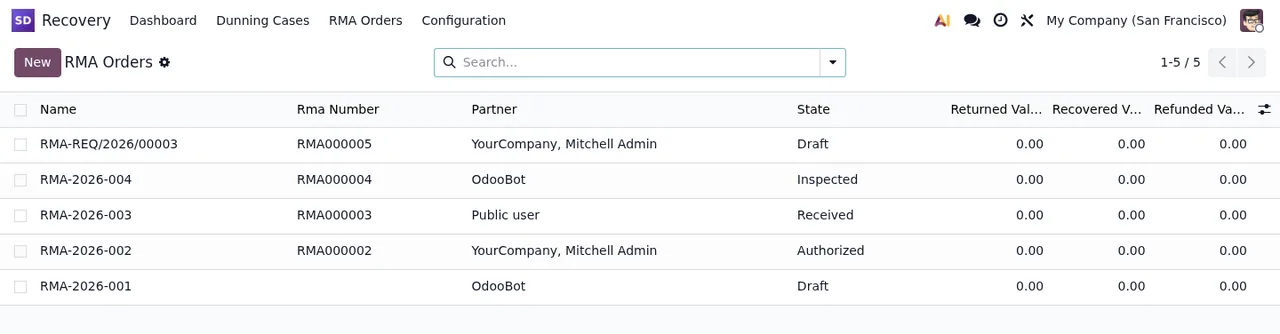
The messages in this table set out the order of the process: a draft RMA is authorised, then received, then inspected and finally completed. If you try to skip a step, the module tells you which one is missing.
| Message | When it appears | What to do |
|---|---|---|
Only draft RMAs can be authorized. | When you authorise an RMA that is no longer in draft. | Check its state in the list; only draft RMAs can be authorised. |
Authorize the RMA before receiving it. | When you record receipt of an RMA that has not been authorised. | Authorise the RMA and record the receipt again. |
Receive the RMA before inspection. | When you inspect an RMA that has not been received yet. | Record the receipt first. |
Inspect the RMA before completing it. | When you complete an RMA without an inspection. | Carry out the inspection, then complete it. |
Only draft or authorized RMAs can be refused. | When you refuse an RMA that has moved past authorised. | Refusal only works in draft or authorised; check the state before trying. |
The company %s has no warehouse to restock the return into. | In Odoo 19, when the named company has no warehouse to restock the returned goods into. | Set up a warehouse for that company and try again. |
Quantities and the return window
Here the module checks that quantities make sense against what was delivered and received, and that the return falls within the configured window.
| Message | When it appears | What to do |
|---|---|---|
RMA line quantity must be positive. | When you save an RMA line with a zero or negative quantity. | Enter a quantity greater than zero. |
RMA quantity must be positive. | When you work with an RMA whose quantity is not positive. | Correct the quantity to a value above zero. |
Disposition quantity must be positive. | When you enter a zero or negative disposition quantity. | Use a quantity greater than zero. |
Requested return quantity exceeds the delivered quantity. | When you ask to return more than was delivered. | Bring the quantity down to what was delivered. |
Disposition quantities must match the received quantity. | When the disposition quantities do not agree with what was received. | Adjust the dispositions until they match the received quantity. |
This return is outside the configured return window. | When the return falls outside the configured return window. | Check the return date and the window you have configured. |
Recovery and RMA links
These messages are seen by whoever opens a recovery or RMA link. It helps to know them so you can reply when a customer gets in touch quoting one.
| Message | When it appears | What to do |
|---|---|---|
Invalid recovery link. | When someone opens a recovery link that is not valid. | Check the link was copied in full and belongs to the case. |
This recovery link has expired. | When someone opens an expired recovery link. | The old one no longer works: a current link is needed. |
This recovery link is not for your account. | When the link is opened from an account other than the intended one. | Sign in with the account the link was meant for. |
Invalid RMA link. | When someone opens an RMA link that is not valid. | Check the link is complete and correct. |
This RMA is not for your account. | When an RMA is opened from someone else's account. | Sign in with the account of that RMA's customer. |
Too many submissions. Please try again later. | When too many submissions have been made. | Wait and try again later, as the message says. |
Dunning policies and retries
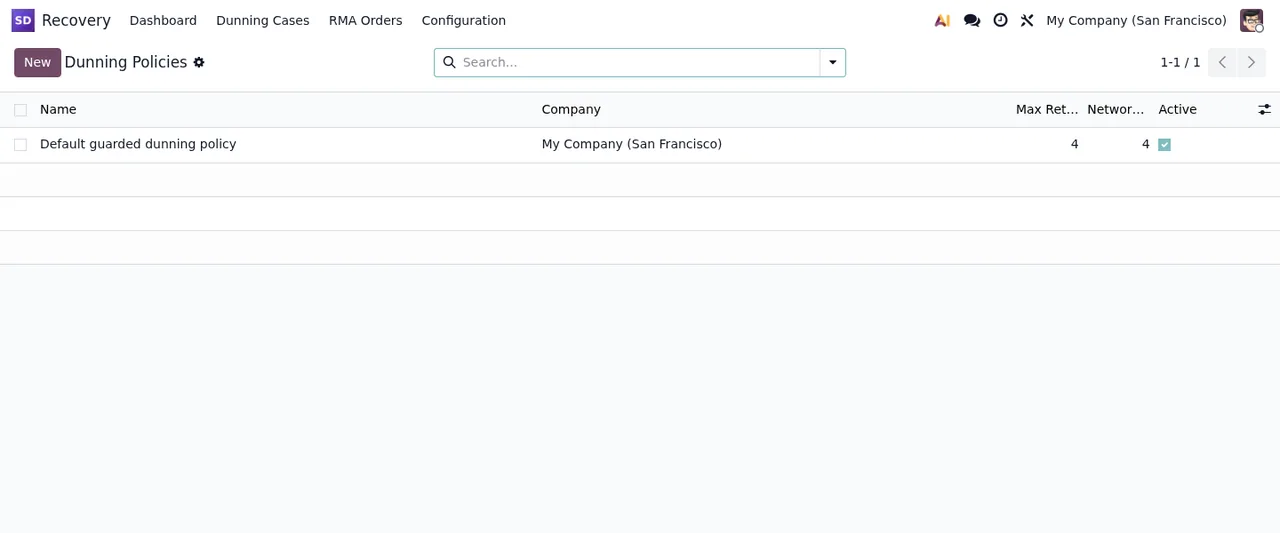
Configuration errors appear when you save a policy or its steps.
| Message | When it appears | What to do |
|---|---|---|
A dunning policy cannot move to another company while a company uses it as its default policy. | When you move a policy to another company while a company uses it as its default. | Stop using it as that company's default first, then change it. |
Step sequence must be unique per policy. | When two steps in the same policy share a sequence. | Give each step a different sequence. |
Step offset cannot be negative. | When you set a negative offset on a step. | Use zero or a positive value. |
Retry guard values cannot be negative. | When any retry guard value is negative. | Correct it to zero or more. |
Network retry cap must be non-negative and the window must be positive. | When the network retry cap is negative or the window is not positive. | Set a cap of zero or more and a window above zero. |
Permissions, cards and data minimisation
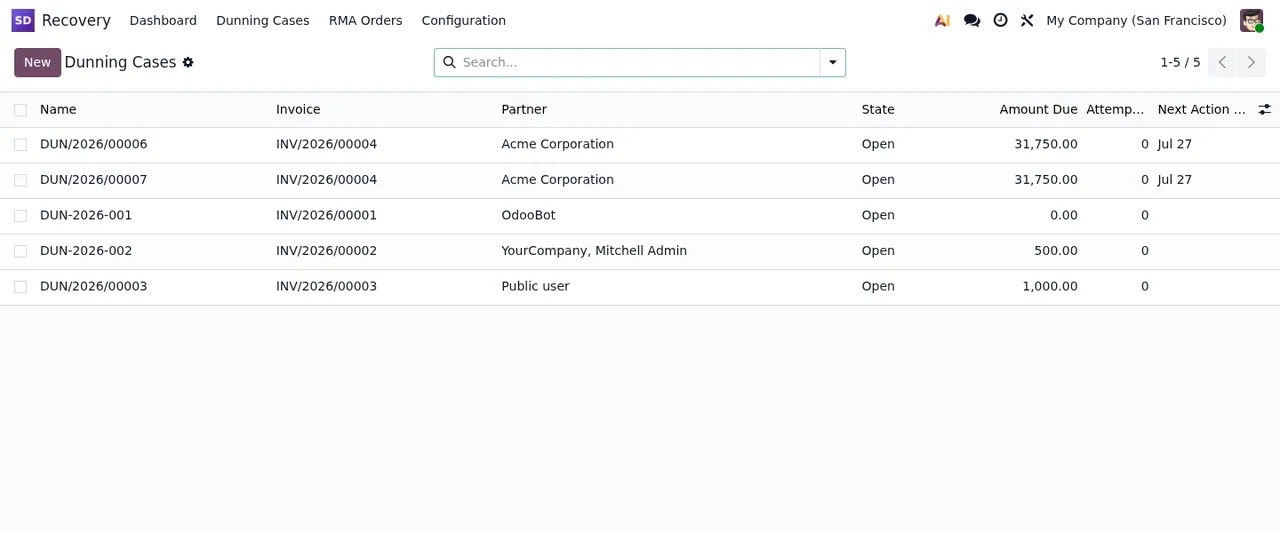
The last group is about who can do what and about customer data. Several of these messages are solved by someone else: a recovery manager or a user with access to every company.
| Message | When it appears | What to do |
|---|---|---|
Only recovery managers can propose write-off. | When someone who is not a recovery manager proposes a write-off. | Ask a recovery manager to propose it, or to be given that role. |
Only recovery managers can confirm a card for off-session charges. | In Odoo 19, when you confirm a card for off-session charges without being a manager. | A recovery manager has to do it. |
Only a user of every company can change or delete a recovery record shared by all companies. | When you change or delete a record shared by all companies without belonging to all of them. | Do it with a user who has access to every company. |
The card on %s is not of the invoice's customer. | In Odoo 19, when the card on the named record does not belong to the invoice's customer. | Use a card from that same customer. |
Set the person of %s before applying the minimization. | In Odoo 19, when you apply minimisation without setting the person. | Fill in the person and apply it again. |
%s is denied: nothing is minimized. Change the decision or close it by hand. | In Odoo 19, when the decision is denied and nothing is minimised. | Change the decision or close it by hand, as the message says. |
If a message mentions recovery managers or every company, the problem is not the data you typed but the user you are working as.
How FlexigoTech can help
Dunning and RMA Recovery is published on Odoo Apps for Odoo 17, 18 and 19, at €9 per version, a one-off payment excluding VAT. You will find the details on the module page, and if you are still unsure whether it fits, read what it covers and what you need before installing it.
At FlexigoTech we implement Odoo and build bespoke connectors and integrations. If one of these messages is blocking you and you cannot see why, send us the exact text and the affected record and we will go through it with you.
Keep reading
Checked in the module's source code (version 19.0) and the linked sources
Sources
- Module source code: flexigo_subscription_dunning_and_rma_recovery_enhancer 19.0 (148cc2ff): models/recovery_company_guard.py
- Module source code: flexigo_subscription_dunning_and_rma_recovery_enhancer 19.0 (148cc2ff): models/recovery_dsar.py
- Module source code: flexigo_subscription_dunning_and_rma_recovery_enhancer 19.0 (148cc2ff): models/recovery_dunning_case.py
- Module source code: flexigo_subscription_dunning_and_rma_recovery_enhancer 19.0 (148cc2ff): models/recovery_dunning_policy.py
- Module source code: flexigo_subscription_dunning_and_rma_recovery_enhancer 19.0 (148cc2ff): models/recovery_public_abuse.py
- Module source code: flexigo_subscription_dunning_and_rma_recovery_enhancer 19.0 (148cc2ff): models/recovery_rma_line.py
- Module source code: flexigo_subscription_dunning_and_rma_recovery_enhancer 19.0 (148cc2ff): models/recovery_rma_order.py
- Module source code: flexigo_subscription_dunning_and_rma_recovery_enhancer 19.0 (148cc2ff): wizards/recovery_dunning_manual_action_wizard.py
- apps.odoo.com/apps/modules/19.0/flexigo_subscription_dunning_and_rma_recovery_enhancer
- apps.odoo.com/apps/modules/17.0/flexigo_subscription_dunning_and_rma_recovery_enhancer
- apps.odoo.com/apps/modules/18.0/flexigo_subscription_dunning_and_rma_recovery_enhancer
- flexigotech.com/en/services.html