

 Español
 Català
 Deutsch
 Français
 Português
 Italiano
 Nederlands
 Polski
When it is possible
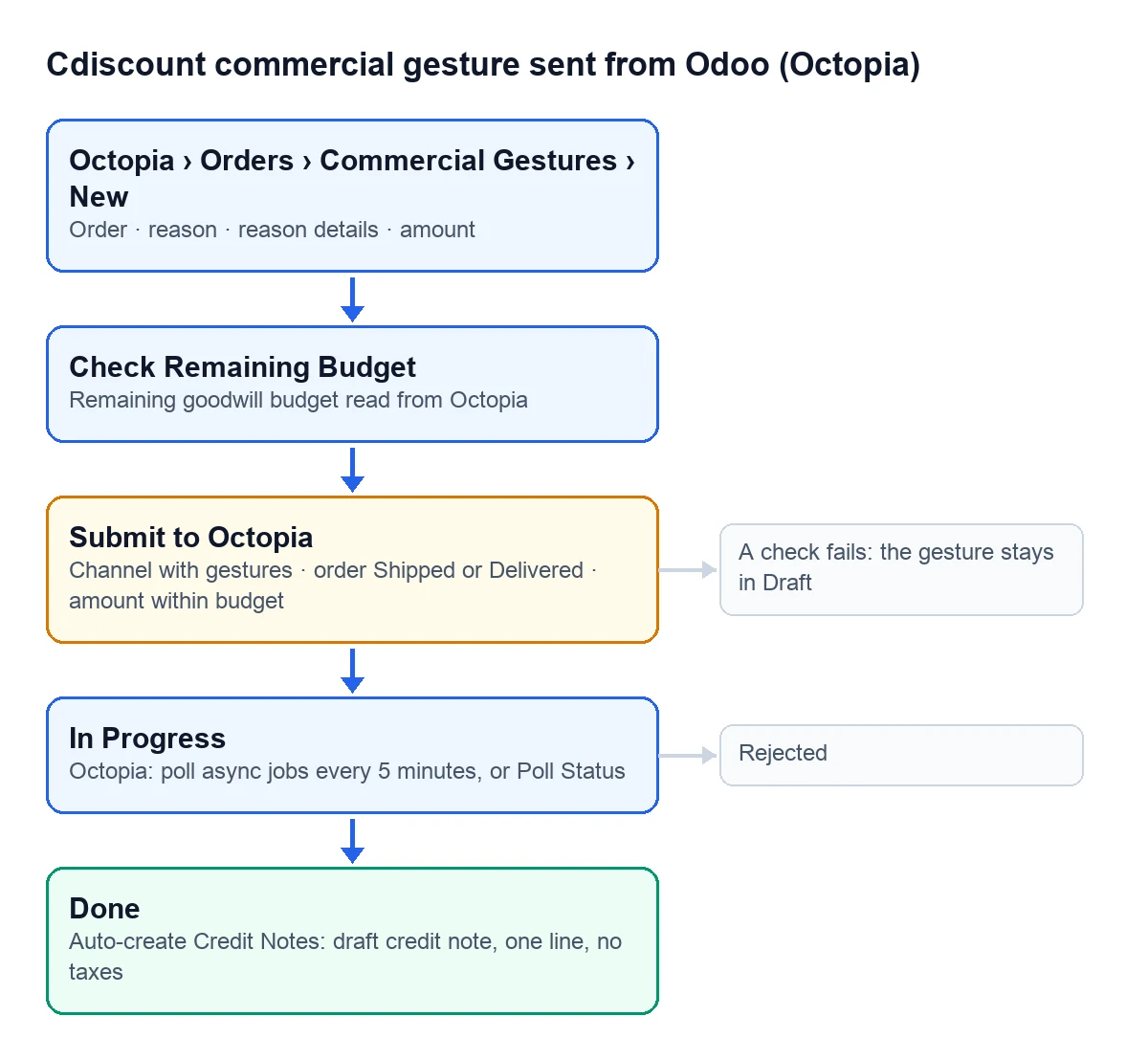
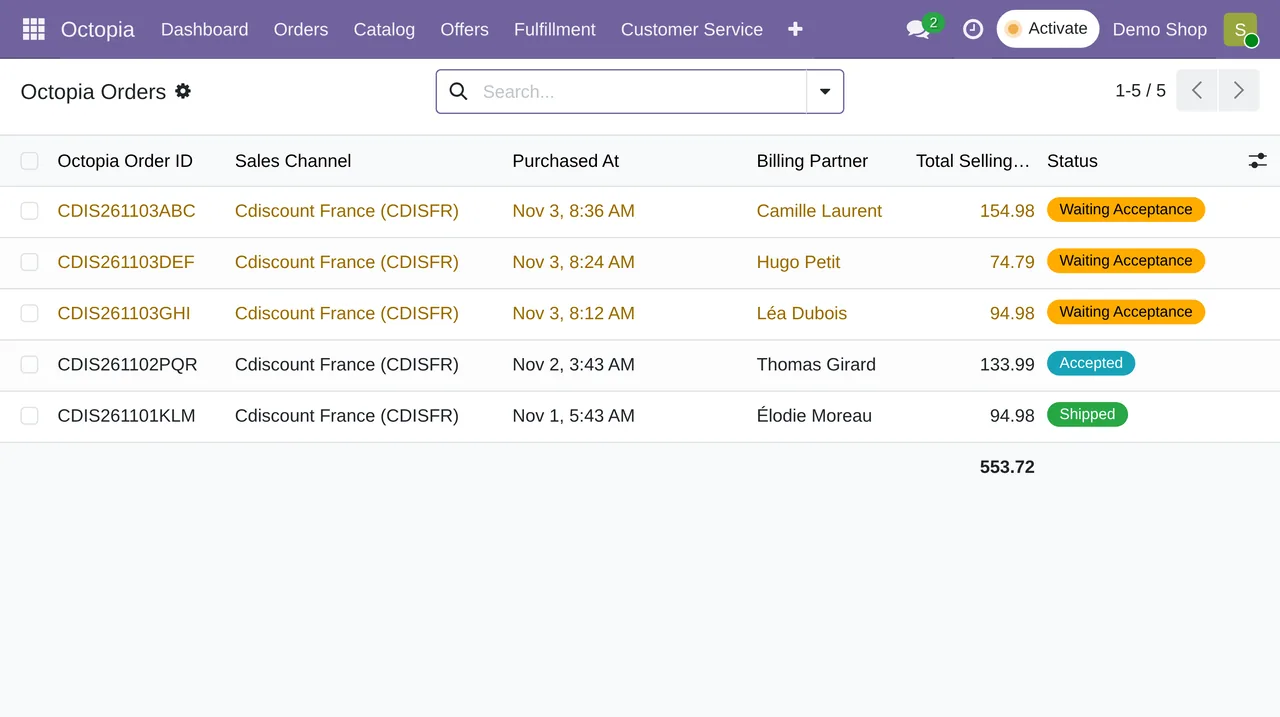
The gesture applies to an order already on its way: Odoo only sends it if the Octopia order is in Shipped or Delivered. The sales channel must also accept gestures. You can see that in Octopia › Configuration › Sales Channels, in each channel's «Commercial Gestures» group: «Commercial Gestures Enabled», «Gesture Max Amount», «Gesture Max Rate (%)» and «Gesture Currency». They are read-only figures that come from Octopia when the configuration syncs. Until a channel has been synced, Odoo does not block the gesture on that ground and Octopia has the last word.
Only users with manager rights on the connector see the gesture buttons.
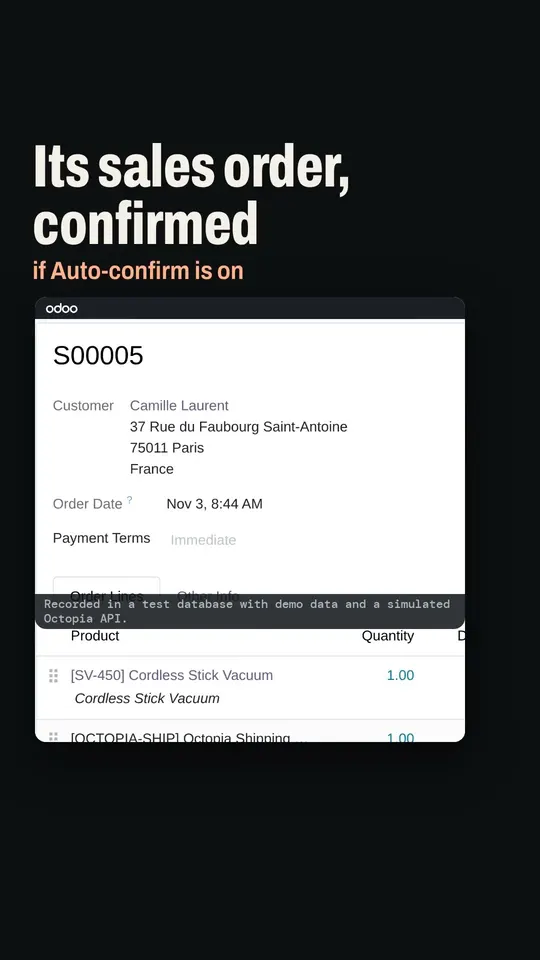
Step by step
- Go to Octopia › Orders › Commercial Gestures and create a new one.
- Pick the order and the reason, and add details if needed.
- Press «Check Remaining Budget». Odoo reads from Octopia how much is left to grant on that order and stores it in the available budget field.
- Type the gesture amount, without going over that budget.
- Press «Submit to Octopia» and confirm: the prompt reminds you the gesture refunds that amount to the customer.
- The gesture moves to In Progress with Octopia's reference and the submission date.
The reasons
Octopia asks for a reason from its list, and Odoo offers the same ones: Late Delivery, Missing Product, Product Return Fees, Quantity Compensation, Reference Mistake, Shipping Fees, Fees Unduly Charged, Warranty Period Exceeded and Other. Pick the one that describes what happened; the details, if you fill them in, travel with the gesture.
What it checks when sending
| Check | Message if it fails |
|---|---|
| The channel does not have gestures switched off | Sales channel %s has commercial gestures disabled. |
| The order is in Shipped or Delivered | Commercial gestures apply to shipped or delivered orders only (order %s is %s). |
| The amount does not exceed the remaining budget, when it is above 0 | Gesture amount %(amount).2f exceeds the remaining budget %(available).2f for this order. |
Odoo reads the budget again right before sending, so the third check uses the figure of that moment, not the one you saw when you pressed the button. That check only stops you when there is a budget figure above 0: with the budget at 0, used up or missing, Odoo sends the gesture anyway and Octopia decides.
After sending it
The «Octopia: poll async jobs (packages, cancellations, gestures)» task asks Octopia every 5 minutes about gestures in In Progress. If you do not want to wait, «Poll Status» runs the same check right away. The gesture ends in Done if Octopia accepts it or in Rejected if not; the list paints them green and red.
With Done, Odoo can prepare the credit note for you. «Auto-create Credit Notes» must be ticked on the Octopia account and the order must have a customer. The credit note is created as a draft, with a single line for the gesture amount and no taxes, and its reference starts with «Octopia commercial gesture». It has no taxes because that amount is the gross the channel refunded, with the VAT already inside. Review it before posting: if your books need that VAT split out, do it without changing the total.
Does the gesture cancel the order?
No. The order stays as it is and the customer only gets the gesture amount. To cancel the whole order or some lines there is the Cdiscount order cancellation.
Is it in every version?
Yes, commercial gestures are in the connector published for Odoo 17, 18, 19 and 20.
Keep reading
Checked in the connector's source code (version 17.0, 18.0, 19.0 and 20.0) and the linked sources
Sources
- Module source code: flexigobe_octopia_connector · 17.0 501e336 · 18.0 e234fab · 19.0 d258001 · 20.0 5cbe12a: views/octopia_order_actions_views.xml, models/octopia_order_actions.py
- Module source code: flexigobe_octopia_connector · 17.0 501e336 · 18.0 e234fab · 19.0 d258001 · 20.0 5cbe12a: models/octopia_api_client.py (GESTURE_REASON_SELECTION, GESTURE_STATUS_SELECTION), models/octopia_order_actions.py
- Module source code: flexigobe_octopia_connector · 17.0 501e336 · 18.0 e234fab · 19.0 d258001 · 20.0 5cbe12a: models/octopia_order_actions.py (action_submit, action_check_available)
- Module source code: flexigobe_octopia_connector · 17.0 501e336 · 18.0 e234fab · 19.0 d258001 · 20.0 5cbe12a: models/octopia_sales_channel.py, views/octopia_sales_channel_views.xml, views/menu.xml
- Module source code: flexigobe_octopia_connector · 17.0 501e336 · 18.0 e234fab · 19.0 d258001 · 20.0 5cbe12a: models/octopia_order_actions.py (action_poll, _on_done), models/octopia_account.py, data/octopia_cron_data.xml
- apps.odoo.com/apps/modules/20.0/flexigobe_octopia_connector