

 Español
 Català
 Deutsch
 Français
 Português
 Italiano
 Nederlands
 Polski
What the module adds to the delivery
The module extends the standard delivery of the Inventory app with a button and a group of fields. The condition that shows or hides the button is the same in Odoo 17, 18, 19 and 20.
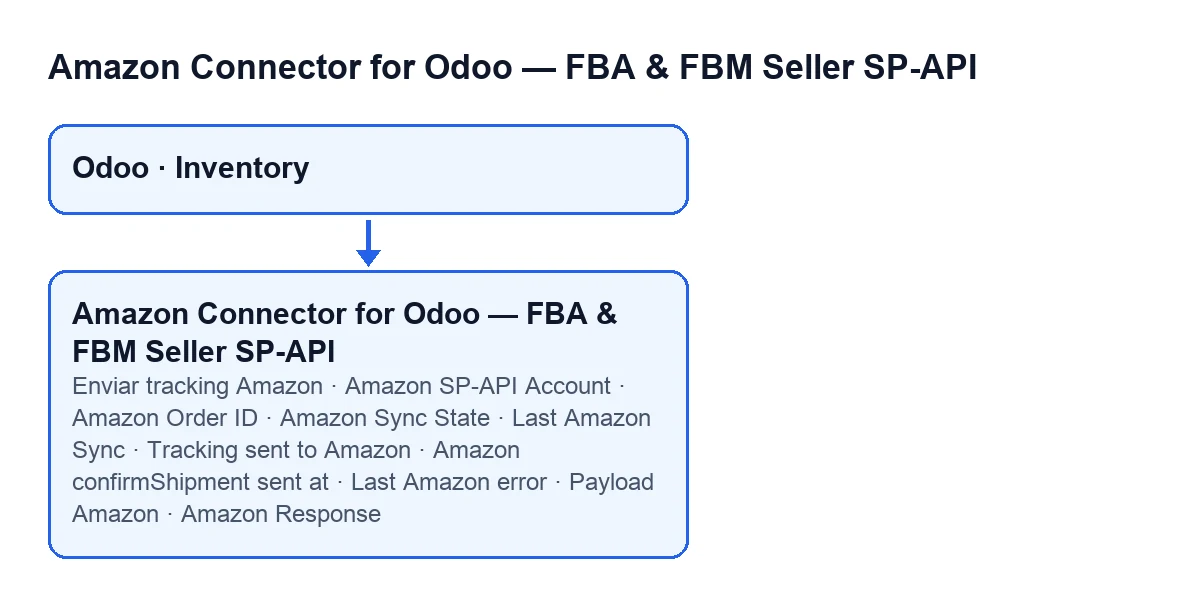
On the delivery form, inside the Amazon SP-API group, the module adds these fields:
Amazon SP-API Account: the SP-API account linked to the delivery.Amazon Order ID: the order identifier on Amazon.Amazon Sync State: read-only. Its values arePending,SyncedandError; the default isPending. The code writes it, not you.Last Amazon Sync: date and time, read-only.Tracking sent to Amazon: read-only.Amazon confirmShipment sent at: date and time, read-only. Its help text says that once it is set, the automatic send is not repeated, neither on a tracking edit nor on a scheduled retry; only a forced manual send can resend it.Last Amazon error: text, read-only.Payload AmazonandAmazon Response: read-only, and visible only to users with administration permission for Settings.
The whole group is hidden when the module cannot identify an Amazon order ID for that delivery. To look for it, the module checks the delivery's own Amazon Order ID field first, then the linked sales order and, last, other data on the delivery. The Enviar tracking Amazon button is also hidden when the delivery is not in the Done state or does not belong to an Amazon order.

Step by step: when the module acts and what to do
- Check the three account checkboxes. They are on the account form (
Accounts), in theOrders & Fulfillmenttab, inside theOrder Syncgroup.Auto sync on picking validationandAuto sync al cambiar trackingare on by default;Send confirmShipment asynchronously (via cron)is off by default. Each account field is explained in the SP-API account fields. - Create the delivery. When it is created, the module tries to identify the Amazon order and, if it succeeds, fills in
Amazon Order IDandAmazon SP-API Accountwhere they are empty. For the account it uses the delivery's own or the sales order's, if active; otherwise it looks for the company's active accounts and, if there is only one, uses it. If there are several, it tries to work out which one matches. If it cannot identify an Amazon order, it fills in nothing. - Validate the delivery or change its tracking. This is the normal route and there is nothing to press. On validation, Odoo tries to confirm the shipment to Amazon if
Auto sync on picking validationis on. When you save a delivery that is alreadyDonewith a changed tracking, it tries ifAuto sync al cambiar trackingis on. With the matching checkbox off, that trigger does nothing. - If you use asynchronous mode, wait for the retry. With
Send confirmShipment asynchronously (via cron)on, validation only leaves the delivery asPendingand the scheduled actionAmazon SP-API - Retry pending shipments(every five minutes, active on install) is the only sender. The checkbox help says that action has to be active. - Look at the
Amazon SP-APIgroup after validating.Amazon Sync Statetells you where the delivery stands. If it isPending, wait for the next attempt. If it isError, readLast Amazon error. - Resend by hand only when needed. The
Enviar tracking Amazonbutton appears when the delivery isDoneand belongs to an Amazon order. It skips the "already sent" check and the "already synced with the same tracking" check, which the automatic route does respect. The help ofAmazon confirmShipment sent atexplains that this latch prevents a double notification to the buyer; think twice before bypassing it. If the send fails, the button stops withError while syncing Amazon: …. - Check the result. After Amazon accepts a send, the module fills in
Amazon Sync State,Last Amazon Sync,Tracking sent to AmazonandAmazon confirmShipment sent at, and clearsLast Amazon error. It also storesPayload AmazonandAmazon Response, visible only to users with administration permission for Settings.
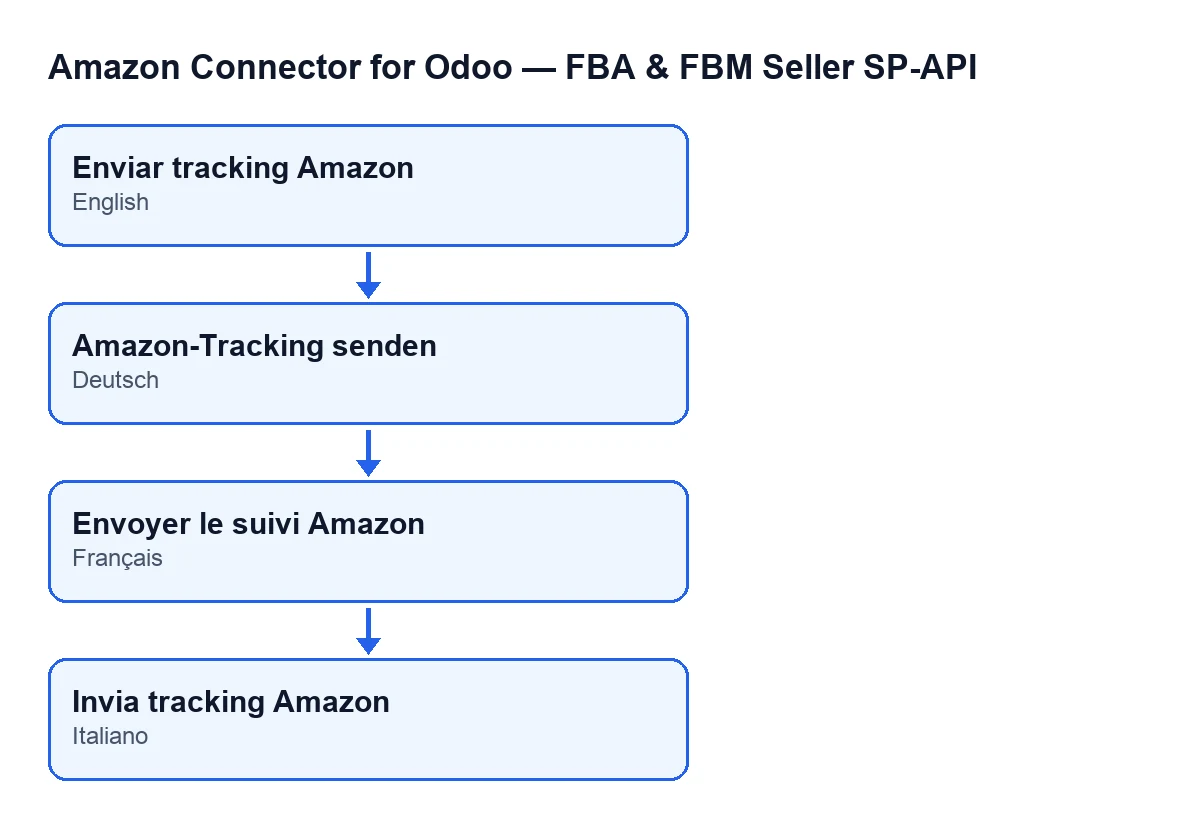
Amazon-Tracking senden, in French Envoyer le suivi Amazon, in Italian Invia tracking Amazon.What the module checks before sending
On the automatic route, the module stops silently before sending anything in these cases:
- The delivery is not outgoing: the module only confirms outgoing deliveries to Amazon, not returns.
- The delivery is not
Done. - It cannot find the Amazon order ID or a matching active account.
Amazon confirmShipment sent atalready has a value.- The delivery has no tracking number. If there are several separated by spaces, commas, semicolons or line breaks, the module takes the first.
- The delivery is already
Syncedwith that same tracking.
There is one more case: if Amazon already reports the order as shipped, the module does not send. It tries to fill in the state fields from that external status, but only if this delivery is the only outgoing one for the order. With several outgoing deliveries for the same order it does not mark it by itself, because the external status is ambiguous. That Amazon check also applies when you press the button.
For the carrier, the module looks up the account's carrier mapping. If there is none, the send carries Other as the carrier code.
Pending, Error and a suspended service
If the automatic send fails, the module sets the delivery to Error and stores the text in Last Amazon error. If what is missing is shipping data (tracking or carrier), the delivery stays Pending and the last-error field is cleared, so it can be retried once the data is complete or Amazon reports it as shipped.
If the account works through FlexigoTech Cloud and the connector has no service, the delivery validation carries on and the confirmation stays Pending (unless it is already synced or sent). The retry action sends it once the service is back, and nothing is marked as an error. Without a subscription, or with the service suspended, what the subscription provides stops; your data stays in your Odoo.
Subscription and FlexigoTech help
The module is a one-off purchase per Odoo version (17, 18, 19 and 20) and needs the FlexigoTech Cloud subscription: the Connector plan costs €49/month or €490/year excluding VAT. You can see it on the Odoo Apps listing or on the module page. If you are implementing Odoo and want to tune the delivery flow with Amazon, FlexigoTech implements Odoo 17, 18, 19 and 20 and builds custom connectors and integrations.
Keep reading
Checked in the connector's source code (version 20.0) and the linked sources
Sources
- Module source code: flexigobe_amazon_seller_connector 20.0 (8c5900d9): models/fgt_cloud.py
- Module source code: flexigobe_amazon_seller_connector 20.0 (8c5900d9): models/stock_picking.py
- Module source code: flexigobe_amazon_seller_connector 20.0 (8c5900d9): views/stock_picking_views.xml
- Module source code: flexigobe_amazon_seller_connector 20.0 (8c5900d9): models/amazon_spapi_account.py
- apps.odoo.com/apps/modules/20.0/flexigobe_amazon_seller_connector
- flexigotech.com/en/services.html
- flexigotech.com/precios.html