

 Español
 Català
 Deutsch
 Français
 Português
 Italiano
 Nederlands
 Polski
First, your Odoo version: on 17 and 18 it is a different product
The module is published on Odoo Apps for Odoo 17, 18, 19 and 20, but it is not the same on all of them. On Odoo 17 and 18, the module under this name is a different product: its listing presents it as multi-carrier (more than 12 carriers, such as FedEx, UPS, DHL or Royal Mail), its code calls the carriers directly and it does not use FlexigoTech Cloud. Everything below (DHL Express, FlexigoTech Cloud, what the service includes, what data is sent) refers to Odoo 19 and 20.
On Odoo 19 and 20 the listing shows €9 per Odoo version, one-off payment, excluding VAT, and that payment is not the whole cost: on both, the module's manifest says it needs the FlexigoTech Cloud subscription, and the Connector plan costs €49/month or €490/year excluding VAT (Pro: €98/month or €980/year), with up to 3 platform accounts (Pro: 10). The 17 and 18 listings also show €9 excluding VAT, one-off, for that other product.
The cloud stores the credentials encrypted, monitors the sync and emails you if it fails; if the platform changes its API, the module and the service are adapted. To try it there is a 14-day trial, no card needed.
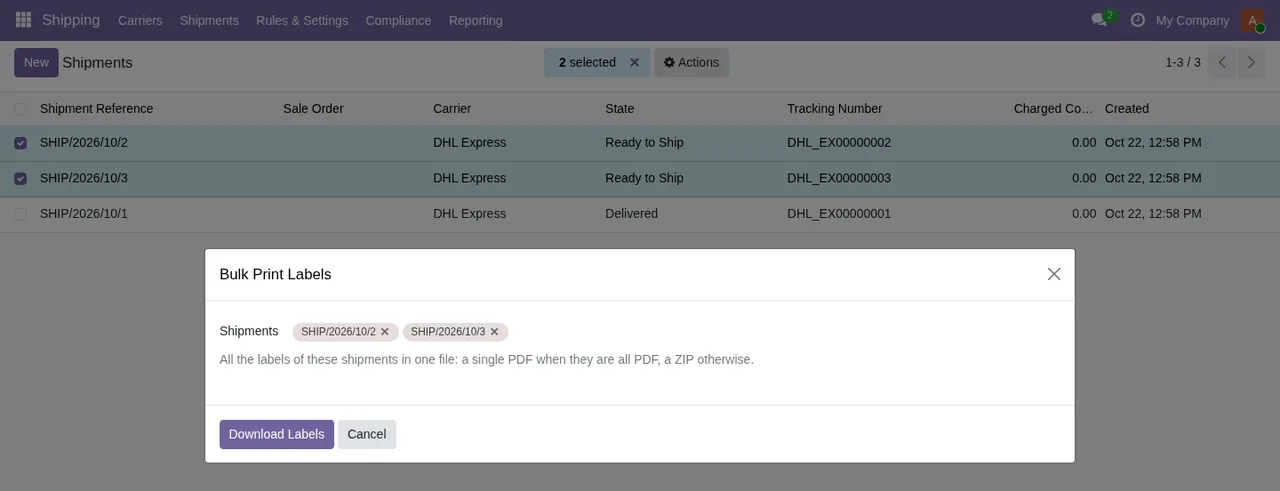
Bulk Print Labels wizard over Shipping › Shipments, with two DHL Express shipments selected and the text about a single PDF or a ZIP.Mistaken ideas about the module and what it really does
«It is the same module on Odoo 17, 18, 19 and 20»
No. On 17 and 18 it is the multi-carrier product that calls the carriers directly; on 19 and 20 it is the DHL Express integration through FlexigoTech Cloud. If you are on 18 and plan to move to 19, expect to change product. Under the 19 and 20 service we do not take care of migrating your database to a new Odoo version. And it depends where you buy: with the subscription, the module for new Odoo versions is included if you bought it on flexigotech.com; on the Odoo App Store, each Odoo version is bought there.
«Buying the module gives me the DHL Express connection»
No. On 19 and 20 the sync with DHL Express goes through FlexigoTech Cloud and needs its subscription. Without a subscription, or with the service suspended, whatever the subscription provides stops; your data stays in your Odoo. Third-party costs are excluded: you contract and pay for your account on each platform (here, DHL Express), Odoo and your hosting yourself.
What is included: module updates, maintenance of the cloud service and of the connection, and the cloud with monitoring and alerts, including its adaptation to the API changes of each platform when the connection goes through it.
«Setup is included»
It is not. Configuring the module for you (the setup), importing historical data, and customising the module or custom development are not included. If you want to do it yourself, the guide to getting the module up and running walks through the settings and fields to fill in.
«My customers' data stays on your servers»
Each request to DHL Express with the shipments you create carries the recipient's name, address and contact details, the parcels and their weight, and the requests for rates, labels and tracking. It may include personal data of your customers or employees. FlexigoTech Cloud passes it on and keeps it only for the time needed to deliver it.
Your DHL Express key is kept encrypted. Your data stays yours: you can view and export it at any time, and there is an anonymisation of the DHL Express data that you trigger yourself. The servers are in Germany and all connections to them are encrypted (HTTPS).
«The module sends FlexigoTech everything in my Odoo»
No. Besides your key and the data of each shipment on its way to DHL Express, what is sent from your database is:
- The identifier (uuid) of the database, its address (URL) and the Odoo version.
- The FlexigoTech modules installed, with their version, and whether the database is a neutralised copy (staging or test).
- The company name and the email of the person who accepts, with the date and version of the text accepted.
- A public code to check that requests come from that database and a proof that it is that database, computed on your server without sending its secret.
- A request for its service permit every 6 hours and the health of the sync: counters and errors (type and code), without the content of your records.
On top of that there is a check of the service every 6 hours with health reports, and a notice when you uninstall the module.
«Support covers anything I have installed»
Support comes with response times: the first response within 1 working day. But support for modules that are not ours is excluded, so if your shipping flow relies on third-party modules, support for them falls outside.
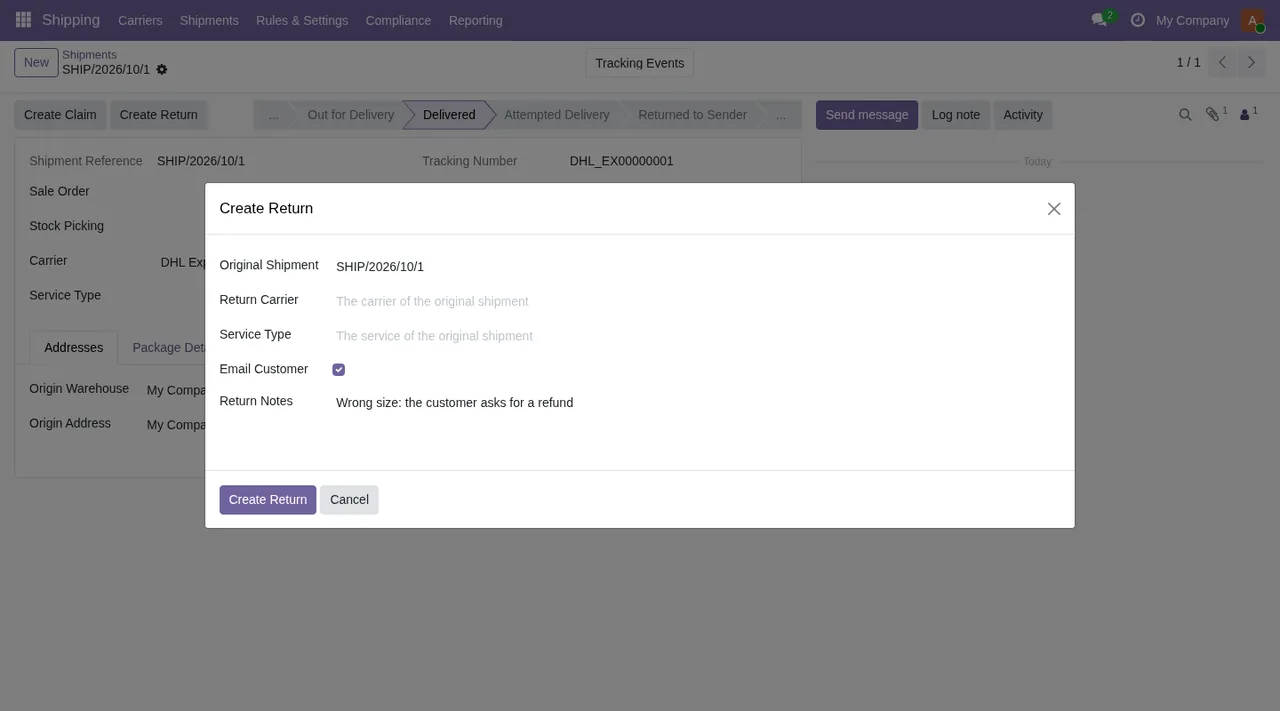
Create Return dialogue over the form of a shipment in Delivered state, with the original shipment, carrier, service type, the Email Customer checkbox and the return notes.What to have ready before installing it on Odoo 19 or 20
If the module fits, check the following first:
- A database on Odoo 19 or 20. If you are on 17 or 18, the module under this name is the other product.
- Your own DHL Express account and its key, which is kept encrypted.
- The FlexigoTech Cloud subscription, which the module needs; you can start with the 14-day trial, no card needed.
- Who will configure the module, since that work is not included.
- If you need historical data, how you will bring it across, since importing it is not included either.
- The person who accepts the terms: the company name and their email are sent, with the date and version of the text accepted.
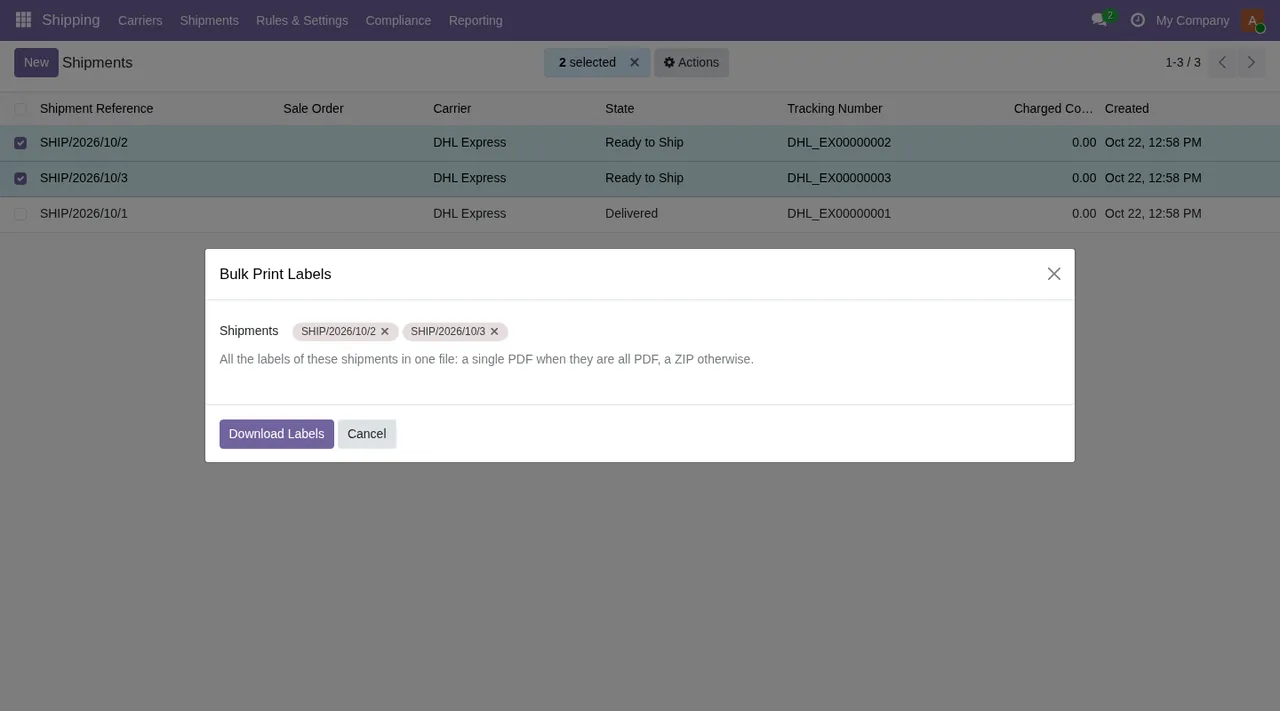
Bulk Print Labels wizard with two DHL Express shipments selected.
Bulk Print Labels, Create Return and Record Carrier Invoice screens.If you already have it installed and something does not add up, the guide to the module's error messages and warnings explains when each one appears and what to do.
How FlexigoTech helps if you go ahead
What the service leaves out (configuring the module, importing history, adapting it or custom development) is implementation work. FlexigoTech implements Odoo 17, 18, 19 and 20 and builds custom connectors and integrations. For anything about your data, write to comercial@flexigobe.com or call +34 616 809 504.
You can see the module and buy it on its page at flexigotech.com or on its Odoo Apps listing.
Keep reading
Checked in the connector's source code (version 20.0) and the linked sources
Sources
- Module source code: flexigo_advanced_shipping_carrier_integration 20.0 (ffa31c5f): static/description/index.html
- apps.odoo.com/apps/modules/20.0/flexigo_advanced_shipping_carrier_integration
- apps.odoo.com/apps/modules/17.0/flexigo_advanced_shipping_carrier_integration
- apps.odoo.com/apps/modules/18.0/flexigo_advanced_shipping_carrier_integration
- apps.odoo.com/apps/modules/19.0/flexigo_advanced_shipping_carrier_integration
- flexigotech.com/precios.html
- flexigotech.com/en/services.html