

 Español
 Català
 Deutsch
 Français
 Português
 Italiano
 Nederlands
 Polski
Before you start: which versions these messages apply to
Everything below applies to Odoo 19 and 20. On Odoo 17 and 18 the module published under this name is a different product: its listing presents it as multi-carrier, its code calls the carriers directly and it does not use FlexigoTech Cloud. So none of these messages apply to those two versions.
Errors when setting up and connecting a carrier
These messages are about the carrier itself: its credentials, its code, its connection and whether it can be deleted.
Why won't it let me save an enabled carrier?
The module requires credentials for every enabled carrier. You will see API Key and Secret are required for enabled carrier '{record.name}' or API Key is required for enabled carrier '{record.name}': the message names the carrier and tells you whether only the API key is missing or the secret as well. Fill in what it asks for and save again. If the warning is Code '{record.code}' must be unique within the company., the code has to be unique within the company, so change it. And for a generic carrier, Custom endpoint URL required for generic carriers means the custom endpoint URL is missing.
What do the connection errors mean?
{self.name}: Connection timeout (>5s) means the connection to that carrier took longer than 5 seconds. {self.name}: Connection failed - {str(e)} says the connection failed and appends the technical error: that final part is the one to read. If the carrier uses OAuth2, OAuth2 token refresh requires a configured carrier token endpoint adapter. warns that refreshing the token requires a token endpoint adapter configured for that carrier.
Why can't I delete a carrier or change how it connects?
With Cannot delete: {recent_shipments} shipments use this carrier in the last 90 days. Archive instead. the module tells you how many shipments from the last 90 days use that carrier and suggests archiving it rather than deleting it. The other message is The connection of a carrier (direct, or through FlexigoTech Cloud) does not change: a carrier of another type is a new connection.: a carrier's connection, direct or through FlexigoTech Cloud, does not change. If you need the other type, you set up a new carrier.
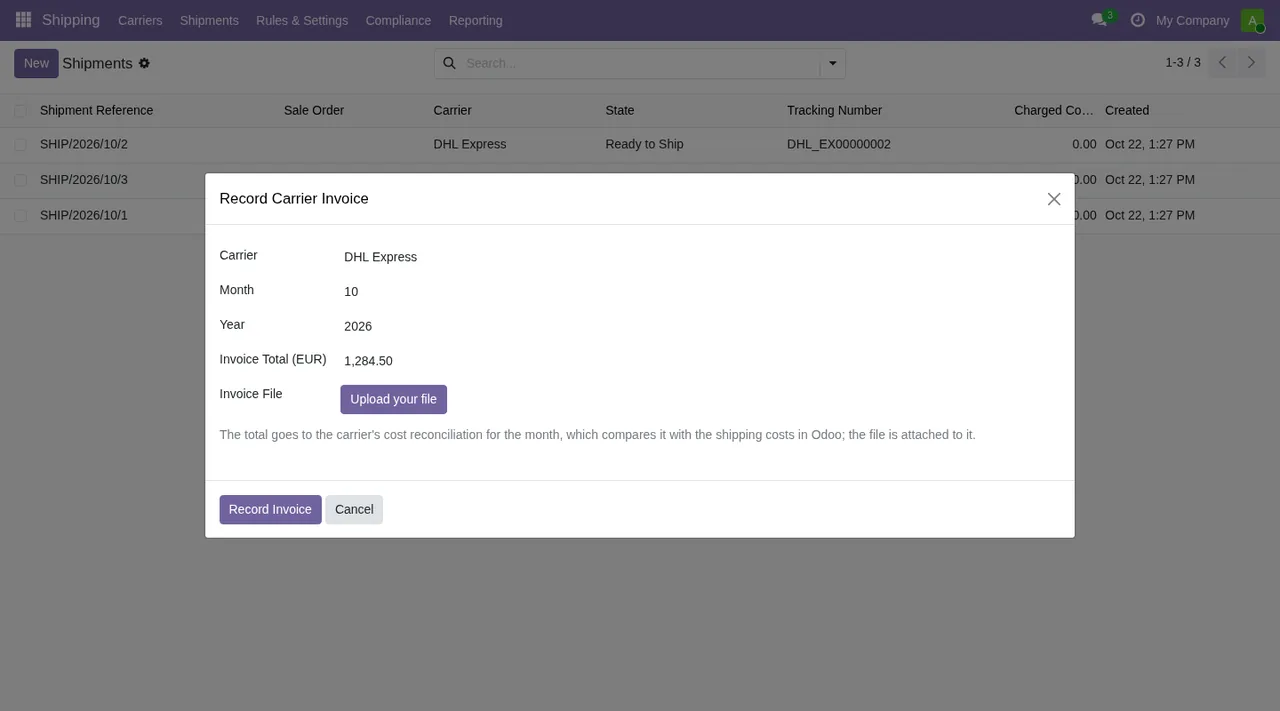
Record Carrier Invoice wizard open over the shipments list, with DHL Express as the carrier.FlexigoTech Cloud and the MyDHL key
Which carriers work through FlexigoTech Cloud?
According to the module's messages, only DHL Express. With another carrier you will see Only DHL Express works through FlexigoTech Cloud: nothing was sent., Only DHL Express works through FlexigoTech Cloud. or %s does not work through FlexigoTech Cloud yet: only DHL Express does. Nothing was sent.. Even with DHL Express, some requests do not go that way: This DHL request is not available through FlexigoTech Cloud: nothing was sent.. Several of these texts confirm that nothing was sent (nothing was sent).
What does the module ask for before saving the MyDHL key?
If you have not accepted that the carrier works through FlexigoTech Cloud, you get Accept first that this carrier works through FlexigoTech Cloud: nothing was sent and nothing was saved.. And because the MyDHL API key goes together with the secret, Enter the MyDHL API key first: it goes with the secret. asks you to enter the key first. The saved-key mark is not set by hand: Only Odoo marks a MyDHL key as saved in FlexigoTech Cloud, when an administrator saves it. makes clear that only Odoo sets it, when an administrator saves the key.
Who can delete the MyDHL key and what does it block while it exists?
Only an administrator deletes the MyDHL key saved in FlexigoTech Cloud. says that deleting the saved key is an administrator's job. While that key exists, This carrier has a MyDHL key saved in FlexigoTech Cloud for its environment: an administrator deletes it first. Nothing was changed. stops the change you were making to the carrier. Ask an administrator to delete the key for that environment and repeat the change; the message confirms nothing was modified.
Errors when quoting, creating, labelling and tracking shipments
Why won't a shipment be quoted, created or print a label?
Start with the carrier. No enabled carriers configured. Please configure at least one carrier. asks for at least one enabled carrier; No carrier configured and No carrier is configured for this shipment. say a carrier is missing, the second one on that particular shipment. If the shipment is blocked, the module will not quote it (Blocked shipments cannot be quoted.), create it (Blocked shipments cannot be created.) or print its label (Cannot print label for a blocked shipment.). And Failed to obtain tracking number from carrier means no tracking number was obtained from the carrier.
Bulk Print Labels wizard to the Record Carrier Invoice dialog, by way of Create Return.What does an international or hazardous shipment need?
The HS code appears in two messages: HS code is required before creating an international shipment. asks for it before creating an international shipment and HS code is required to generate customs documents. to generate customs documents. Fill it in before repeating the action. For dangerous goods, Hazmat category is required for hazardous shipments. asks for the hazmat category, and Selected carrier does not support hazardous materials. says the selected carrier does not accept hazardous materials: check which carrier that shipment has.
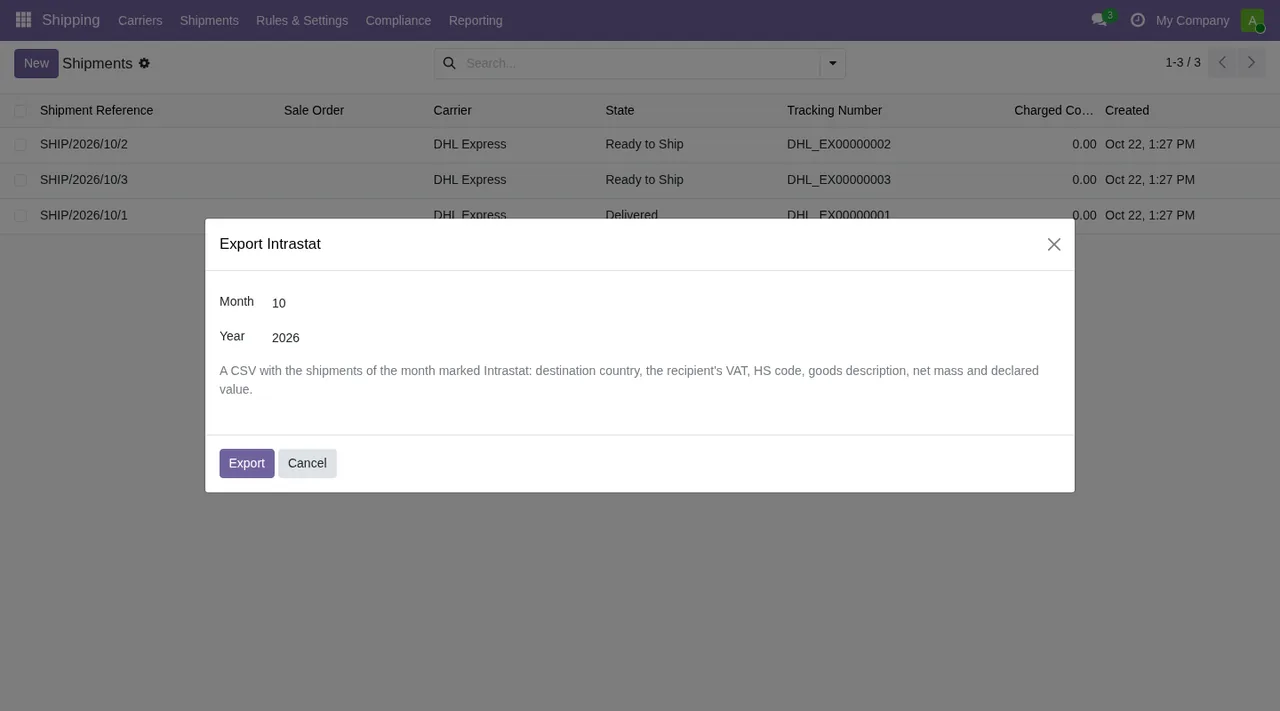
Export Intrastat wizard over the list of DHL Express shipments in Ready to Ship and Delivered.Why can't I delete a shipment or a label?
A shipment that went to the carrier cannot be deleted. protects shipments that went to the carrier, and A generated label cannot be deleted. protects labels already generated.
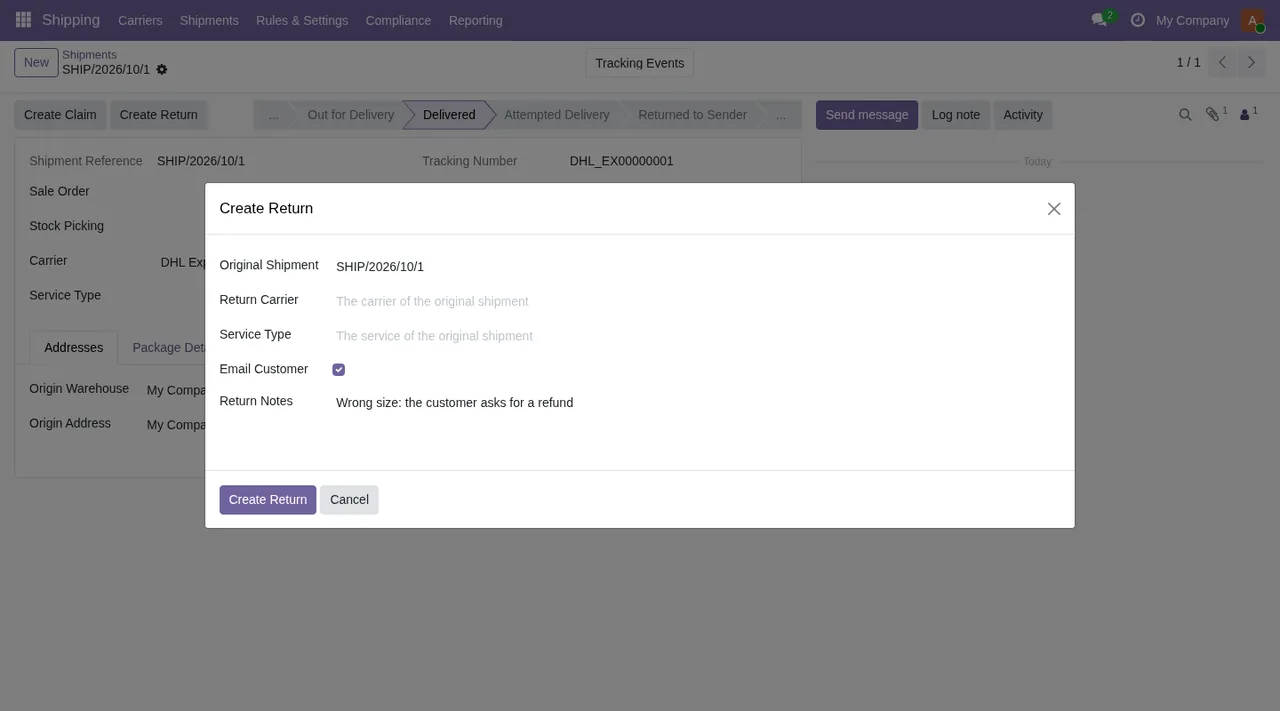
Create Return dialog over a shipment in Delivered status.What errors come from batches, the webhook and day-based settings?
For batches, Batch job can only be executed from Draft or Paused status means the batch only runs from Draft or Paused, and Batch job failed: {str(e)} that the run failed, with the technical error appended. For the webhook, Webhook payload is missing a tracking number. says what was received carries no tracking number, and No shipment found for tracking number %s. that the number matches no shipment. For settings, %s must be a number of days above 0. asks for a number of days greater than 0.
If the message isn't enough
If you want to see where each piece fits before changing anything, there is the module set-up guide and how it works under the bonnet. On its Odoo Apps page it costs €9 per Odoo version (17, 18, 19 and 20), one-off payment excluding VAT; on Odoo 19 and 20 it also needs the FlexigoTech Cloud subscription, with the Connector plan at €49/month or €490/year excluding VAT. There is more detail on its page at flexigotech.com. At FlexigoTech we implement Odoo 17, 18, 19 and 20 and build bespoke connectors and integrations, in case your situation calls for something different.
Keep reading
Checked in the connector's source code (version 20.0) and the linked sources
Sources
- Module source code: flexigo_advanced_shipping_carrier_integration 20.0 (ffa31c5f): models/carrier.py
- Module source code: flexigo_advanced_shipping_carrier_integration 20.0 (ffa31c5f): models/carrier_batch_job.py
- Module source code: flexigo_advanced_shipping_carrier_integration 20.0 (ffa31c5f): models/carrier_config.py
- Module source code: flexigo_advanced_shipping_carrier_integration 20.0 (ffa31c5f): models/carrier_label.py
- Module source code: flexigo_advanced_shipping_carrier_integration 20.0 (ffa31c5f): models/fgt_cloud.py
- Module source code: flexigo_advanced_shipping_carrier_integration 20.0 (ffa31c5f): models/rate_lookup.py
- Module source code: flexigo_advanced_shipping_carrier_integration 20.0 (ffa31c5f): models/shipment.py
- apps.odoo.com/apps/modules/20.0/flexigo_advanced_shipping_carrier_integration
- apps.odoo.com/apps/modules/17.0/flexigo_advanced_shipping_carrier_integration
- apps.odoo.com/apps/modules/18.0/flexigo_advanced_shipping_carrier_integration
- apps.odoo.com/apps/modules/19.0/flexigo_advanced_shipping_carrier_integration
- flexigotech.com/precios.html
- flexigotech.com/en/services.html