

 Español
 Català
 Deutsch
 Français
 Português
 Italiano
 Nederlands
 Polski
When exactly it appears
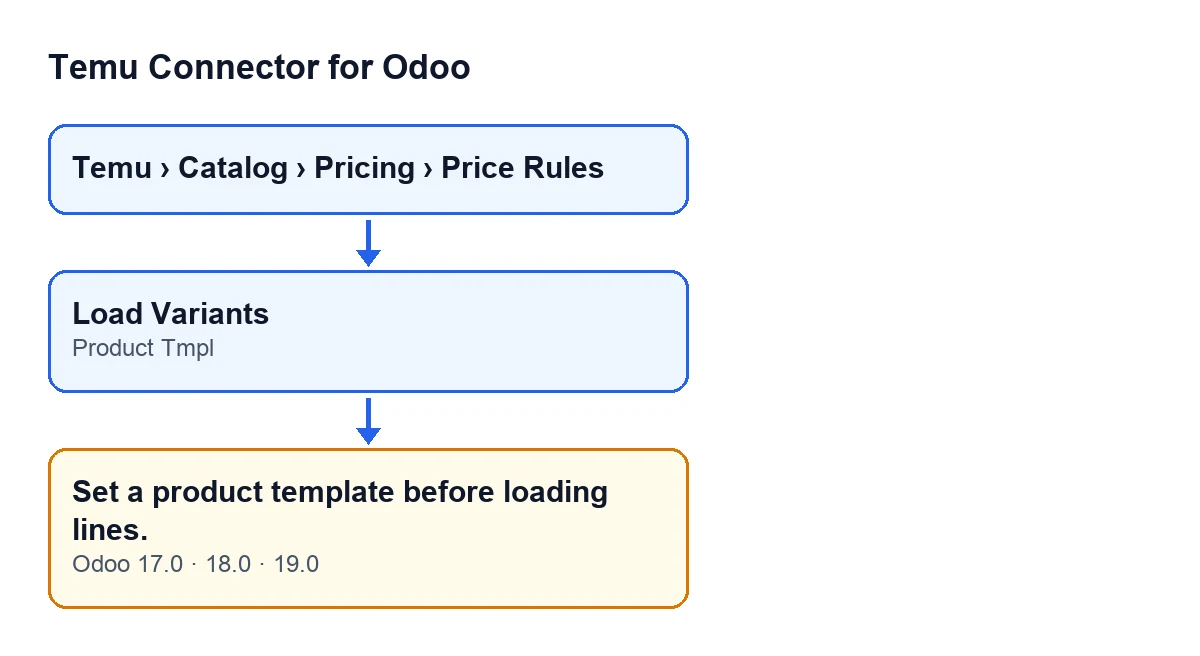
The message Set a product template before loading lines. appears when you press the Load Variants button on a base price proposal. That button calls a method whose first check is the Product Tmpl field of the proposal: if it is empty, the method raises the message and the action stops.
It is a single condition, and it comes before anything else the button does. When the warning appears, the action is cut short and no change is saved to the proposal. The button has no view condition: it is always visible in Odoo 17, 18 and 19, so you can press it with the field empty and meet the message.

What it means
The Load Variants button builds the proposal lines from the variants of a product template. That template is the one you choose in the Product Tmpl field. If the field is empty, the code has nowhere to take the variants from and stops there with the message.
The warning says nothing about the connection to Temu, credentials or instance data. The condition is only that the proposal you have open has no product template.
Step by step to fix it
- Open the menu
Temu › Catalog › Pricing › Price Rules. The proposal forms, titledBase Price Proposals, open from there. - Open the proposal you were working on.
- Find the
Product Tmplfield, in theScopegroup of the form. - Choose in
Product Tmplthe product template whose variants you want to load. - Press
Load Variantsagain. With the field filled in, the check passes and the method carries on with the load. - Review any lines that have appeared on the proposal before you keep working with it.
What the button does once the check passes
It is worth knowing before you press it, because the button does more than add lines. According to the code published for Odoo 19.0, once the Product Tmpl check has passed, this happens:
- It takes the variants of the product template that are active. Inactive variants are not loaded.
- For each of them it prepares a line with its details. If the proposal has the option to load only variants linked to Temu switched on, the variants without the goodsId and skuId identifiers are skipped.
- If no line is left, the action stops with a different warning and nothing on the proposal is changed.
- If at least one variant has been loaded, it writes the lines to the proposal, puts it in the draft state and clears its error log. Any lines the proposal had before are replaced by the new ones.
So if you had already worked on the lines of a proposal and the load goes through, pressing Load Variants again replaces them with the new load.
Questions that come up
Do I lose anything when the message appears? No. The check comes before the load and the action stops, so the proposal stays as it was.
Do I need to configure anything elsewhere to make it go away? The condition in the code is only that Product Tmpl is empty. Filling it in on the proposal itself is what passes the check.
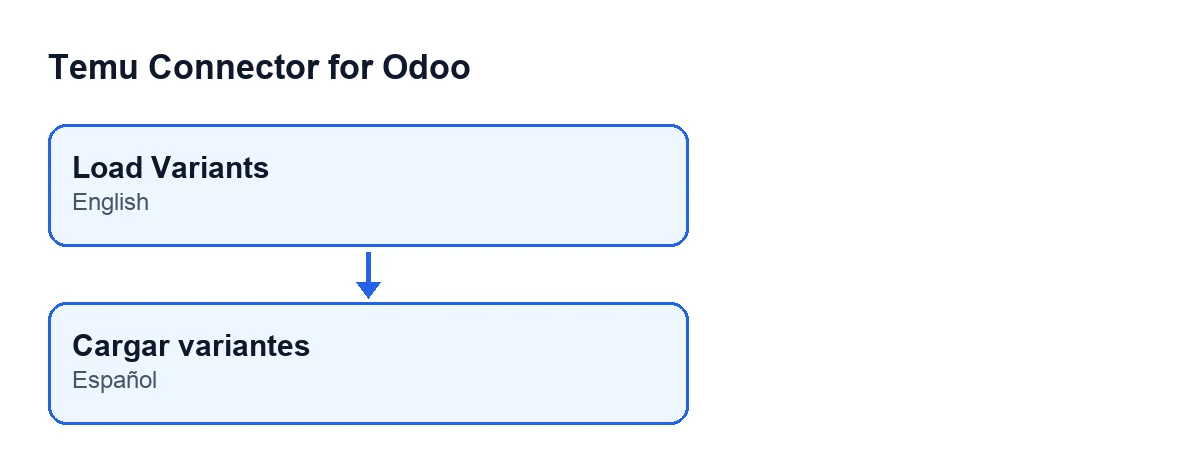
Does the button label change with the language of Odoo? Yes, the label follows the language of Odoo. With Odoo in English the button is called Load Variants, the text in the module code. The module also publishes a Spanish translation of it.
Load Variants.Which versions show it
The message is in the published code of branches 17.0, 18.0 and 19.0, and the Load Variants button is visible in those three versions with no condition. The detail of what the button does follows the Odoo 19.0 code.
If you need help with the connector
Temu Connector for Odoo is a one-off purchase per Odoo version and needs the FlexigoTech Cloud subscription: the Connector plan costs €49 a month or €490 a year, excluding VAT. The connection goes through FlexigoTech Cloud, which stores the credentials encrypted, watches the synchronisation and emails you if it fails. You can see the module on its flexigotech.com page.
If you are implementing Odoo and want to set up the catalogue and price proposals with Temu, FlexigoTech implements Odoo 17, 18, 19 and 20 and builds connectors and custom integrations. If another warning from the connector turns up, see the other articles on the blog.
Keep reading
Checked in the connector's source code (version 19.0) and the linked sources
Sources
- Module source code: flexigobe_temu_connector 19.0 (455b3f0f): models/temu_price_update.py
- Module source code: flexigobe_temu_connector 19.0 (455b3f0f): views/temu_price_views.xml
- flexigotech.com/en/services.html
- flexigotech.com/precios.html