

 Español
 Català
 Deutsch
 Français
 Português
 Italiano
 Nederlands
 Polski
The message and when it appears
What is the message and how do I see it?
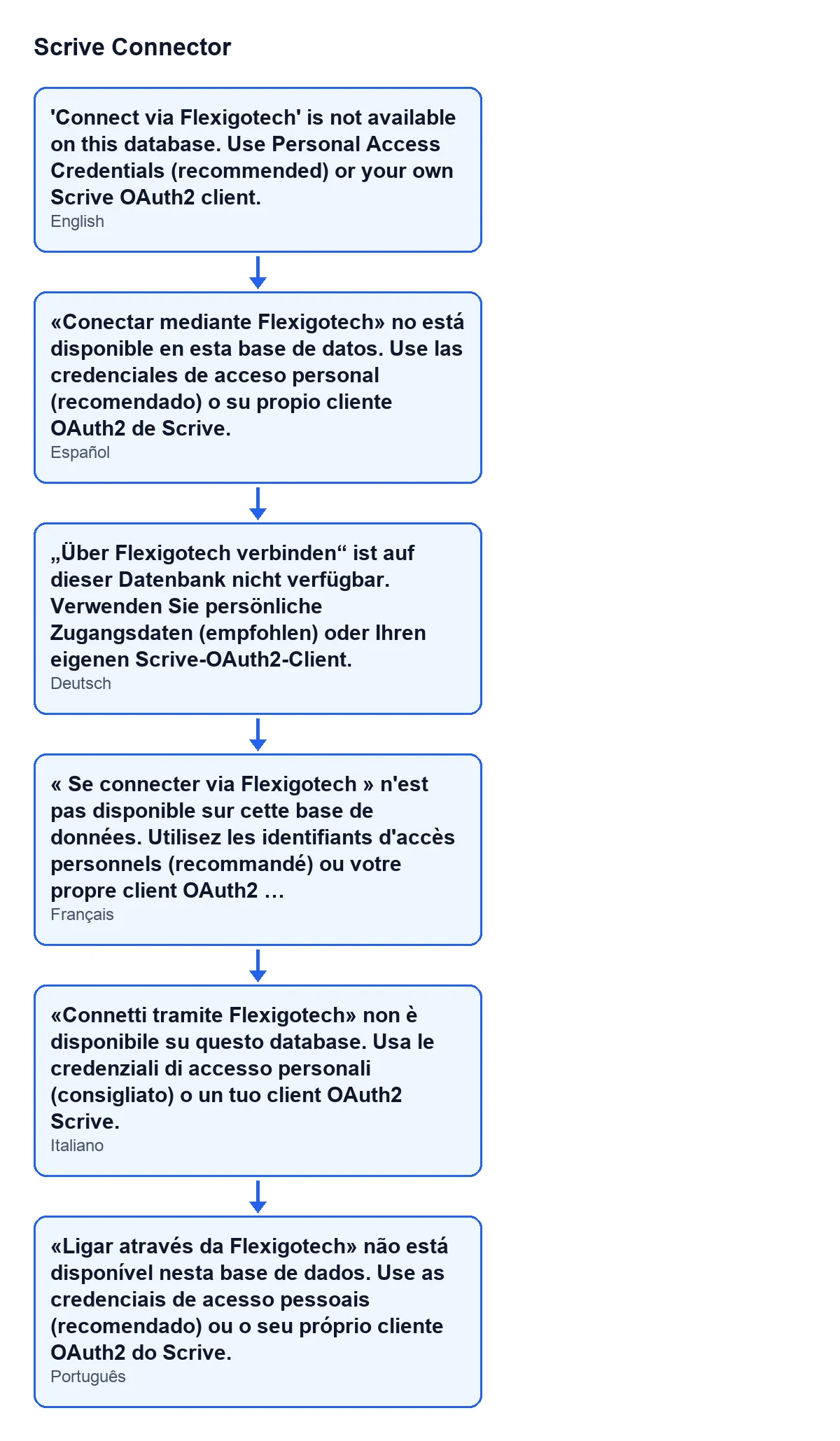
It is an error that stops the action. One case where it appears is when you save the form of a Scrive account: the form is then not saved. The text is 'Connect via Flexigotech' is not available on this database. Use Personal Access Credentials (recommended) or your own Scrive OAuth2 client. The diagram below gathers that same text in Spanish, German, French, Italian and Portuguese.
When does it appear on saving the form?
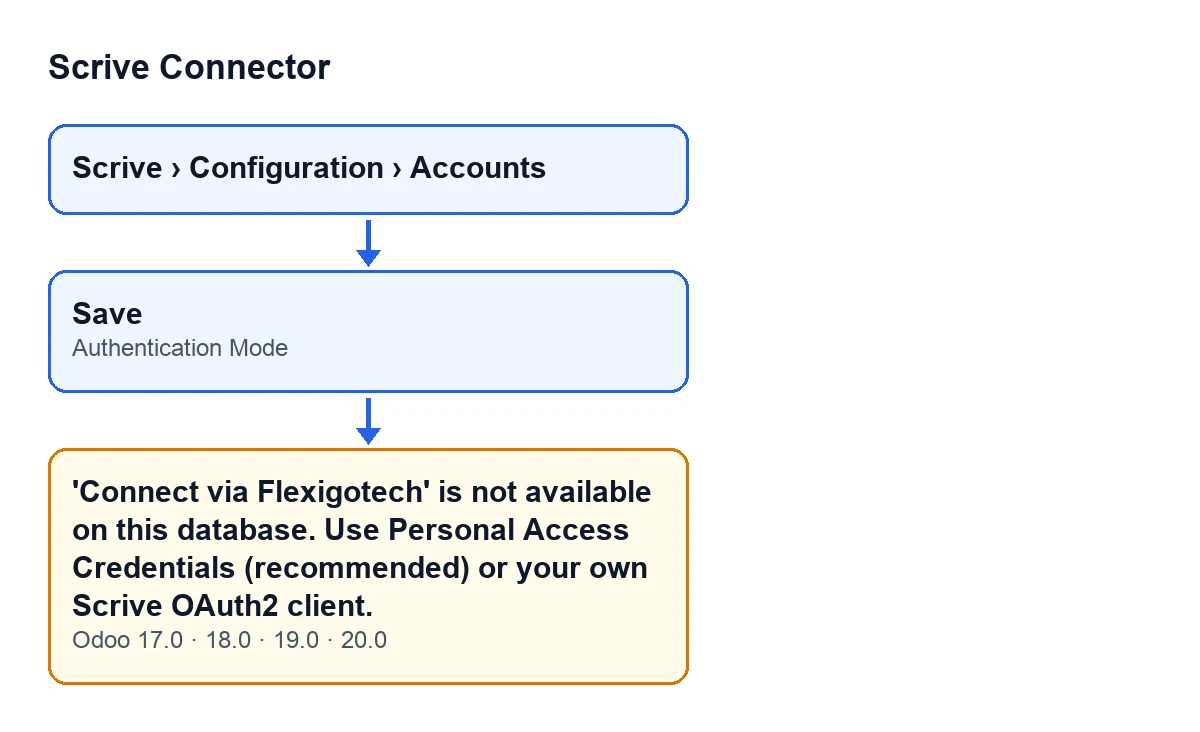
On saving, the module runs a check tied to the Authentication Mode field. That check raises the message when both conditions hold at once: the chosen mode is the option the message calls 'Connect via Flexigotech', and that route is not available on the database. With any other mode, this check does not raise the message.
What does it mean?
The account has been left with an authentication mode that this database cannot use. According to the code, the Flexigotech route counts as available only where a Flexigotech relay is actually configured. The check on saving looks at just those two things, the chosen mode and whether a relay exists: it does not examine your credentials or your Scrive tokens, so that message does not say anything is wrong with your Scrive access.
Why does the message mention Flexigotech if I only want to connect Scrive?
Because it names the route the account has chosen and this database does not have available. At the same time it offers two alternatives: Personal Access Credentials (recommended) or your own Scrive OAuth2 client.
Where is the field that triggers it?
Account forms open from the menu Scrive › Configuration › Accounts. In the Scrive Accounts form, in the Authentication group, you will find the Authentication Mode field. The menu needs permissions: the Configuration branch asks for Manager and the Scrive branch asks for User; if you lack one of them, you do not see that branch. The default value set in the code is the one for Personal Access Credentials.
How to fix it
What do I do to get the account saved?
Open the account from Scrive › Configuration › Accounts, go to the Authentication group and change Authentication Mode to another option. The message itself points to two ways out: Personal Access Credentials (recommended) or your own Scrive OAuth2 client. Then save again.
How do those two options differ?
The help text of the Authentication Mode field explains it. Personal Access Credentials are the recommended option: 4 static tokens that you fetch once with your Scrive login, with nothing to register with Scrive. OAuth2 is the advanced option: the account holder authorizes this Odoo instance through Scrive's login page, using your own Scrive-registered OAuth2 client, which means registering this exact database's redirect URI with Scrive first.
In other words: with Personal Access Credentials you register nothing with Scrive. With OAuth2 you do: you need your own registered client, and this database's exact redirect URI must be registered with Scrive beforehand.
Is anything saved when the error appears on saving?
No. That check stops the action and the account form is not saved, so whatever you changed on that screen stays unsaved until you correct the mode and save again.
I cannot see the Authentication Mode field, what is wrong?
Only users who hold the management permission for the Scrive module can see the field. If it is missing from the form, ask whoever administers your Odoo to give you that permission.
Versions and more information
Does it appear in every Odoo version?
The message text is in the published code of all four branches of the module (17, 18, 19 and 20), which are published on Odoo Apps. The saving condition described here is the one in the Odoo 20.0 code.
I am implementing Odoo and do not know which mode to pick, where do I start?
The field's own help marks Personal Access Credentials as the recommended option and OAuth2 as the advanced one, because it needs your own client registered with Scrive. If you do not have such a client, the first is the direct route.
Is there more information about the module?
There is another article about the module: what the Send button of Scrive Connector does, step by step. You can see the module on its Odoo Apps page and on its flexigotech.com page.
If you would like a hand
FlexigoTech implements Odoo 17, 18, 19 and 20 and builds custom connectors and integrations. If you need to decide how to connect Scrive to your Odoo, get in touch.
Keep reading
Checked in the connector's source code (version 20.0) and the linked sources
Sources
- Module source code: flexigobe_scrive_connector 20.0 (21b3b940): models/scrive_account.py
- apps.odoo.com/apps/modules/20.0/flexigobe_scrive_connector
- flexigotech.com/en/services.html
- Module source code: flexigobe_scrive_connector 20.0 (21b3b940): __manifest__.py
- Module source code: flexigobe_scrive_connector 20.0 (21b3b940): wizard/scrive_send_wizard.py