

 Español
 Català
 Deutsch
 Français
 Português
 Italiano
 Nederlands
 Polski
What you see and when it appears
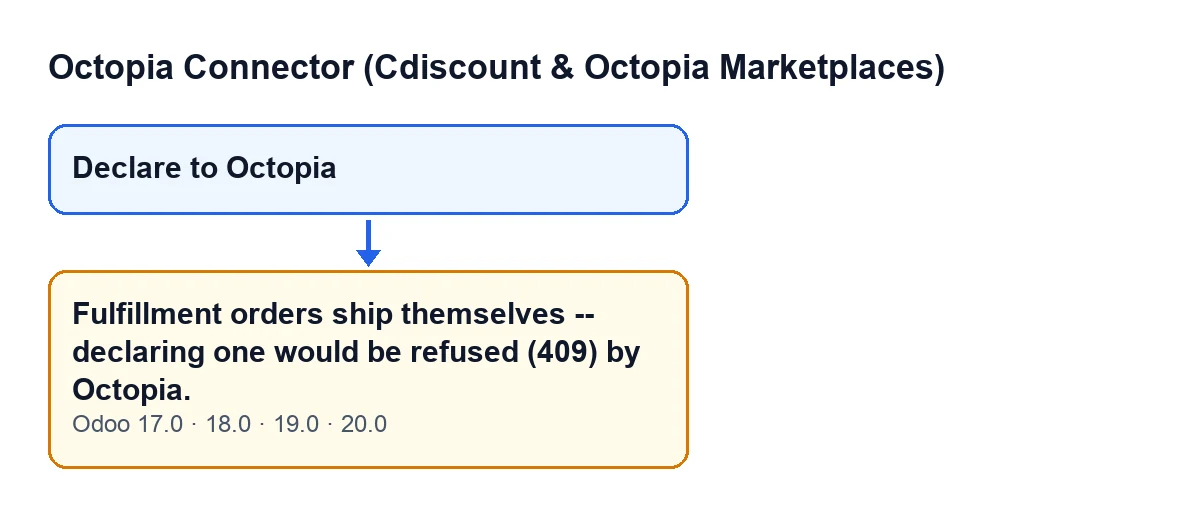
When you press Declare to Octopia in the wizard that holds that button, Odoo may show Fulfillment orders ship themselves -- declaring one would be refused (409) by Octopia. It is an error: the action stops and nothing the button was about to change is saved.
The button is always visible in that wizard, in Odoo 17, 18, 19 and 20, and the message is in the published code of all four versions. You reach it by pressing that button.

The exact condition in the code
In the Odoo 20 code, the warning appears when two things are true at once about the Octopia order being declared:
- the order has a supply mode filled in (it is not empty);
- that supply mode is not the seller one.
Put the other way round: if the supply mode is empty, the warning does not appear; if it is filled in and it is the seller one, it does not appear either. Only a supply mode that is filled in and different from the seller one stops the action.
What is checked before and what after
The order of checks matters. According to the Odoo 20 code, the wizard first requires at least one parcel. The supply mode check comes straight after that requirement and before the parcels are reviewed one by one, before the shipment record is created and before Octopia is called.
So, once the wizard has a parcel, it makes no difference how its details are filled in: the warning depends on the order, not on what you type in the wizard.
What it means
The message says two things: Fulfillment orders ship themselves, and declaring one would be refused by Octopia with a 409. The module does not wait for that refusal: it gets ahead of it and cuts the action before anything is sent. For that order there is no shipment declaration to make from this button.
An illustrative case: two orders, two outcomes
Example Illustrative case: the company and its figures are made up to explain the flow.
Tienda Aurora is an invented company that sells on the Cdiscount marketplace and manages its Octopia orders from Odoo. Beatriz, who works in logistics, has two orders in front of her that she has already prepared.
For the first one she opens the wizard, adds the parcel, fills in its details and presses Declare to Octopia. The order either has no supply mode filled in, or has one and it is the seller one, so the check passes and the wizard carries on.
She does exactly the same with the second one, but Odoo answers with Fulfillment orders ship themselves -- declaring one would be refused (409) by Octopia. That order has a supply mode that is filled in and different from the seller one. Beatriz tries another parcel and types a different carrier, and the result is the same, because the check runs before any of that is looked at.
What to take from the case:
- With a parcel in the wizard, the warning is about the order, not the parcel.
- In that attempt no shipment record was created and Octopia was not called.
- Beatriz has no parcel details to fix: that order is not declared from there.
What happens when the check passes
For contrast, this is what the wizard does with an order that does not trigger the warning, according to the Odoo 20 code, in order:
- It requires at least one parcel and then checks the order's supply mode.
- It reviews each parcel (parcel number and carrier) and builds the list that will be sent.
- It creates the shipment record with those parcels.
- It calls the Octopia client with the order and the list of parcels.
- If Octopia returns an error, the shipment record is marked as error, with the error text and its detail, and the error is raised again so you can see it.
- If all goes well, the record moves to sent with the date and time, the order moves to shipped, a success entry is written in the shipments sync log and the wizard closes.
With the Fulfillment warning none of the steps after the check happens.
What to do when it appears
- Close the wizard: from this button that order is not declared.
- Do not spend time on the parcel number, the carrier or the tracking: the check runs first and does not look at them.
- If you expected to be able to declare it yourself, the value that decides is the order's supply mode. The module reads it from the order itself and will not let you continue if it is filled in and is not the seller one.
Specific questions about the warning
Is anything saved when it appears?
No. It is an error that stops the action: the shipment record is not created, Octopia is not called and the order does not change status.
Does it appear in every version?
The message is in the published code of Odoo 17, 18, 19 and 20.
Can it appear if the order has no supply mode?
Not with an empty supply mode: the condition requires it to be filled in and different from the seller one.
Does it matter how the parcel is filled in?
Not for this warning: the supply mode check runs before each parcel's details are reviewed. In the Odoo 20 code, the only thing required before it is at least one parcel in the wizard.
How FlexigoTech can help
FlexigoTech implements Odoo 17, 18, 19 and 20 and builds custom connectors and integrations. If you have orders with different supply modes and want to organise how they are handled in Odoo, we can go through it with you. The module is published for all four versions on its Odoo Apps listing.
Keep reading
Checked in the connector's source code (version 20.0) and the linked sources
Sources
- Module source code: flexigobe_octopia_connector 20.0 (4848da6a): wizard/octopia_shipment_wizard.py
- Module source code: flexigobe_octopia_connector 20.0 (4848da6a): views/octopia_completeness2_views.xml
- apps.odoo.com/apps/modules/20.0/flexigobe_octopia_connector
- flexigotech.com/en/services.html