

 Español
 Català
 Deutsch
 Français
 Português
 Italiano
 Nederlands
 Polski
What the message means and when it appears
What exactly does the message say, and what does it mean?
You see Post the invoice before sending it to Mirakl. It is an error: the action stops and nothing that action was going to change is saved. It means the invoice you asked to send is not in the Posted state, and the send to Mirakl only goes ahead with invoices in that state.
When exactly does it appear?
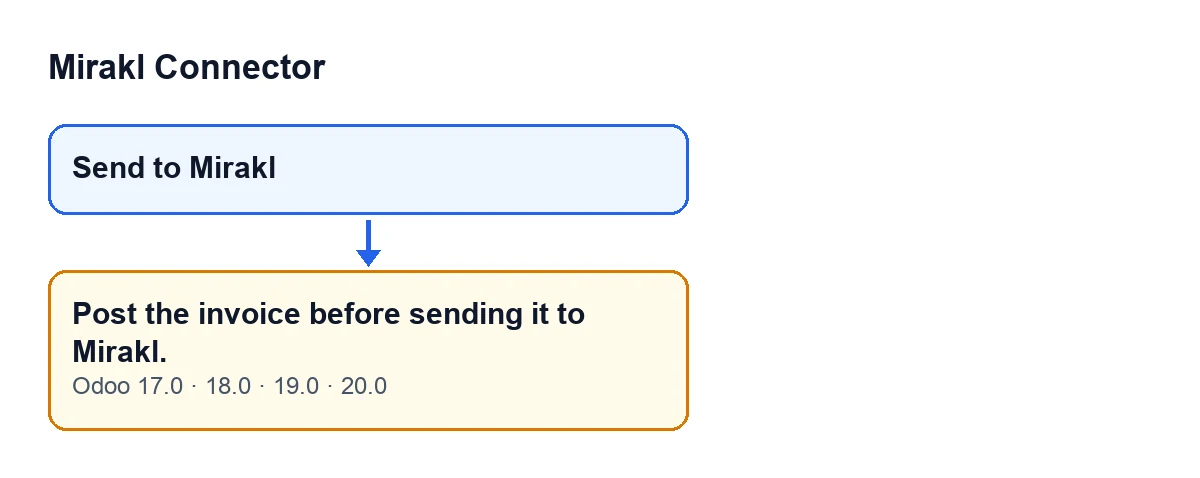
It appears when you press the Send to Mirakl button. The method behind that button goes through the invoices it receives, one by one, and looks at the state of each: if it is anything other than Posted, it raises the message Post the invoice before sending it to Mirakl. and the action stops. The state is checked at the moment you press the button, not before.
Why can't I see the button on an invoice that isn't posted?
Because the view hides it when any of these is true: the invoice is not of type Customer Invoice, it is not a Mirakl invoice, or its state is not Posted. The Mirakl invoice indicator is the Mirakl invoice field, which does not appear in any view. Put the other way round, the button only shows on a customer invoice that is a Mirakl invoice and is posted. This view condition is the same in Odoo 17, 18, 19 and 20. Even so, the button's method checks the state on its own, and that check is where the message comes from.

How to fix it
What do I do to make the error go away?
Post the invoice, which is exactly what the message asks for. Once the invoice is Posted and meets the other two conditions of the view, the Send to Mirakl button appears on it and you can press it.
What if the invoice is already posted and I still don't see the button?
Then the cause is one of the other conditions of the view, which hides the button when the invoice is not of type Customer Invoice or when it is not a Mirakl invoice, even though it is posted. The first thing you can look at on the form is the invoice type, because its value shows as Customer Invoice. Since the Mirakl invoice field does not appear in any view, there is no tick box to check: if the invoice is a customer invoice, it is posted and the button does not show, the view is treating it as an invoice that is not a Mirakl one.
Has anything been sent to Mirakl when the error appears?
No. The state check comes before the invoice PDF is generated and before anything is sent to Mirakl. If the state is not Posted, the method stops there and that action uploads nothing to the order.
What happens with a posted invoice, and what the connector needs
What does the send do with a posted invoice, and what other failures can there be?
It generates the invoice PDF and uploads it to the Mirakl order the invoice belongs to, replacing the invoice previously sent to that order. If FlexigoTech Cloud does not let the request through (because there is no subscription or because of a relay pause), the error is raised again and nothing is marked. Any other failure during the send is also raised again so that you see it, and those will be different errors from this one. For other actions and messages in the module, there is the step-by-step guide to the cancel button and the marketplace discount message.
Does it behave the same in every Odoo version?
The message is in the published code of branches 17, 18, 19 and 20, and the condition that hides the button is the same in all four. The module is published on Odoo Apps for those versions.
What do I need for the button to send the invoice to Mirakl?
The connection goes through FlexigoTech Cloud, which stores the credentials encrypted, watches the synchronisation and emails you if it fails. The Connector plan costs €49 a month or €490 a year, excluding VAT, for up to 3 platform accounts (the Pro plan, €98 a month or €980 a year, excluding VAT, for up to 10). Without a subscription, or with the service suspended, what the subscription provides stops; your data stays in your Odoo. With the subscription, the module for newer Odoo versions is included if you bought it on flexigotech.com; on the Odoo App Store, each Odoo version is bought there.
FlexigoTech implements Odoo 17, 18, 19 and 20 and builds custom connectors and integrations. If you are setting up invoicing for your Mirakl orders, see the module page or its listing on Odoo Apps.
Keep reading
Checked in the connector's source code (version 20.0) and the linked sources
Sources
- Module source code: flexigobe_mirakl_connector 20.0 (aa05e537): models/account_move.py
- Module source code: flexigobe_mirakl_connector 20.0 (aa05e537): views/account_move_views.xml
- apps.odoo.com/apps/modules/20.0/flexigobe_mirakl_connector
- flexigotech.com/en/services.html
- flexigotech.com/precios.html